🏦 Banking and Money Transfer Receipt Templates
Browse layouts for bank transfers, cash payments and payment apps. Enter the reference and payment details from your own record, then review the finished document.
Last updated






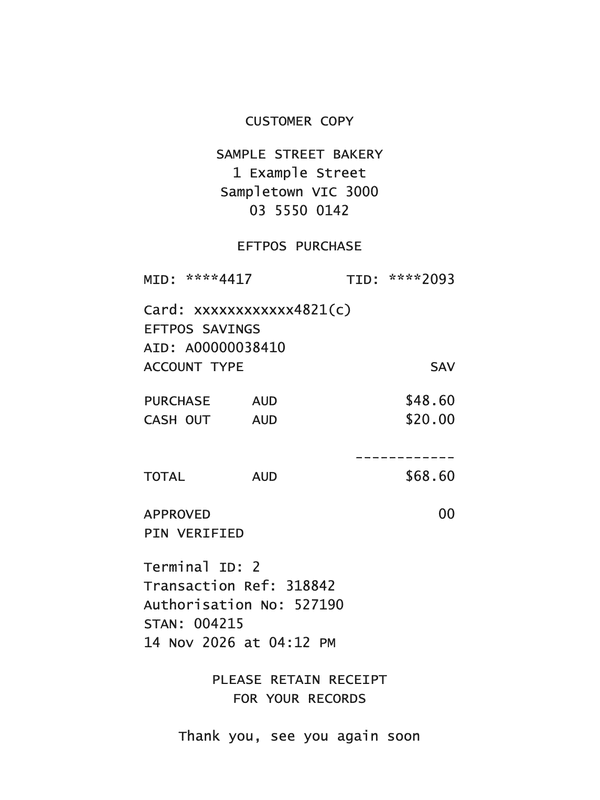
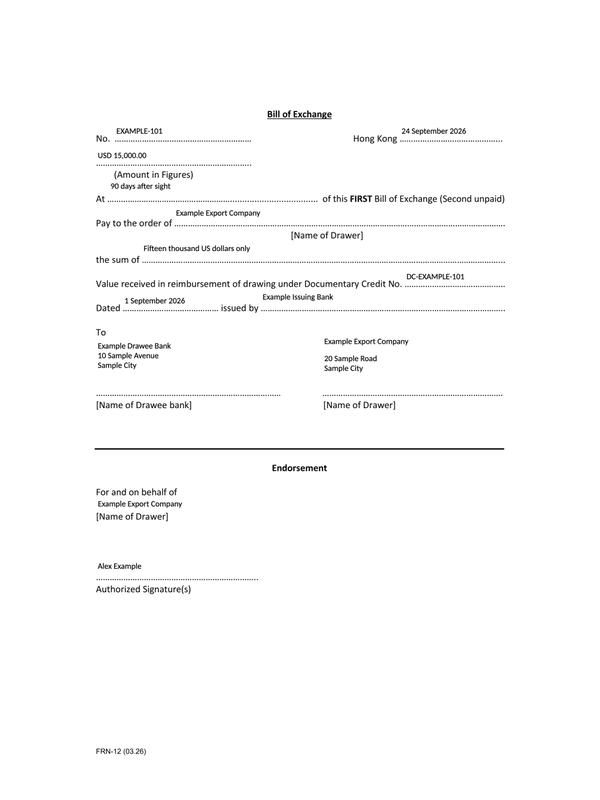
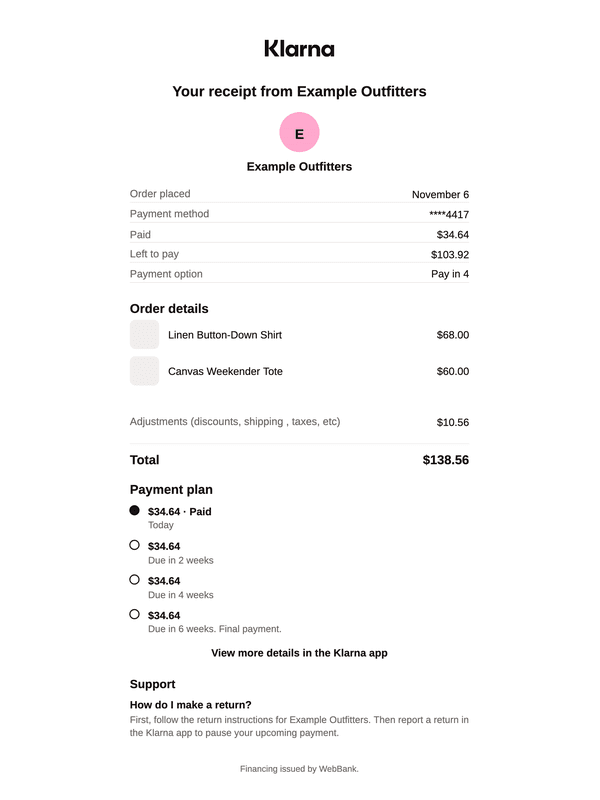
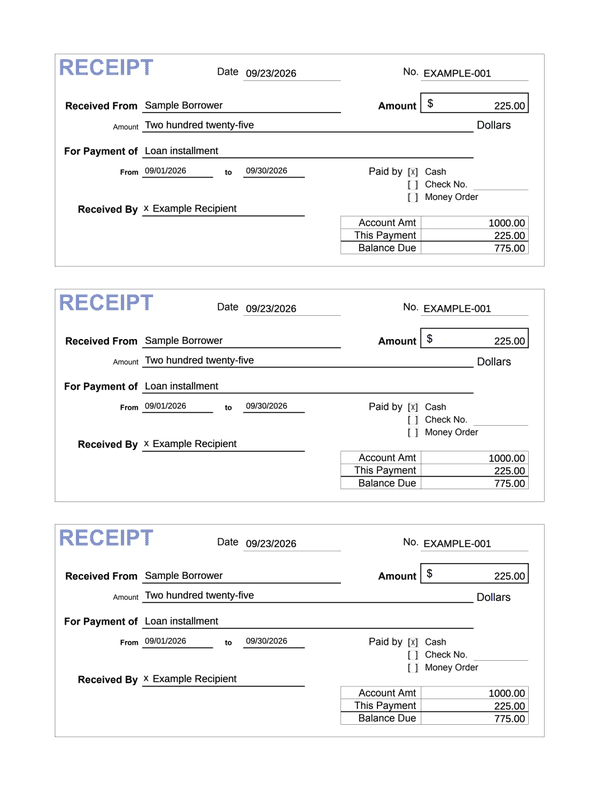










Match the layout to the payment method
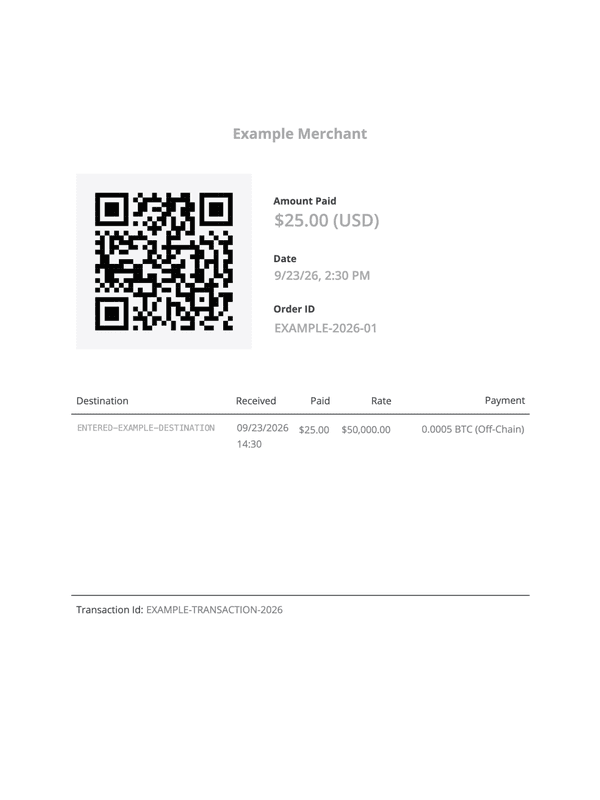
A bank transfer reference, a card authorization and an app payment ID describe different records. Use the form that gives those details the right labels.
- Bank transfer
Provides sender, recipient, account-ending, sort-code and payment-reference fields.
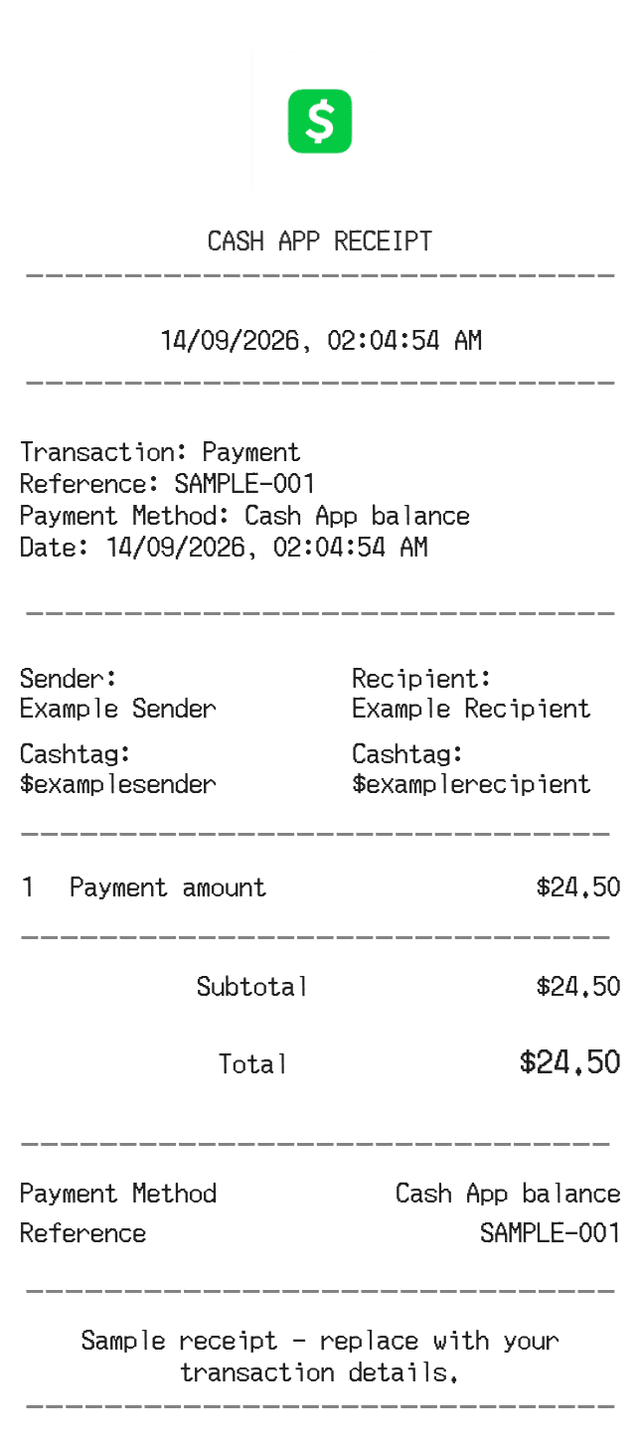
- Cash App
An app-style payment layout, useful when organizing the details of a specific app transaction.
- Wire transfer
A separate starting point for a wire record, rather than a retail purchase with a basket of products.
Before you download
- Check the currency, amount, recipient and reference together before downloading.
- These tools do not connect to a bank or move money. An entered payment status is text, not confirmation that funds have arrived.
What banking and transfer receipts usually show
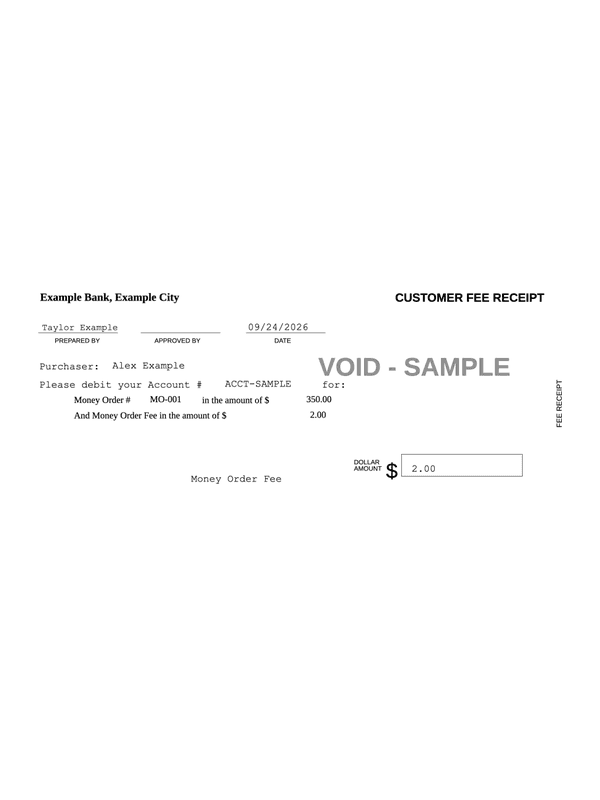
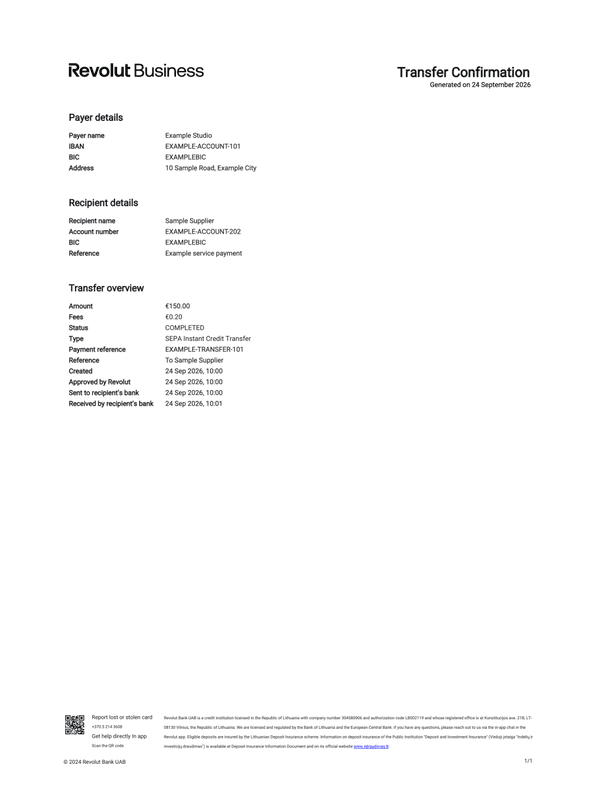
Each payment method uses its own references, and the layouts here keep those labels. The UK Bank Transfer layout uses sort codes and account endings. The ANZ, NAB and Australian bank transfer layouts use BSB details, Osko uses a PayID and payment reference, and BPAY uses a biller code and customer reference number. Money transfer layouts such as MoneyGram and Money Transfer separate the send amount, fee and receiving currency, and the Western Union Canada layout includes an MTCN field. App layouts for PayPal, Venmo and Cash App use emails, names or cashtags with a note and amount.
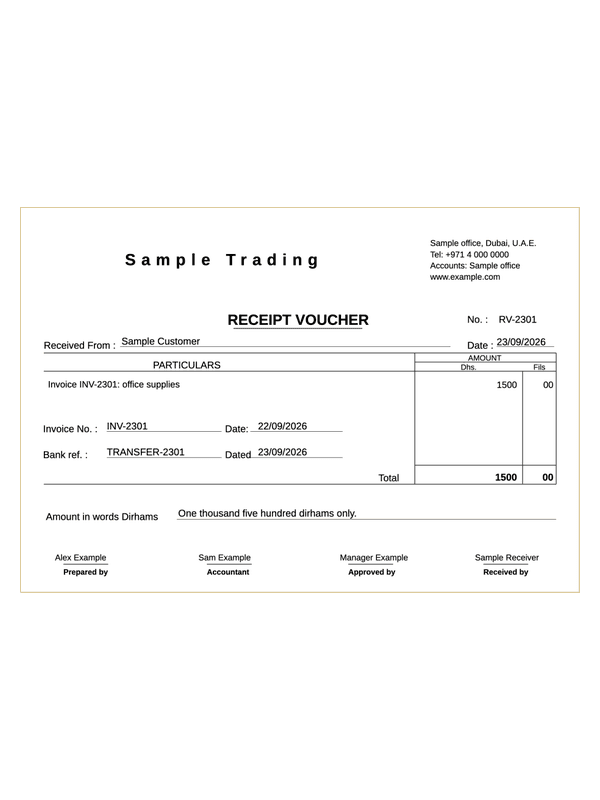
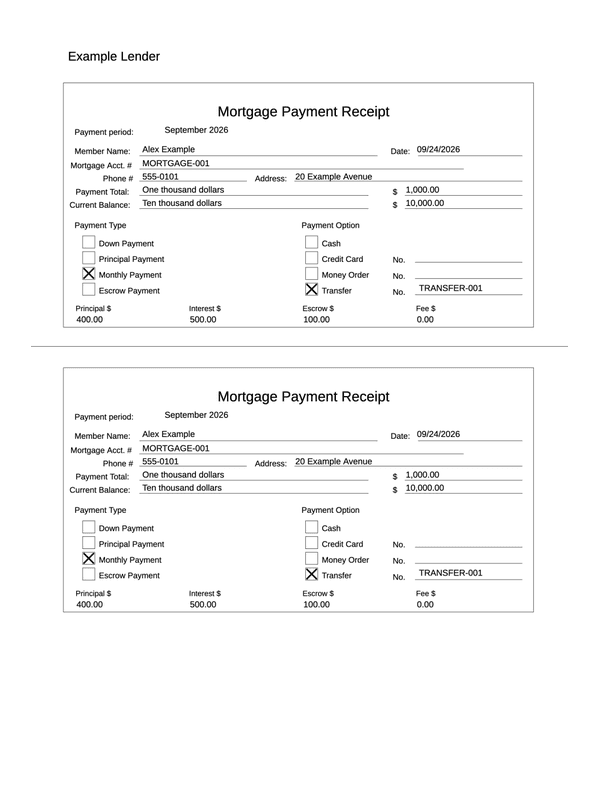
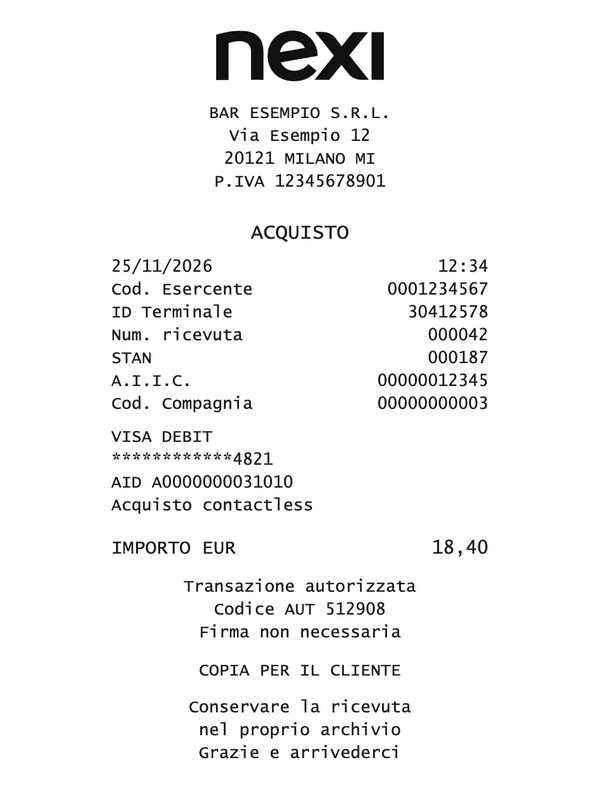
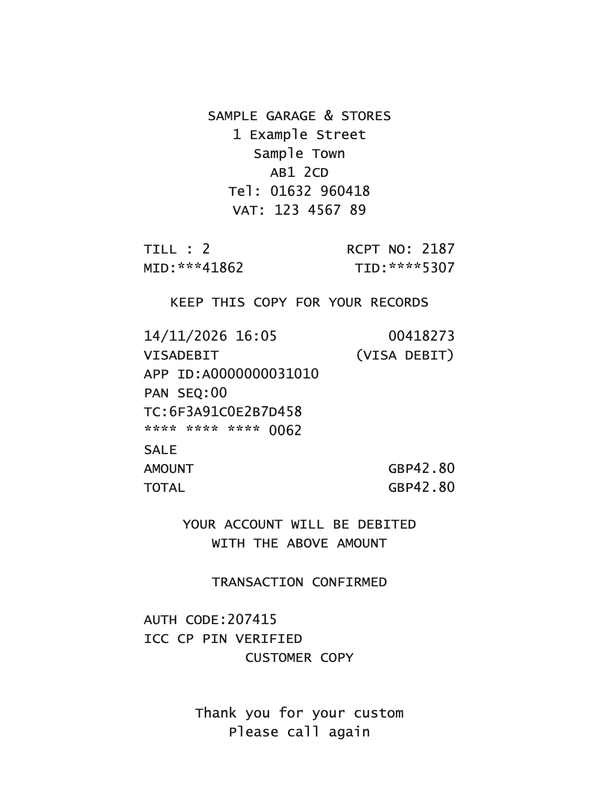
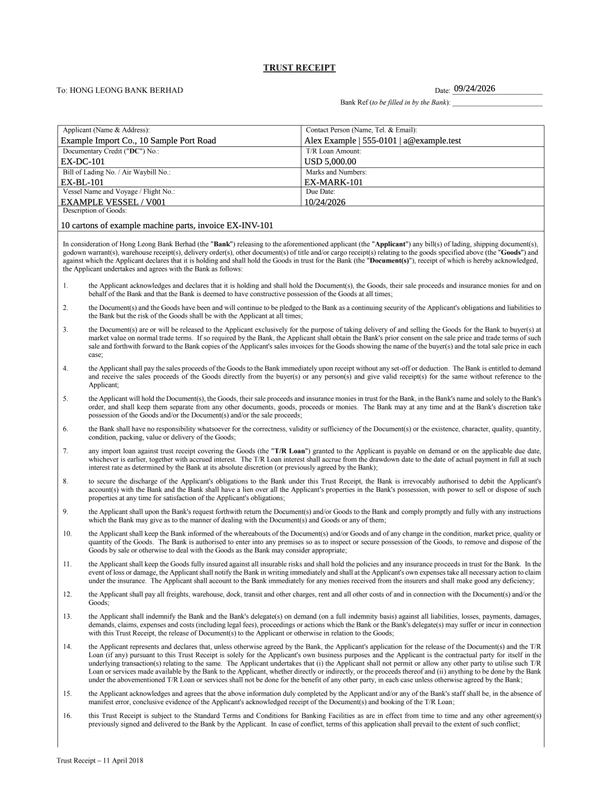
Other layouts cover payments that are not simple transfers. The Mortgage Payment layout splits one payment into principal, interest, escrow and fees, and the Loan Repayment layout records the payment period and account figures. Card layouts from Square, SumUp and the credit card forms show merchant details, a card ending and, in some cases, terminal IDs or an authorization reference. Business layouts include the Receipt Voucher with invoice allocations and the amount in words, the Remittance receipt that matches a company payment to its reference, and the trade-finance Bill of Exchange and Trust Receipt.
How to choose a banking or transfer receipt template
Choose by how the money moved, not by who received it. A bank-to-bank payment fits the transfer layout for your country: Bank Transfer for UK sort codes, the Australian version for BSB numbers, E-Transfer for a reference and memo, or Wire Transfer for receiving-bank and routing references. App payments fit the matching app layout, and cash or check payments against invoices fit the Receipt Voucher. Then copy each figure from your own bank or app activity: the date, amount, fee, exchange rate and reference. Keep the original currency on your banking receipt.
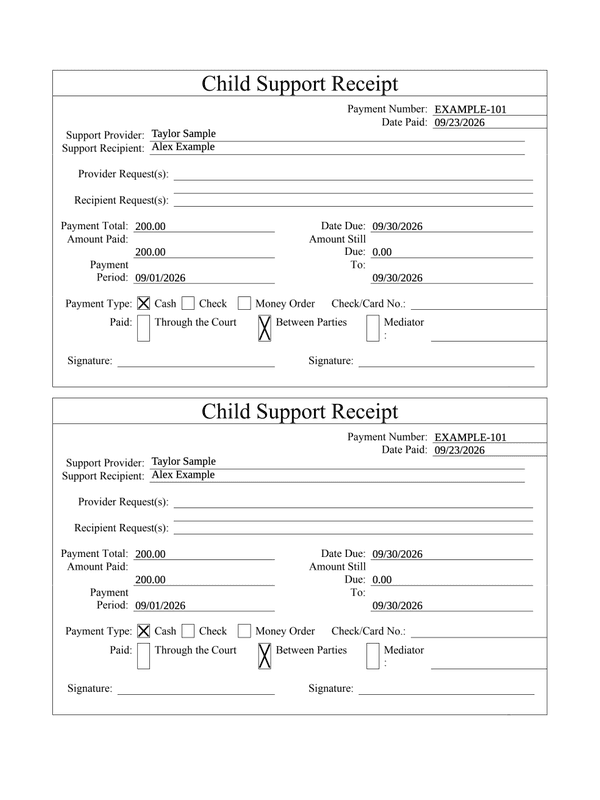
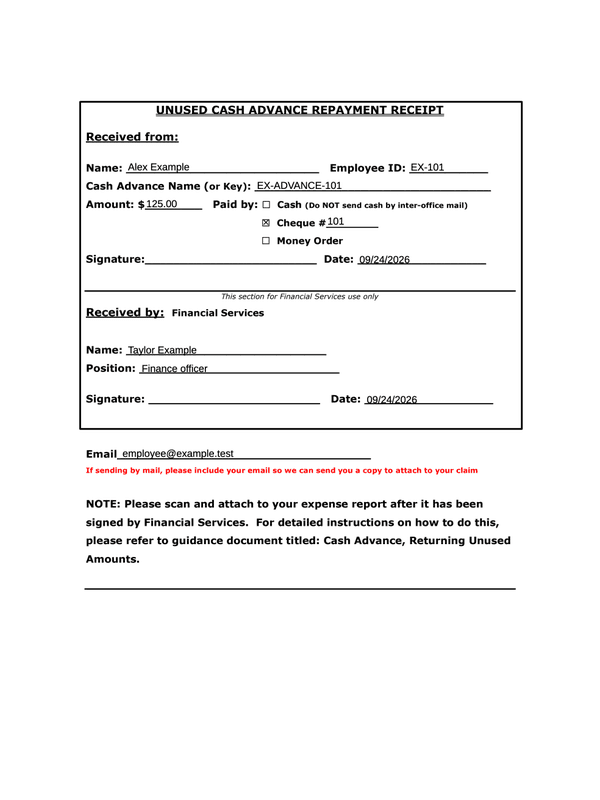
A few layouts suit internal bookkeeping. The Unused Cash Advance Return receipt records money an employee hands back, with the advance reference and receiving staff. The Void Transaction receipt notes a cancellation with the original reference and reason. The Child Support form tracks the payment total, amount paid, balance and period. Use them to keep a tidy banking receipt file for your own records; the statement from your bank or provider remains the original record of the transaction.
Banking and transfer templates compared
| Template | Layout | Fields to fill in | Best for |
|---|---|---|---|
| Bank Transfer | UK bank transfer summary | Sender and recipient sort codes, account endings, payment type | UK account-to-account transfers in your records |
| Bank Transfer (Australia) | Australian transfer summary in AUD | Sender, recipient, BSB details, transfer date, reference | Australian bank transfers between accounts |
| BPAY | Bill payment summary with biller code | Biller code, customer reference number, payment date, amount | Australian bill payments made through BPAY |
| Wire Transfer | Flexible wire record with movable sections | Sender, receiving-bank details, routing references, payment notes | Wires that need full bank details |
| MoneyGram | Transfer summary with send and receive amounts | Send amount, fees, receiving currency, parties, reference number | Transfers involving a currency conversion |
| PayPal | Payment summary with sender and recipient emails | Sender and recipient emails, funding source, fee, note | App payments you file with expenses |
| Receipt Voucher | Voucher for cash, check and invoice payments | Payer details, invoice allocations, check references, amount in words, logo | Businesses accepting cash or checks against invoices |
| Mortgage Payment | Single payment printed as two copies | Payment amount with principal, interest, escrow and fees allocation | Tracking how each mortgage payment was allocated |
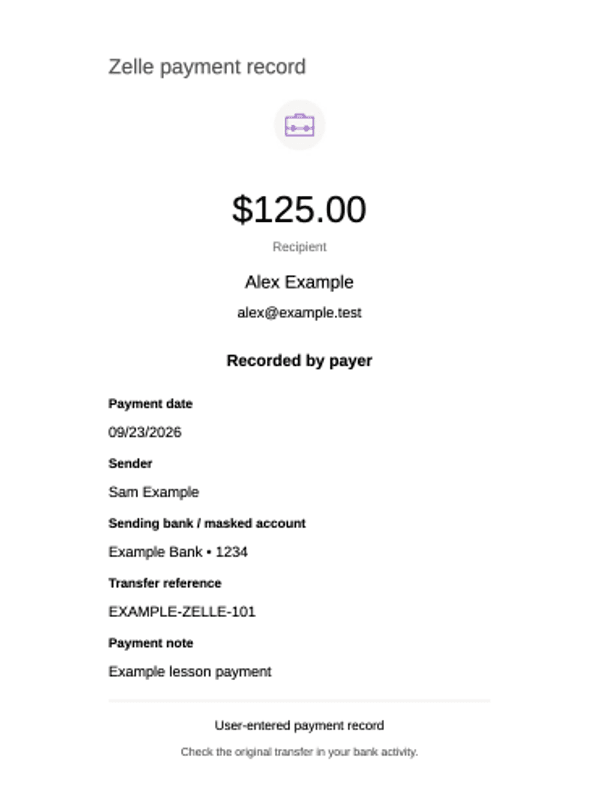
| Zelle | Simple payment record from bank activity | Payer, recipient, amount, date, transfer reference | Logging Zelle payments in a household budget |
| Klarna | Pay in 4 purchase receipt with plan | Merchant, order date, items, total, paid, left to pay, payment plan | Tracking installments on a split-payment purchase |
Frequently asked questions
Questions about choosing and completing these receipts.
Does an account number connect the editor to my bank?
Where can I get verified proof of a transfer?
Are the example fees or exchange rates current?
Which layout should I use for a payment in another currency?
How do I keep track of installment payments?
Can I show how a mortgage payment was split?
Should I include full account numbers on my copy?
Looking for a different type of receipt?
Browse the full catalog for other stores, services and types of payment.