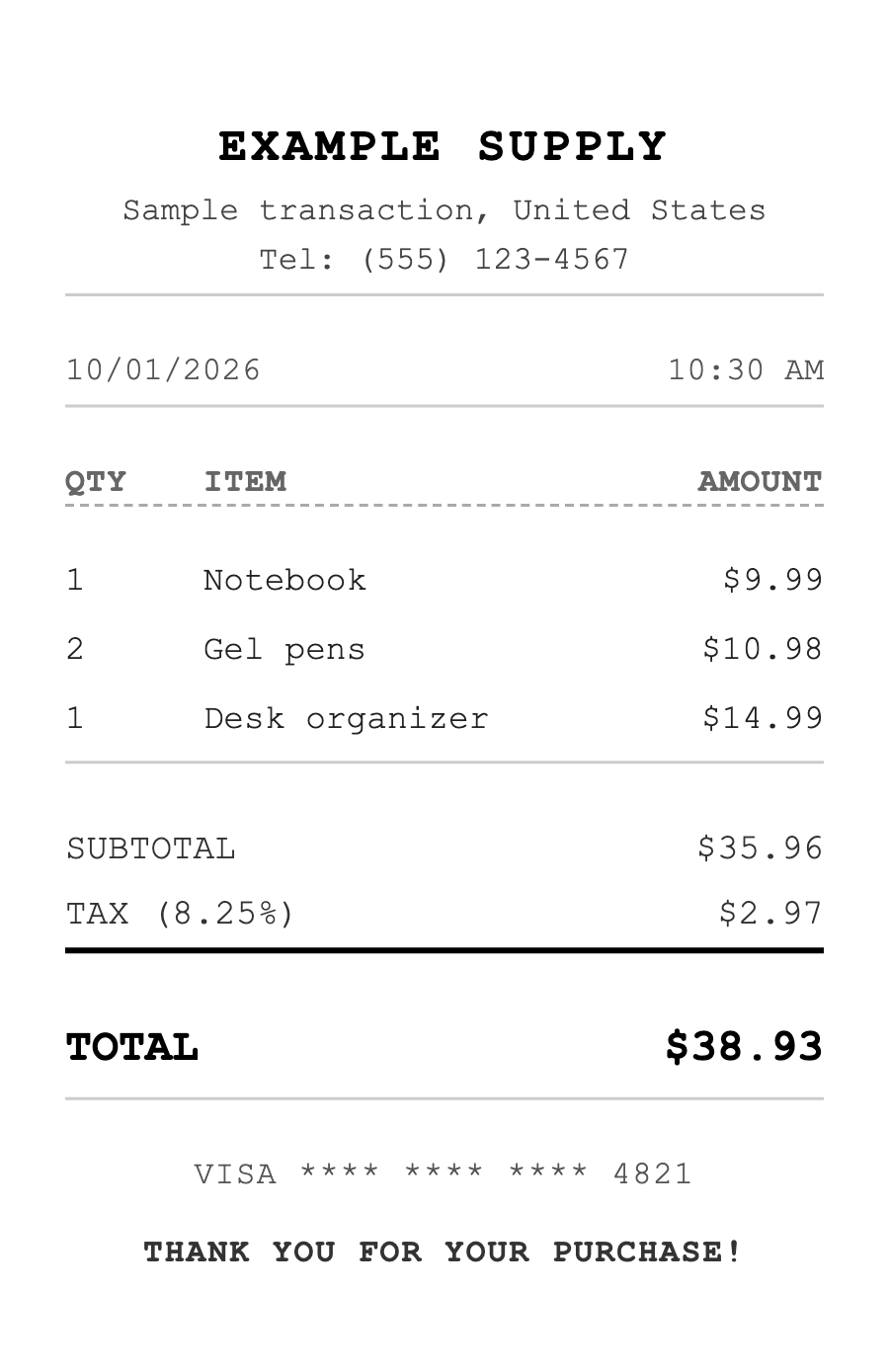
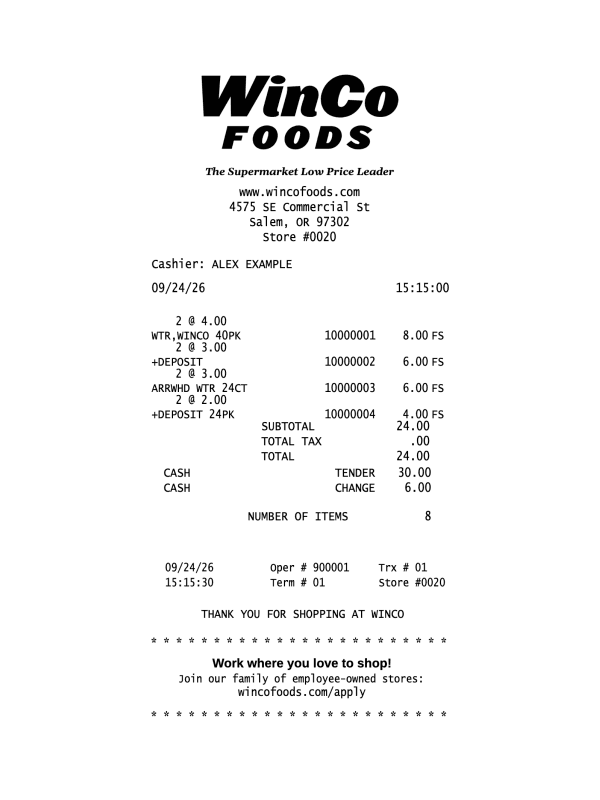
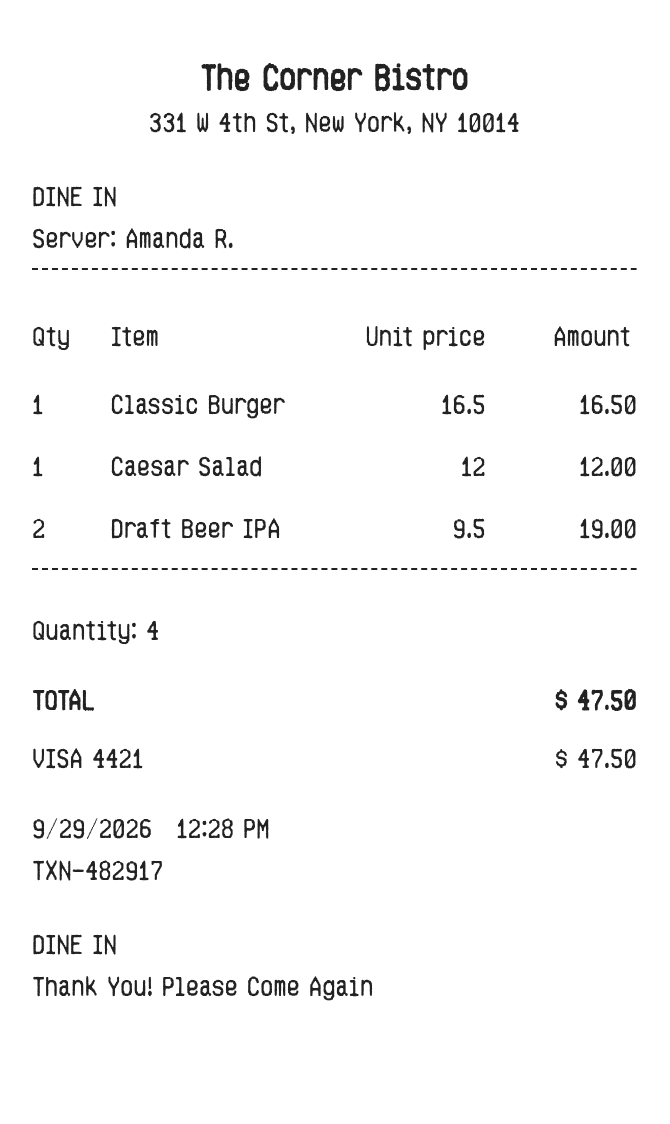
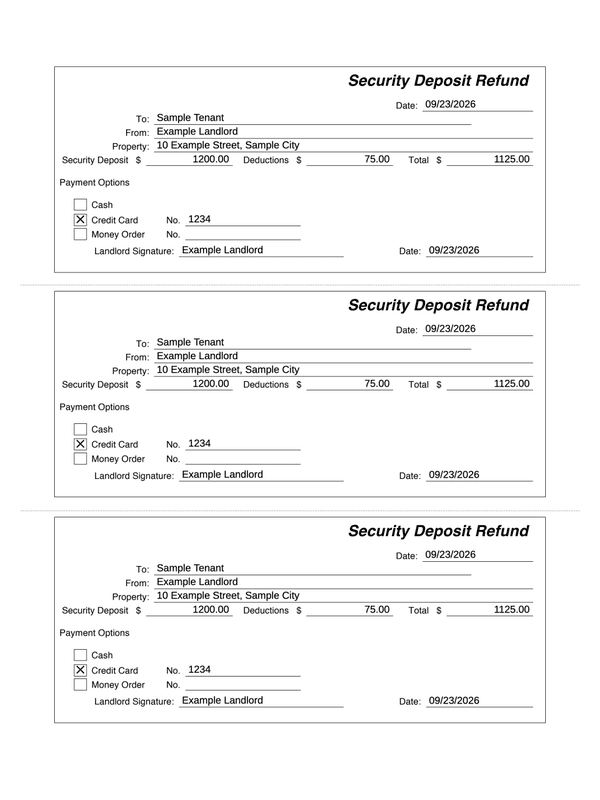
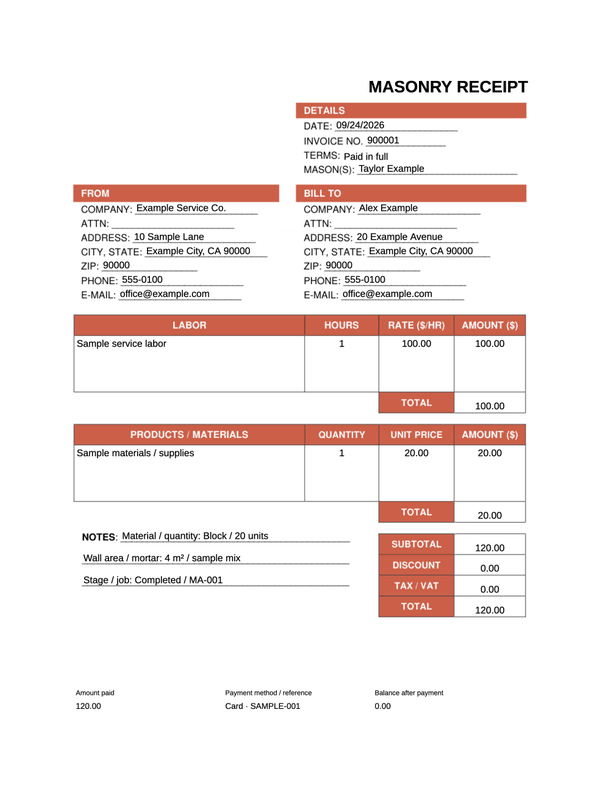
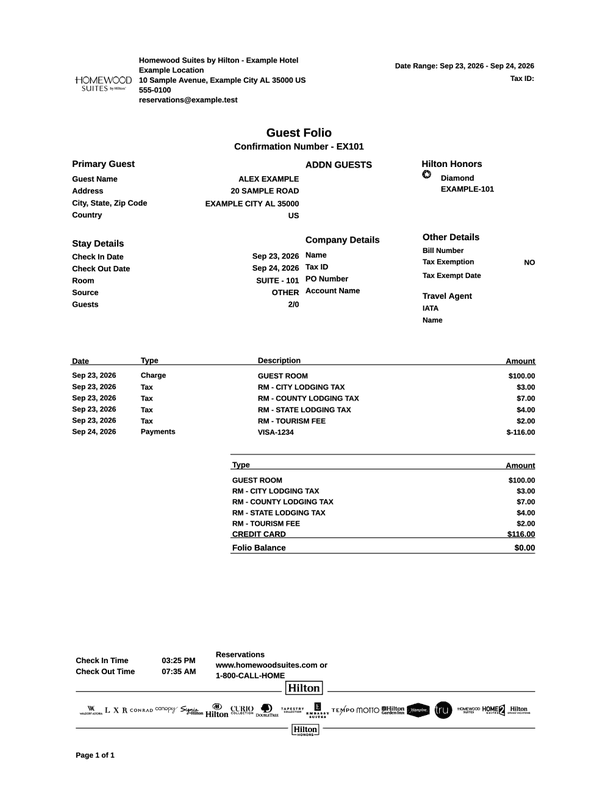
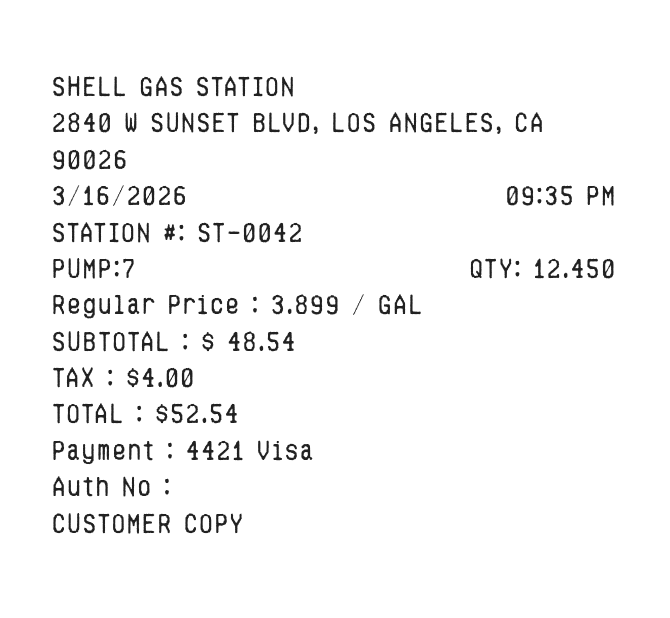
These are examples. Replace the sample details and check the amounts before downloading. Brand layouts are not affiliated with or endorsed by the brands shown.
Receipt Maker
Why Choose Us
Tools to create custom receipts
Choose a layout, edit your details, preview your changes, and download the result.
Editable Receipt Templates
Start with a sample layout, enter your own details, and check the amounts in the live preview. Calculations vary by template.
Hundreds of Templates
Browse receipt layouts for retail, restaurants, travel, services, and brands including Walmart, Amazon, Costco, and Target.
Instant Preview
Real-time live preview as you edit. See your receipt instantly with every change - no refresh needed.
Export Anywhere
Download your receipt as a PDF or PNG image for printing or digital use.
Desktop & Mobile
Edit receipts in your browser on desktop, tablet, or mobile.
No Account Required
Start editing without an account. Downloads may send document content to our servers; see our privacy policy for details.
Templates
Hundreds of editable receipt templates
Browse brand and business templates with sample details you can replace with your own.
Use the form fields and live preview to create a receipt without design software.
1
Choose a Template
Browse hundreds of templates or start with a custom blank receipt.
2
Edit Your Details
Replace the sample details with your own store information, items, prices, tax, and dates.
3
Download & Share
Download a PDF or PNG, then review it before printing or sharing.
Before you download
Make the details work for your record
Edit fields and check amounts
Replace the sample business details, dates, items, and payment information. Some layouts calculate item amounts; others let you enter each amount manually. Check the subtotal, tax, total, and balance together.
The custom maker offers PDF and PNG downloads. Export formats and paper sizes vary across templates; some invoice layouts provide A4 PDF only. Preview the full document, including its last item and footer.
An editable template does not retrieve or verify a purchase. For a merchant-issued receipt, use the seller’s order history, receipt lookup, or support service.
No signup is required. Some downloads send document content to our servers; see our privacy policy for processing and storage details.
FAQ
Frequently asked questions
Everything you need to know about our receipt generator.
What is ReceiptEdit?+
ReceiptEdit is a free online receipt generator with hundreds of templates, editable fields, a live preview, and PDF or PNG downloads.
Is it free to use?+
Receipt creation and downloads are free, with no signup required. Temporary request and file-size limits help keep the service available.
How do I create a receipt?+
Open the custom receipt maker or choose a template, replace the sample details, review the full preview, and choose an available download format.
Can I customize every field?+
You can edit the fields provided by each template, including store details, items, prices, tax, payment method, and dates. Available fields vary by template.
What formats can I export?+
The custom receipt maker offers PDF and PNG downloads. Available formats and paper sizes vary by template; some invoice layouts offer A4 PDF only. Check the download options in your chosen editor.
How is my receipt data processed?+
You edit and preview receipts in your browser. Exporting can send document content, including images you add, to our servers to generate the file. Some export paths store files for downloading. See our privacy policy for storage details.
Can I use this on my phone?+
Yes. You can use the browser-based editor on mobile devices, tablets, and desktops.
How many templates are available?+
The catalog contains hundreds of receipt templates across retail, restaurants, travel, services, and other categories. Browse the template directory to see the current selection.
Still have questions?
Can't find the answer you're looking for? Our team is here to help.