Bank Transfer Receipt Generator
Record the sender, receiver and destination account alongside the amount and transfer reference. Add your exchange-rate and fee notes, then check the preview.
✏️ Editable fields📱 PDF & Image export⚡ Instant preview
📝Editor
👁️Live Preview
Last updated
A transfer record with room for the destination details
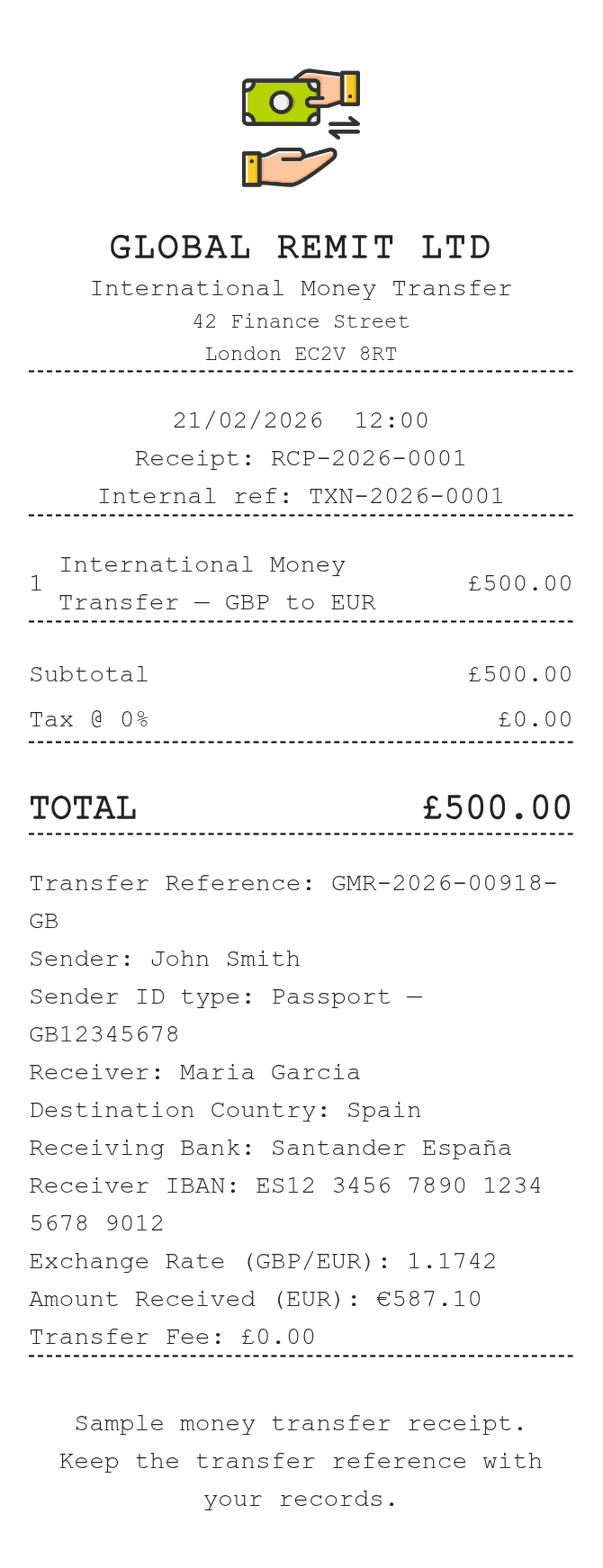
This layout combines a sending amount with receiver-bank information and manually entered conversion notes. It has fields for the receiver’s country, bank and IBAN, plus the amount received and transfer fee. It is useful for arranging information from a transfer record, but it does not calculate a currency quote or submit a payment.
Information to enter
| Section | Details |
|---|---|
| Sender | Name and identification reference |
| Receiver | Name, country, bank and IBAN |
| Transfer | Reference and full sending amount |
| Conversion notes | Exchange rate, receiving amount and fee entered as text |
Check the amounts separately
- Enter the parties and destination details from the record you are documenting.
- Put the complete sending amount in the item row. Its quantity does not multiply the row amount.
- Update the exchange rate, receiver amount and fee fields separately. They are descriptive entries and do not recalculate when you change the sending amount.
- Check the currency on every monetary entry and remove any sample terms that do not apply before downloading.