MoneyGram Transfer Receipt Template
Enter the sending amount, fee and exchange rate, then review the amount received. Add the parties and transfer reference before saving the document.
✏️ Editable fields📱 PDF & Image export⚡ Instant preview
📝Editor
👁️Live Preview
Last updated
Keep the sending and receiving amounts distinct
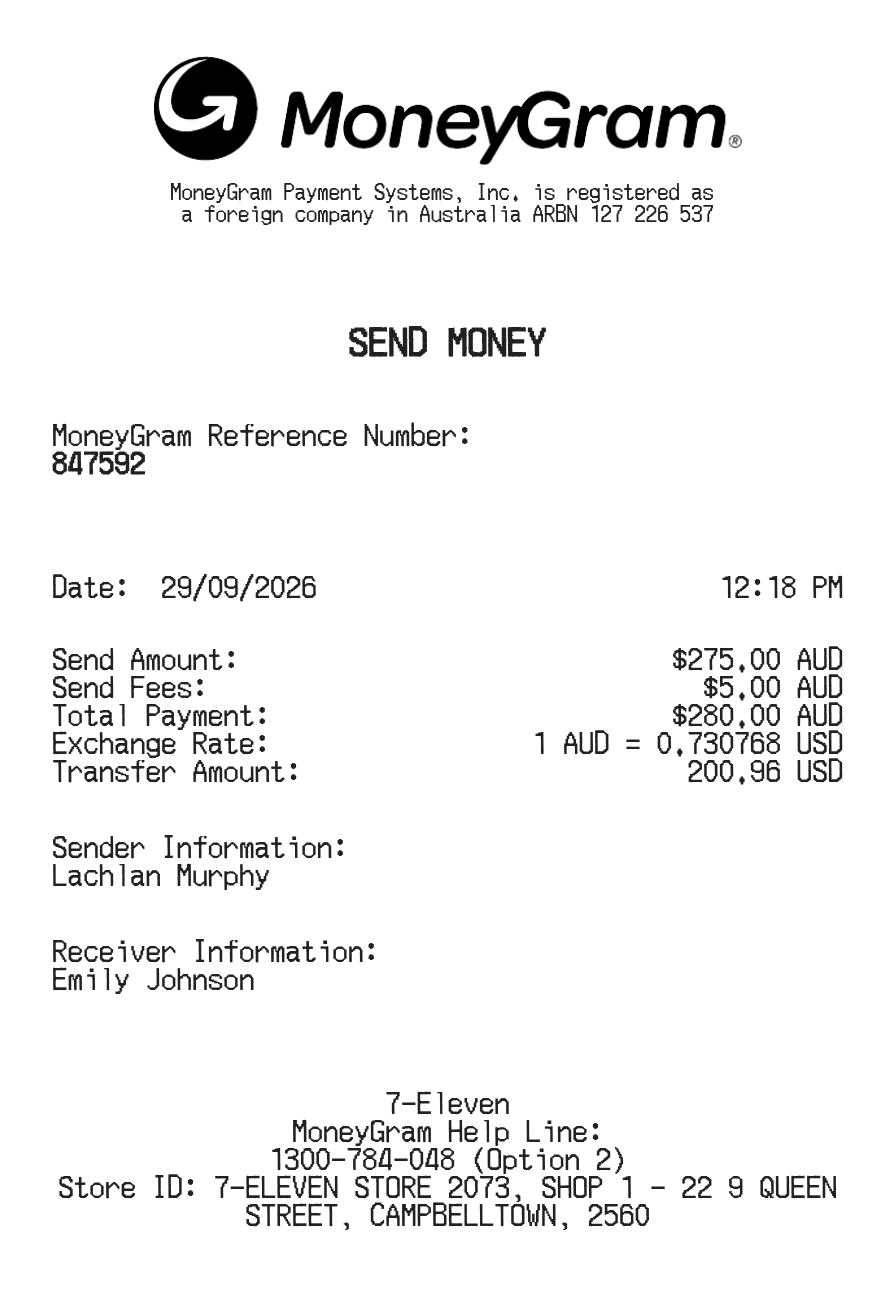
The MoneyGram layout has separate sending and receiving currencies, with a fee and exchange rate between them. It also records the sender, receiver, reference number and agent location. These values describe your document; the editor does not quote a MoneyGram rate, move funds or look up a transfer.
Transfer details in this editor
| Section | Details |
|---|---|
| Sending side | Amount and fee in the sending currency |
| Conversion | An exchange rate entered by you |
| Receiving side | Calculated transfer amount and receiving currency |
| People | Sender and receiver names |
| Record | Date, time, reference number and agent/store details |
Review both currency totals
- Choose the sending and receiving currencies before entering amounts.
- Enter the sending amount and fee. The total paid is their sum.
- Enter the rate as receiving-currency units per sending-currency unit. The receiving amount uses the sending amount multiplied by that rate; the fee is not converted into the transfer.
- Check both amounts, names and references, then save the preview as a PDF or PNG.