🔋 EV Charging Receipt Templates
Record a charging session with its network, location, energy and payment details. Compare the available layouts before entering the figures from your session record.
Last updated
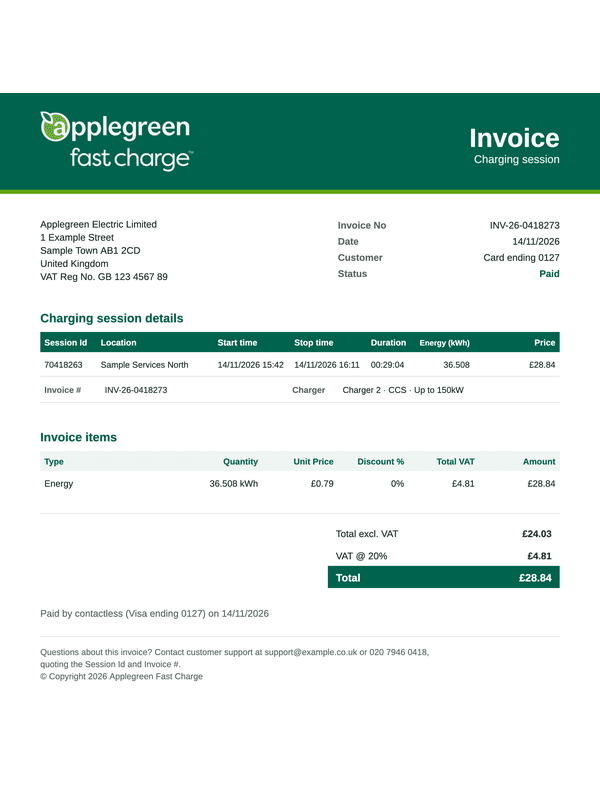
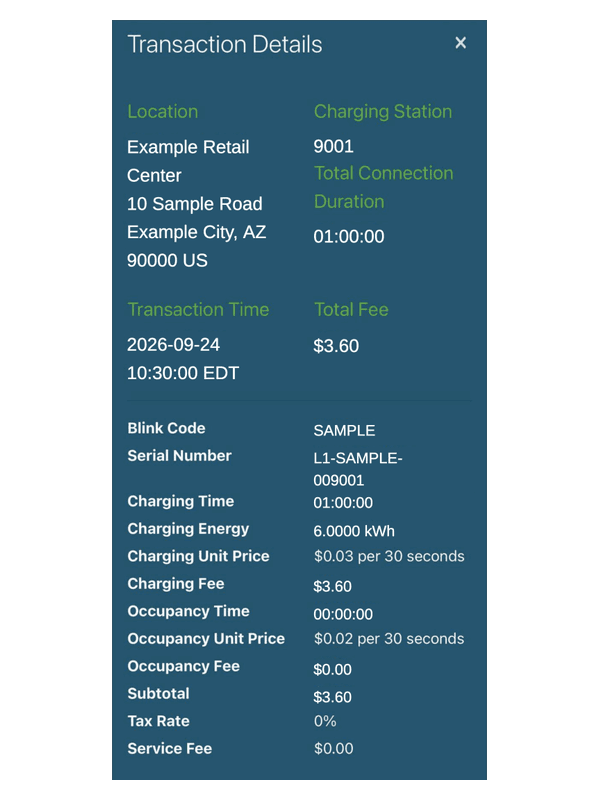
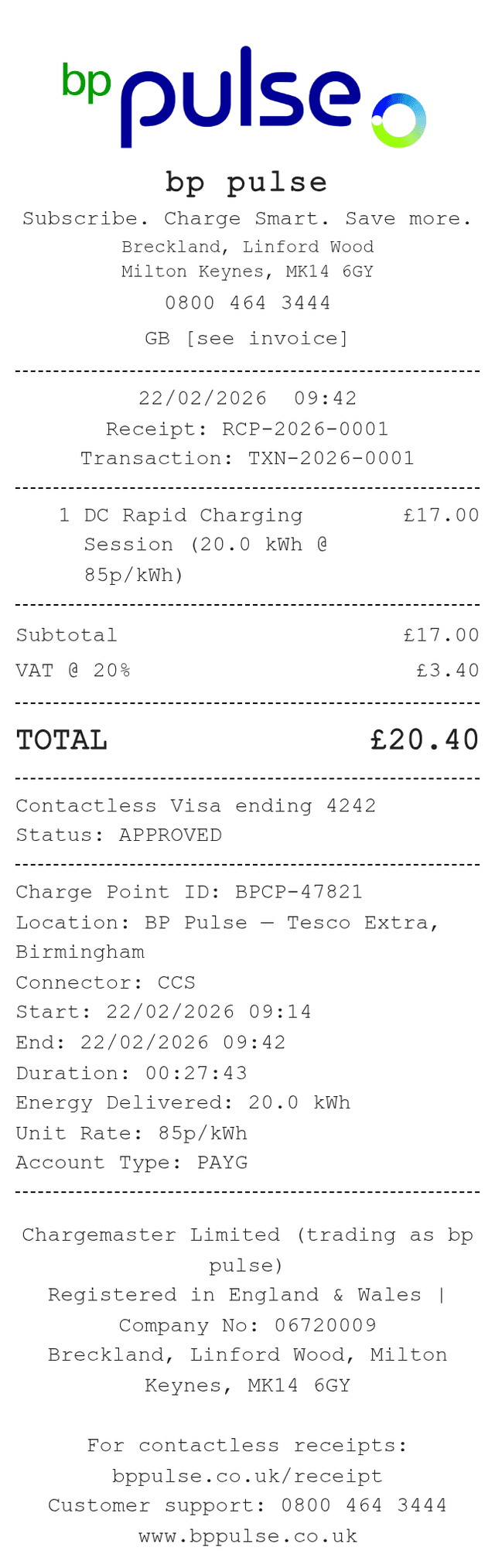
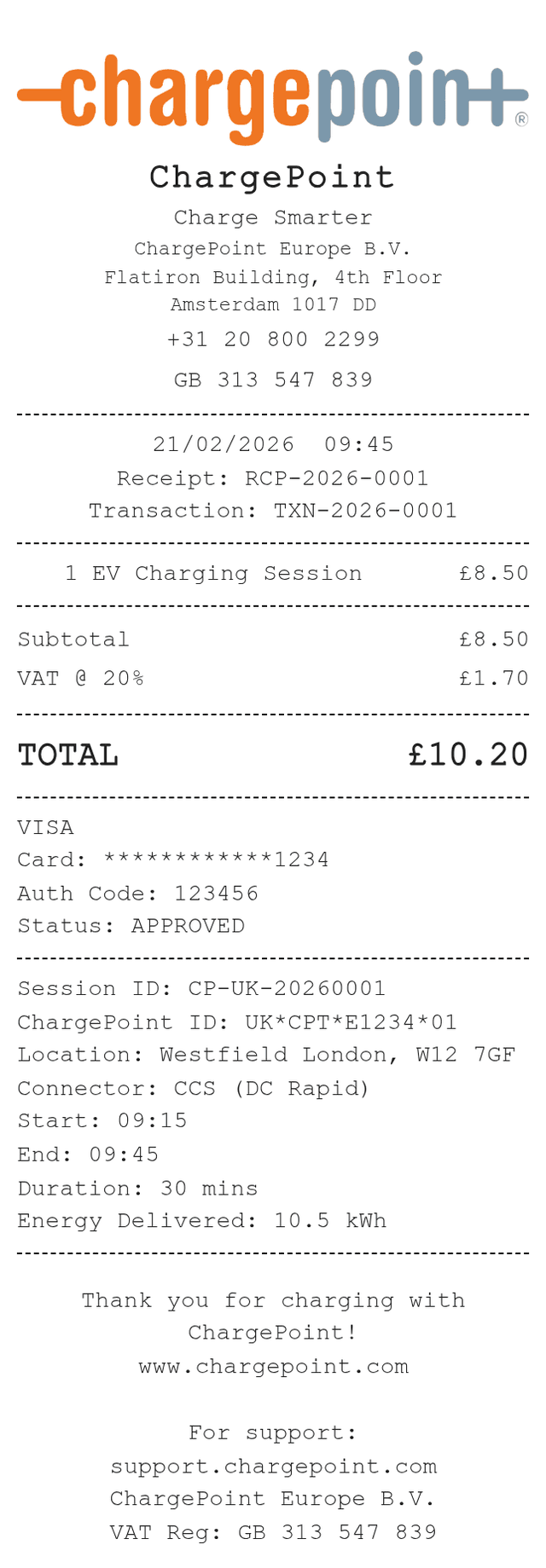
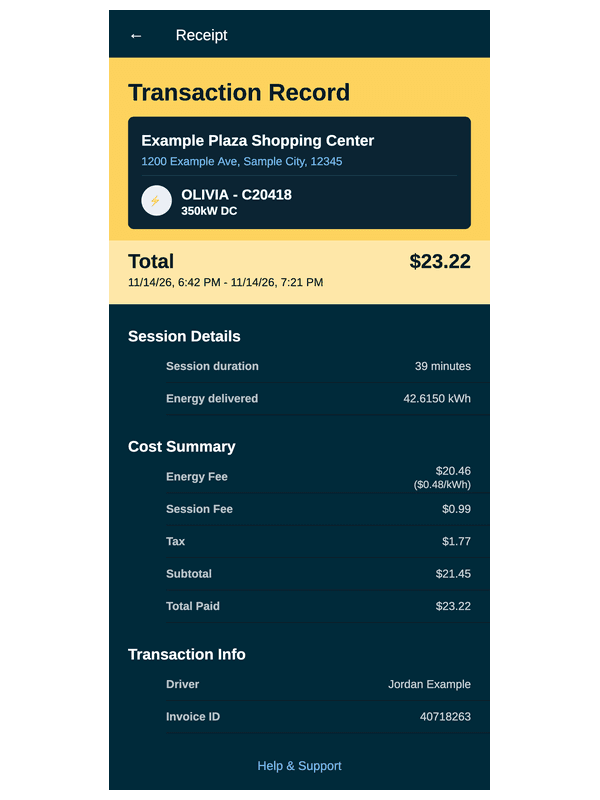
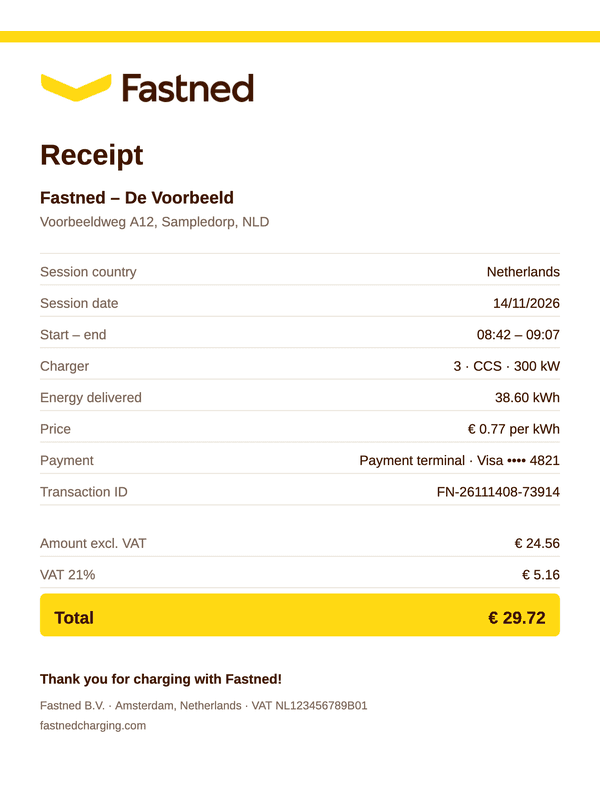
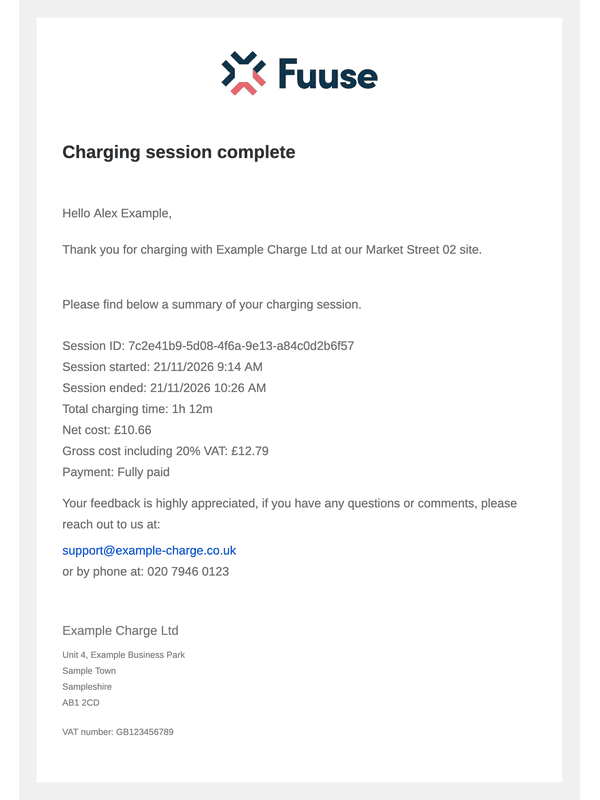
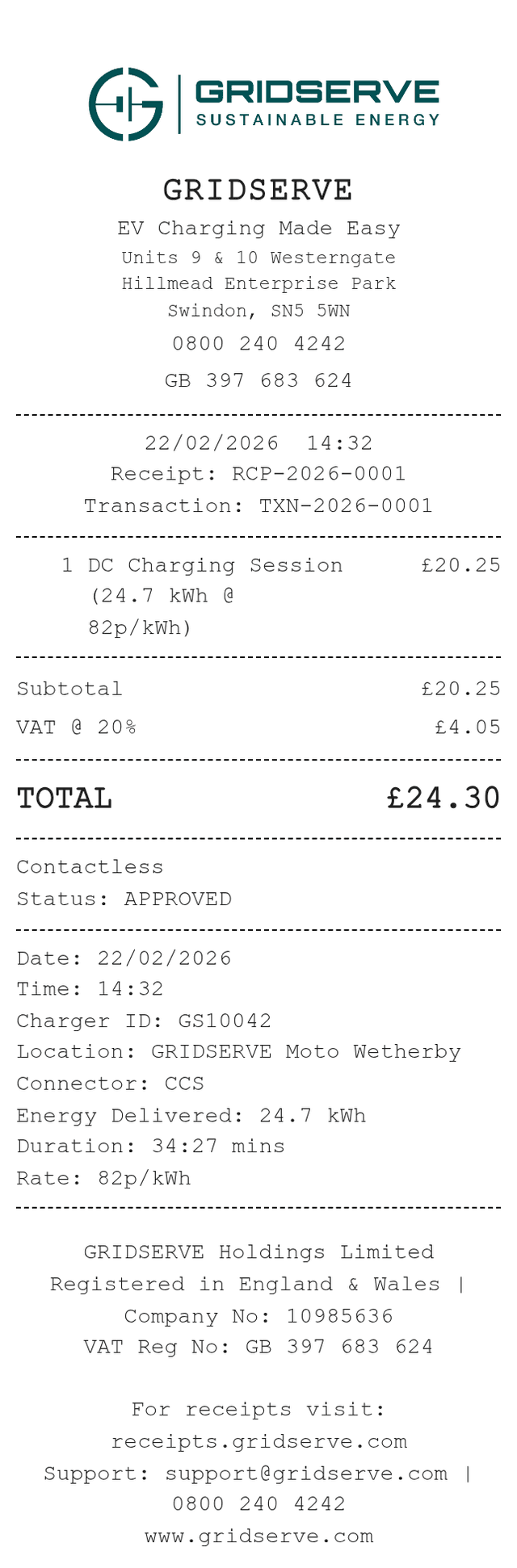
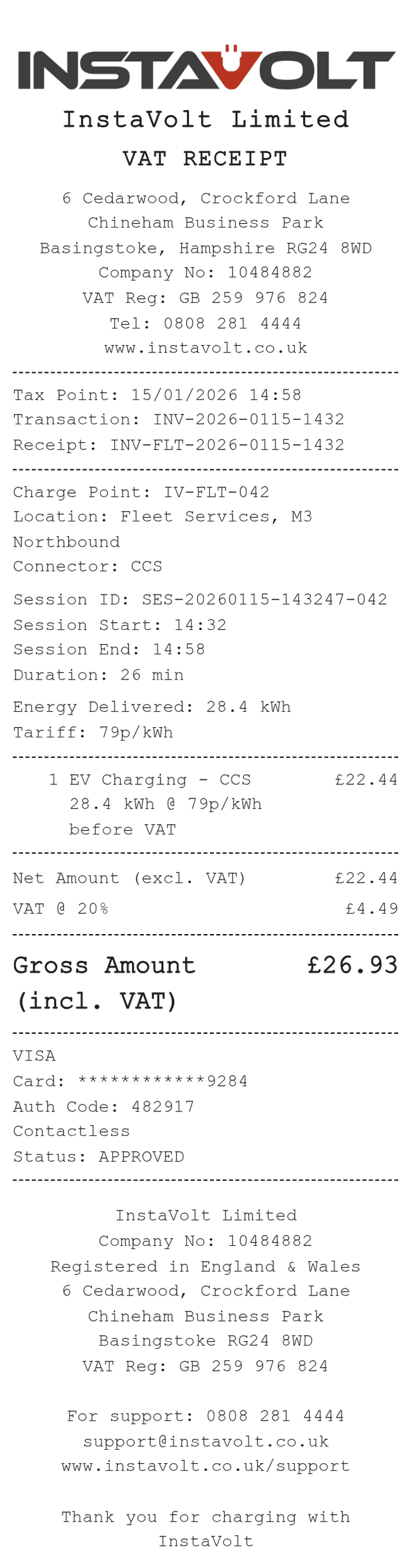
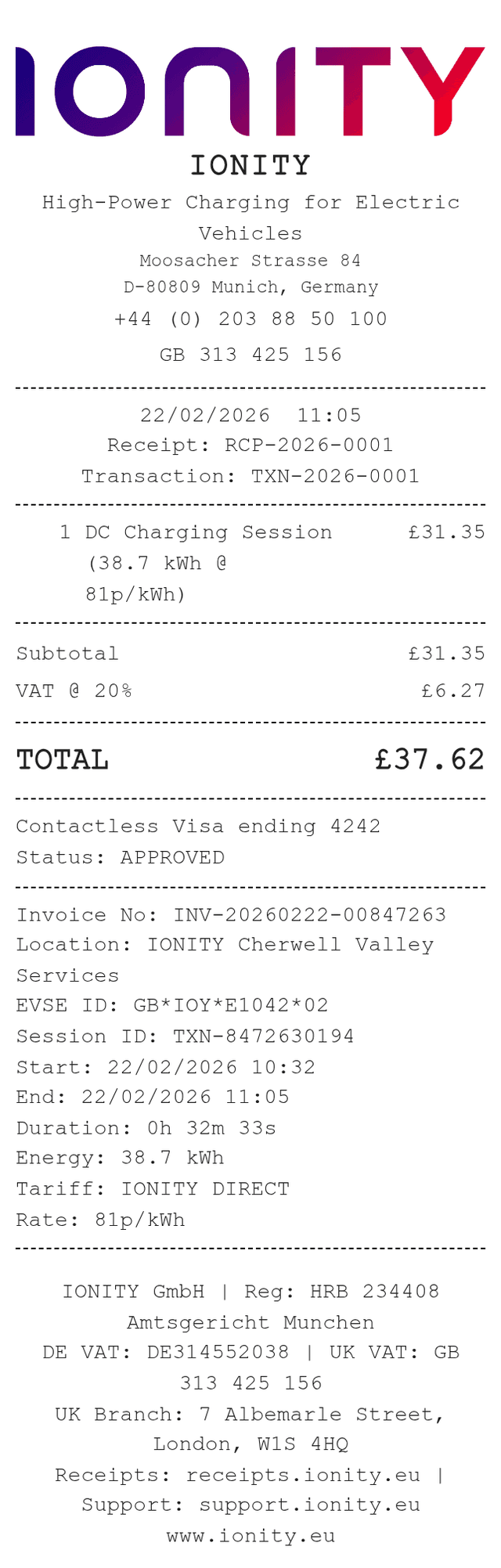
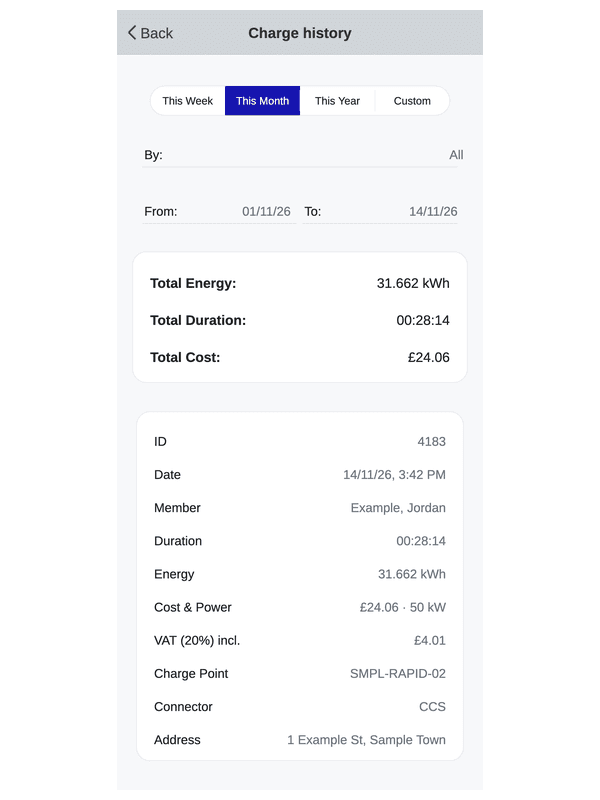
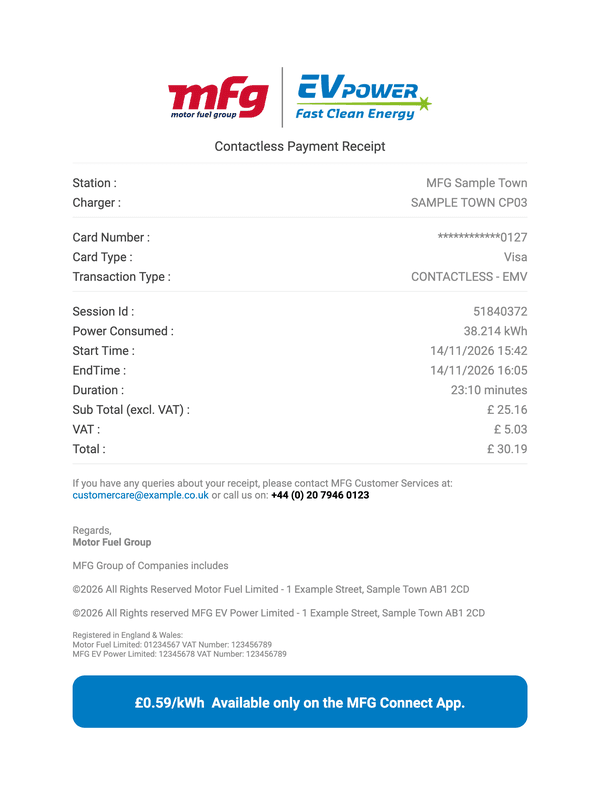
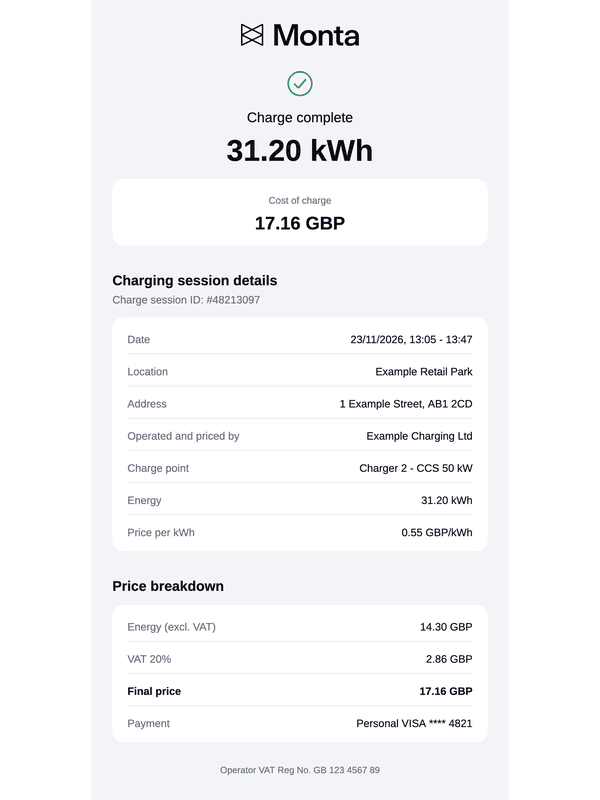
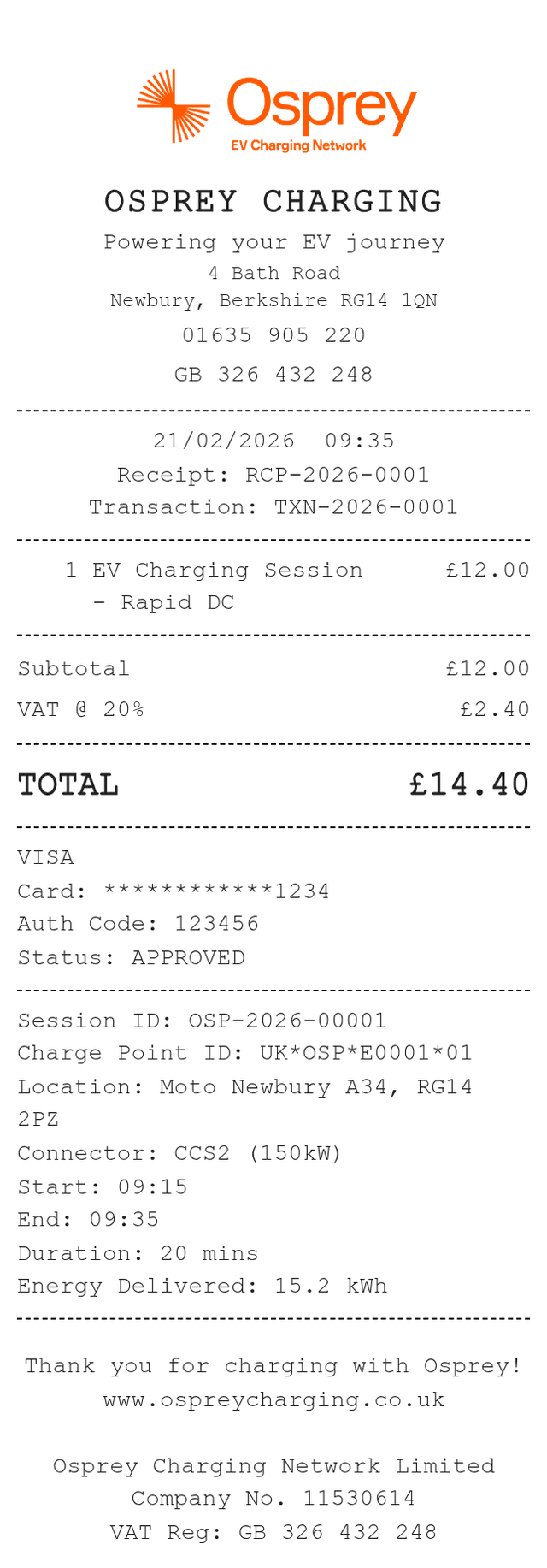
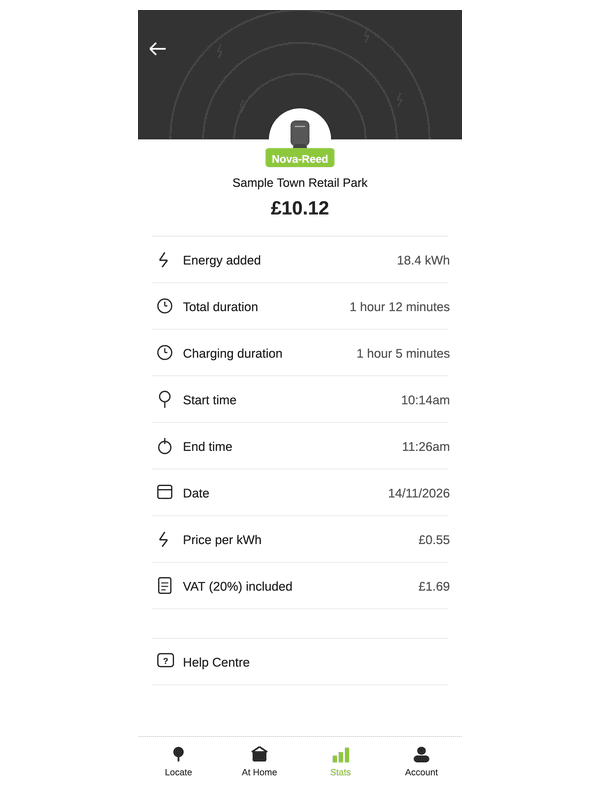
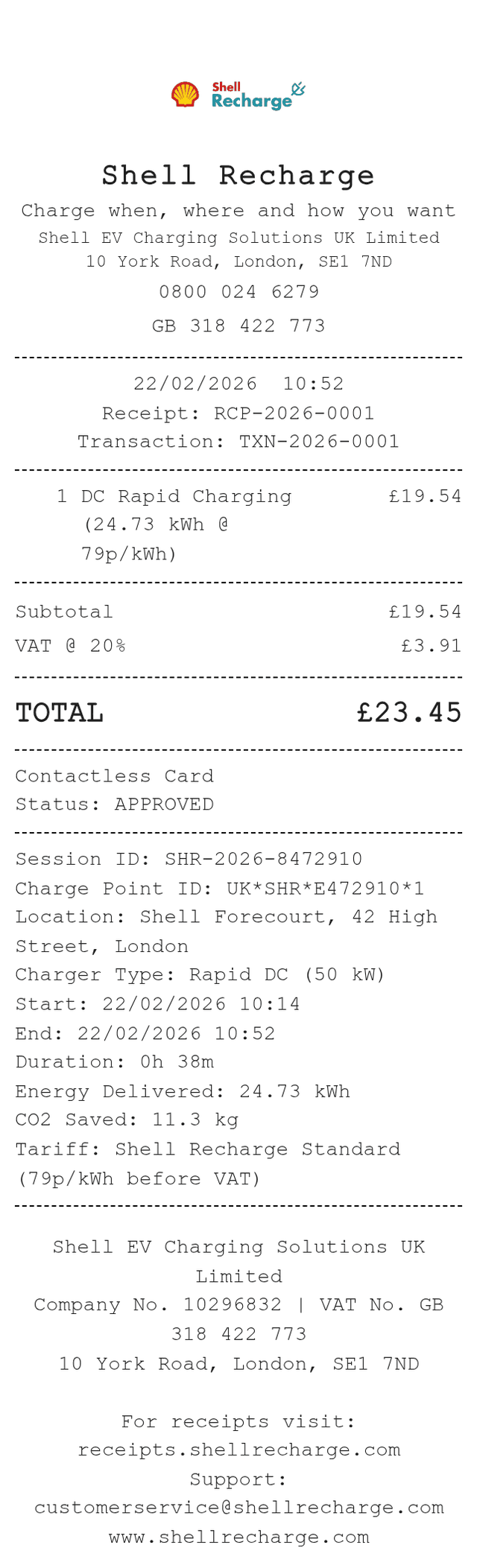
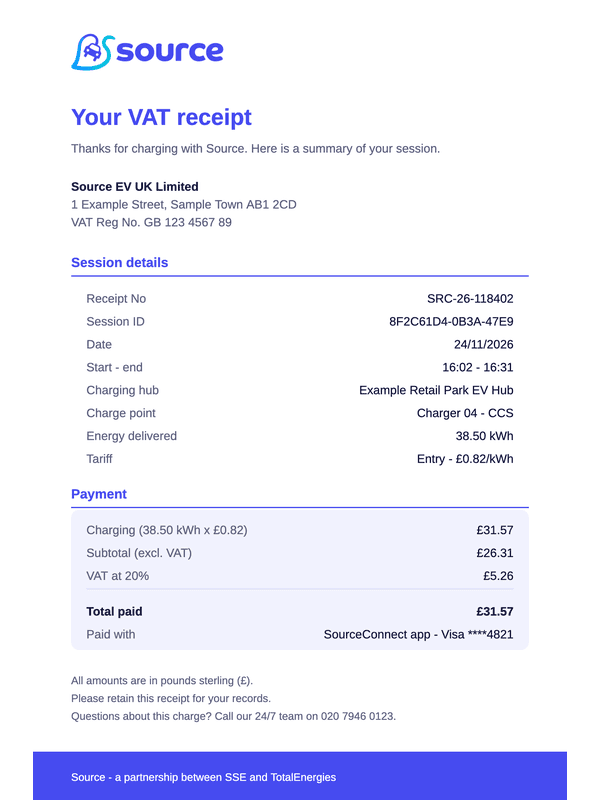
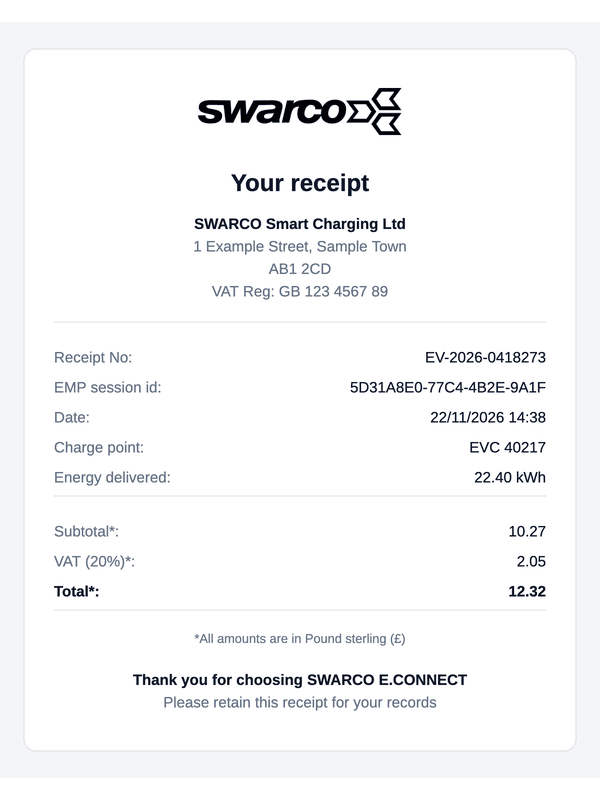
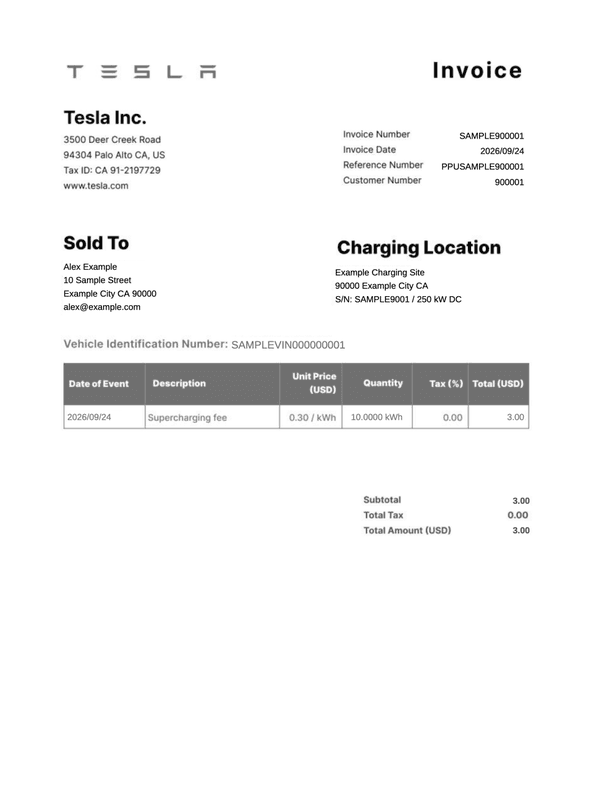
Keep the charging session identifiable
A site can have several chargers and connectors. The station reference and session times help explain which charge the receipt describes.
- ChargePoint
Provides session and charge-point IDs, connector type, start and end times, and energy in kWh.
- IONITY
Includes an invoice number, EVSE or charge-point ID, tariff text and a rate field.
- bp pulse
Has location, connector, session-time, energy and account-type fields.
Before you download
- Keep kWh, rate units and currency consistent. A price in pence per kWh differs from a price in pounds per kWh.
- Use the actual session charges for the item amounts. Session details and rate labels do not connect to the network or retrieve a live tariff.
What an EV charging receipt records
An EV charging receipt describes a session rather than a purchase of goods. Most layouts here identify where you charged with a charge point, charger or EVSE ID and a location. They record when, with start and end times or a session duration, and how much, as energy in kWh. Pricing appears as a unit rate or tariff note, with the line amount entered separately. Blink's transaction summary also separates charging time from connection time and lists occupancy rates, fees and tax.
Public charging records are useful when you claim travel costs from an employer or client, or when you track running costs for a vehicle used for work. Keep the session reference, date, location and kWh together so each charge can be matched to a card statement and to your trip notes. If you pay through an app or account, copy the figures from that session record rather than estimating them from the rate. Home charging normally appears on an electricity bill instead of a session receipt.
How to choose an EV charging receipt template
Pick the layout whose identifiers match your session record. If your app shows a session ID and connector, ChargePoint or Osprey has those fields. If it shows an EVSE ID and invoice number, use IONITY. For a Tesla session, the Supercharger layout covers location, vehicle, unit rate, tax and session total. When your record splits charging time from connection time or lists occupancy charges, Blink keeps them apart. Choose bp pulse when you want the account type on the record.
EV charging receipt templates compared
| Template | Layout | Fields to fill in | Best for |
|---|---|---|---|
| ChargePoint | Session receipt with connector details | Session ID, connector, start and end times, energy, cost | Sessions identified by a session ID |
| IONITY | Invoice-style charging record | EVSE ID, invoice reference, location, session duration, tariff details | Records that need an invoice reference |
| Blink Charging | Transaction summary with separate rates | Station, connection and charging time, energy, occupancy rate, fees, tax | Sessions with occupancy or extra fees |
| Tesla Supercharger | Supercharger session invoice | Supercharger location, vehicle, energy, unit rate, tax, session total | Tesla sessions with a tax line |
| BP Pulse | Charge point receipt with account type | Charge point, energy delivered, unit-rate note, line amount, account type | Showing which account paid |
| InstaVolt | Charge point receipt with tariff notes | Charge point, kWh delivered, tariff and payment notes, session times | Keeping tariff and payment notes together |
| Gridserve | Charger and session payment summary | Charger ID, location, session time, energy usage, line amounts | Sessions identified by charger ID |
| Shell Recharge | EV session receipt with tariff note | Charger type, energy, tariff note, charges, payment details | Recording the charger type used |
Frequently asked questions
Questions about choosing and completing these receipts.
Will the editor fetch a charging session?
Can I show an idle or parking fee?
Does a kWh value set the final price automatically?
What if my session was billed by time instead of kWh?
Which time should I enter, plugged in or charging?
How should I record several sessions on one trip?
Can I use one layout for a charge in another country?
Looking for a different type of receipt?
Browse the full catalog for other stores, services and types of payment.