🅿️ Parking and Toll Receipt Templates
Choose a receipt for a parking session, monthly permit, toll or road charge. Check the vehicle, dates and location before entering the amount paid.


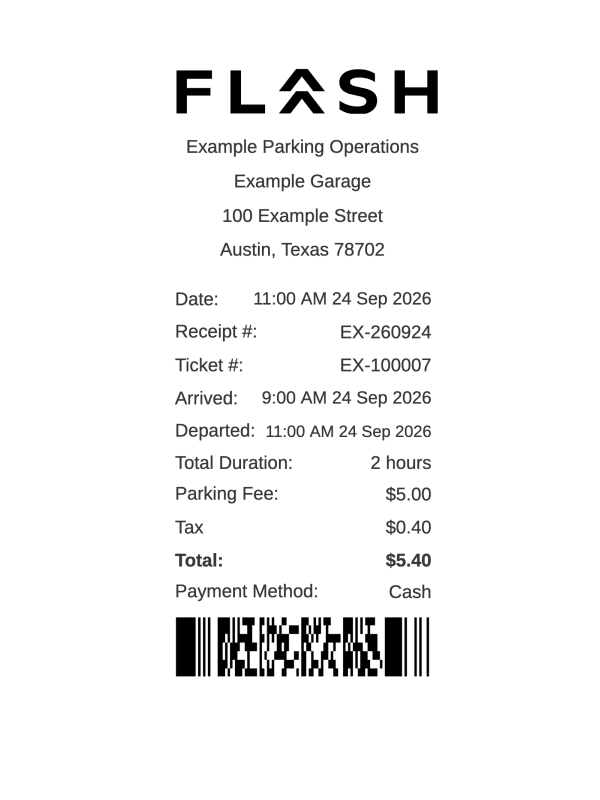
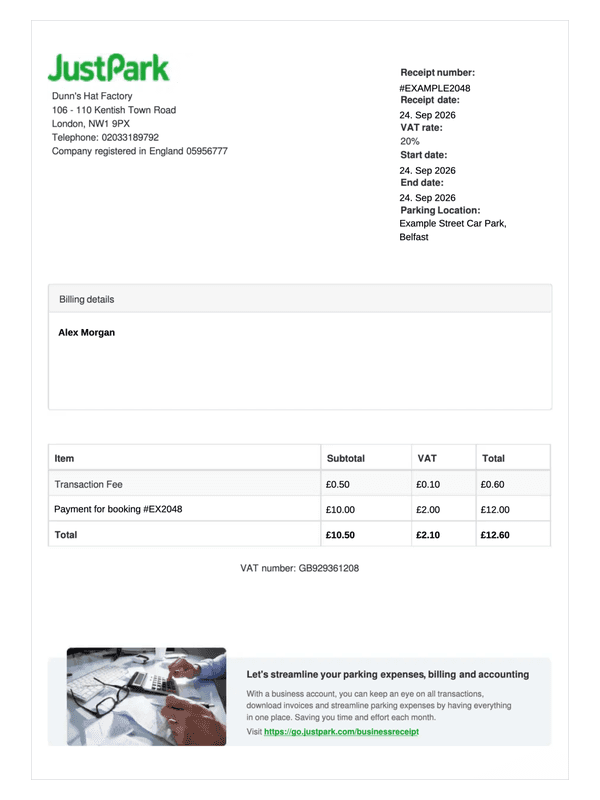


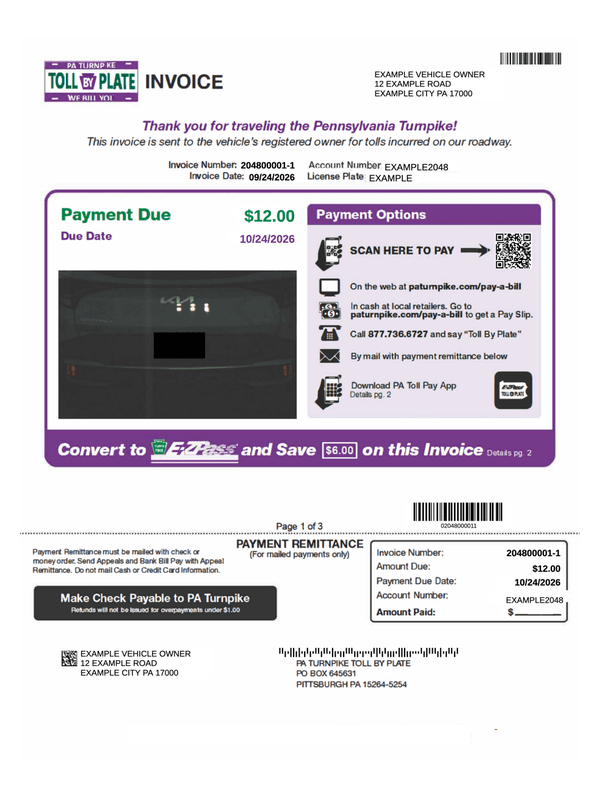
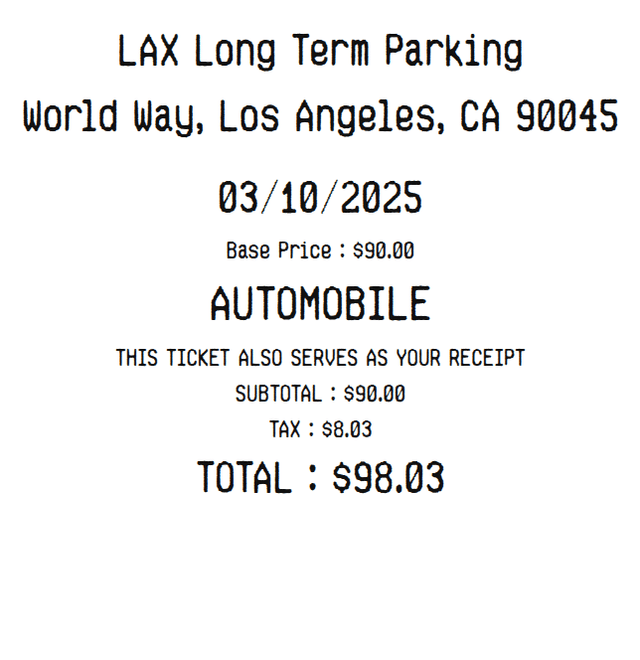

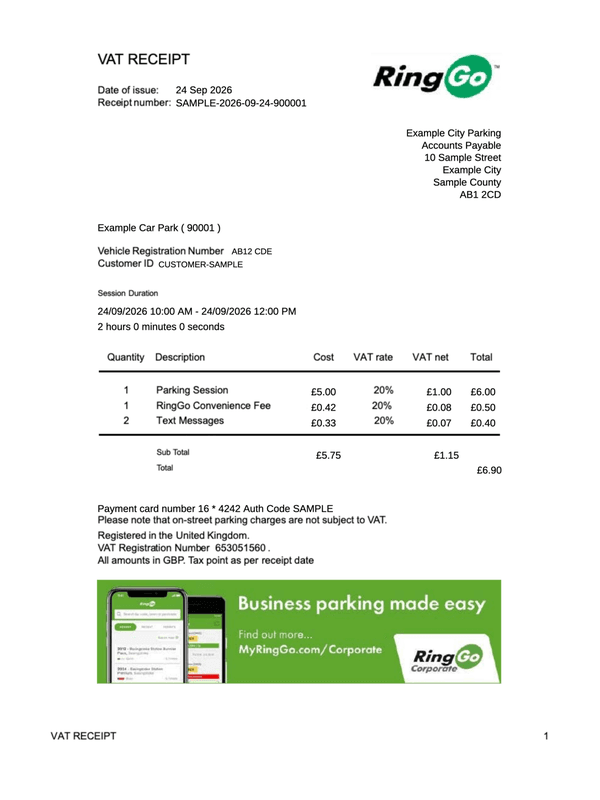
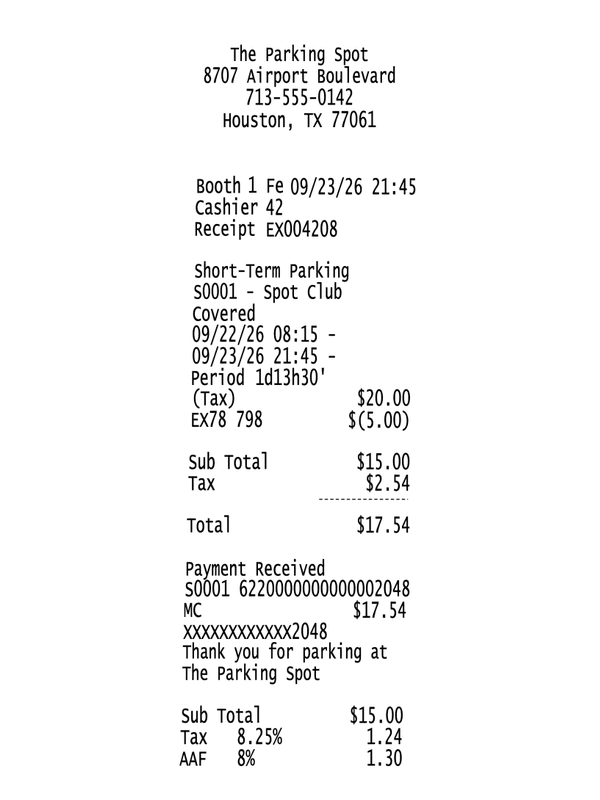


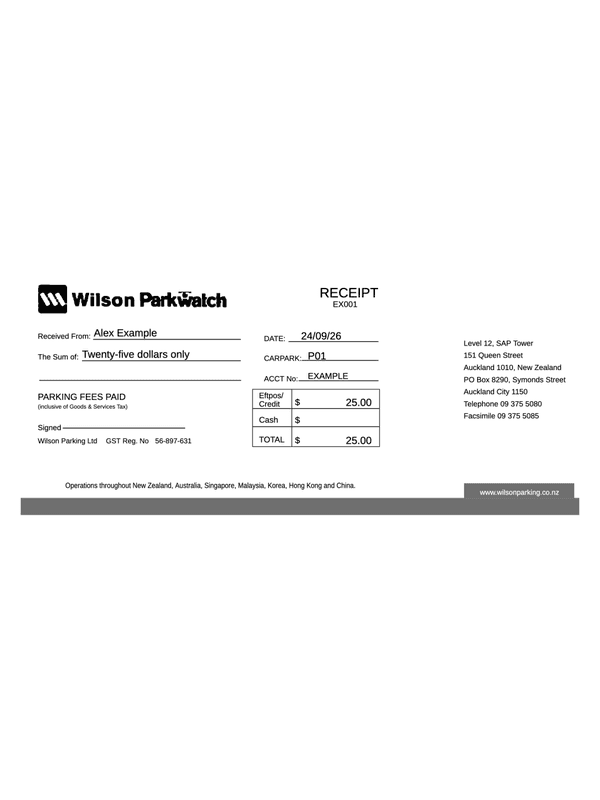
Compare Parking, Toll and Road-Charge Receipts
Choose a session-based parking layout for entry and exit details, a permit layout for a parking period, or a road-charge layout for a journey or crossing. The forms record entered information; they do not pay a charge or check a vehicle account.
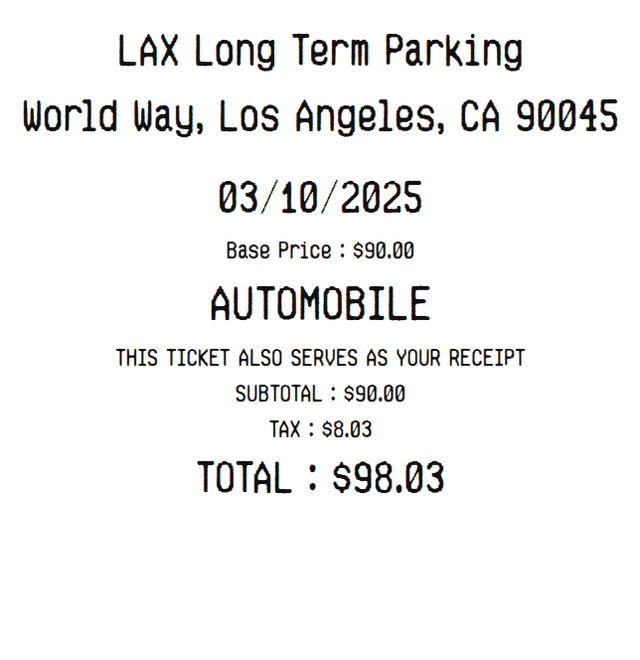
- Airport parking
Separate entry and exit dates and times, ticket and pay-station references. Duration updates when either endpoint changes and can also be edited directly.
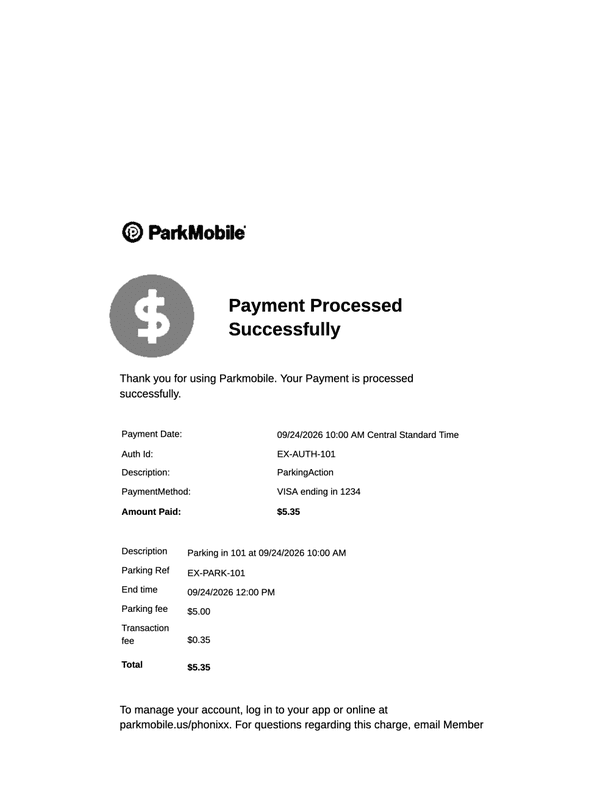
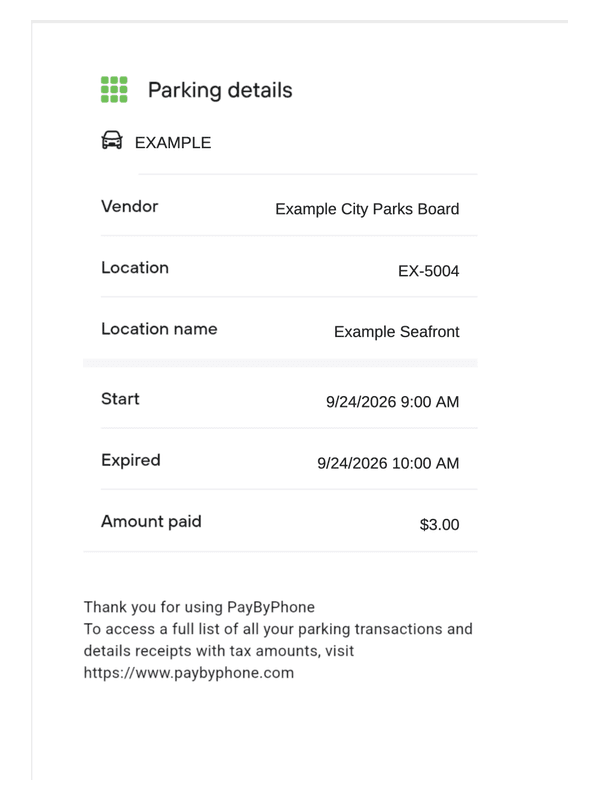
- Car parking
A parking session with location, entry/exit details and an entered duration. One amount-paid field supplies the displayed payment amount.
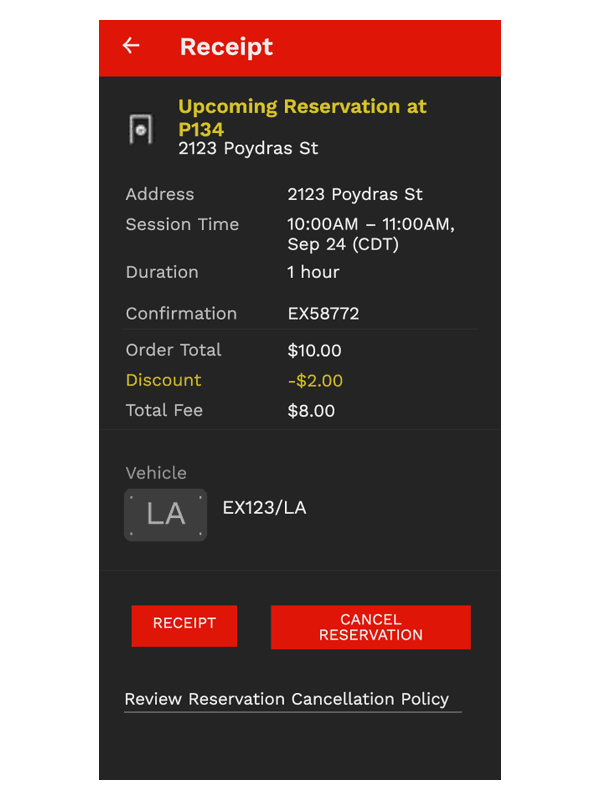
- Monthly parking
For a facility, space, permit holder, vehicle and parking period. The period text identifies what the entered charge covers.
- Toll receipt
For a journey with entry/exit points, lane, vehicle class, axle count and toll paid. Operator and collector references remain separate from the amount.
- M6 Toll
Enter a VAT-inclusive amount: the editor extracts the included VAT instead of adding it again. In the example, 6.50 contains 5.42 net and 1.08 VAT at the entered 20%.
- Dart Charge
A crossing record with vehicle, account reference, date, time, direction and vehicle class. A receipt transaction date can differ from the crossing date.
Before You Download
- Compare overnight entry and exit dates as well as times. A duration or parking-period label does not establish the correct tariff; use the amount from the original operator record.
- Keep the vehicle registration, permit or ticket number and payment reference in the appropriate fields. They do not confirm that a charge has been settled.
- Check whether tax is included, added as a percentage or entered as an amount in the selected form. Download and inspect the complete receipt after changing the timing or amounts.
Frequently asked questions
Questions about choosing and completing these receipts.
Looking for a different type of receipt?
Browse the full catalog for other stores, services and types of payment.