ANZ Bank Transfer Receipt Template
Enter the amount, BSB details and lodgement references for an ANZ transfer record. Check the receipt preview before saving a PDF or PNG.
✏️ Editable fields📱 PDF & Image export⚡ Instant preview
📝Editor
👁️Live Preview
Last updated
Keep the lodgement and payment references together
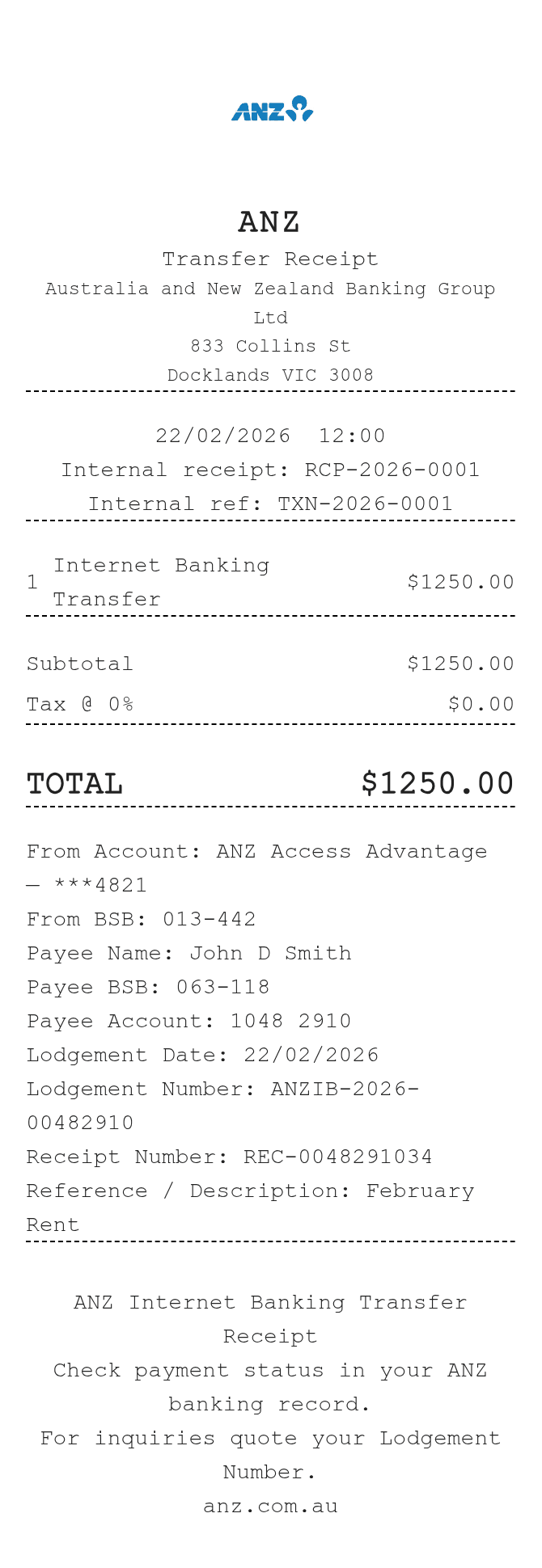
This ANZ receipt template has separate spaces for the sending account, payee and lodgement details. It suits a manually prepared transfer record or a sample document. The bank references remain the values you enter; the editor does not retrieve an ANZ transaction or check whether the payee received the money.
Fields in this transfer layout
| Section | Details |
|---|---|
| Sending account | From Account and From BSB |
| Payee | Name, BSB and account details |
| Lodgement | Date and lodgement number, separate from the receipt number |
| Payment | Amount row, currency and payment reference |
Before downloading
- Replace the sample account and payee details, keeping any account masking you need.
- Copy each reference into its matching field. A lodgement number and receipt number should not be treated as interchangeable.
- Enter the full transfer amount in the item row. The quantity field does not multiply that amount.
- Review the receipt date and separate lodgement date, then check the complete preview and export.