🚕 Taxi, Rideshare and Car Rental Receipt Templates
Choose a layout for a taxi fare, rideshare trip or vehicle rental. Keep the journey details and payment separate from any booking or rental reference.
Last updated







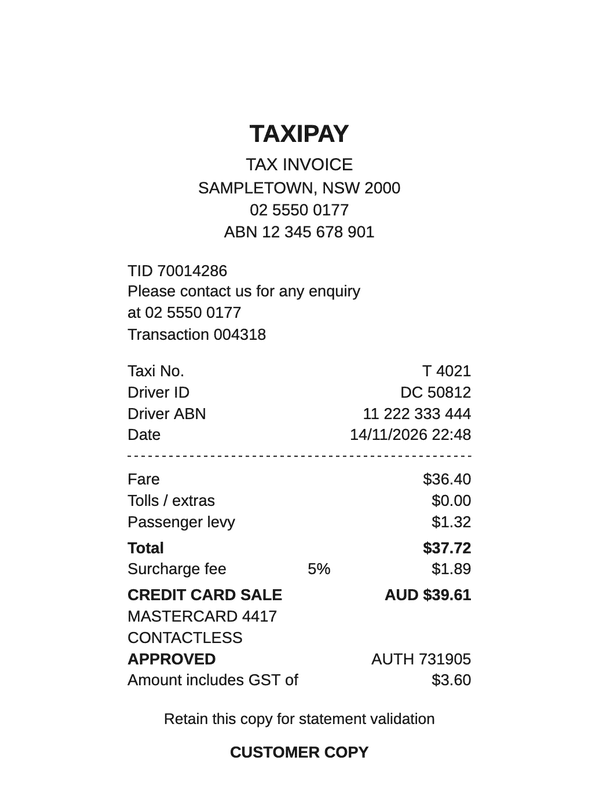
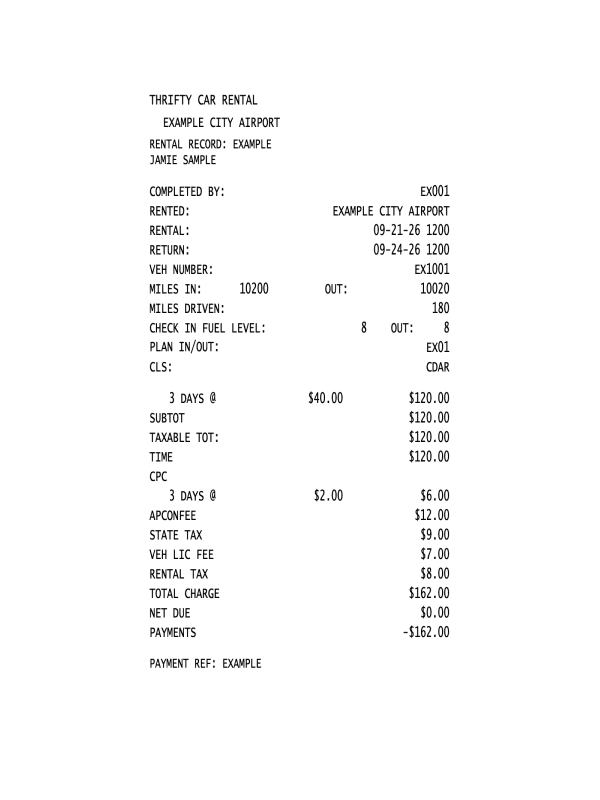

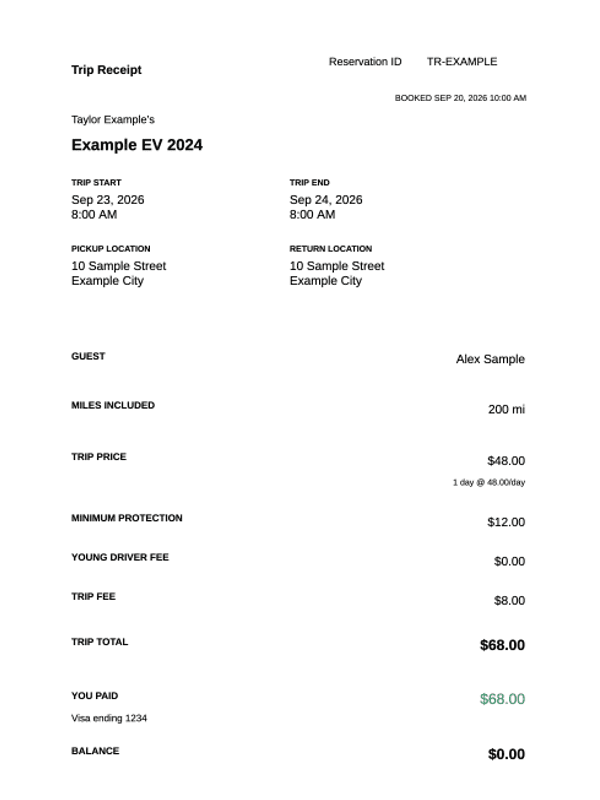
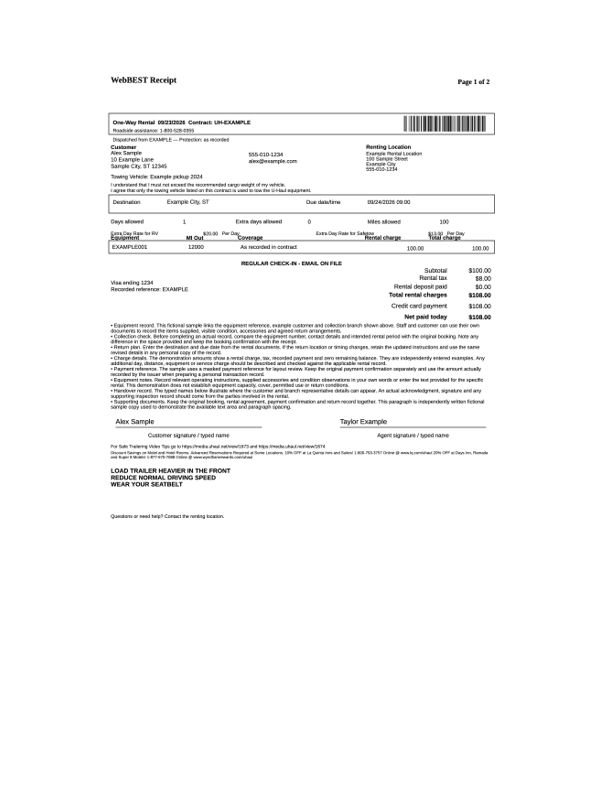
A single ride and a rental need different details
For a ride, focus on the journey and fare. For a rental, choose a layout with room for the rental record rather than treating the hire as one taxi trip.
- Taxi
A general fare layout with date, time, payment method and payment-reference controls.
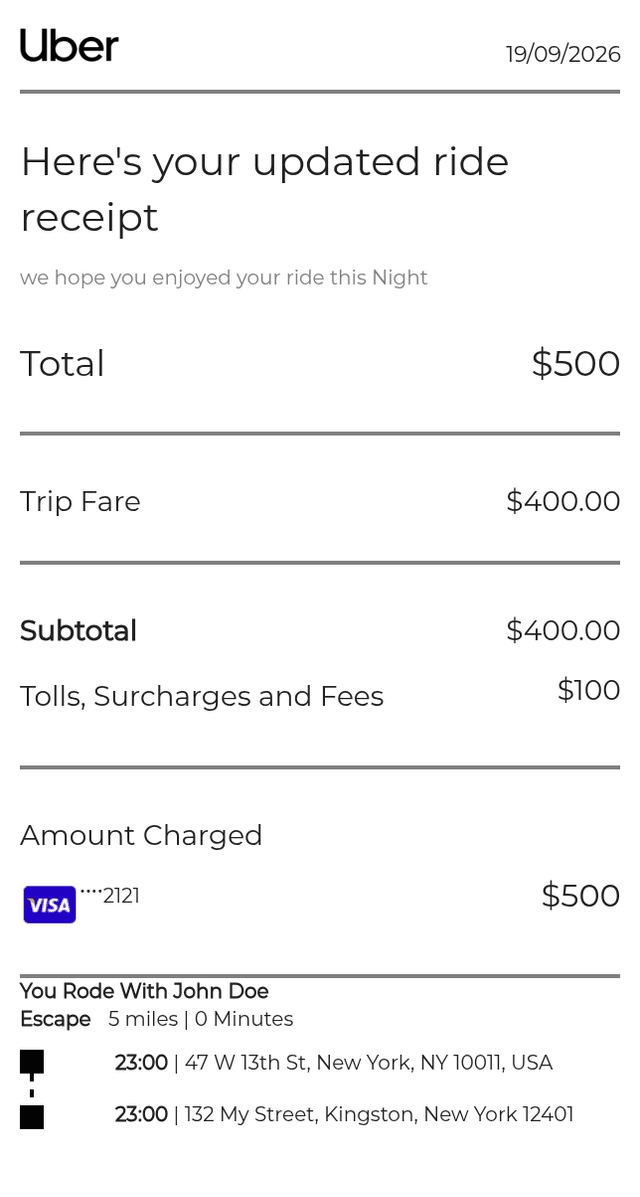
- Uber
A rideshare-style trip layout to compare with the general taxi receipt.
- Hertz
A vehicle-rental layout for recording a hire rather than a point-to-point fare.
Before you download
- Use the journey or rental dates from your record and identify any additional charge clearly.
- These editors do not calculate a live fare, book a ride or access a rental account.
What taxi, rideshare and rental receipts usually show
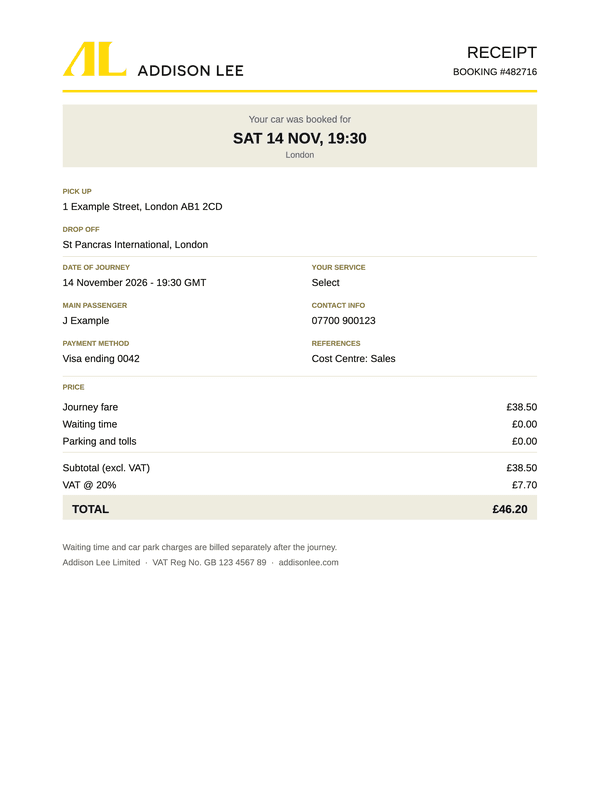
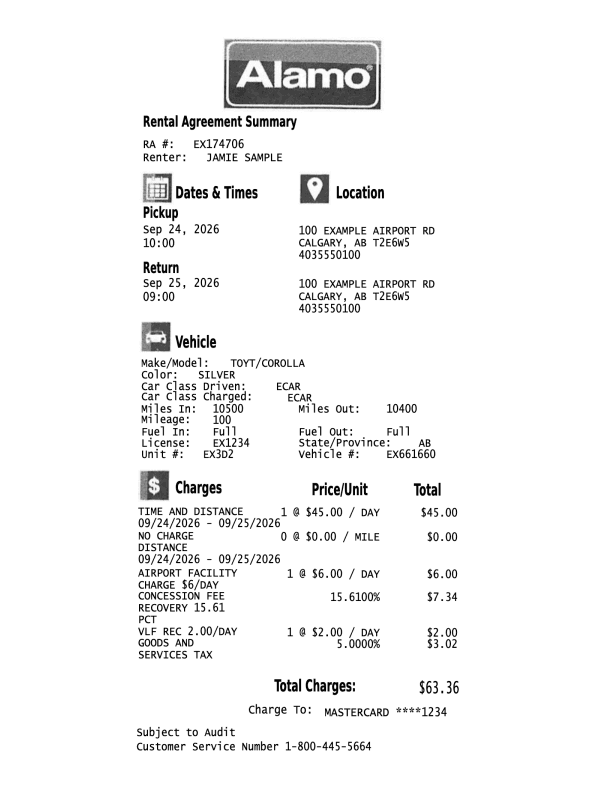
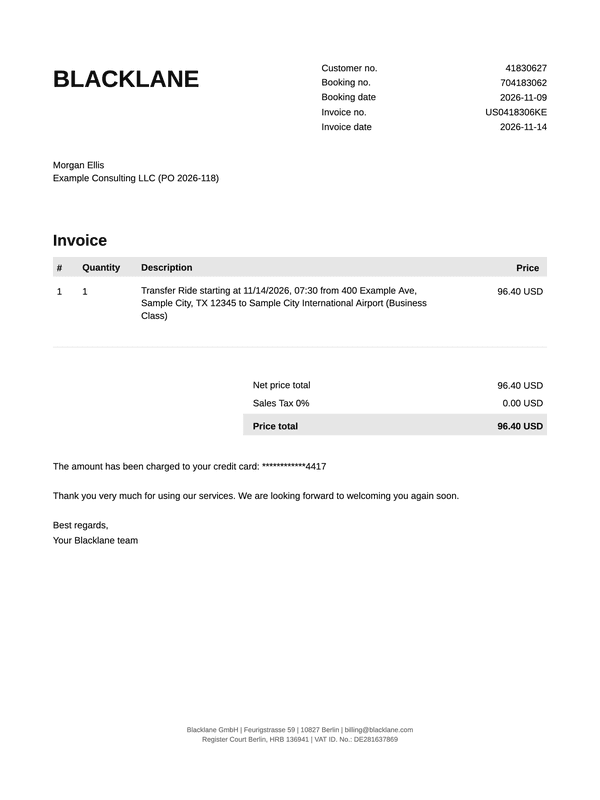
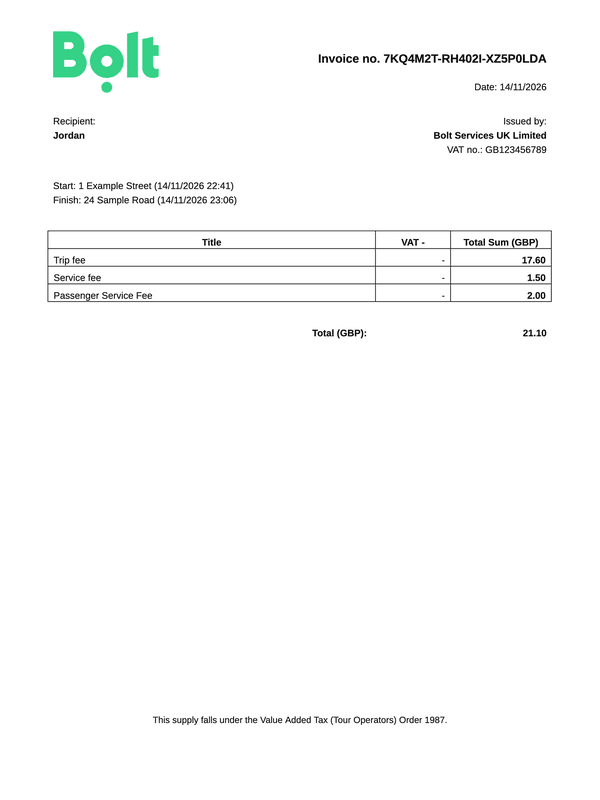
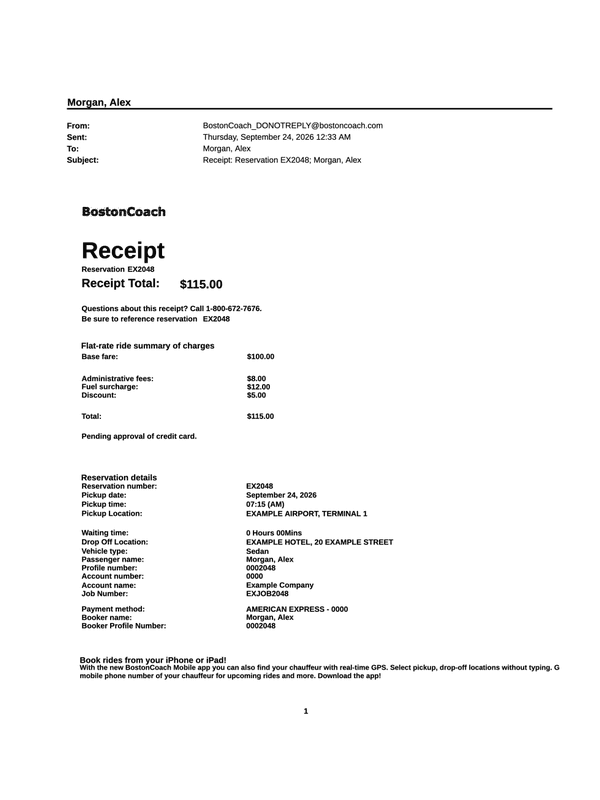
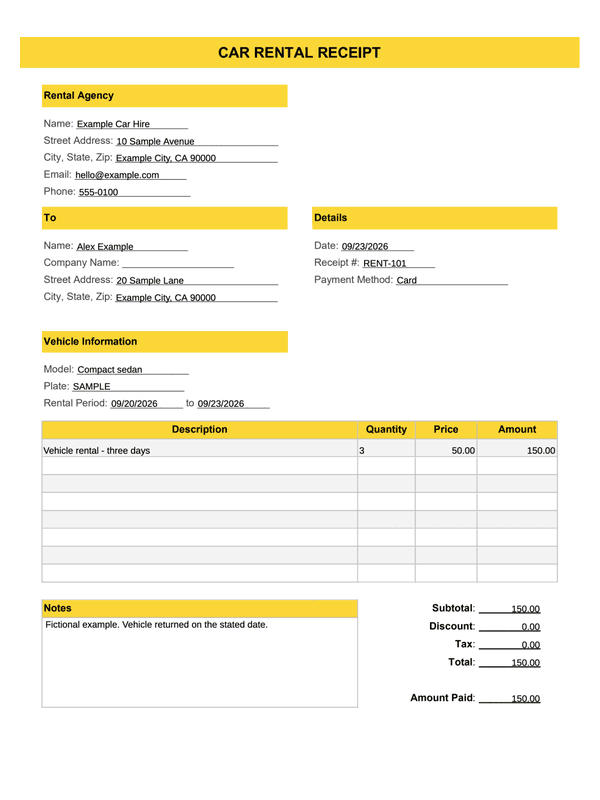
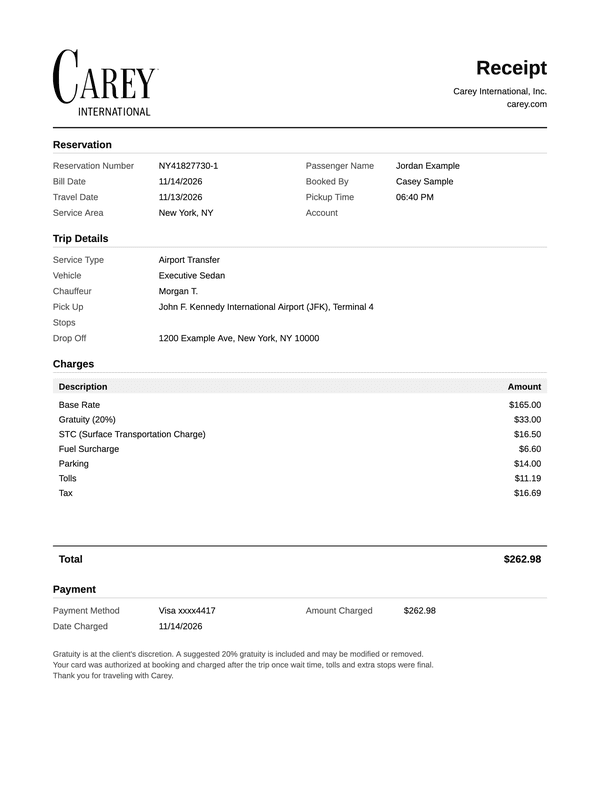
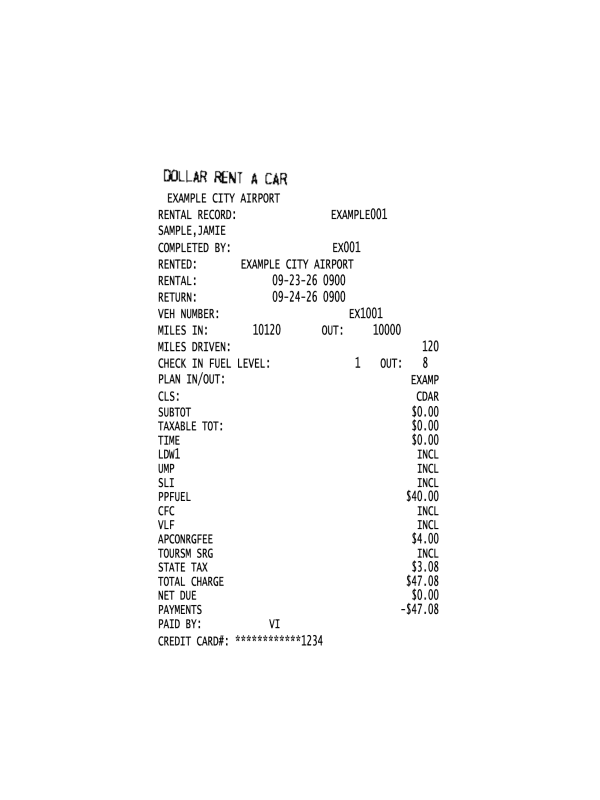
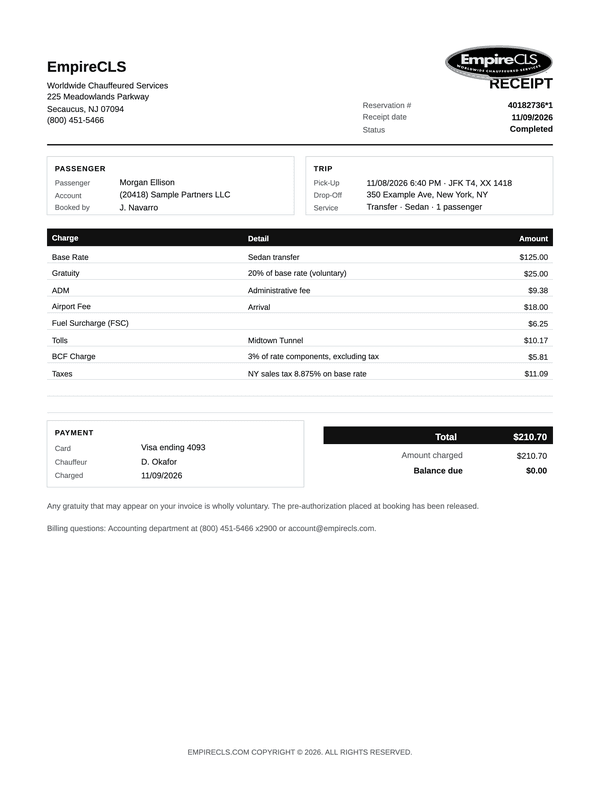
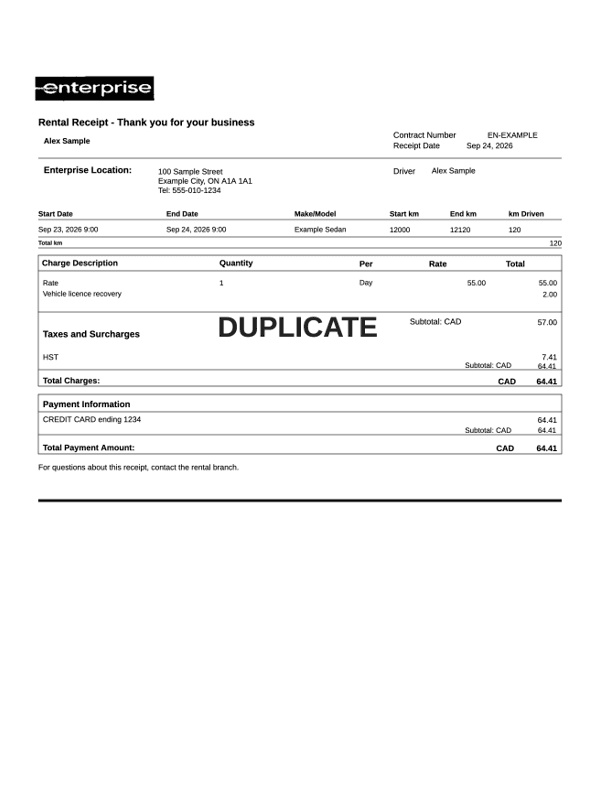
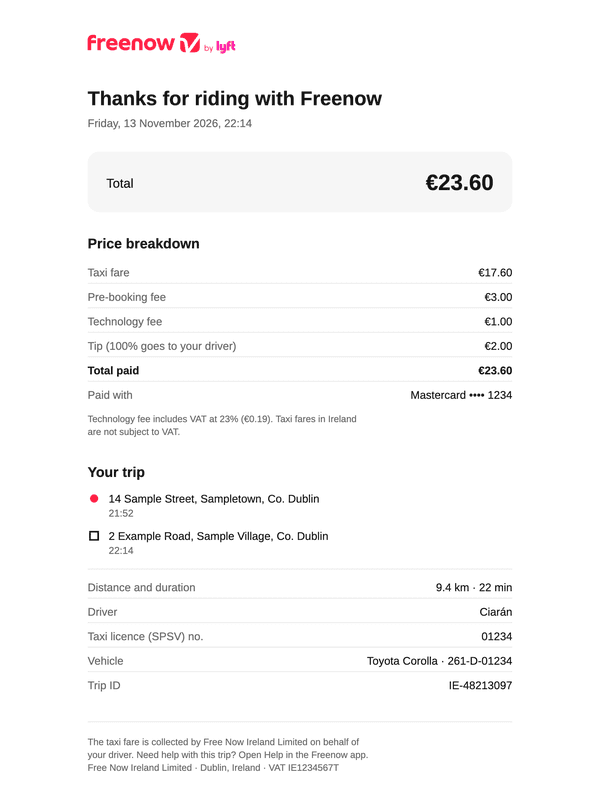
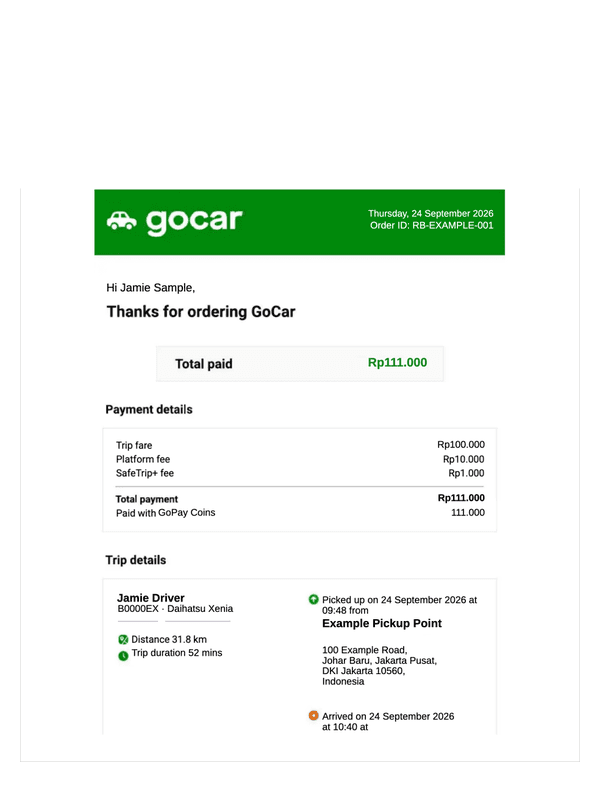
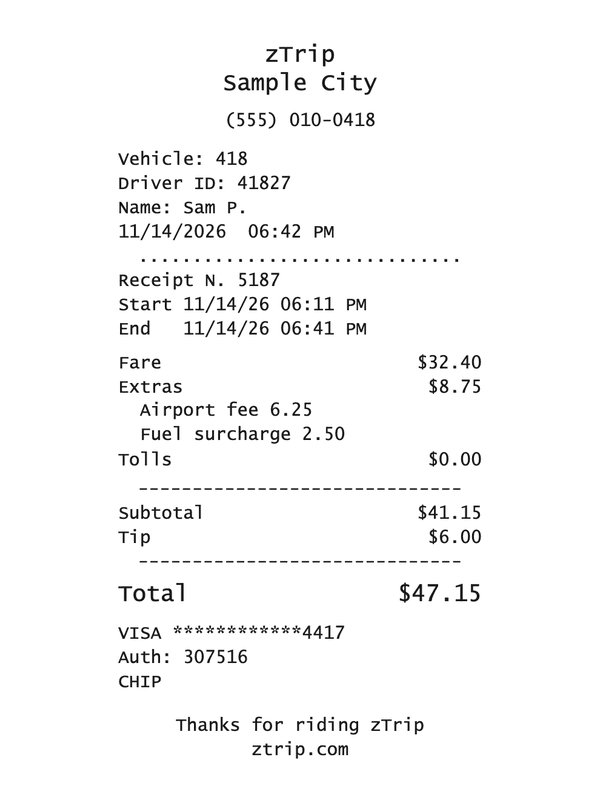
A taxi receipt can be as short as the company name, date and amount paid. Metered and app receipts usually add more: pickup and drop-off points, start and end times, distance, the driver or vehicle, and a fare split into base fare, extras such as an airport fee or fuel surcharge, tolls, tip and total. Chauffeur and limousine invoices tend to show a reservation number, the service class or hours booked, gratuity and any deposit. A car rental receipt is a different record, built around the rental agreement, pickup and return, odometer and fuel readings, and itemized rental charges.
For US business travel, IRS Publication 463 (2025) lists taxi, commuter bus and airport limousine fares between the airport or station and your hotel, and between the hotel and a client or meeting location, as travel expenses. It also says that rides between your home and your main or regular place of work are personal commuting costs. Noting the purpose of each trip on your records makes that distinction clear.
How to choose a taxi receipt template
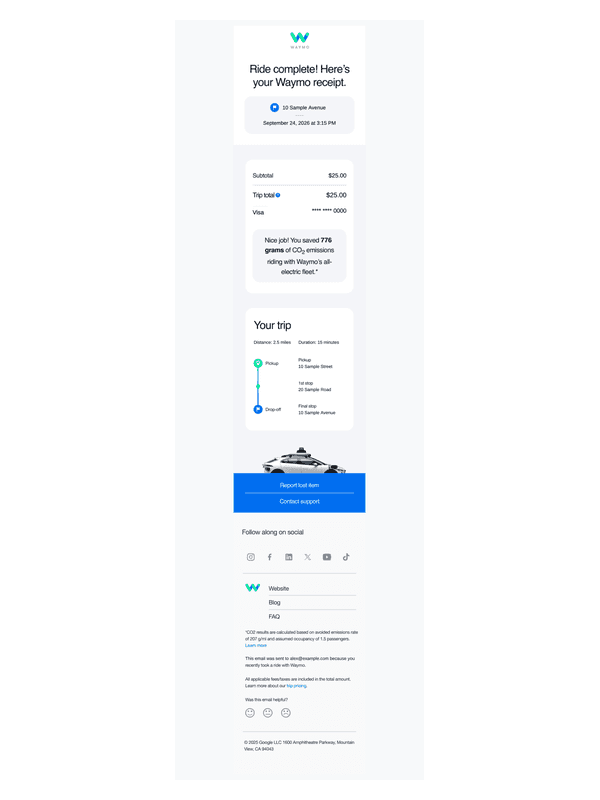
Choose by the kind of trip. For a single fare from your own taxi or transport business, the general taxi or transport form keeps it short and lets you add a payment reference. For an app ride, a rideshare layout such as Uber, Lyft or Grab has room for the route, times and fare breakdown. A metered taxi ride with extras suits zTrip. For a chauffeured booking, use Blacklane, Empire CLS or the limousine invoice. For a vehicle hire, pick a rental layout with agreement, odometer and fuel fields.
Taxi and car rental receipt templates compared
| Template | Layout | Fields to fill in | Best for |
|---|---|---|---|
| Taxi | Compact taxi payment record | Service name, date, final amount, payment method, reference and address | A quick record of one fare |
| Transport | Transport company receipt with separate tax | Company and service details, fare, tax, total, payment references, editable captions | Your own transport or shuttle business |
| zTrip | Taxi meter receipt | Vehicle, driver ID, start and end times, fare, airport fee, fuel surcharge, tip | Metered rides with extras and a tip |
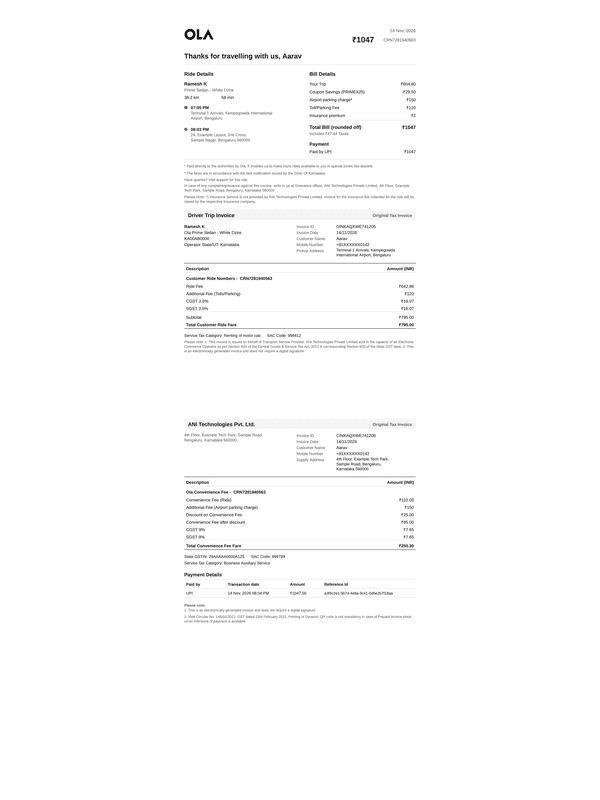
| Uber | Rideshare trip receipt with driver and vehicle | Pickup and drop-off times, addresses, distance, driver, vehicle, total and fees | App rides with a full trip summary |
| Lyft | Rideshare receipt with route, fare and tip | Pickup and drop-off addresses, trip times, distance, fare, tip, card payment | App rides where a tip was added |
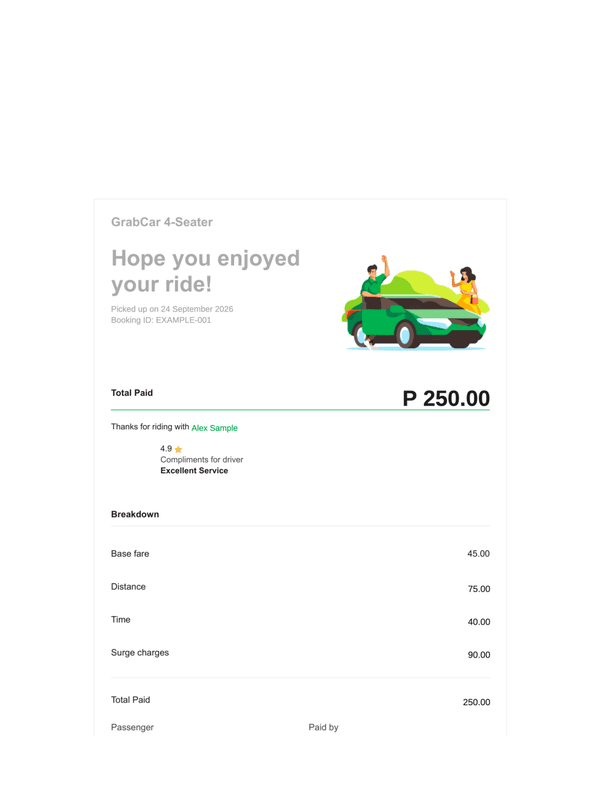
| Grab | Two-page ride e-receipt | Booking details, fare breakdown, passenger payment, points and trip locations | Rides booked in Southeast Asia |
| Blacklane | Chauffeur service invoice | Customer and booking numbers, ride description with class, net price, sales tax, total | Prebooked chauffeur rides needing a tax line |
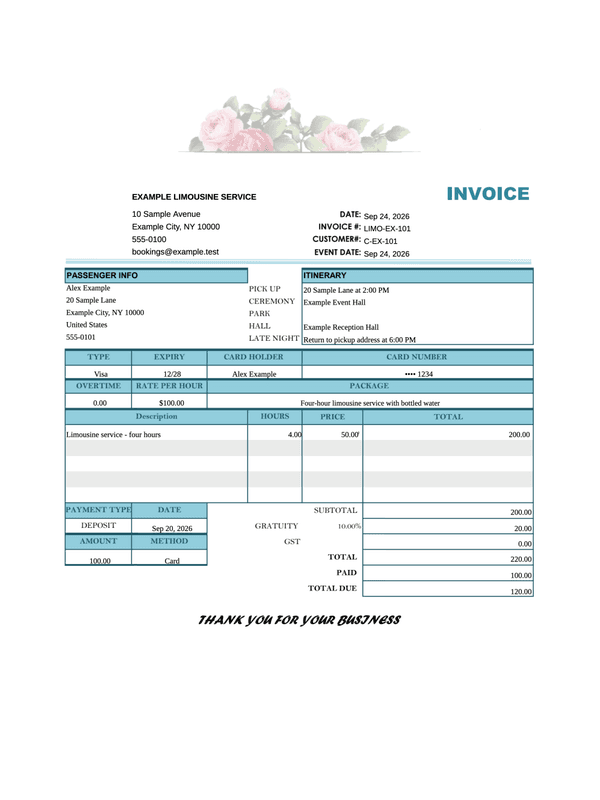
| Limousine | Limousine invoice with itinerary and deposit | Passenger details, itinerary stops, service hours, deposit, your logo | Hourly or multi-stop limousine bookings |
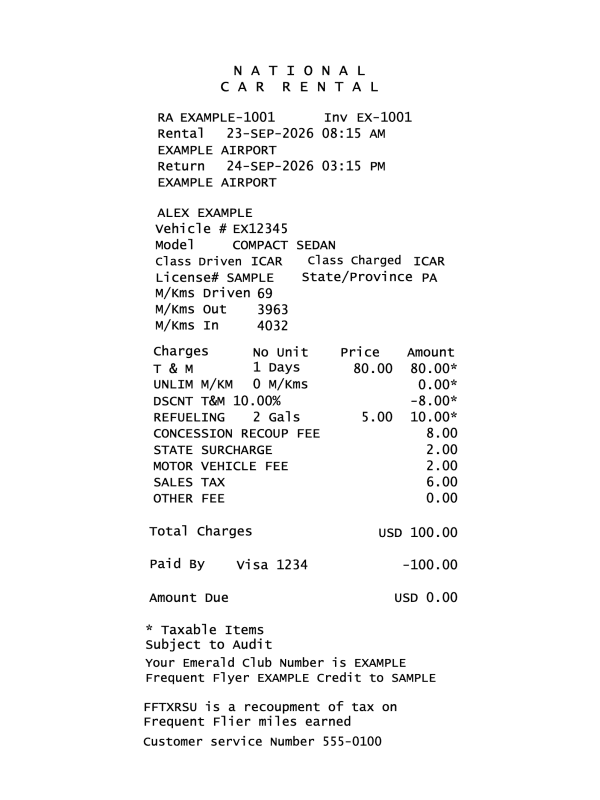
| Car Rental | General car rental receipt | Agency and renter details, vehicle information, rental dates, itemized charges, logo | Your own rental agency |
| Budget | Rental receipt with odometer readings | Agreement, pickup, return, odometer readings, rental and optional-service charges | Rentals where mileage needs recording |
Sources
Frequently asked questions
Questions about choosing and completing these receipts.
Where do I put tolls or an airport charge?
Can I retrieve a past Uber or Lyft receipt?
Does an entered distance calculate the fare?
Should the tip be on its own line?
Which layout fits a chauffeur or limousine booking?
What should a car rental receipt include?
Can I deduct a taxi ride to my regular office?
Looking for a different type of receipt?
Browse the full catalog for other stores, services and types of payment.