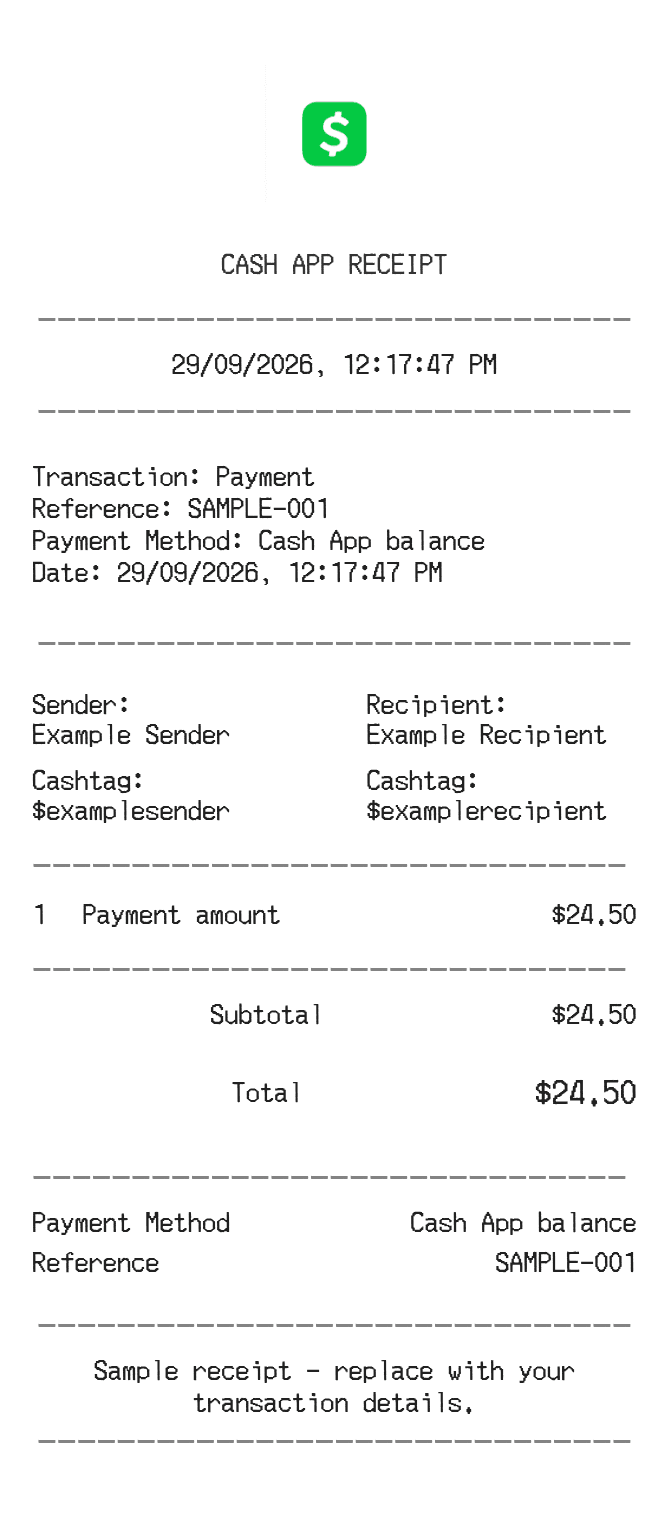
About the Cash App Receipt
Cash App receipts confirm peer-to-peer payments, direct deposits, and Cash Card purchases made through Square's mobile payment platform. Each transaction generates an in-app confirmation showing sender, recipient, amount, date, and a unique transaction ID. People recreate Cash App receipts to document personal transfers, resolve payment disputes, track business reimbursements, or provide proof of payment when the original screenshot is no longer accessible.
Cash App in Numbers
Cash App was launched in 2013 by Square (now Block, Inc.) and is headquartered in San Francisco, California. It has grown into one of the largest peer-to-peer payment apps in the US, with tens of millions of active users. The platform expanded over the years to include a debit card, stock and bitcoin investing, and direct deposit functionality.
What Is On a Cash App Receipt
| Section | Details |
|---|
| Section | Details |
| Transaction Header | Cash App logo and confirmation status (e.g., Payment Sent or Payment Received) |
| Amount | Dollar amount transferred, displayed prominently |
| Sender / Recipient | Display name and $Cashtag of the person sending or receiving |
| Date and Time | Timestamp of when the transaction was completed |
| Transaction ID | Unique alphanumeric identifier used to reference or dispute the payment |
| Note | Optional memo or payment note attached by the sender |
| Payment Method | Source of funds: Cash App balance, linked bank account, or Cash Card |
| Footer | Support contact information and Block, Inc. legal entity reference |
Using a Cash App Receipt
- Cash App payments to other individuals are generally instant and non-reversible once accepted; a receipt alone does not guarantee a refund.
- If a payment was sent in error, you can request a refund directly from the recipient through the app; Cash App support can assist if fraud is involved.
- The transaction ID on the receipt is the key reference number when contacting Cash App support about a disputed or missing payment.
- For Cash Card purchases at merchants, dispute unauthorized charges through the app under the Card Activity section, using the receipt details as supporting documentation.
FAQs
How do I find a Cash App transaction receipt in the app?
Open Cash App, tap the Activity tab (clock icon), and select the transaction. You can screenshot the confirmation screen, which shows the amount, parties, date, and transaction ID.
What is the transaction ID on a Cash App receipt used for?
The transaction ID is a unique reference number Cash App support uses to locate and verify a specific payment. Always include it when reporting a problem or disputing a transfer.
Can Cash App email me a receipt for a transaction?
Cash App does not automatically email receipts, but it sends push notifications for each transaction. Your full activity history is always accessible in the app under the Activity tab.
What details should a recreated Cash App receipt include to look accurate?
A realistic Cash App receipt should show the payment status, dollar amount, sender and recipient Cashtags, date and time, a transaction ID, and any note attached to the payment.
Related Templates