💼 Professional Services Receipt Templates
Find receipts for professional and creative work, including legal services, photography, bookkeeping and consulting. Choose a layout that identifies the client, project, work performed and payment.
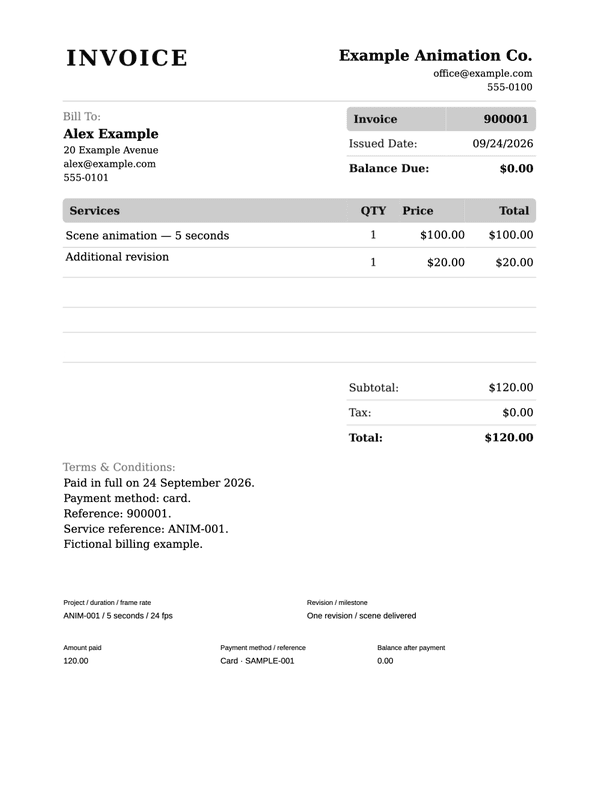
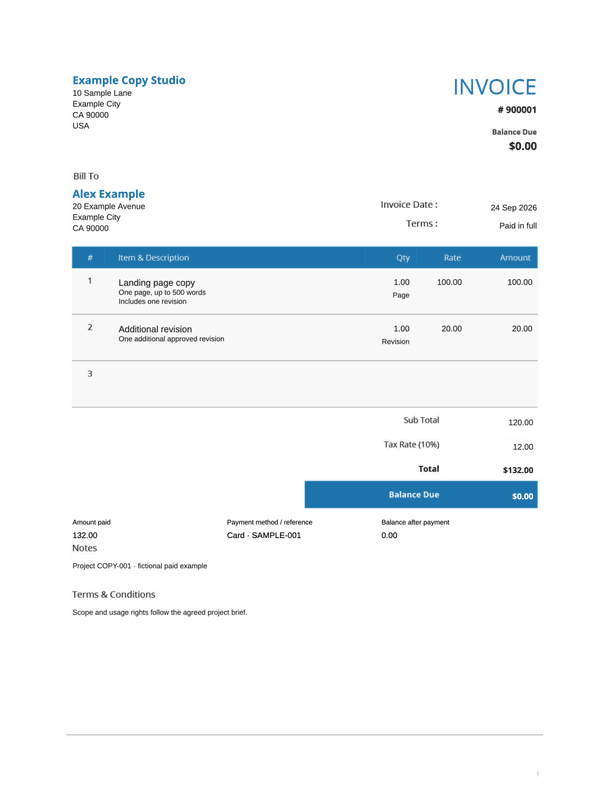
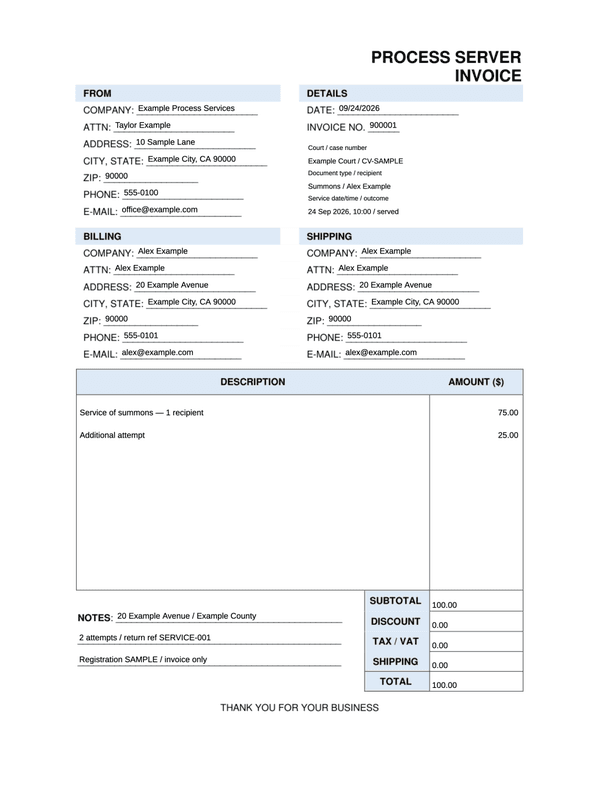
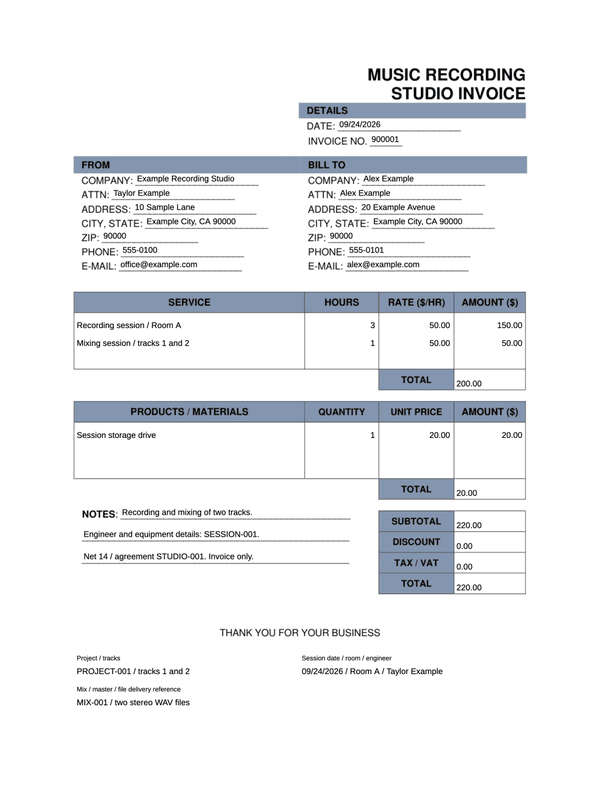
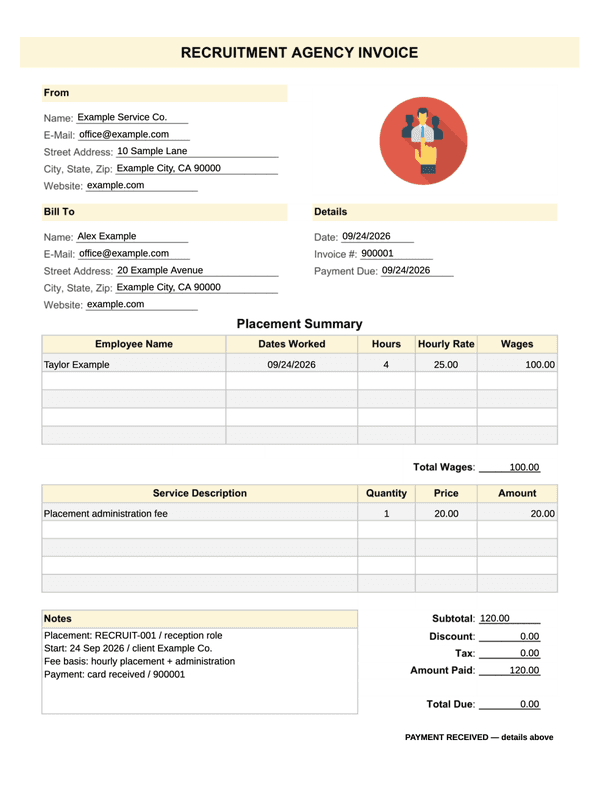
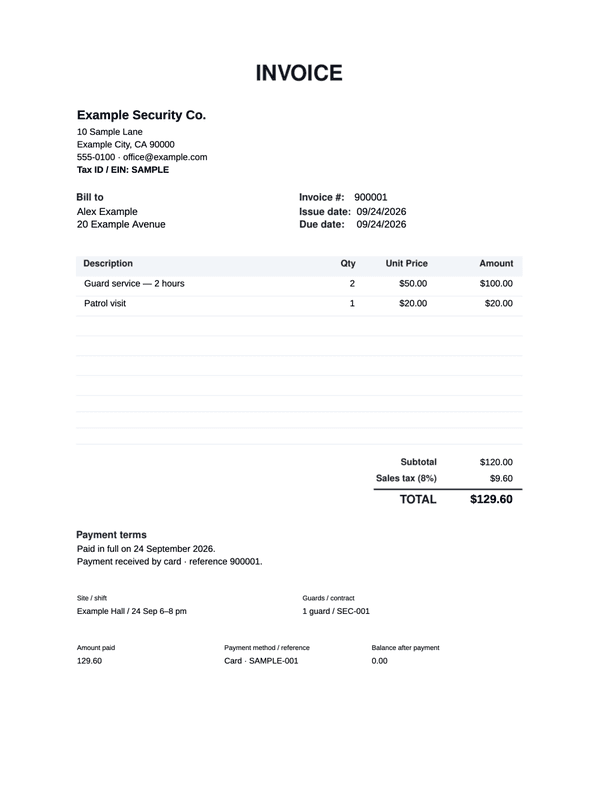
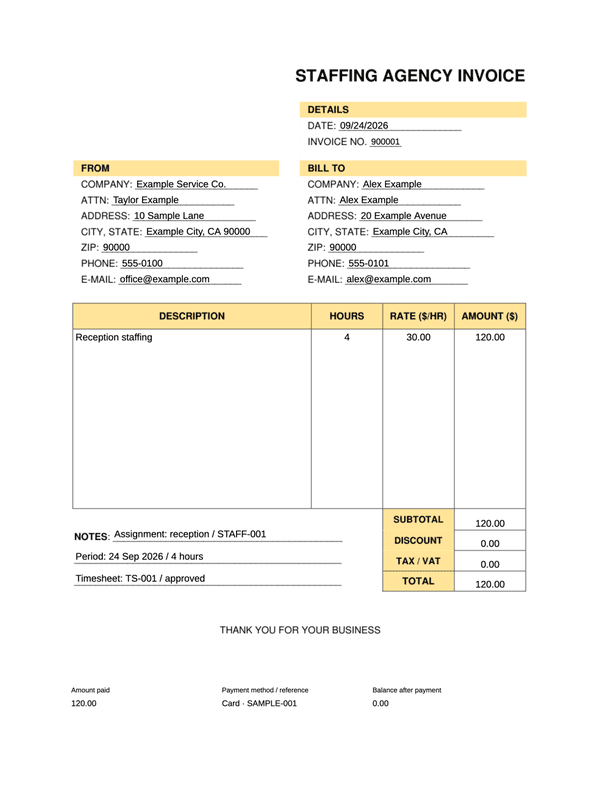
Match the receipt to the work performed
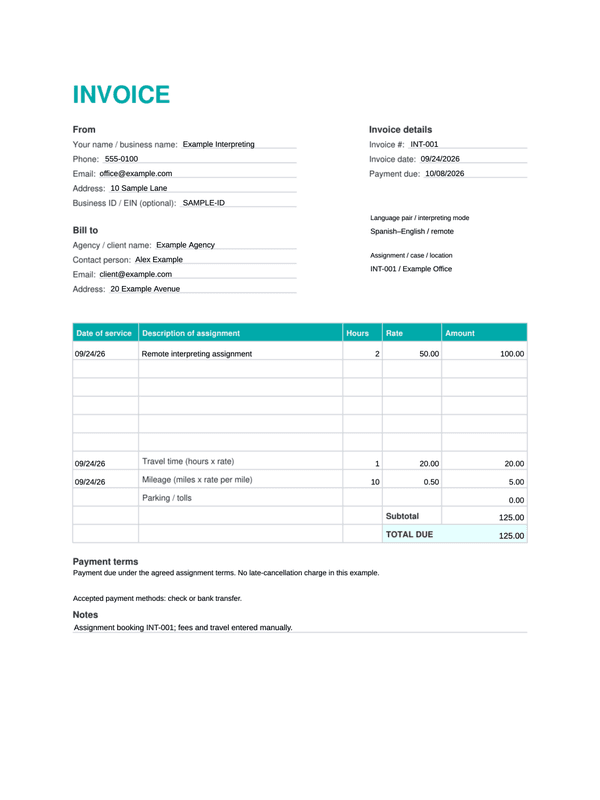
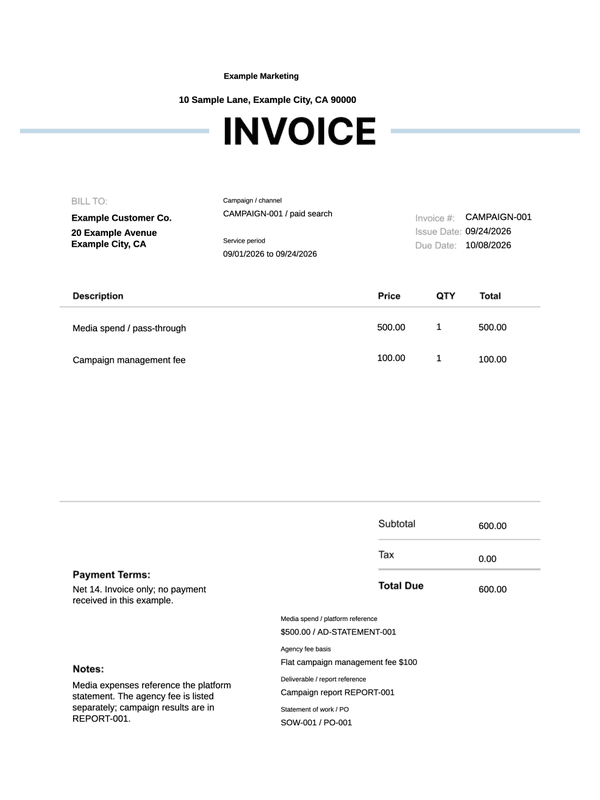
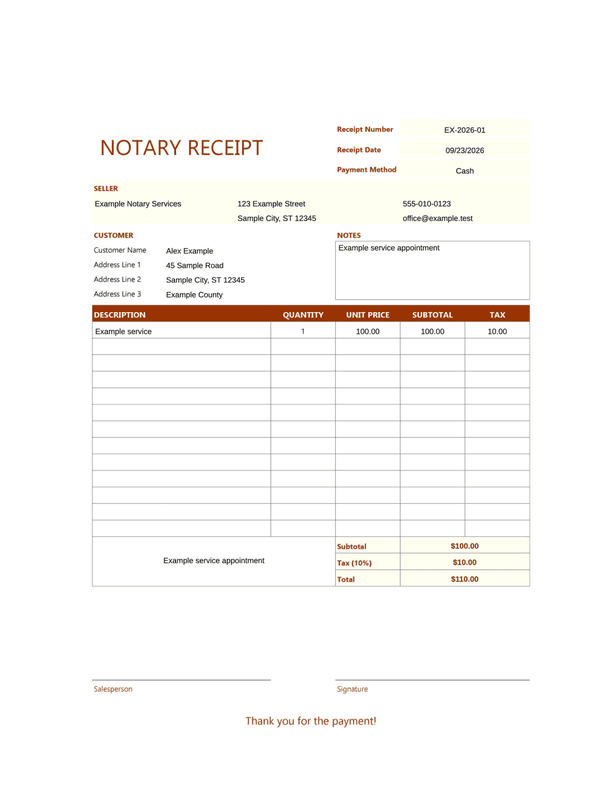
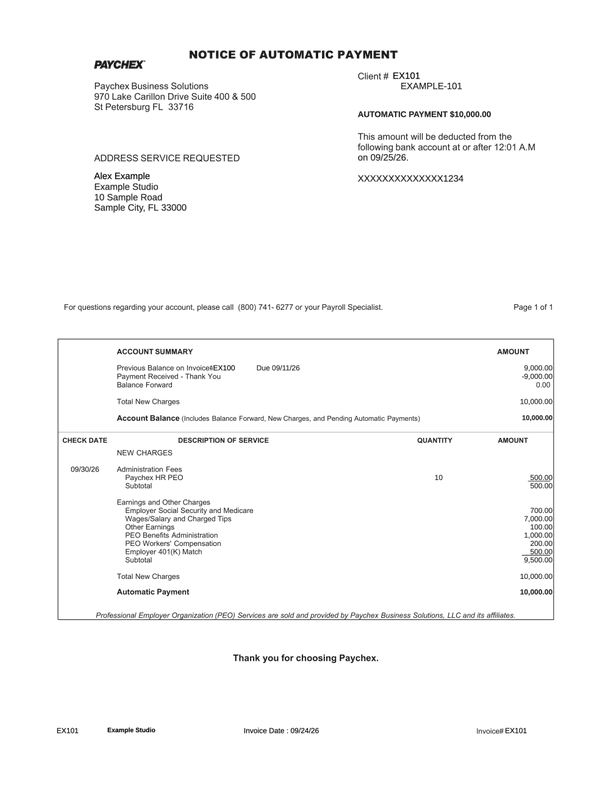
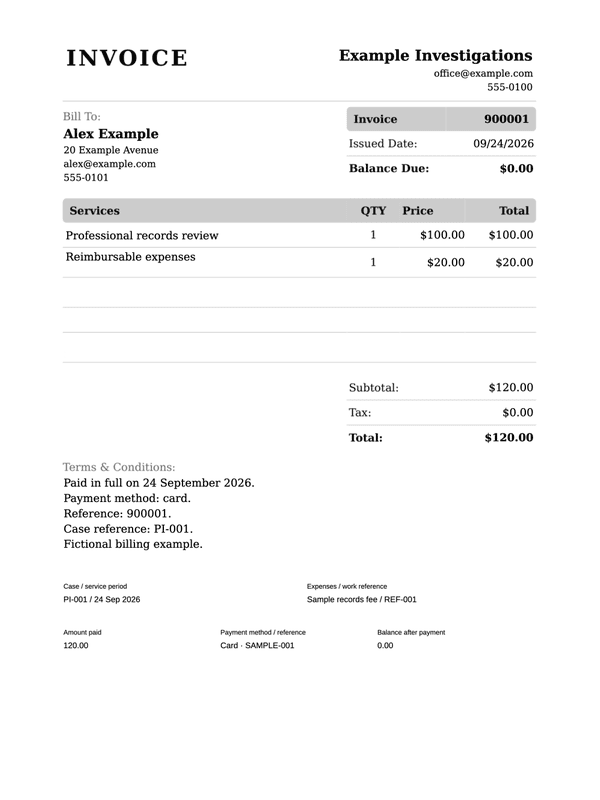
Choose the service and the payment arrangement before entering amounts. Project fees, hours, reimbursed expenses and a remaining balance describe different parts of a professional service.
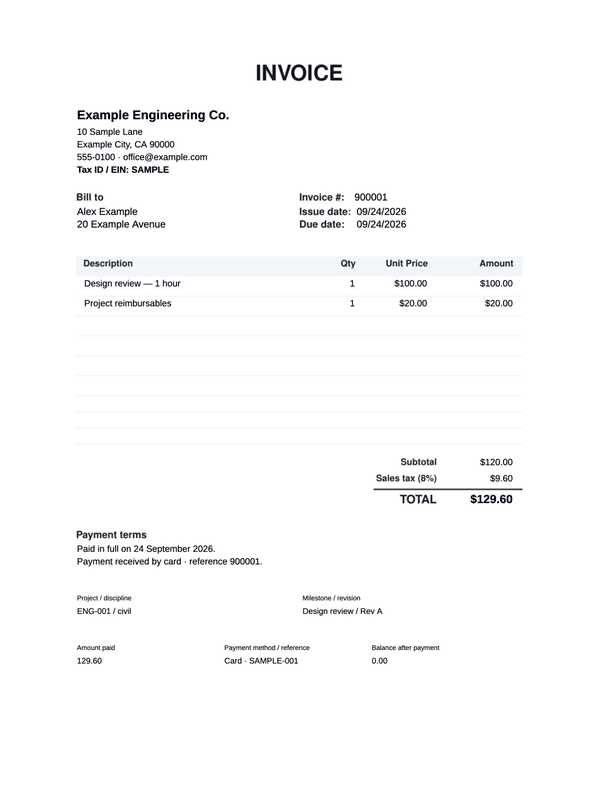
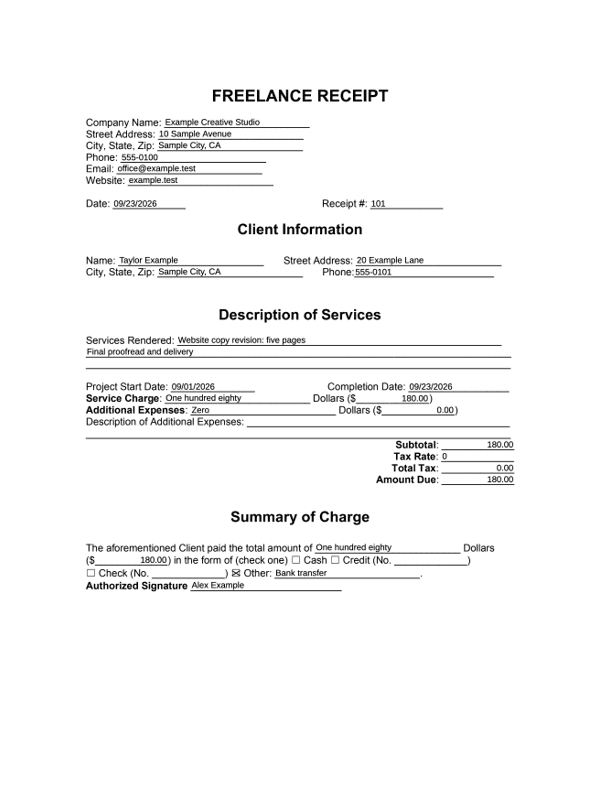
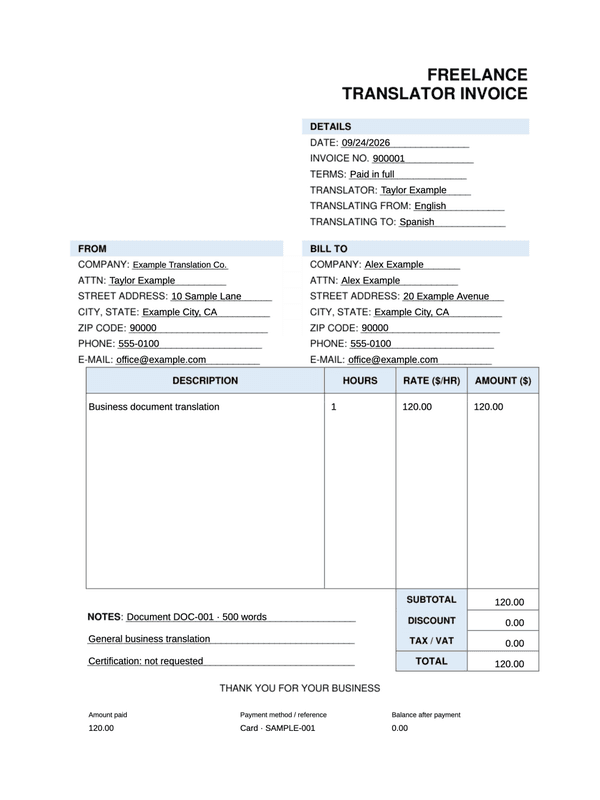
- Freelance project receipt
Record the client, project dates, services, expenses and payment method for a completed freelance payment.
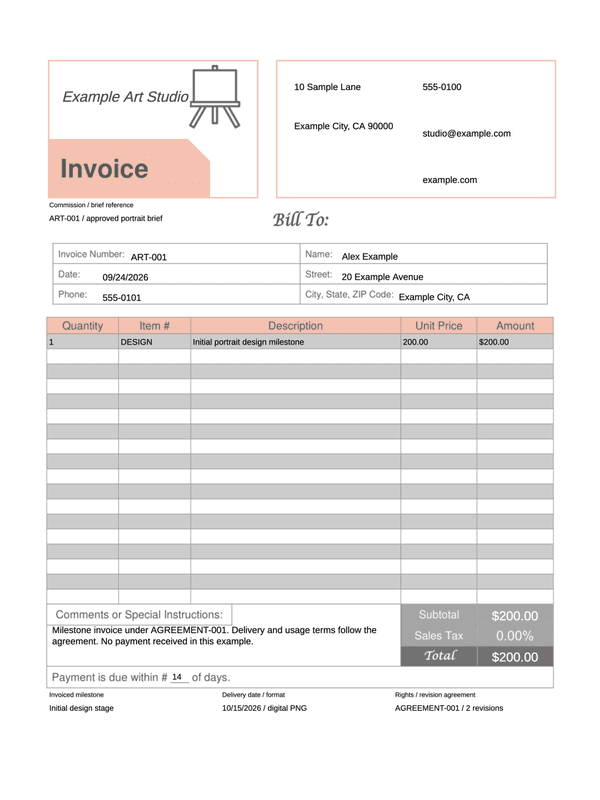
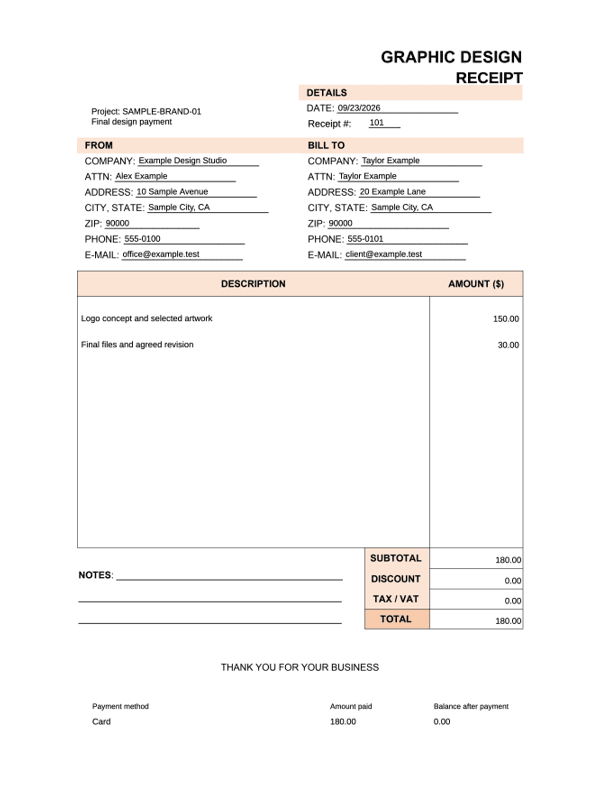
- Graphic design invoice
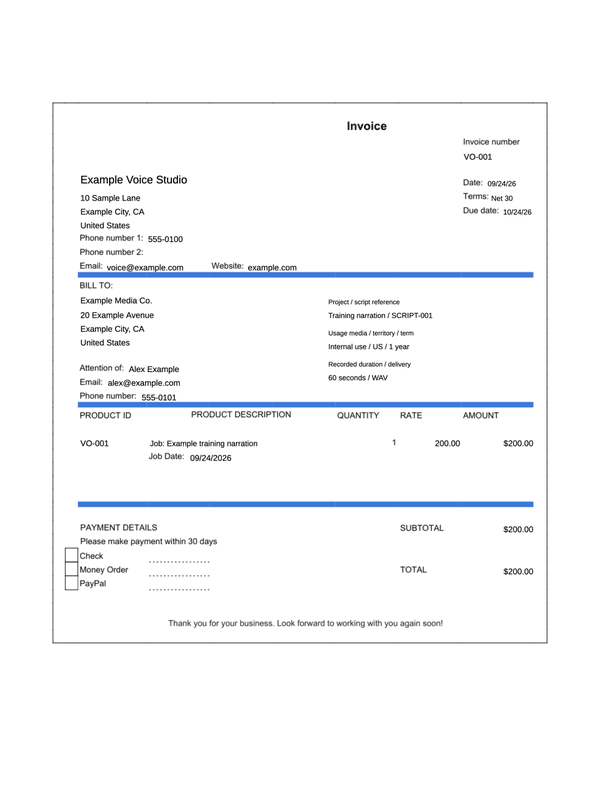
Describe the project or deliverables, include revision notes, and keep discounts, tax and payment details together.
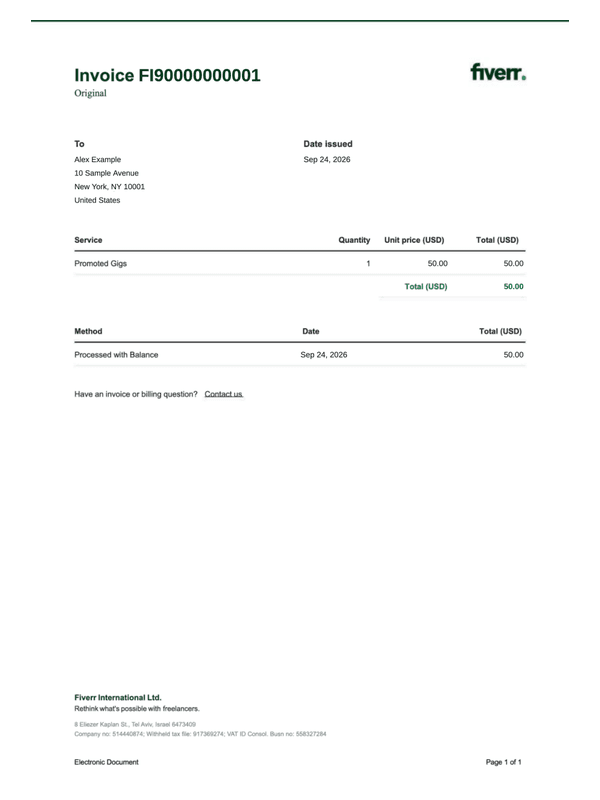
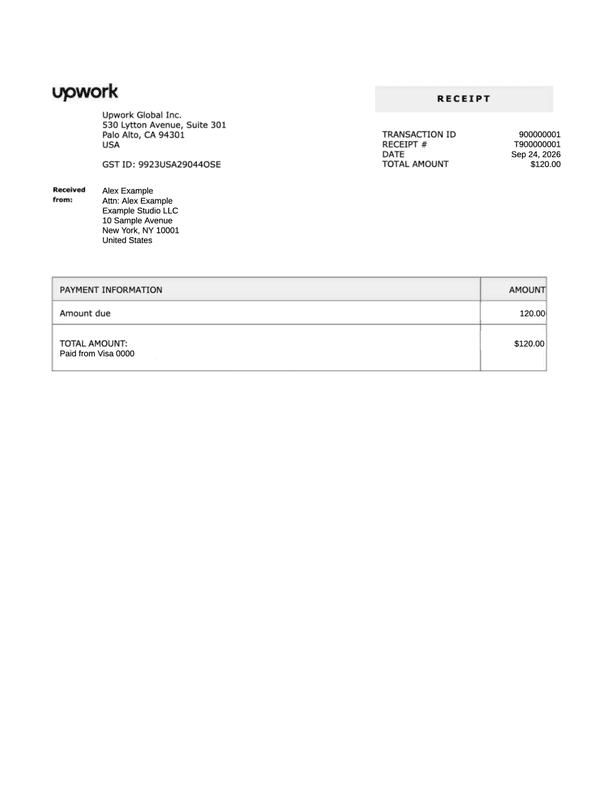
- Upwork payment receipt
Keep the platform transaction and receipt references with the received-from address, amount and payment method.
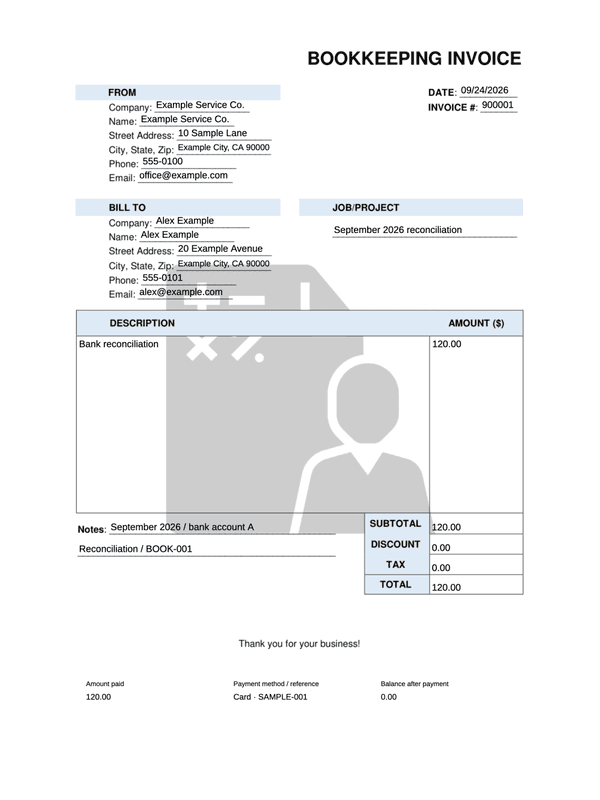
- Bookkeeping invoice
Identify the client, reporting period and bookkeeping work, then record service charges, payment and the remaining balance.
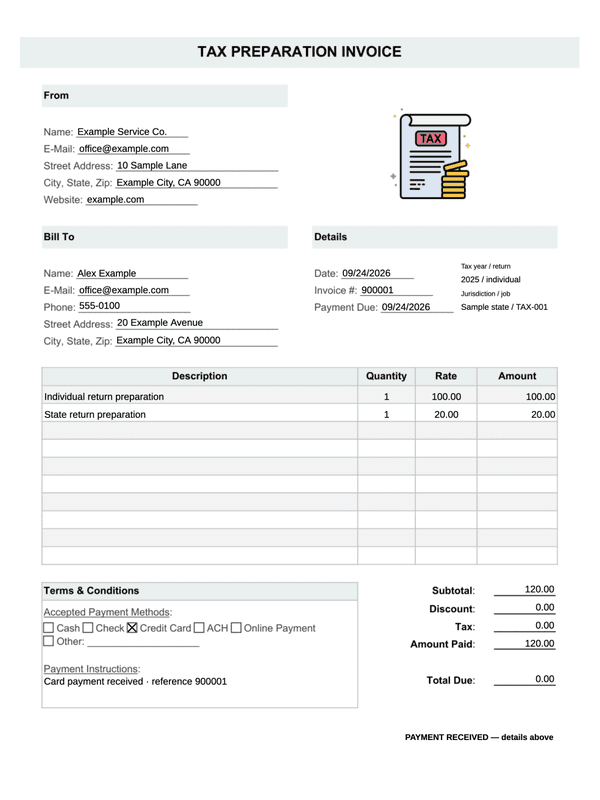
- Tax preparation service invoice
Identify the tax year, return type and preparation work. This records the service fee and its payment, separately from any tax payment.
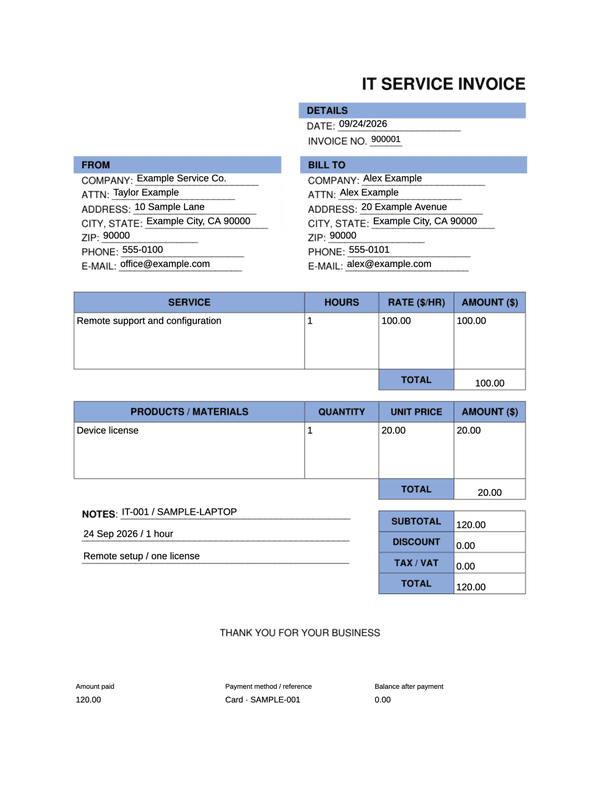
- IT support invoice
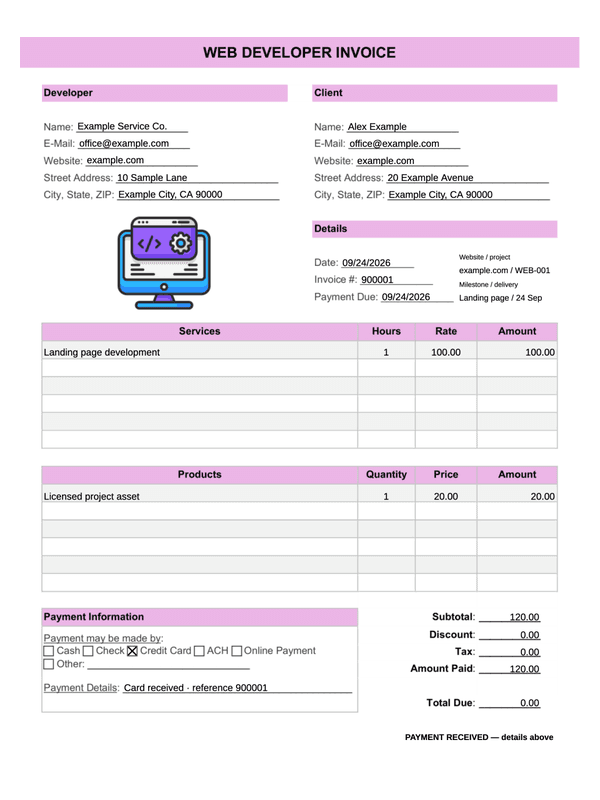
Separate support hours from supplied parts or licenses, and identify the support ticket, service period and payment received.
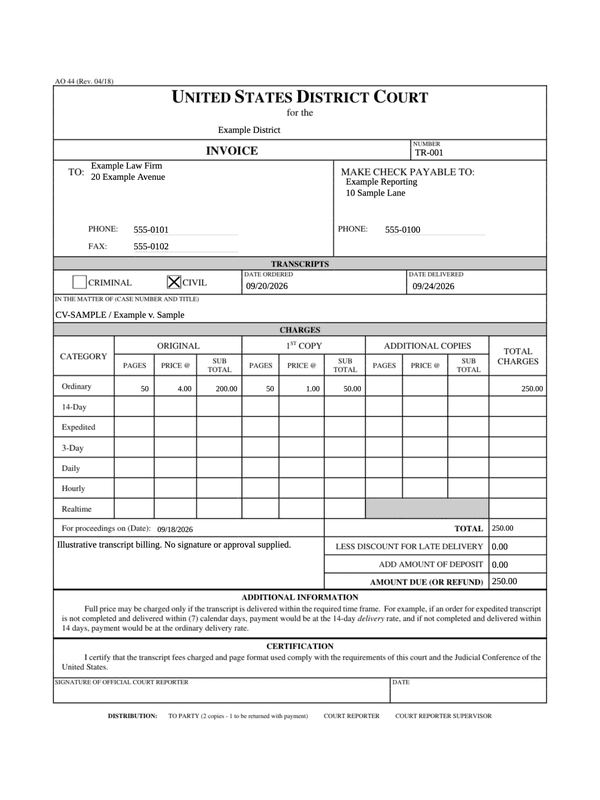
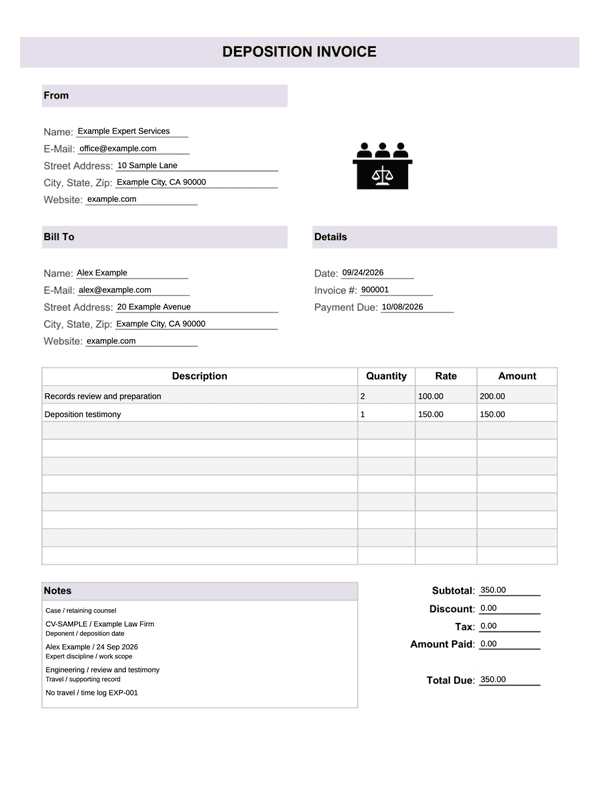
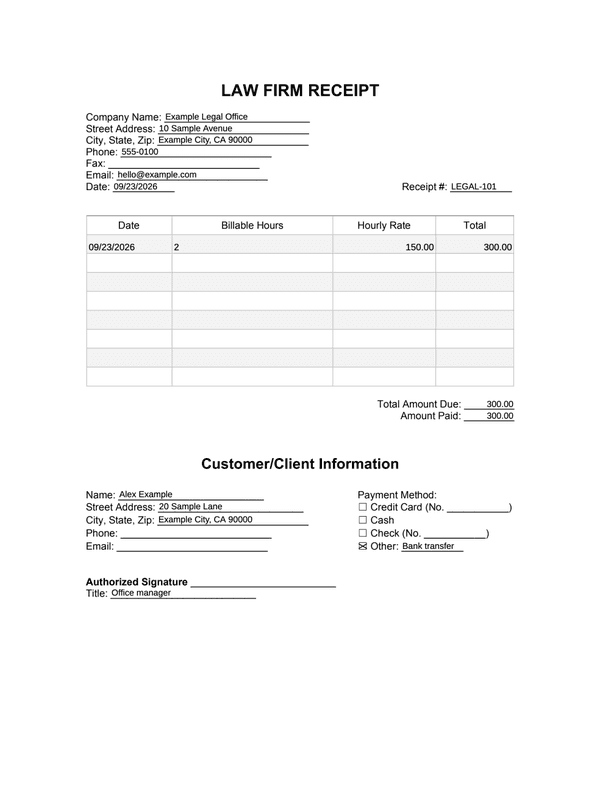
- Legal services
Use dated rows for billable hours and hourly rates, with client details, payment-method choices and an acknowledgment line.
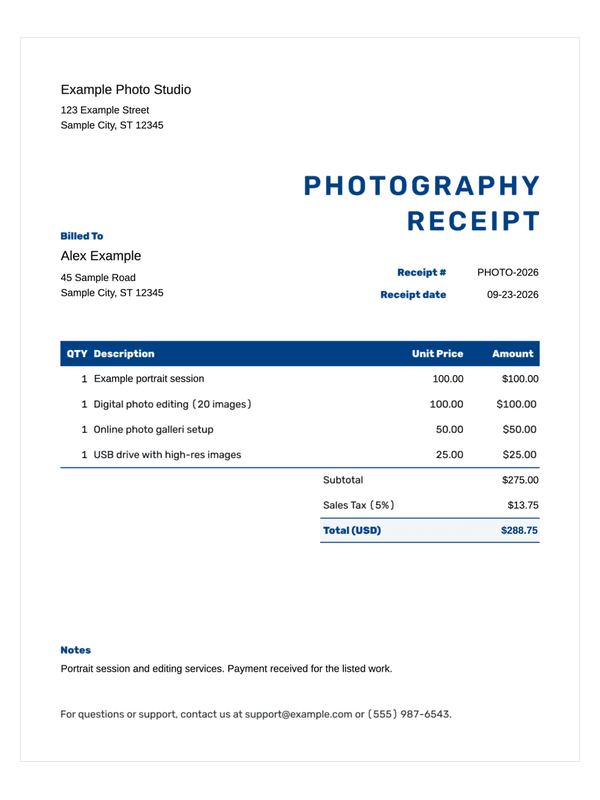
- Photography
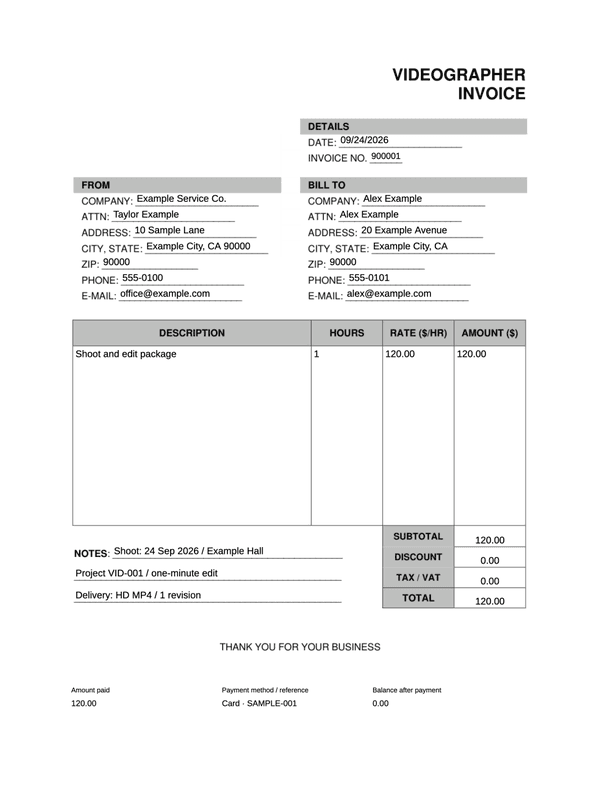
List a photography session, editing work or image products in four item rows. Check the manually entered quantities, unit prices, tax and total.
Before you download
- Describe the work clearly enough to distinguish one project or service period from another.
- Check whether each amount is a rate, a complete charge, an amount paid or a balance. Include expenses only when they belong to the recorded agreement.
Frequently asked questions
Questions about choosing and completing these receipts.
Looking for a different type of receipt?
Browse the full catalog for other stores, services and types of payment.