📝Editor
👁️Live Preview
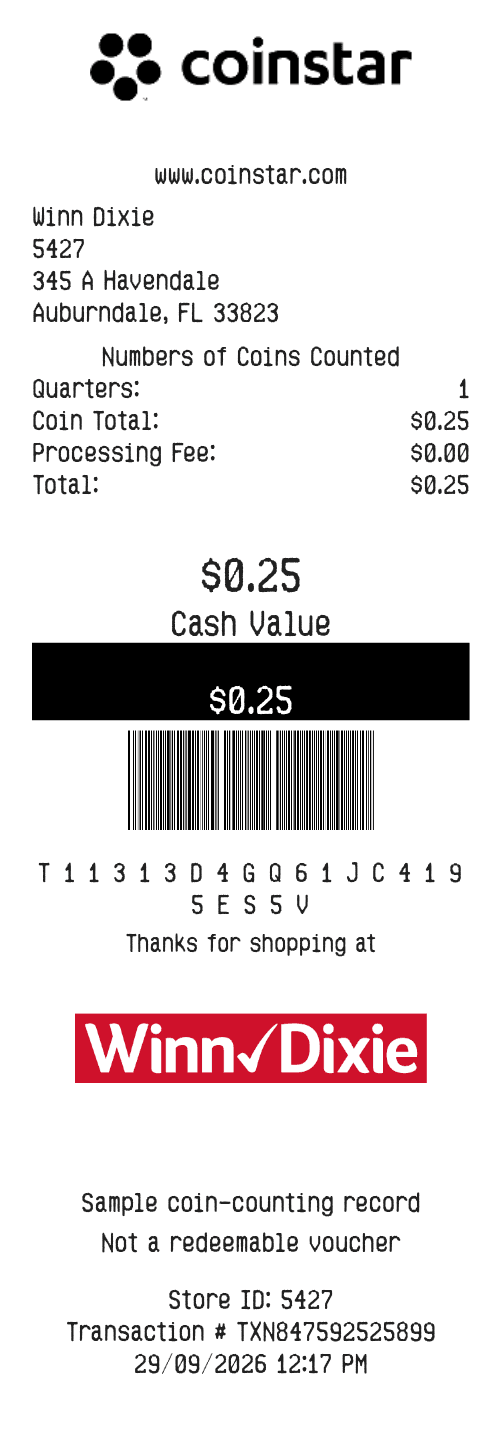
Enter coin counts by denomination, add the processing fee and review the calculated amount. Customize the store details and save the receipt layout.
This Coinstar-style layout starts with coin denominations and counts, rather than a list of purchases. It adds their value and deducts the processing fee you enter. Use it for a coin-counting record or sample layout; a downloaded document from this editor is not a redeemable Coinstar cash voucher or gift-card code.
| Section | Details |
|---|---|
| Coins | Dollars, half dollars, quarters, dimes, nickels and pennies |
| Counts | A whole-number count for each selected denomination |
| Fee | A processing-fee amount deducted from the coin total |
| Location | Store name, number and address |
| References | Transaction and barcode text plus an editable message |