💻 Software & Subscriptions Receipt Templates
Browse receipts and invoices for software, cloud services, digital purchases and subscriptions. Compare the billing period, plan, transaction reference and tax fields before choosing a layout.
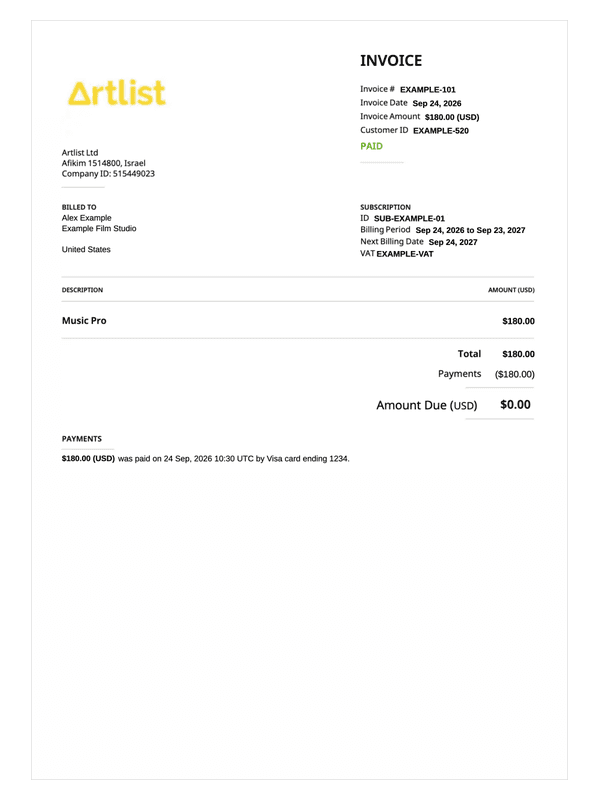
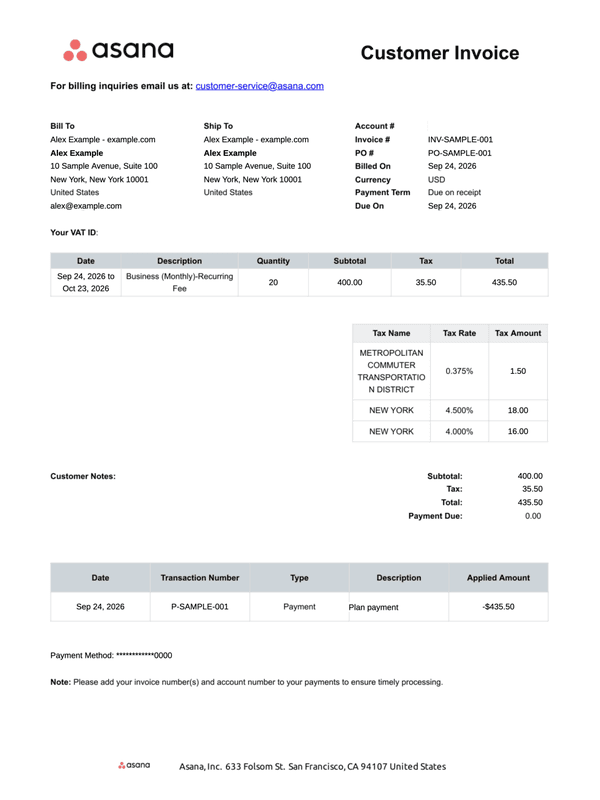
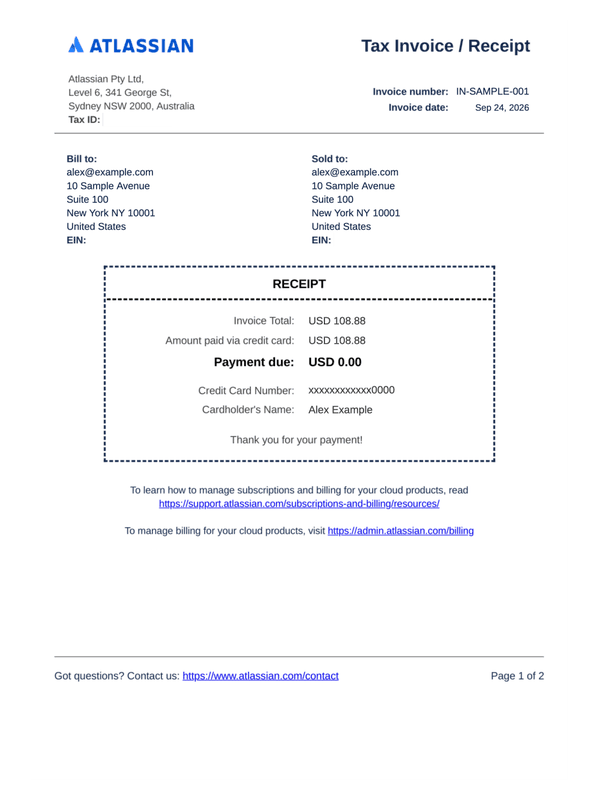
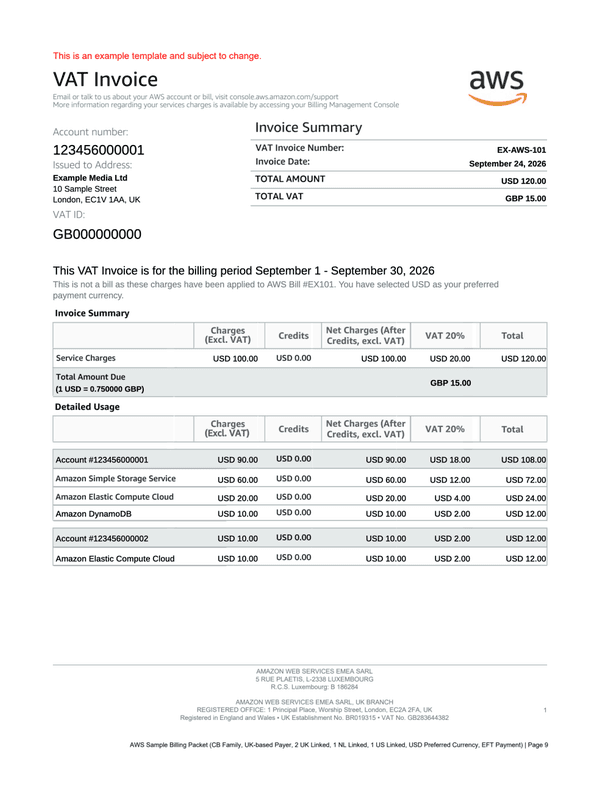
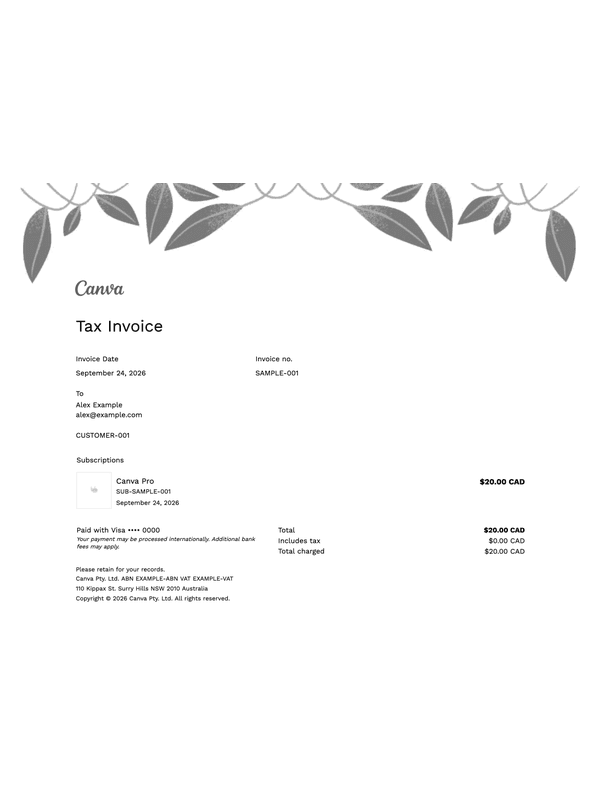
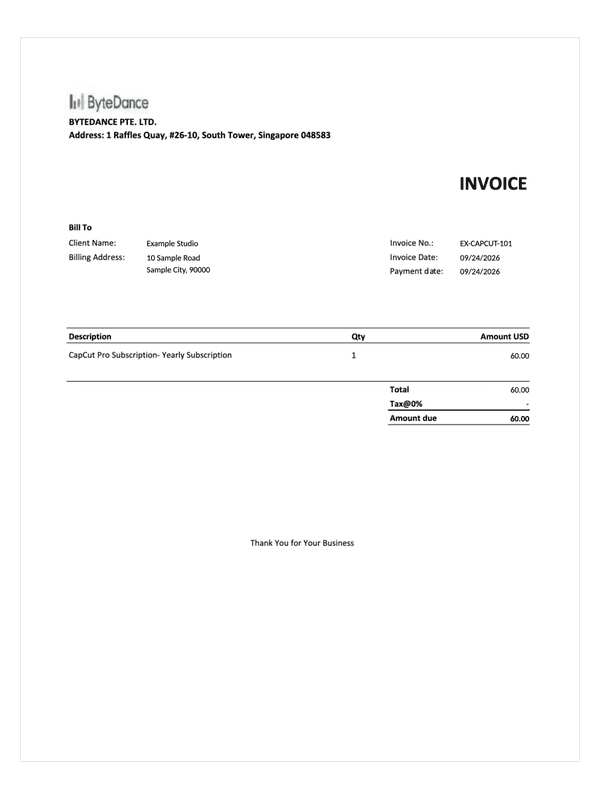
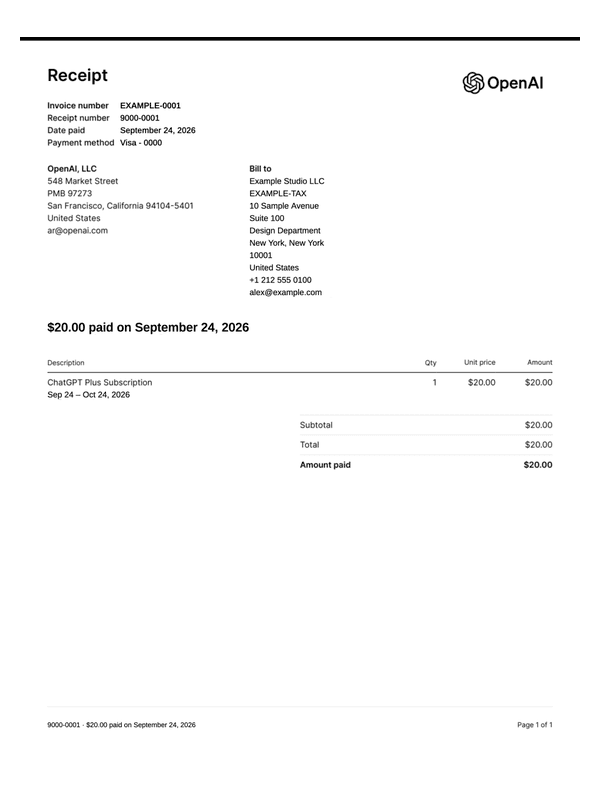
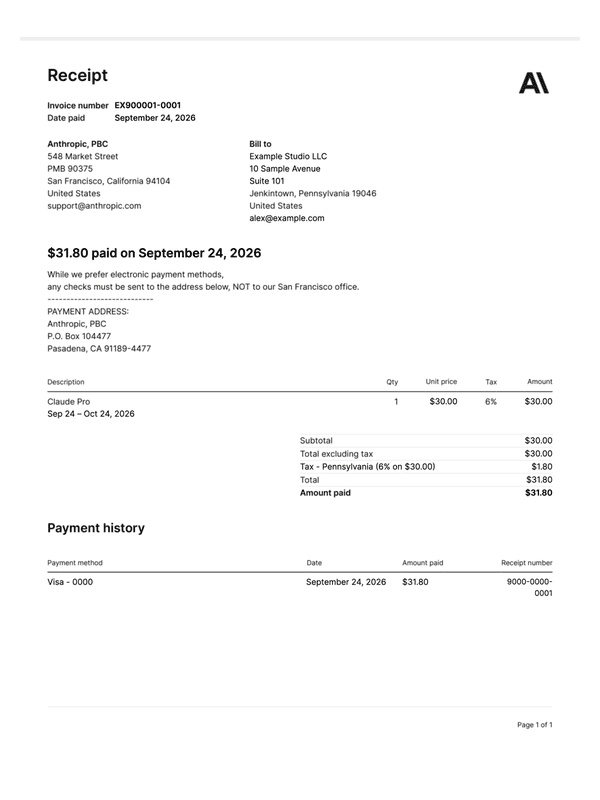
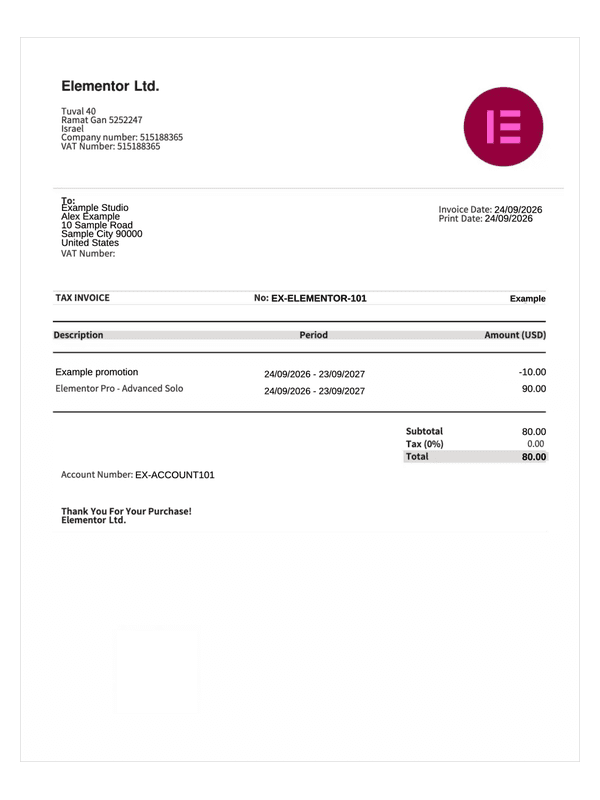
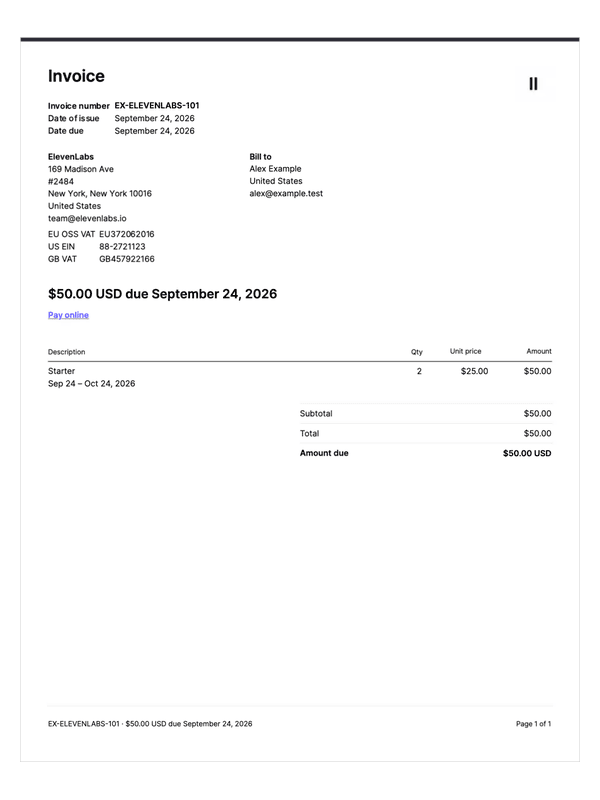
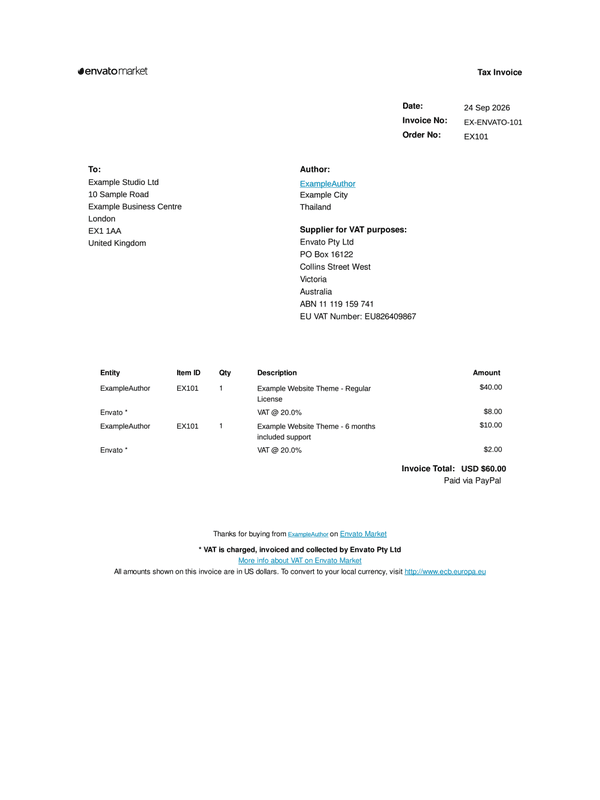
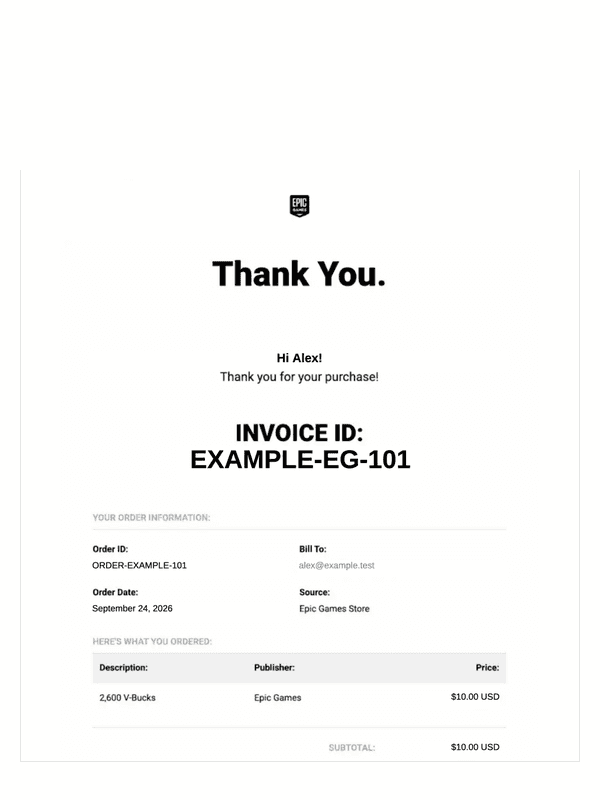
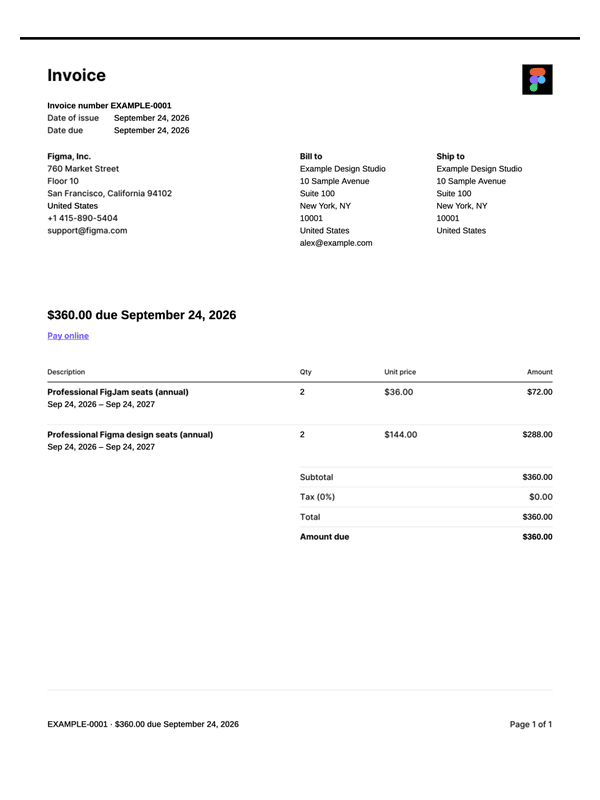
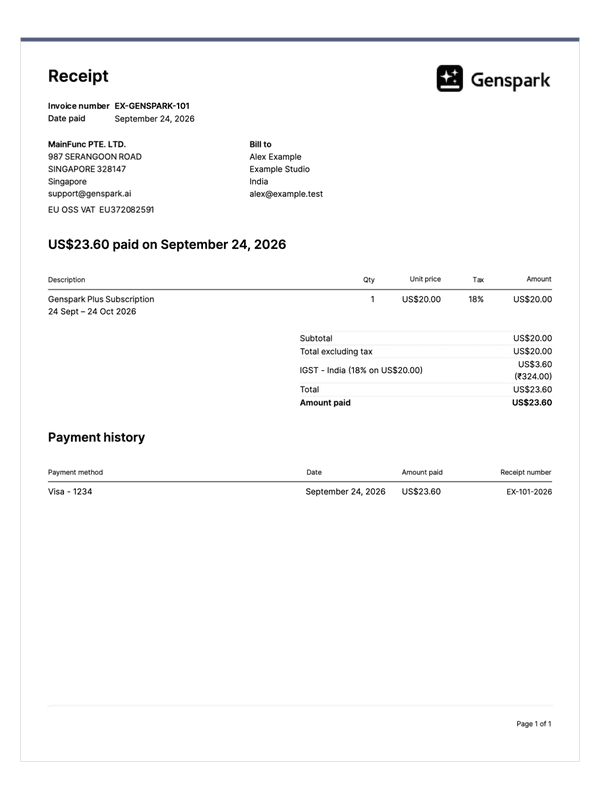
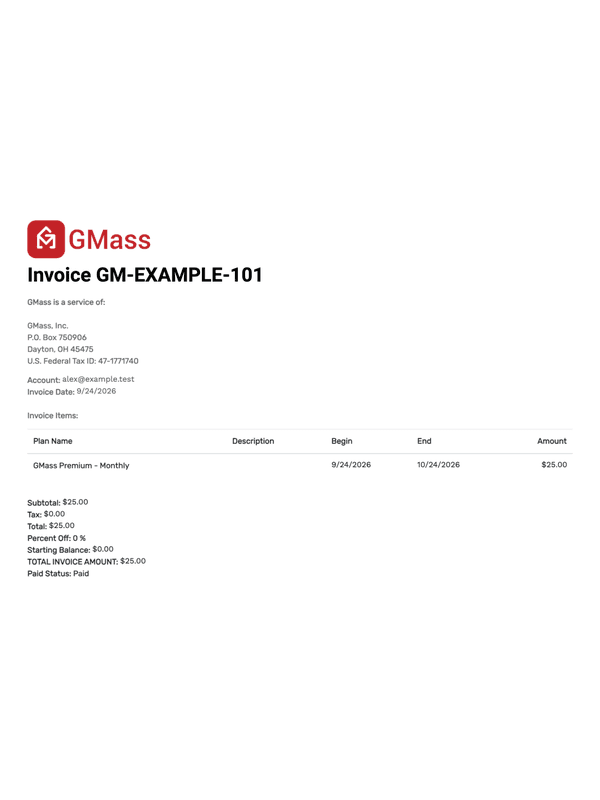
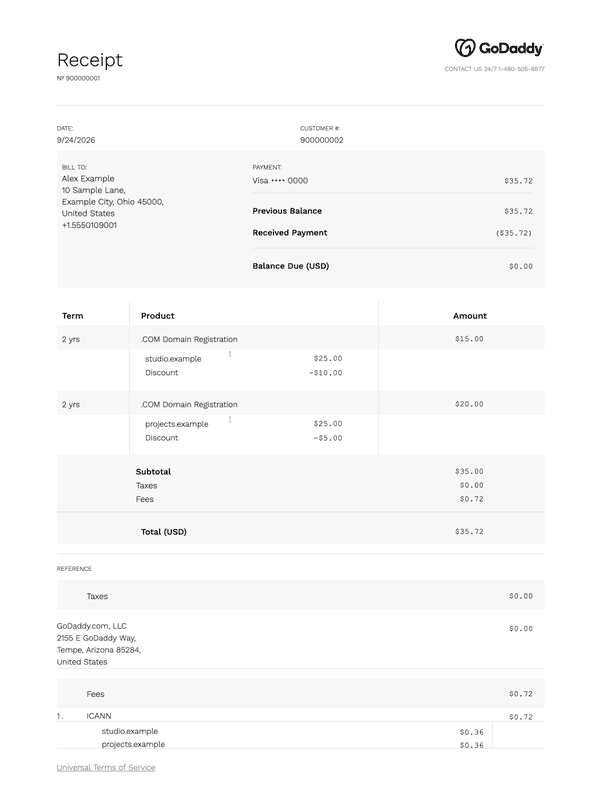
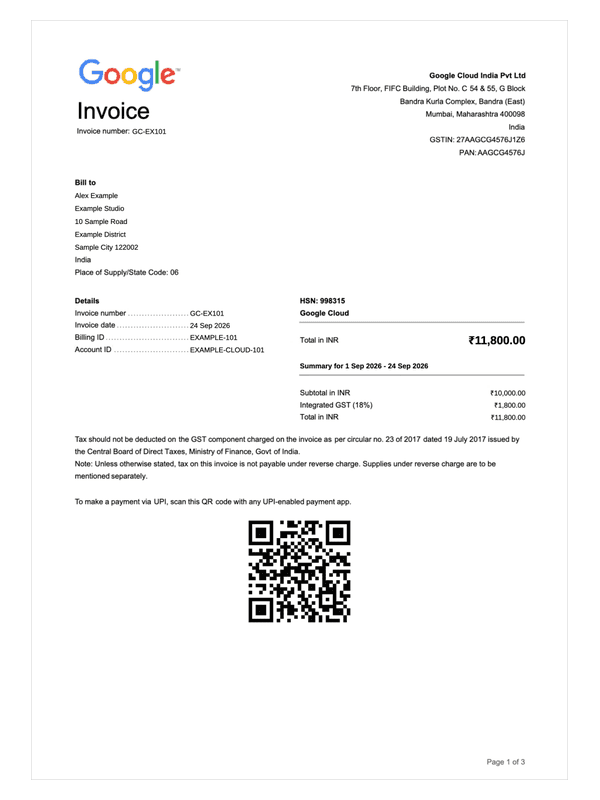
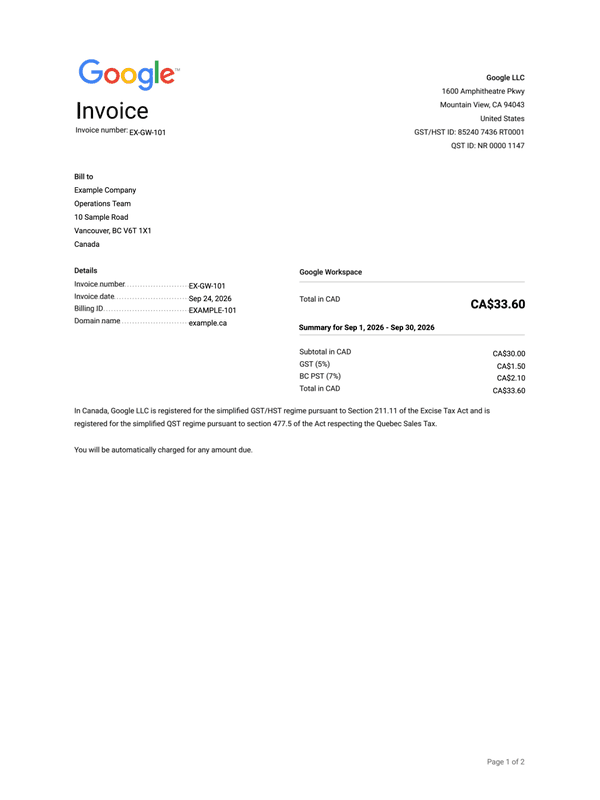
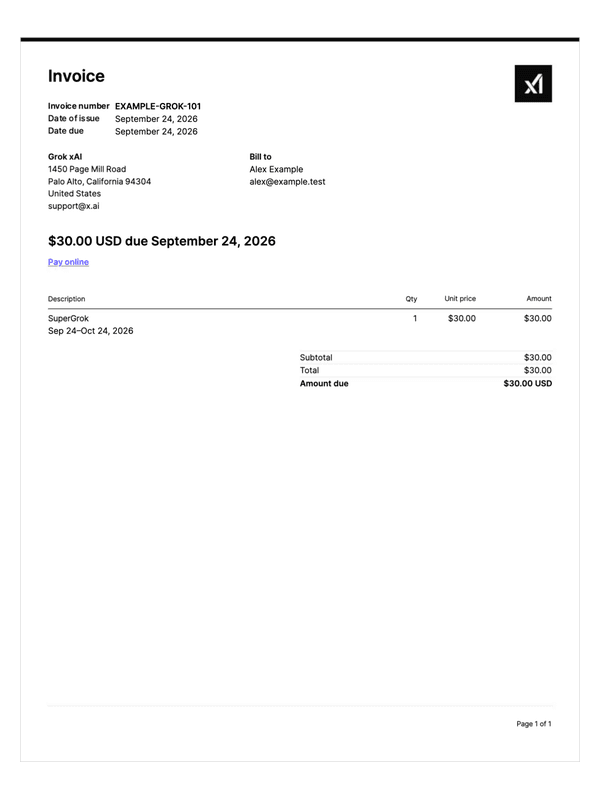
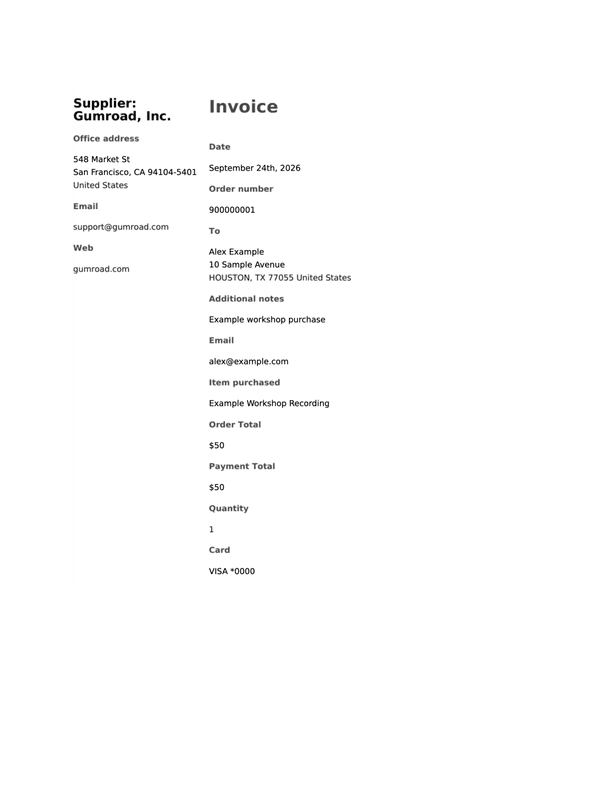
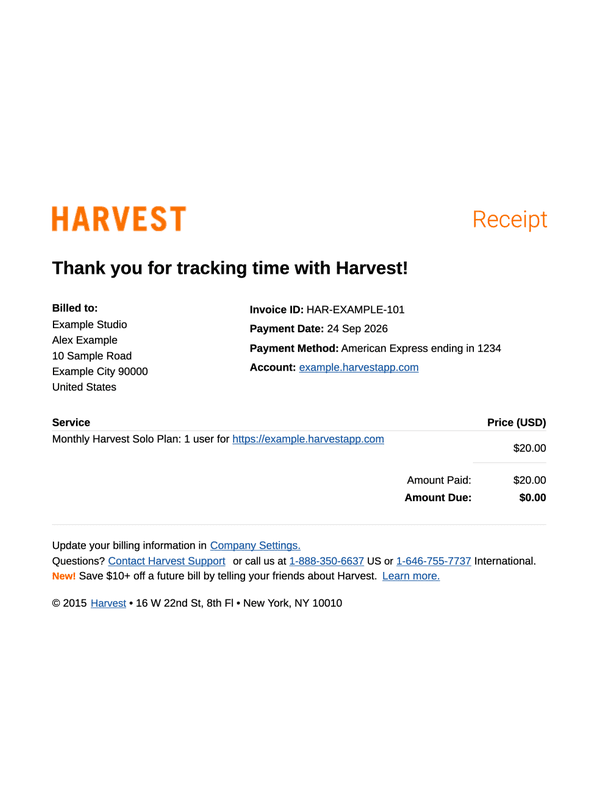
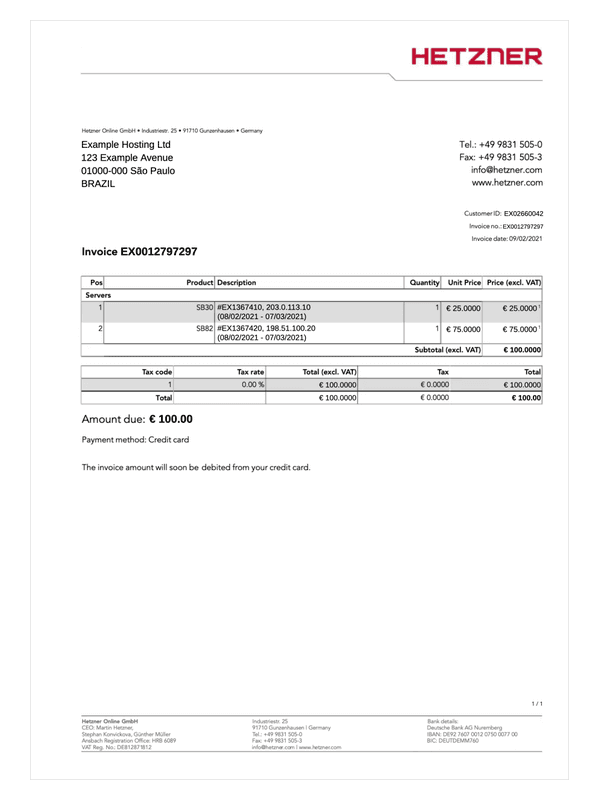
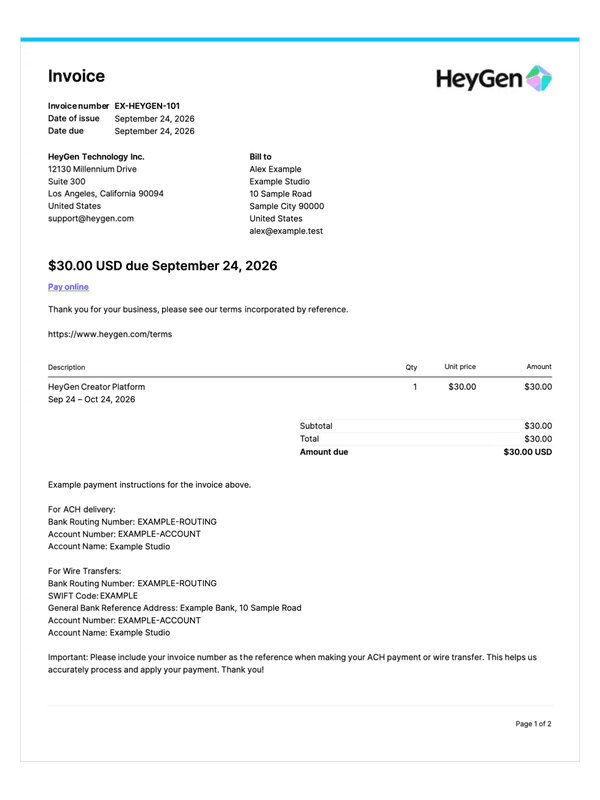
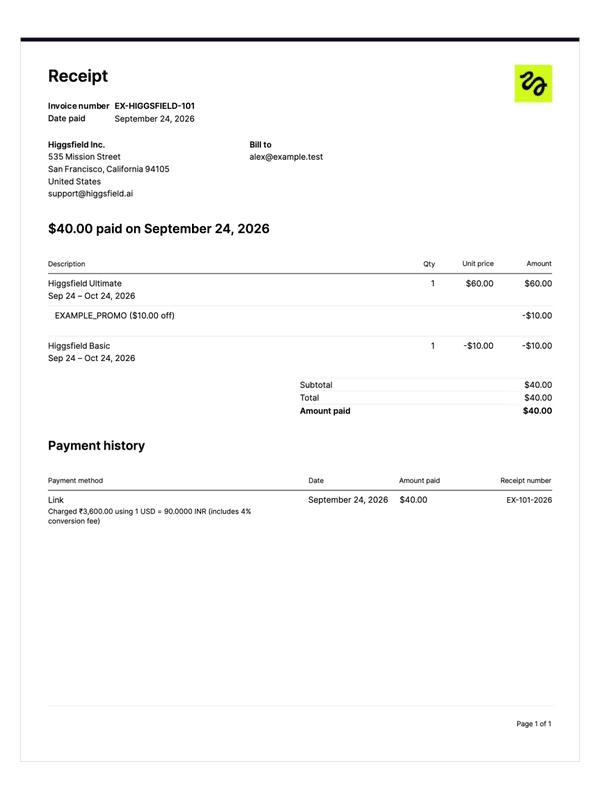
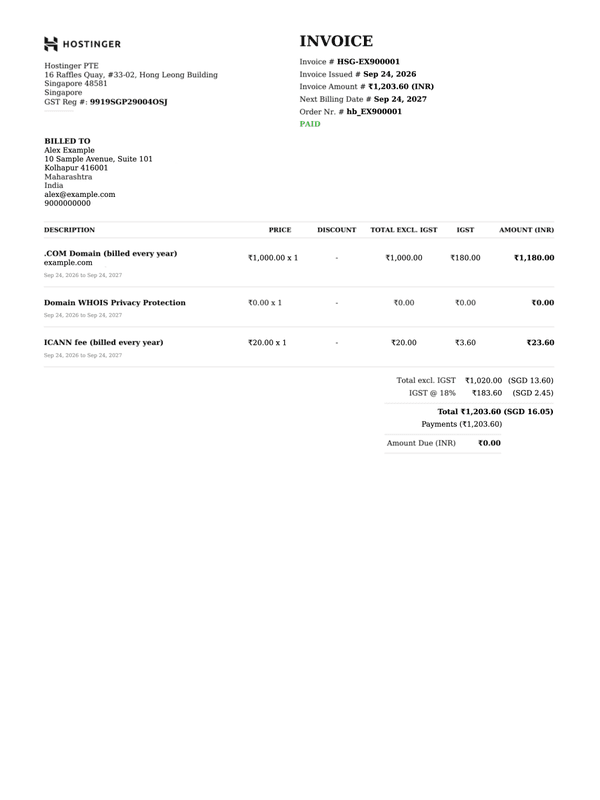
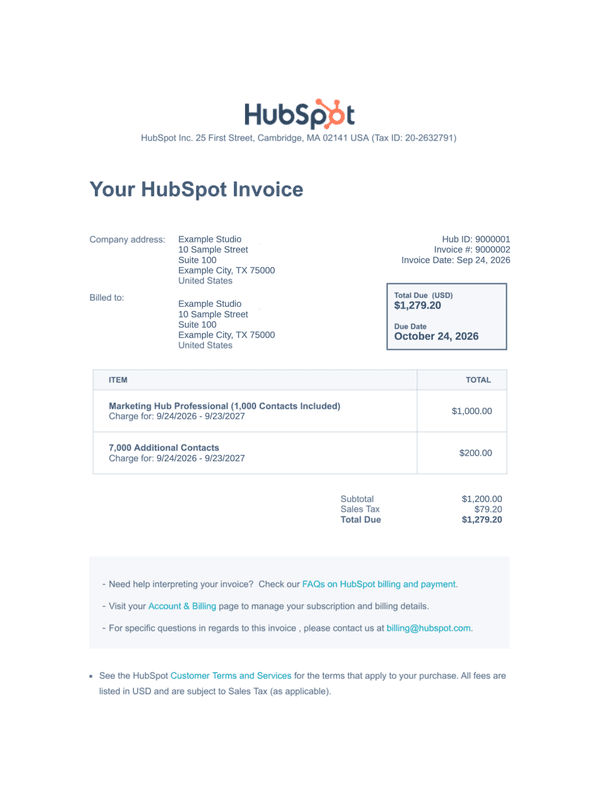
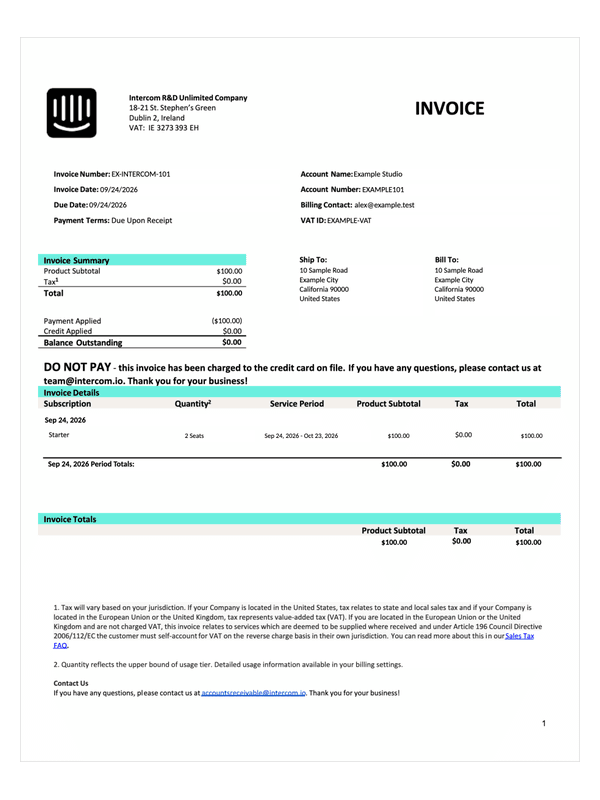
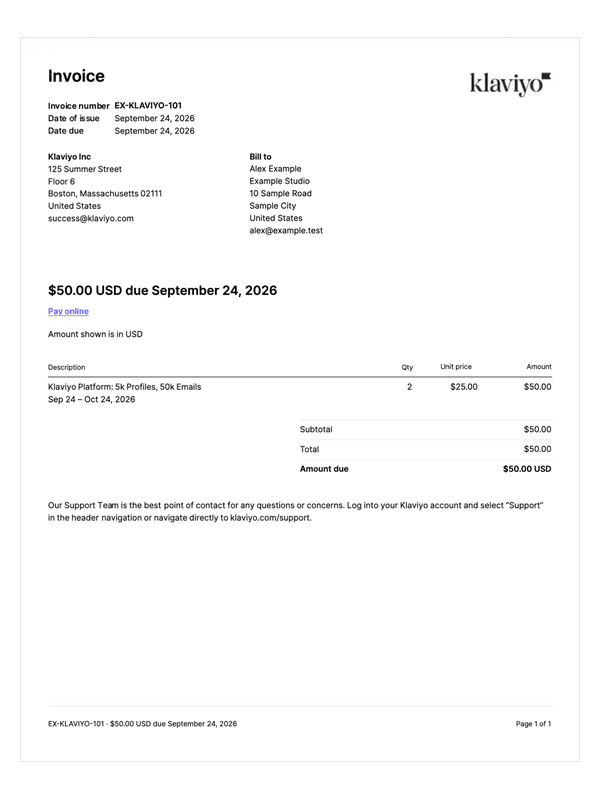
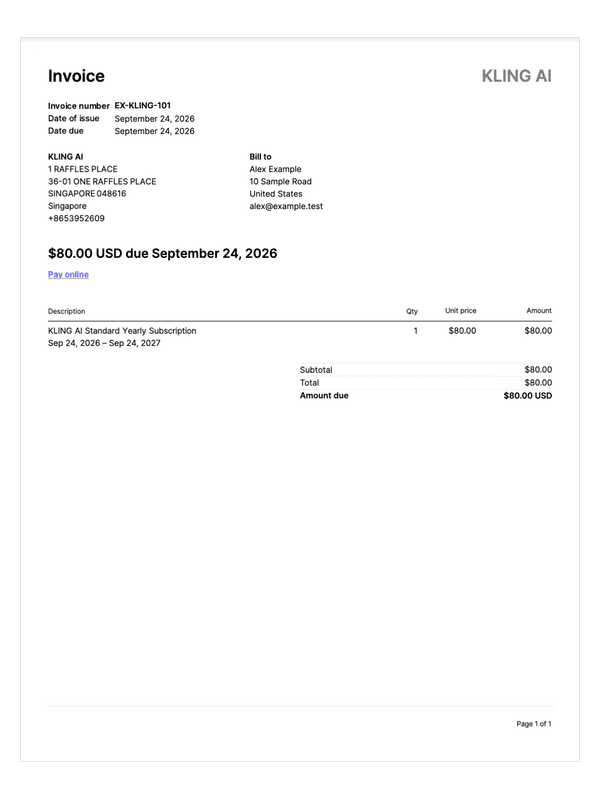
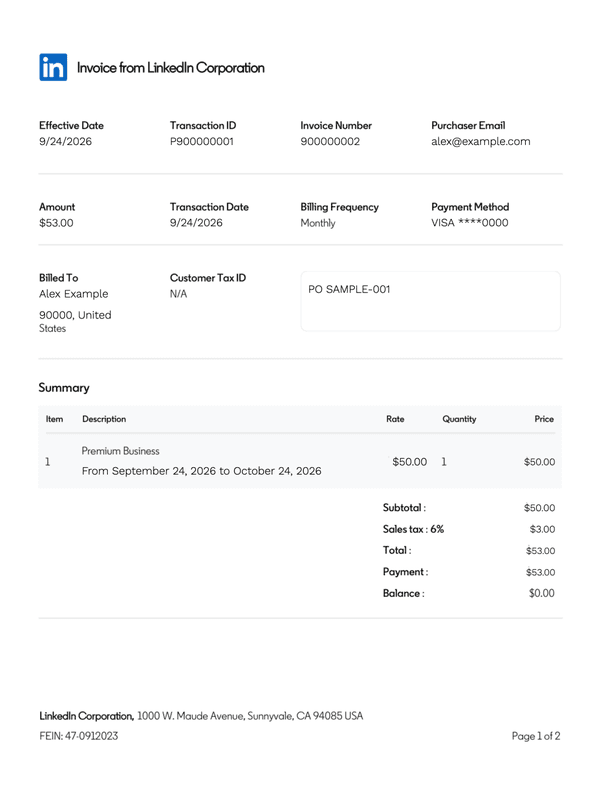
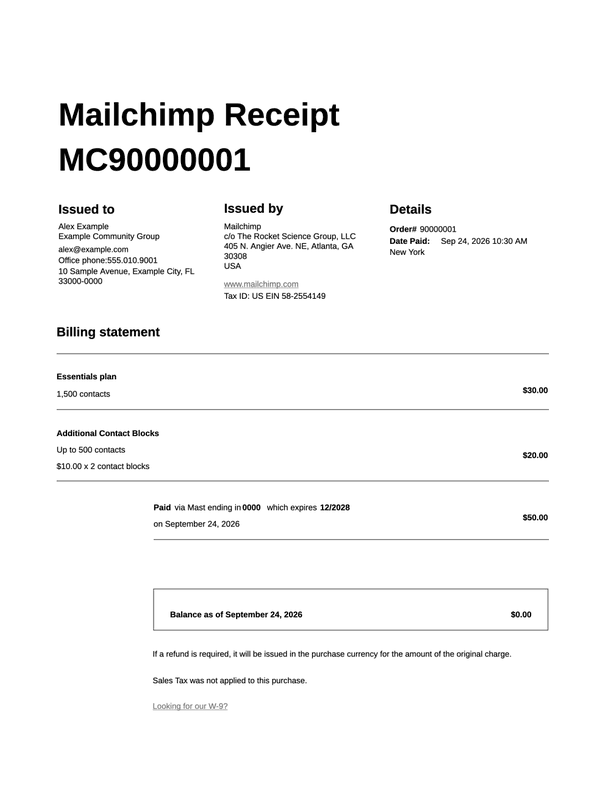
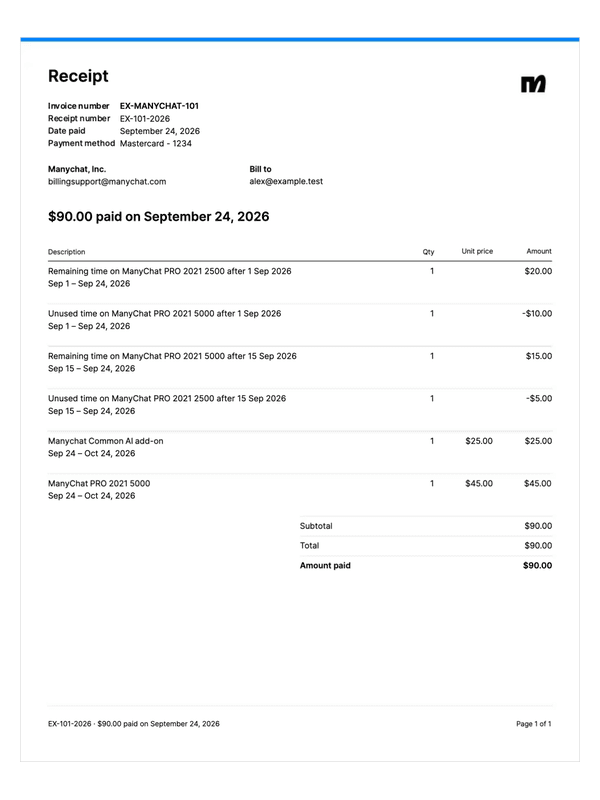
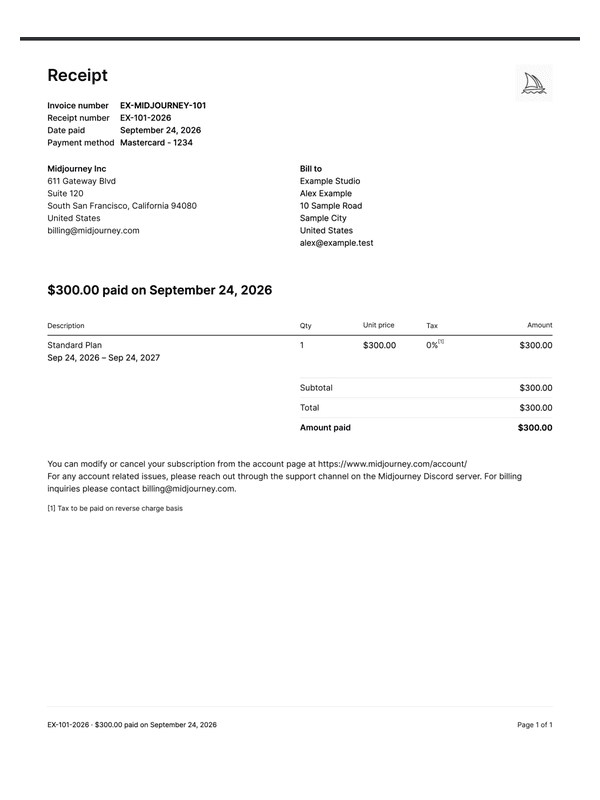
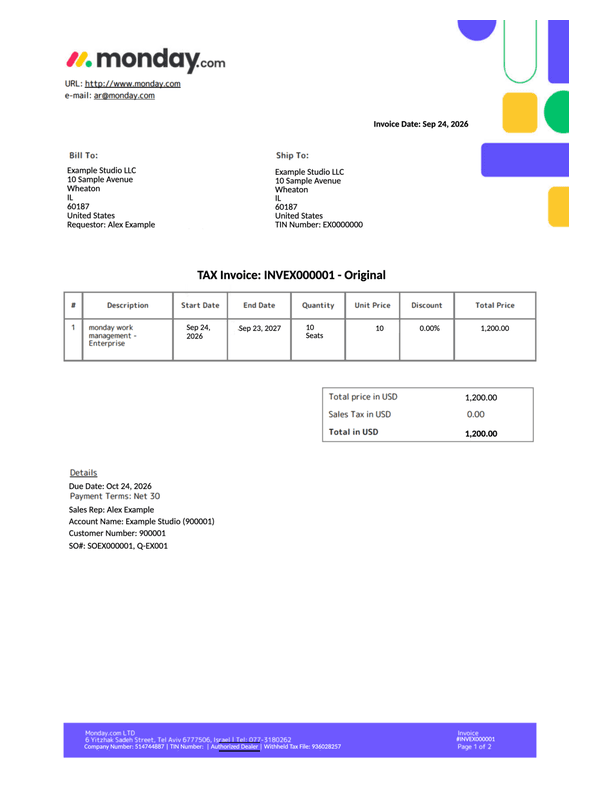
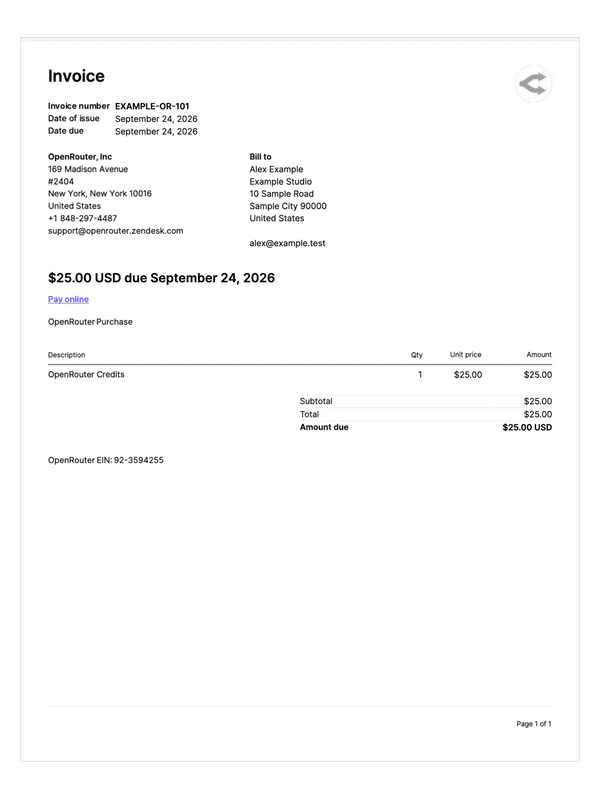
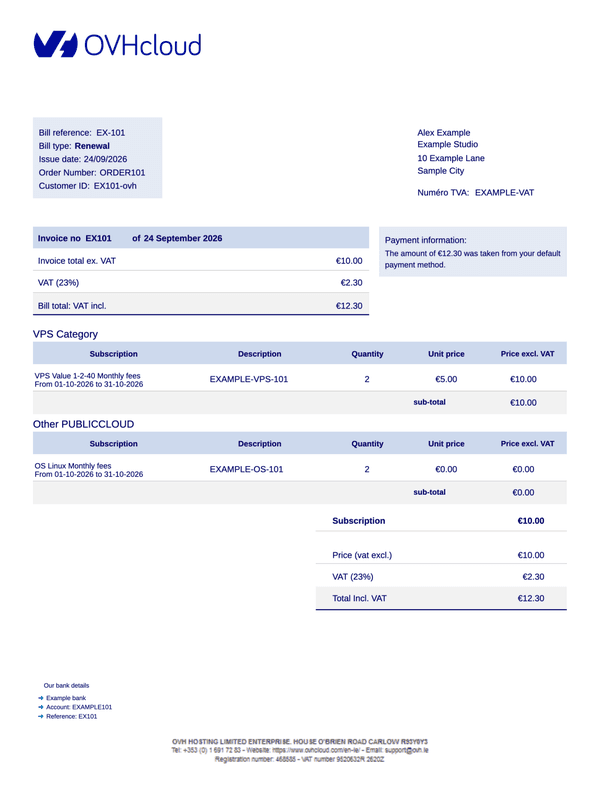
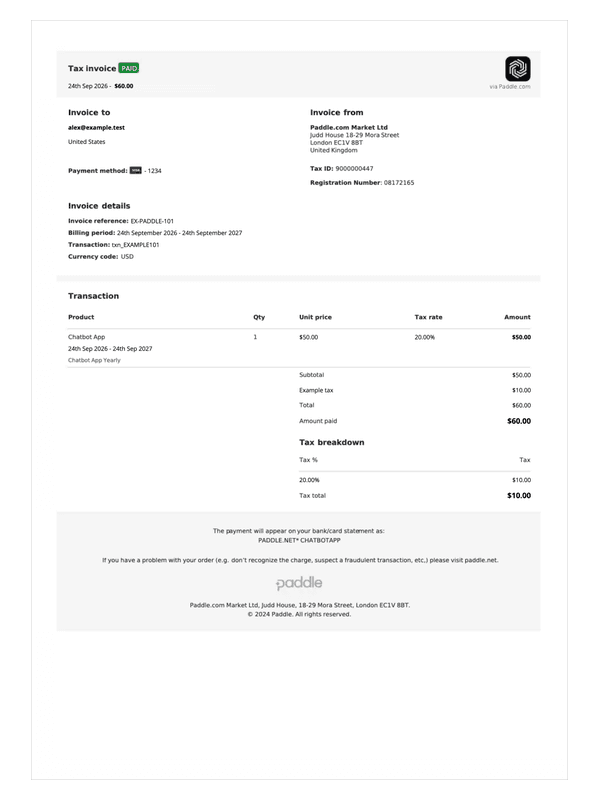
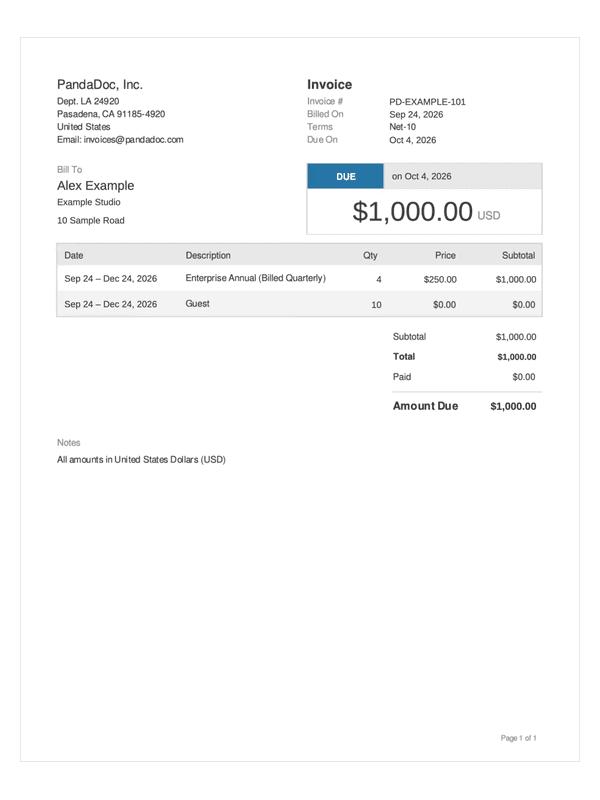
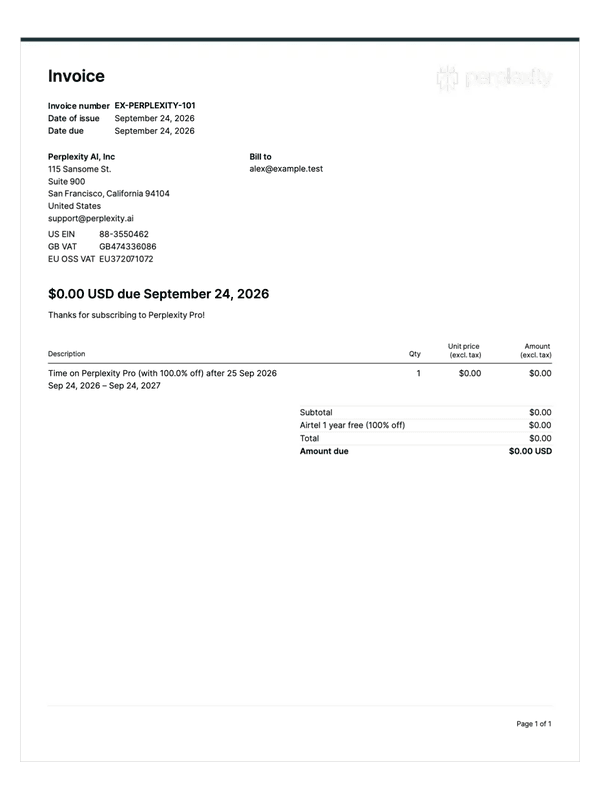
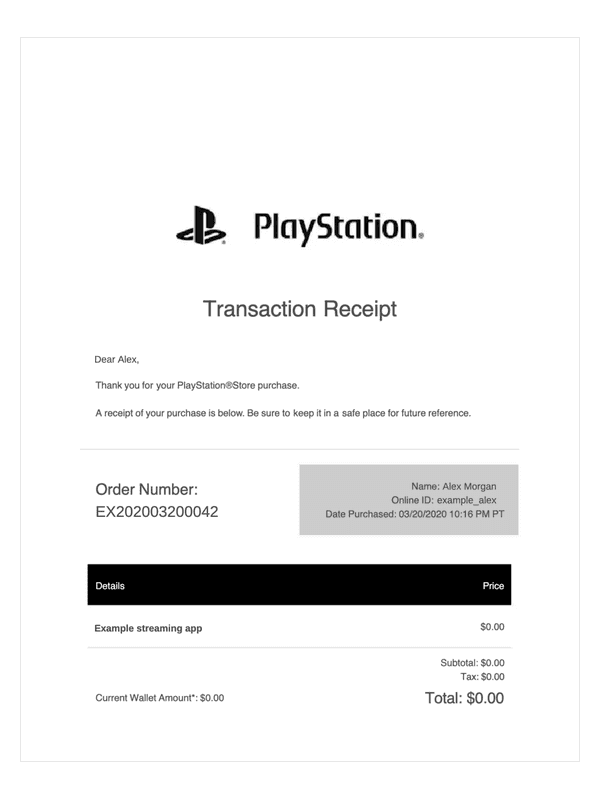
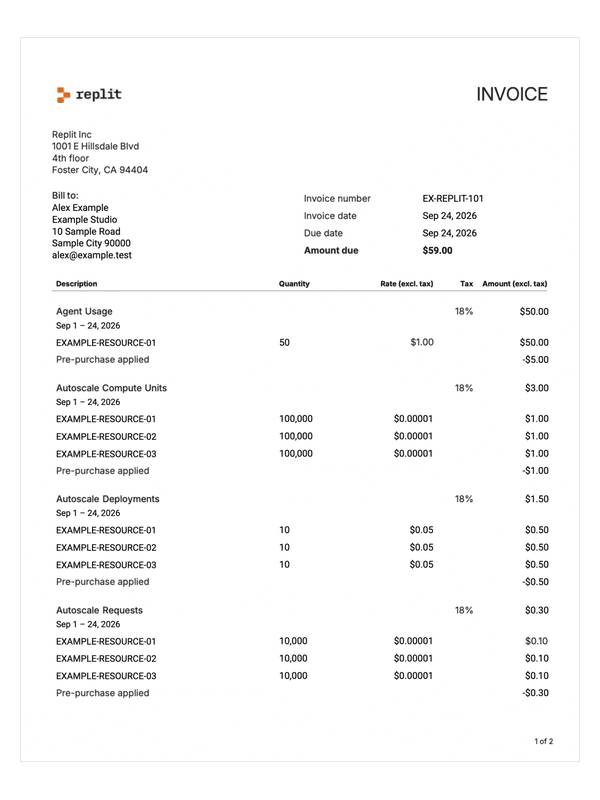
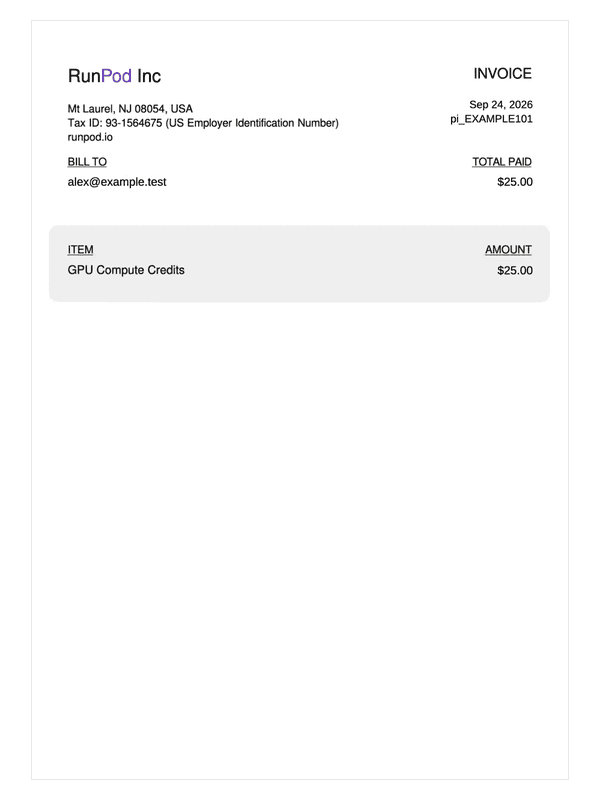
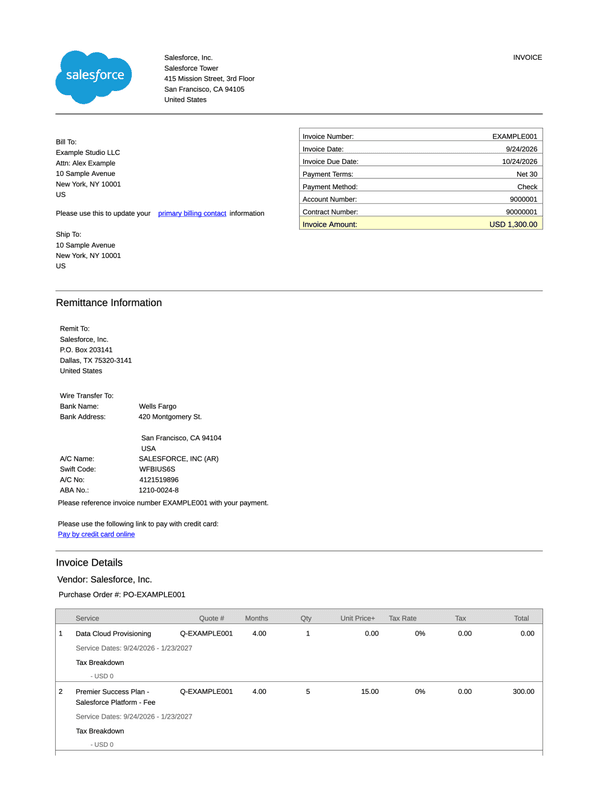
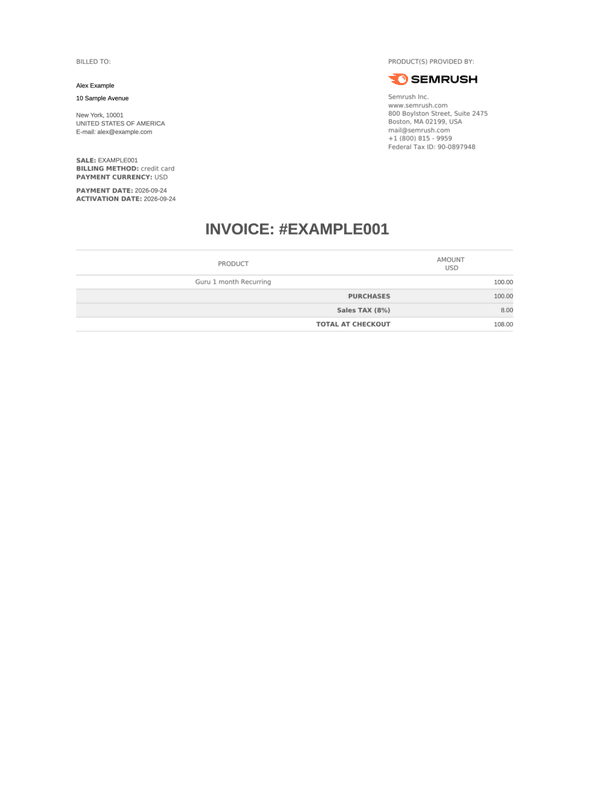
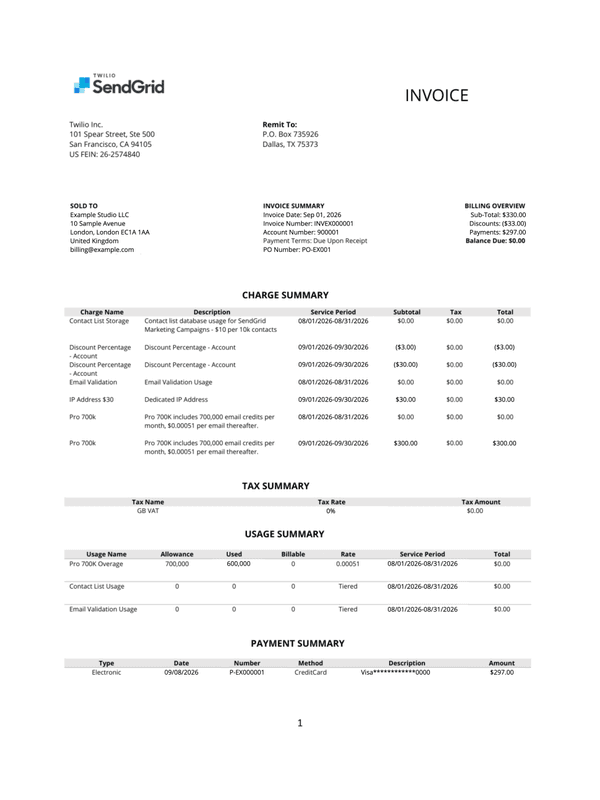
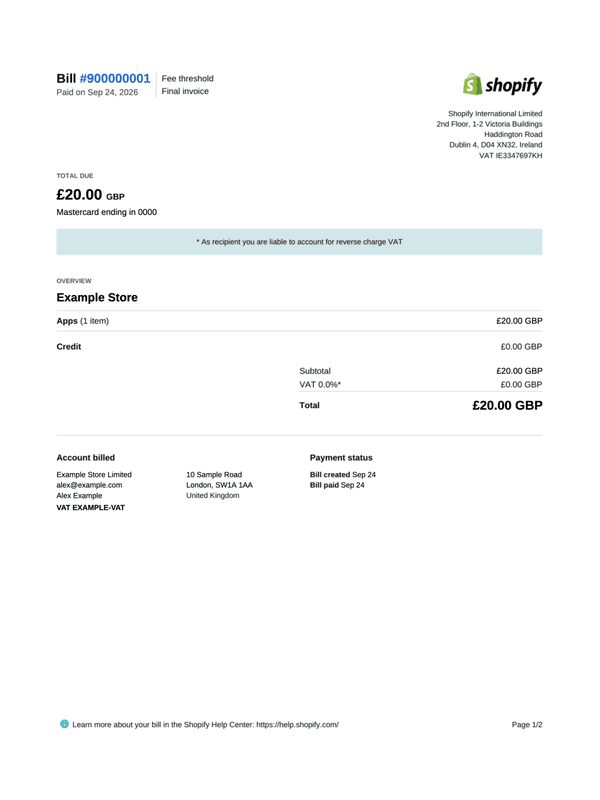
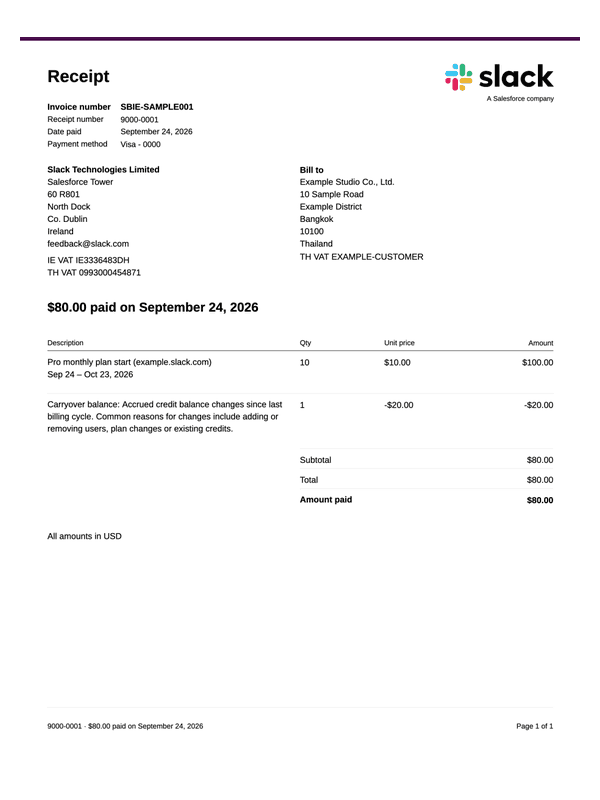
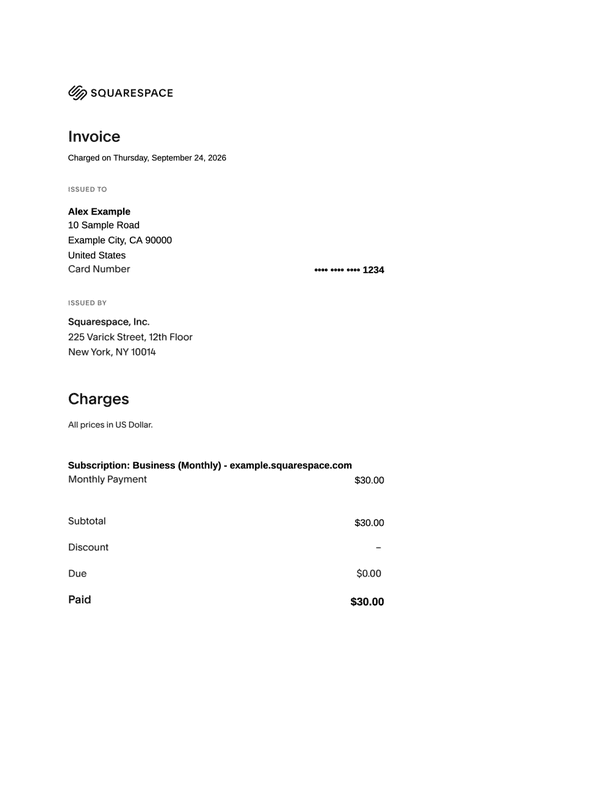
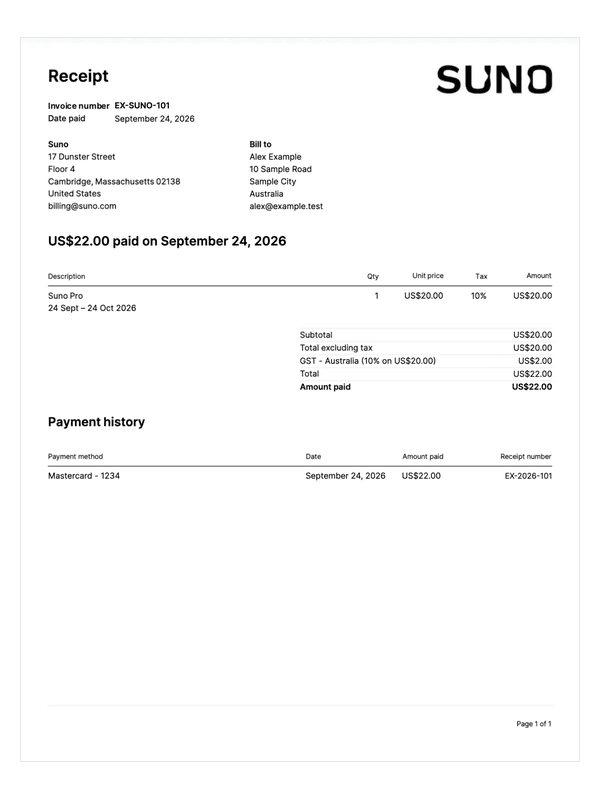
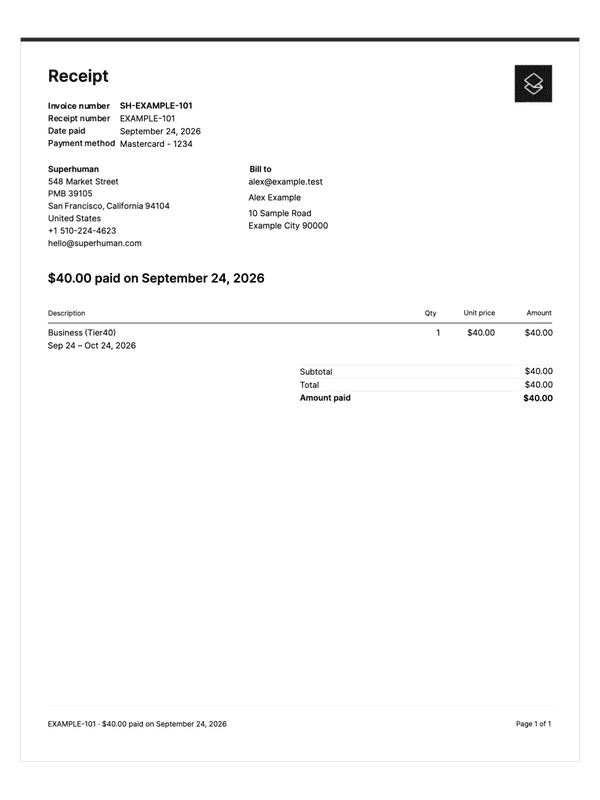
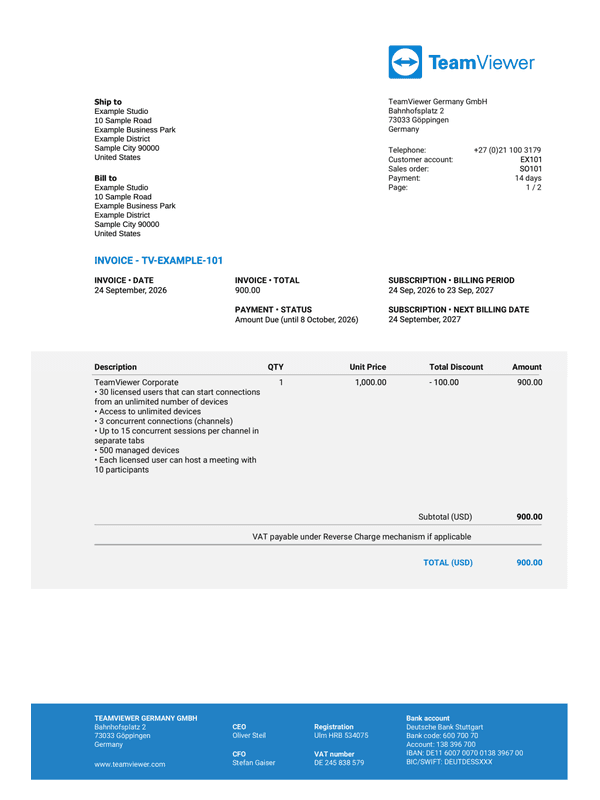
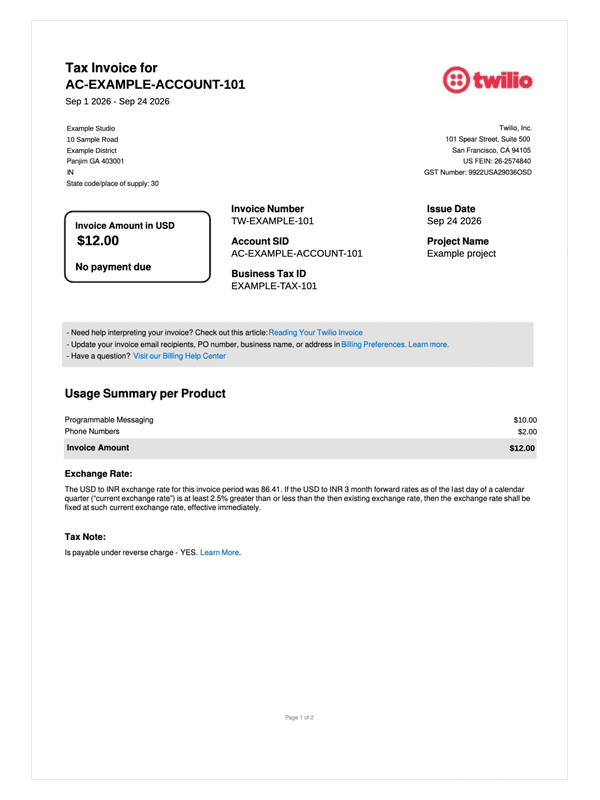
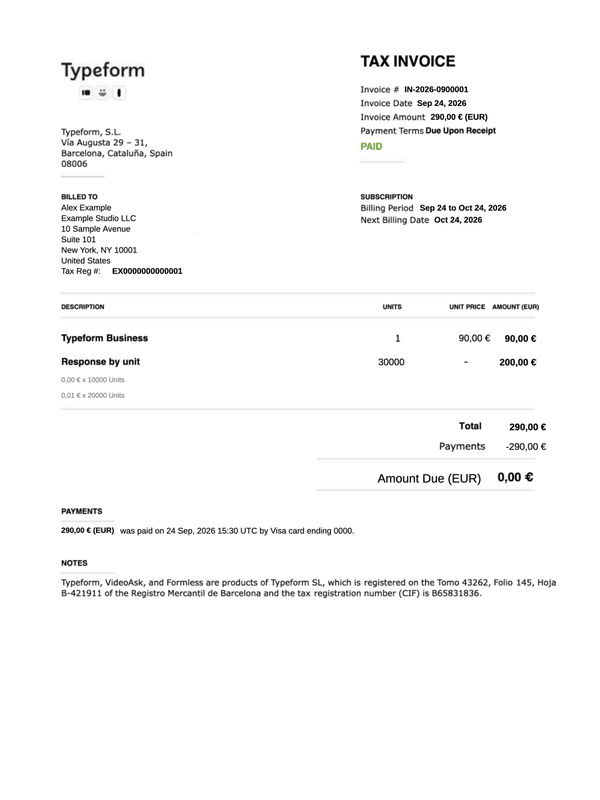
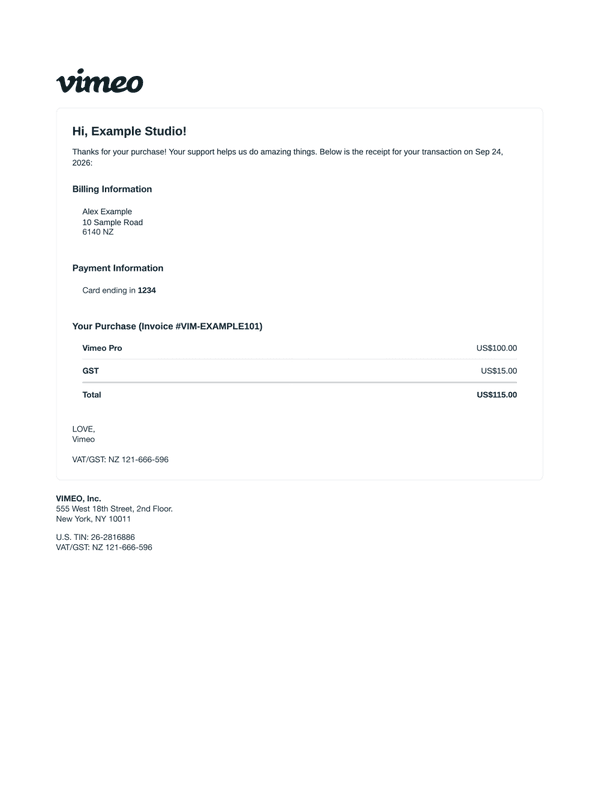
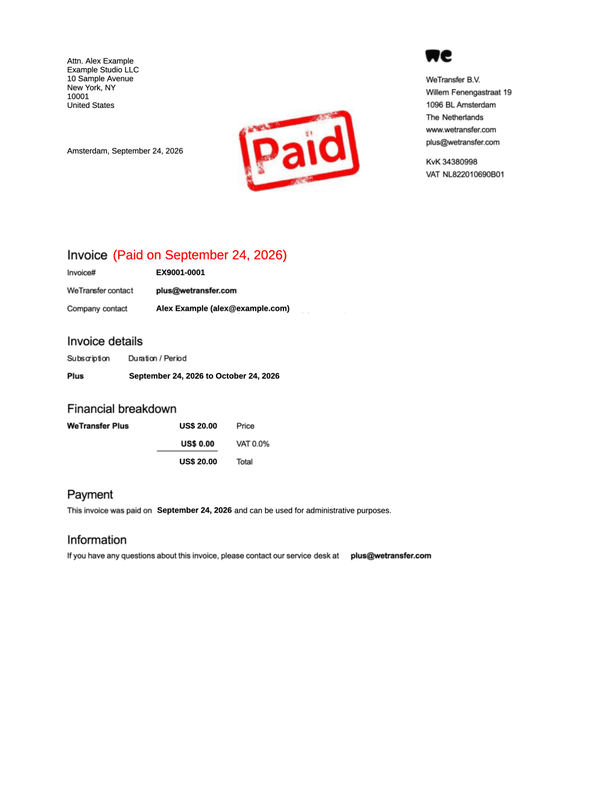
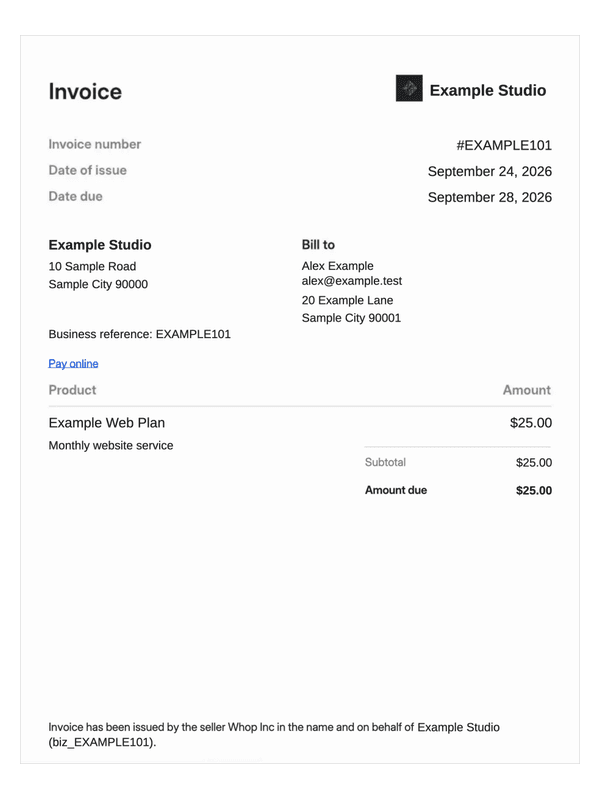
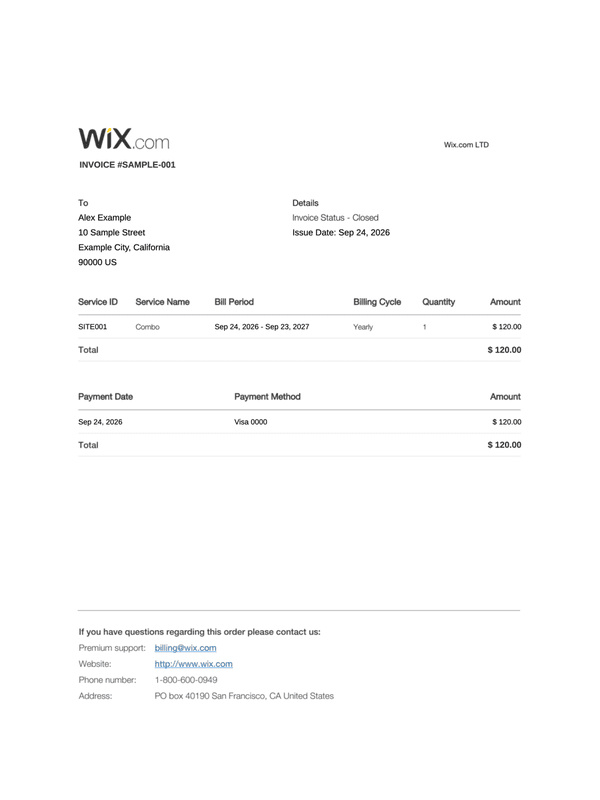
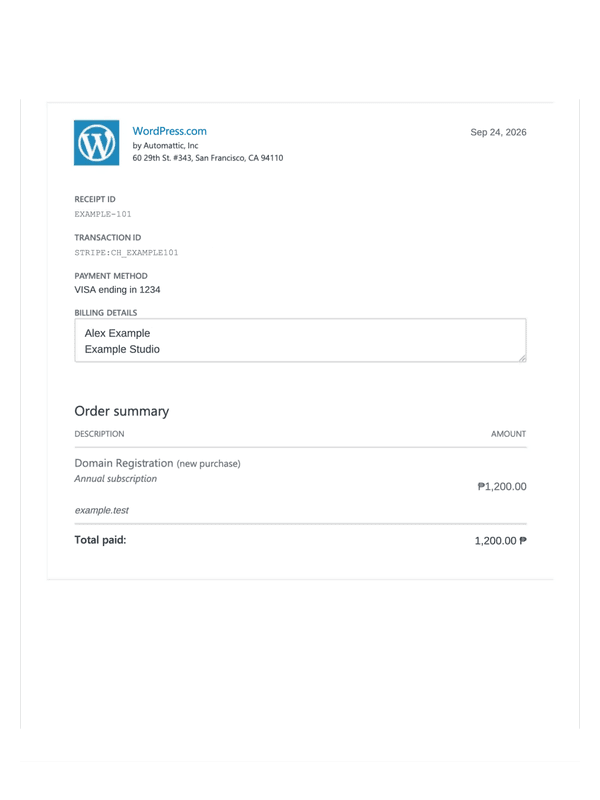
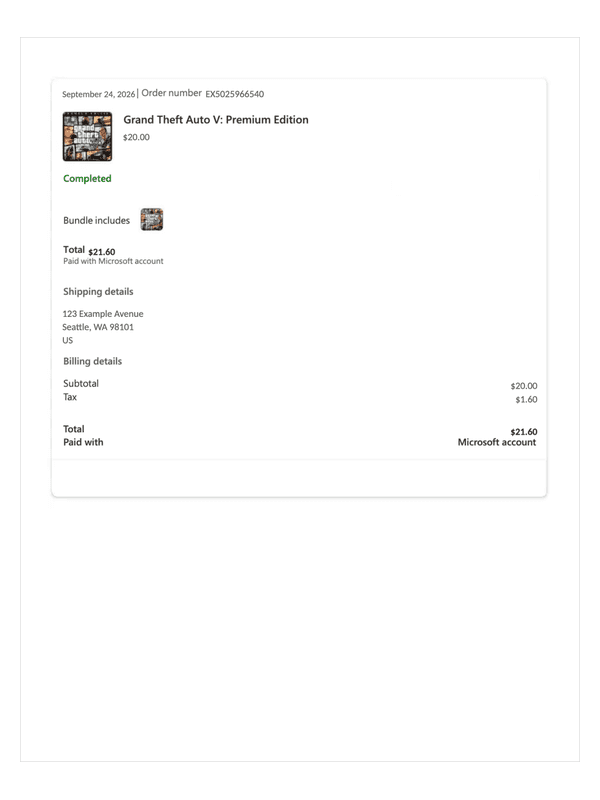
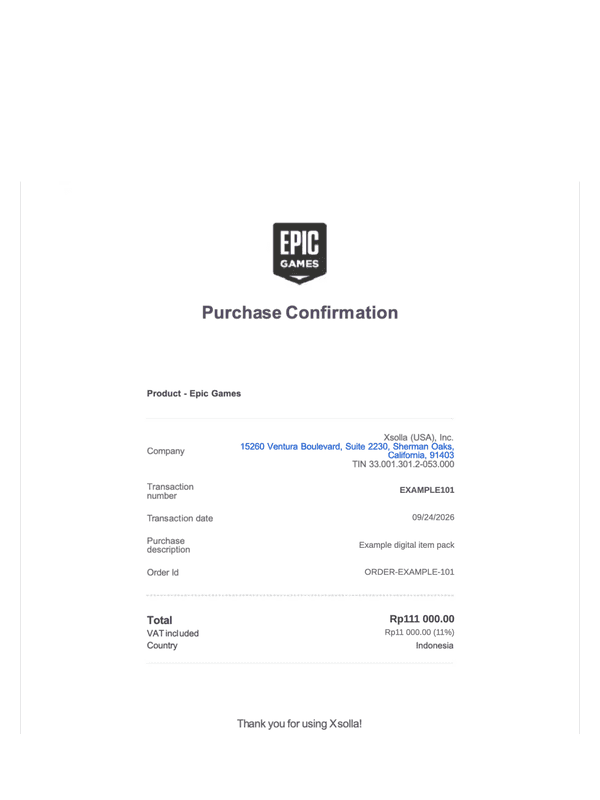
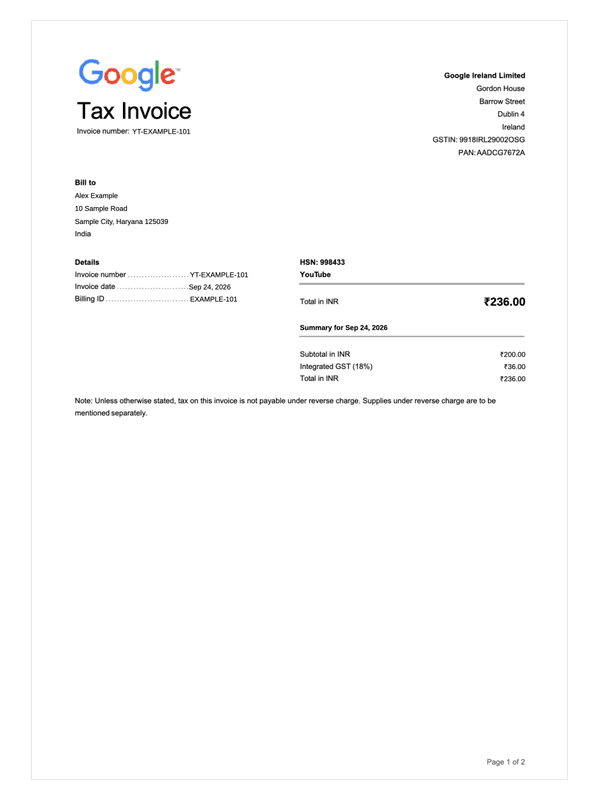
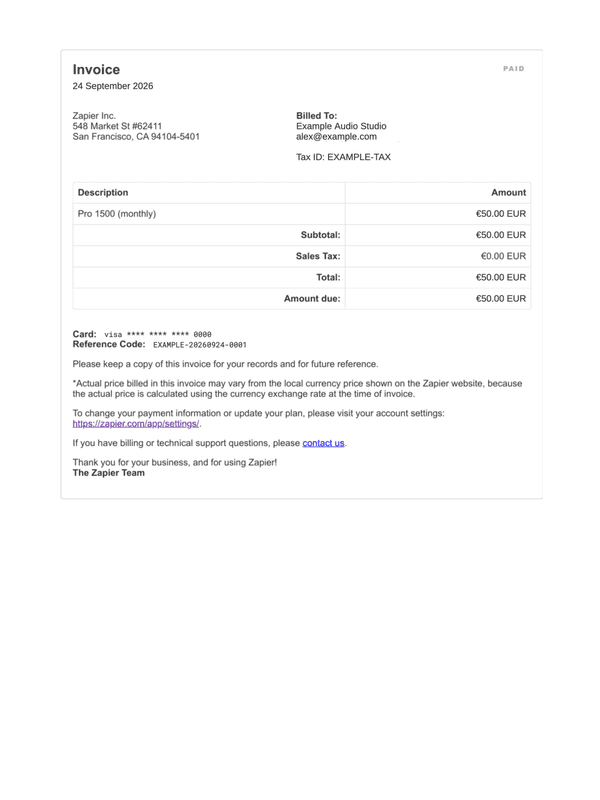
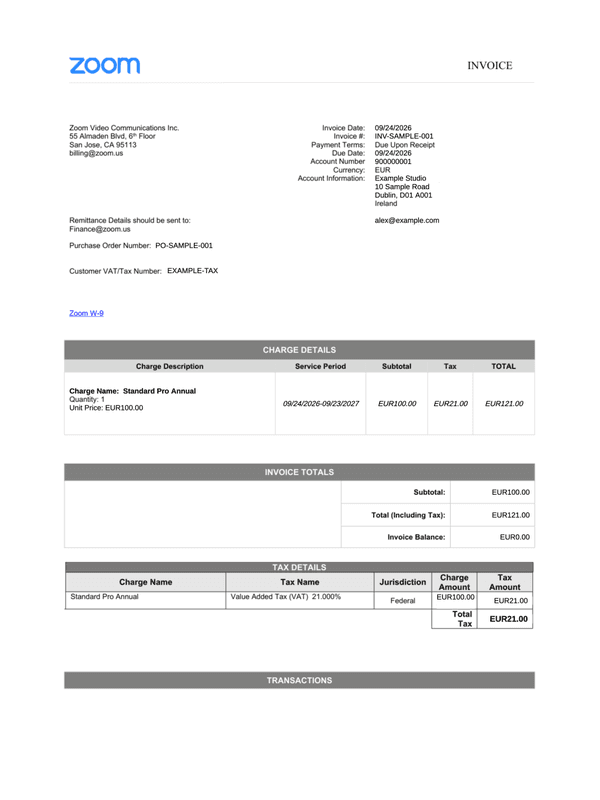
Choose a receipt for the subscription charge
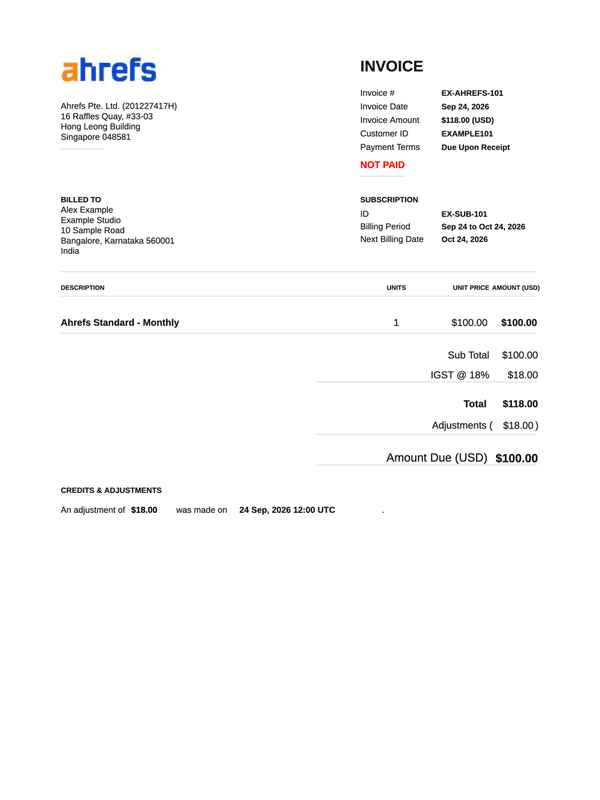
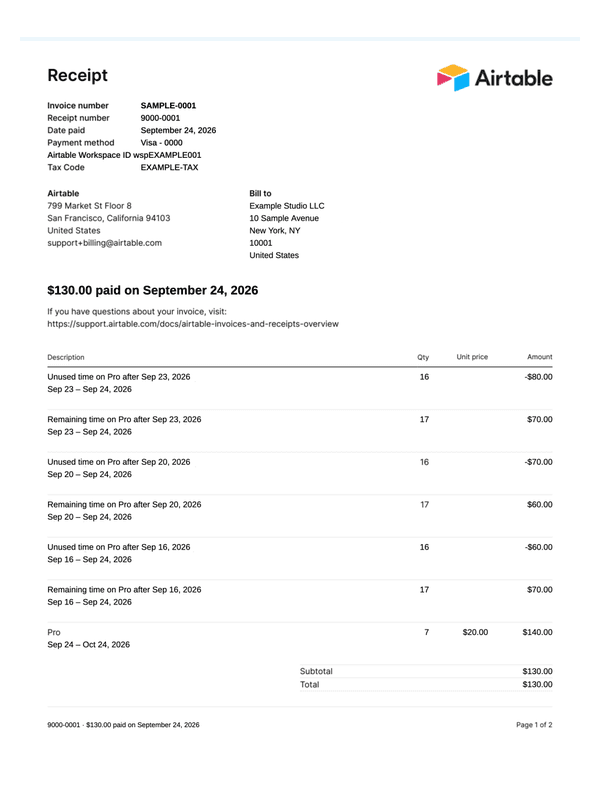
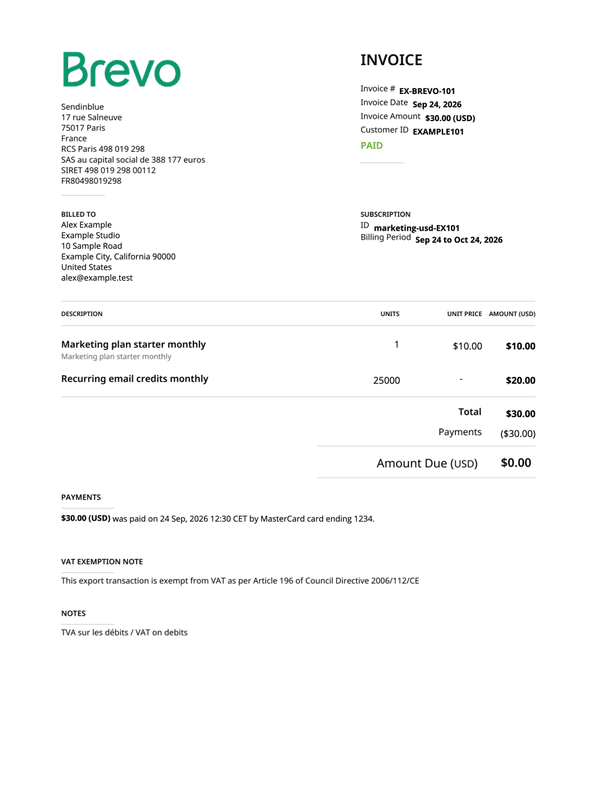
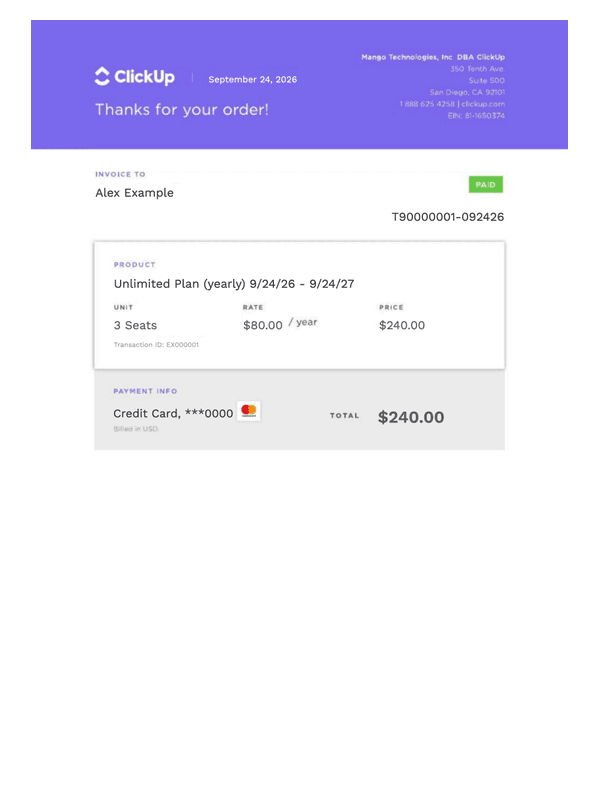
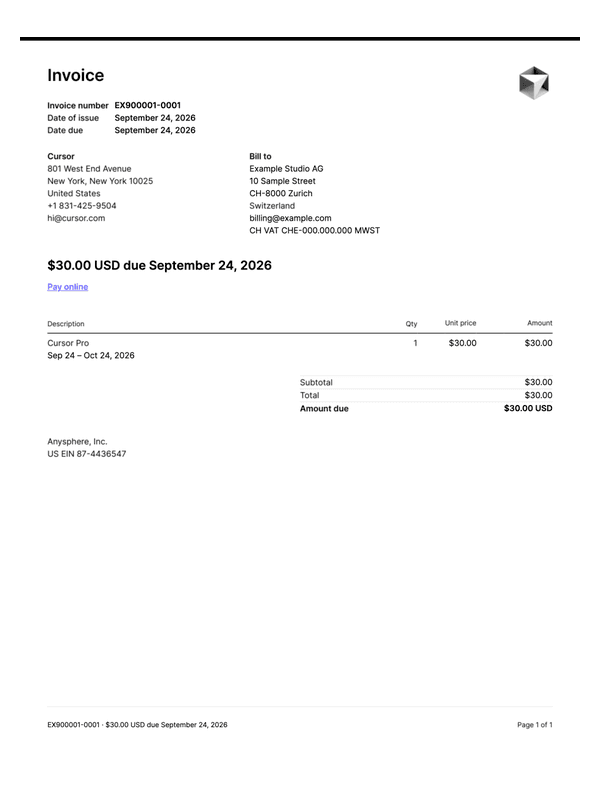
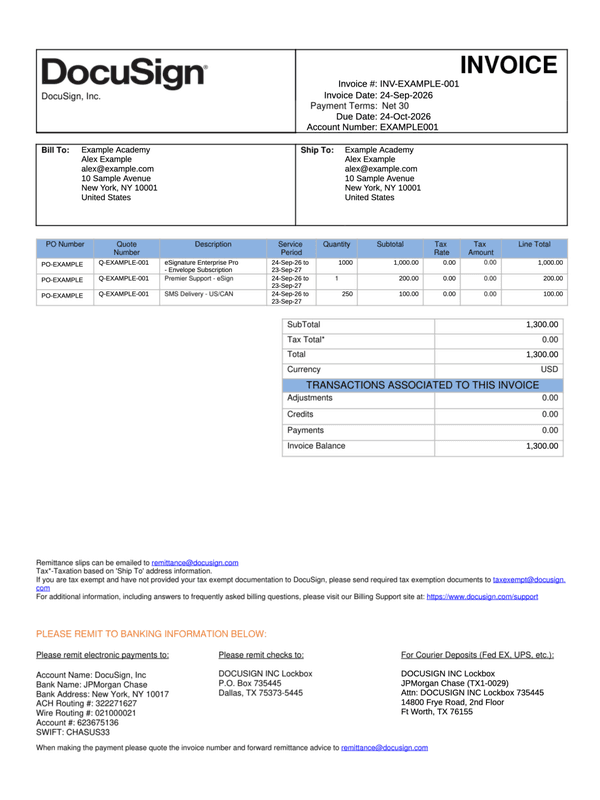
Match the software provider, plan and billing period to your record. A subscription invoice can show an amount due, while a payment receipt records an amount received; keep that distinction when choosing a layout.
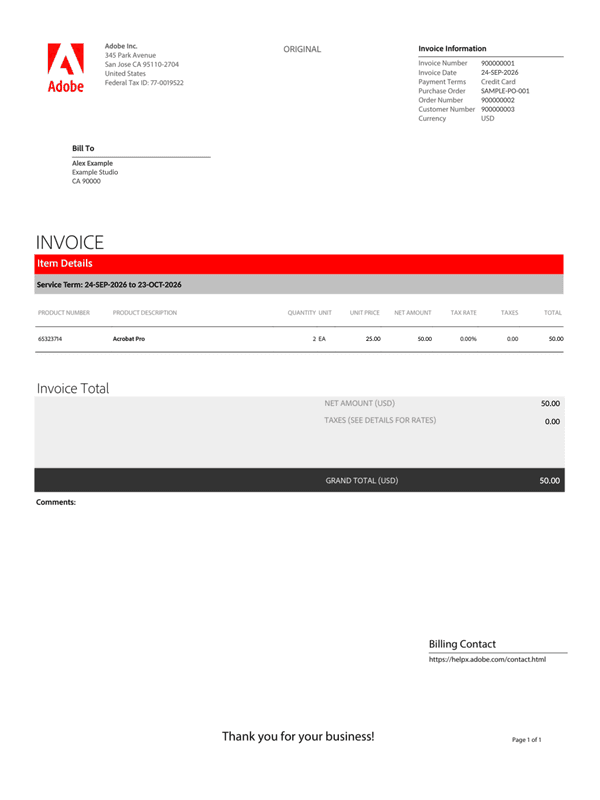
- Adobe subscription invoice
Keep the customer and order references with the subscription dates, product quantity, tax and grand total.
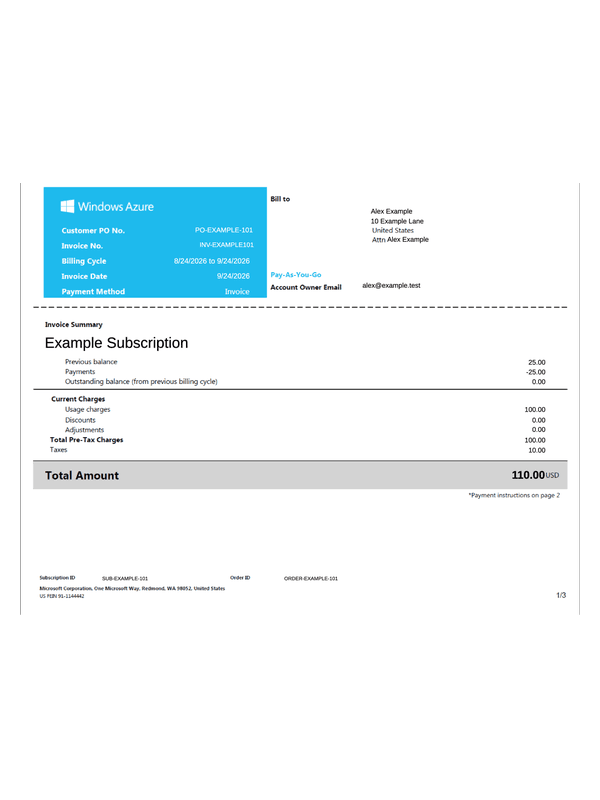
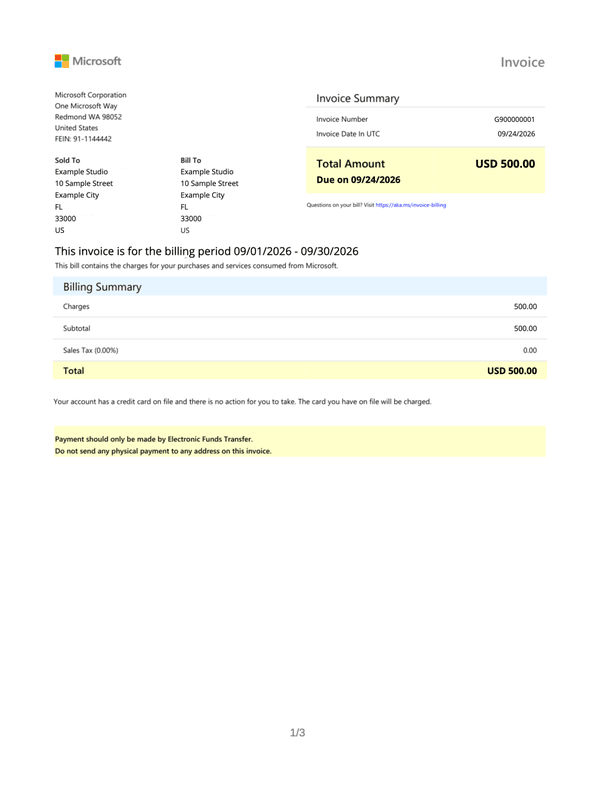
- Microsoft 365 invoice
Use the complete three-page layout for billing addresses, license quantity, the charge period and payment instructions.
- Zoom subscription receipt
Compare the subscription period, payment transaction and remaining balance across the two-page invoice layout.
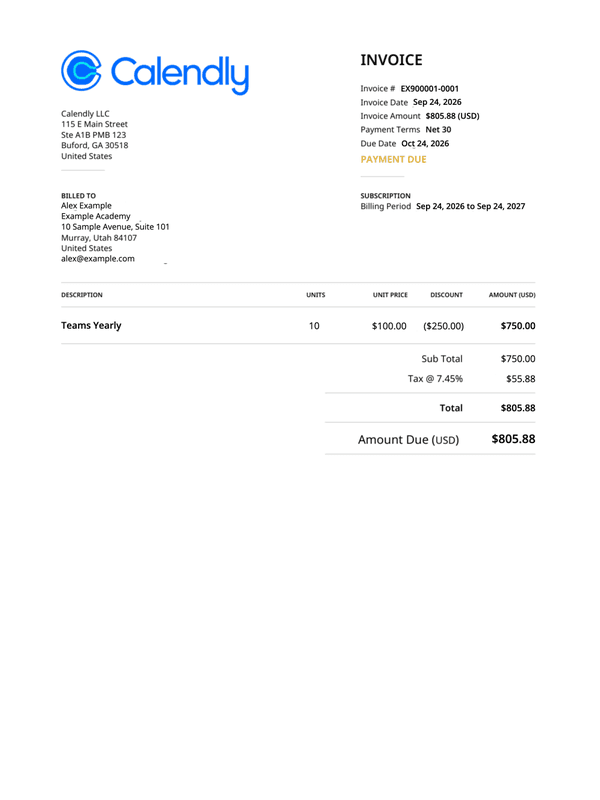
- Calendly scheduling invoice
Record subscription seats, the yearly plan, any education discount, tax and amount due. Review the second page of terms and payment notes.
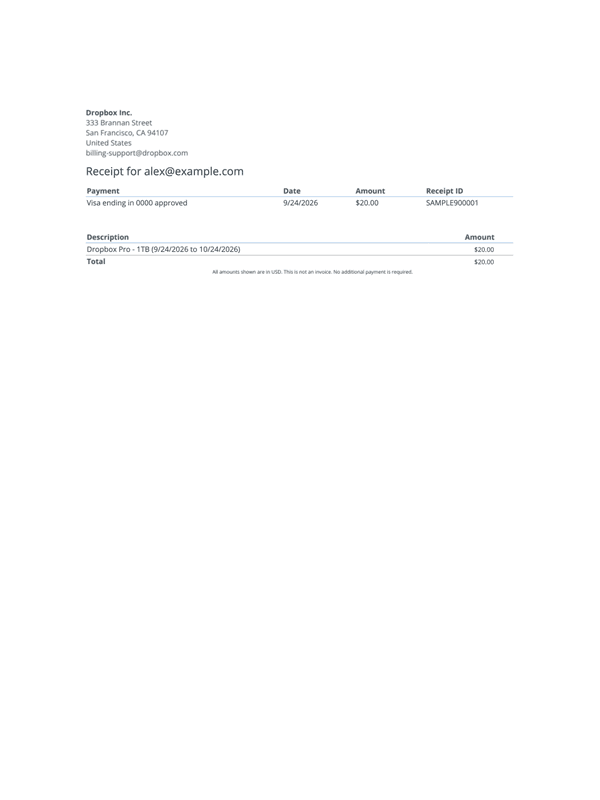
- Dropbox payment receipt
Use the one-page receipt for the subscriber, plan dates, receipt ID and recorded card payment.
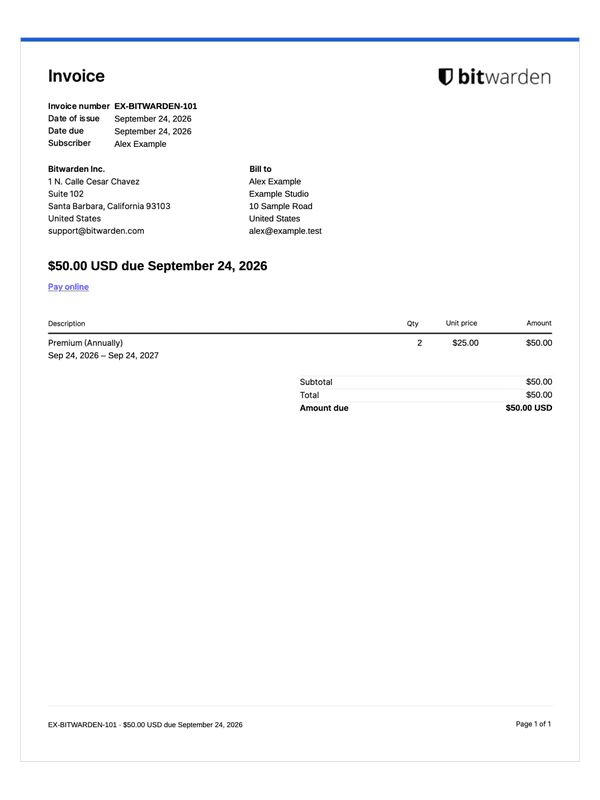
- NordVPN subscription invoice
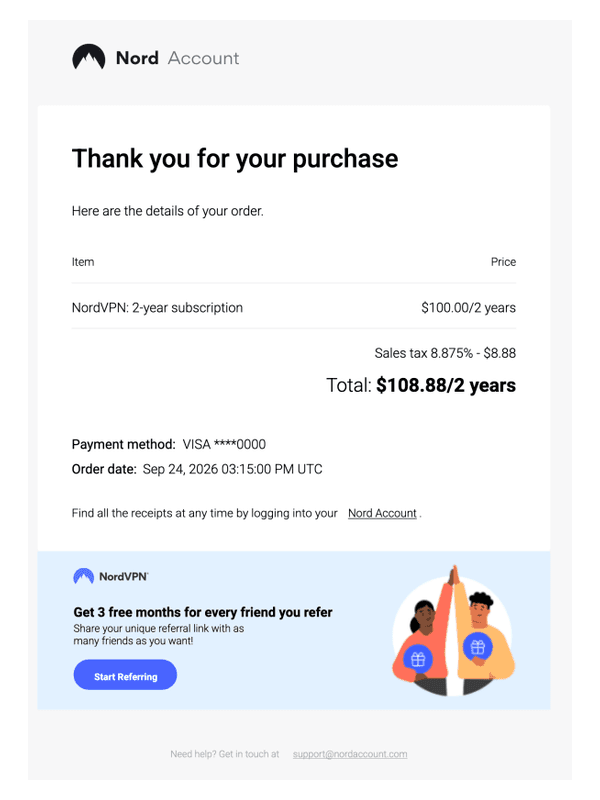
Use the email-style layout when the subscription, tax, total, masked payment details and order timestamp belong together.
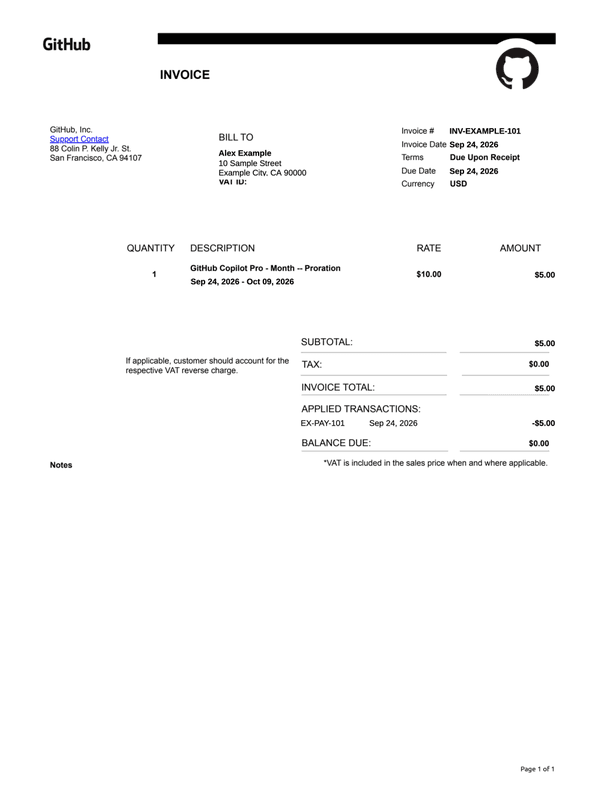
- GitHub
Record the Copilot subscription period, listed rate, prorated charge and applied payment transaction in the GitHub invoice.
- Netflix
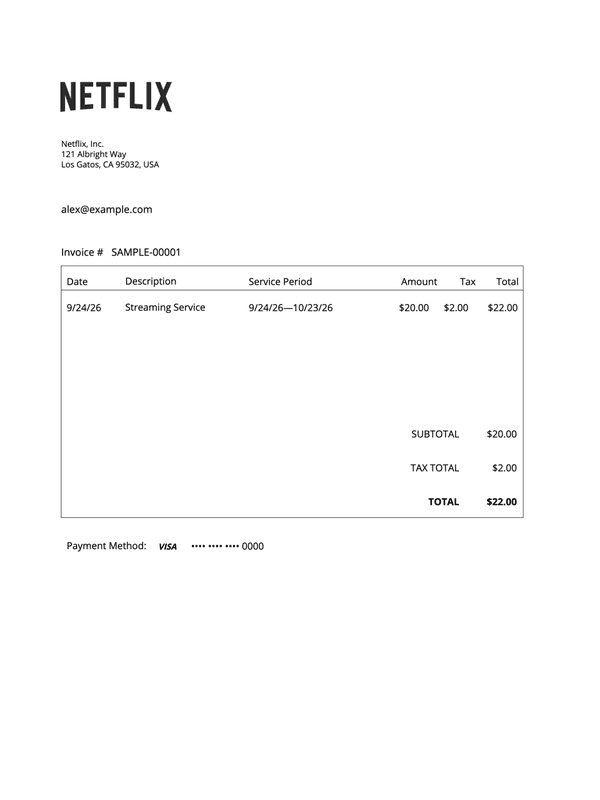
Keep the subscriber, streaming period, charge, tax and masked payment card together in the one-page Netflix invoice.
Before you download
- Check whether the charge covers a month, a year, a seat or usage. A plan name alone does not explain the billing period.
- Keep invoice totals, recorded payments and any outstanding balance consistent with your source. Review every page of a multipage download.
Frequently asked questions
Questions about choosing and completing these receipts.
Looking for a different type of receipt?
Browse the full catalog for other stores, services and types of payment.