📝Editor
👁️Live Preview
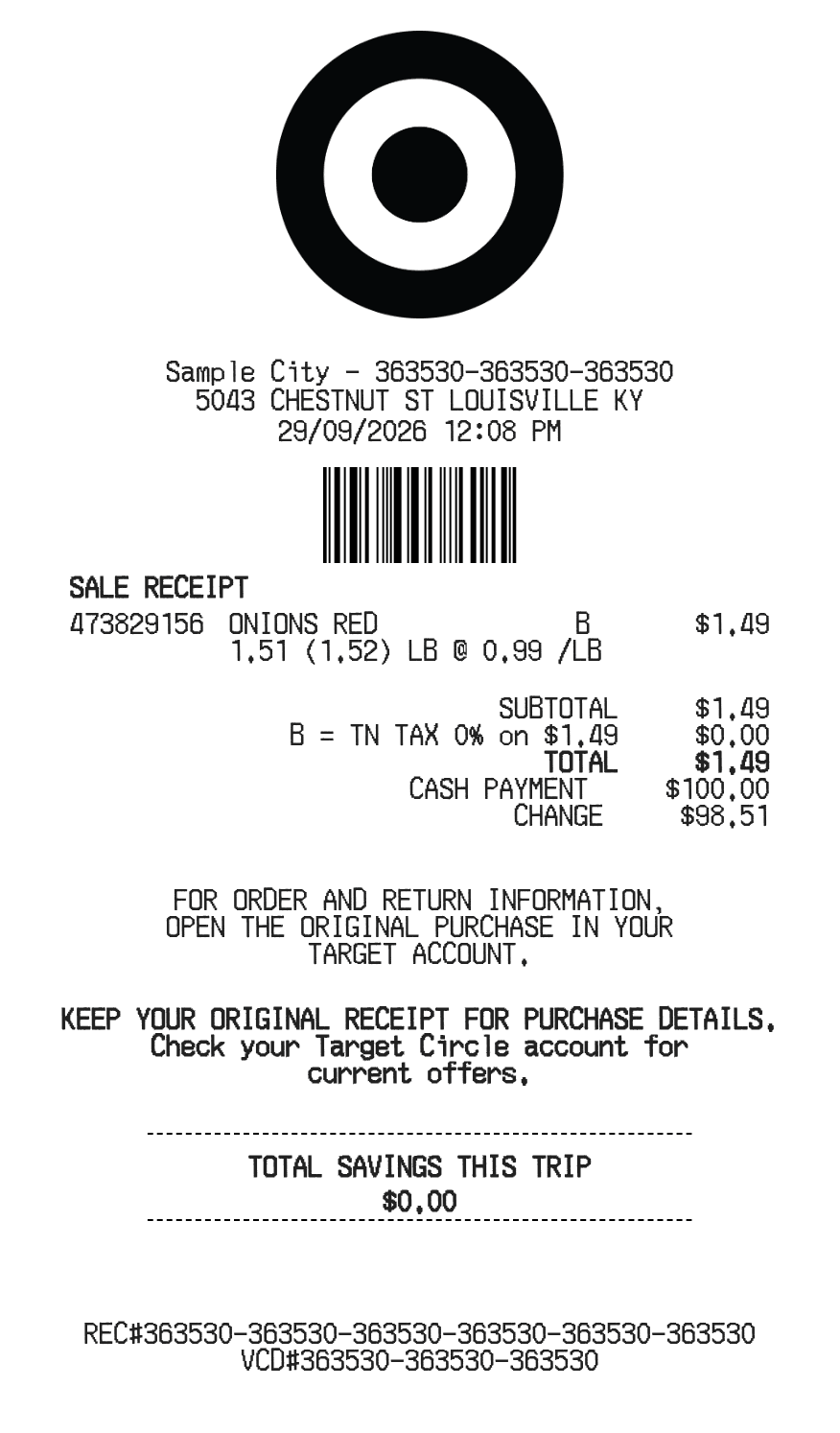
Edit item codes, descriptions and full row prices, then assign tax codes and review the discount. Use Target’s own order history when you need an original receipt or invoice.
For a Target.com purchase, Target’s help page directs you to Purchase History, the order details, and Receipts and invoices. This page instead formats details you enter yourself. Its item rows include a code, description, additional text, regular-price note and optional Return By text.
| Section | Details |
|---|---|
| Store | City, address, telephone and checkout date |
| Items | Code, description, full amount and tax code |
| Extra notes | Regular price and Return By text |
| Totals | Basket discount and tax grouped by item code |
| Payment | Method, cash tendered and receipt/barcode references |