Home Depot Receipt Generator
Record materials and tools with product IDs and full line amounts. Add purchase-order and job references, then review the checkout, tax and payment details.
Last updated
Connect the purchase to a job or purchase order
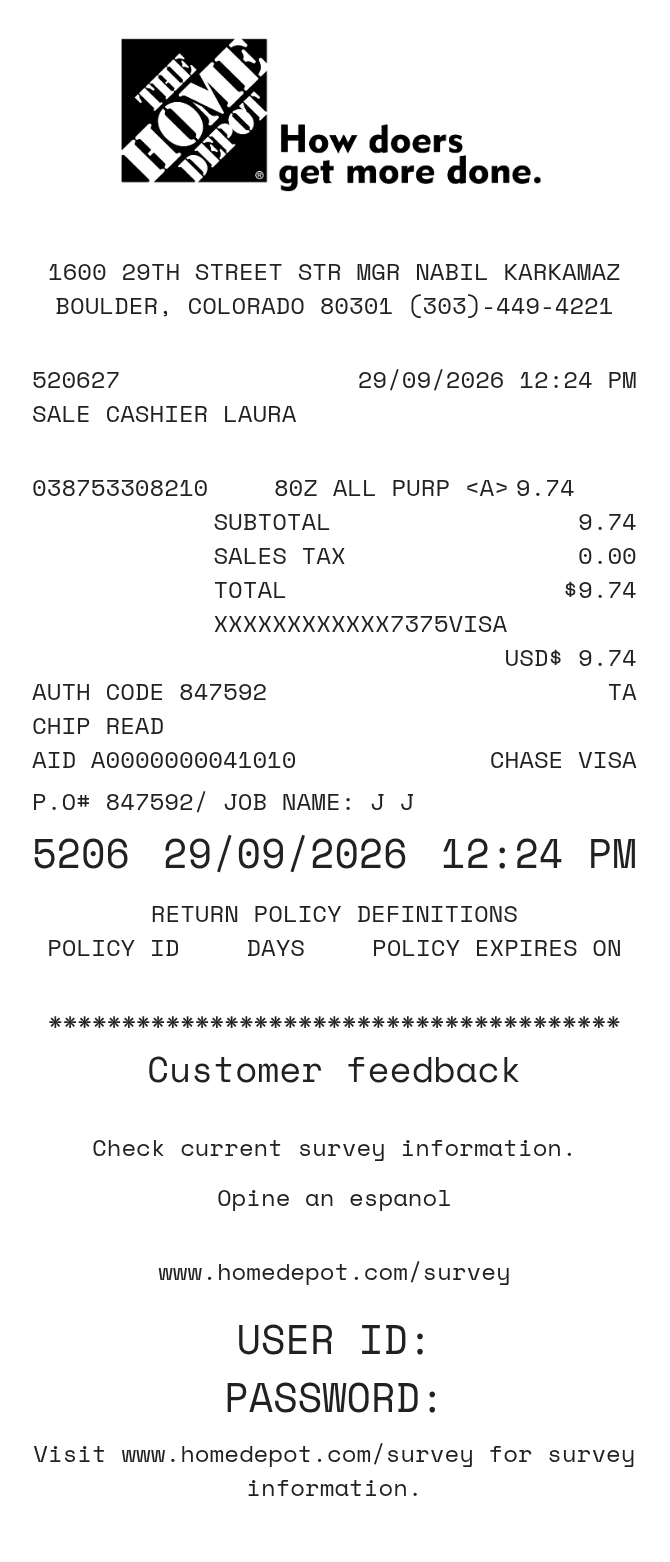
The Home Depot layout has Purchase Order and Job Name fields beneath the payment details. These can distinguish materials for separate projects. Its item rows use a full price without a quantity control, so a description should explain any multi-unit charge.
Home Depot receipts and returns
A Home Depot receipt lists the store's address and phone number at the top, then each item's SKU, description, quantity and price, subtotal, sales tax, total and payment. Most merchandise can be returned within 90 days with proof of purchase, but some categories are shorter: 30 days for furniture, consumer electronics and some tools, 7 days for items such as portable generators and air conditioners, and 48 hours for major appliances. Purchases on a Home Depot credit card or commercial account get 365 days in most categories.
Returns without a valid proof of purchase need a driver's license or government photo ID and may be refunded as store credit at the lowest advertised price. Special orders may carry a 15% restocking fee and go back to the store where they were bought. Home Depot asks you to bring the receipt or shipping confirmation email, the card you used and ID.
Finding a lost Home Depot receipt
Add the card you paid with under Cards & Accounts on homedepot.com, and in-store purchases made with it in the last 24 months appear in Purchase History, where you can print them. Pro Xtra members who gave their phone number at checkout can find those receipts too, including cash purchases. For mobile wallet payments, the store may need the device account number from your phone.
Tax-exempt organizations can register for a Tax Exempt ID that Home Depot recognizes in stores and online, so sales tax is removed at checkout.
Purchase and project references
| Section | Details |
|---|---|
| Store | Address, contact and cashier name |
| Items | Product ID, description, marker and complete price |
| Project | Purchase-order reference and job name |
| Totals | Subtotal and entered tax percentage |
| Other references | Policy text, expiration date and survey reference fields |
Related receipt guides
Check references before saving
- Replace the example store and item details.
- Enter the full charge for each row and review Tax %.
- Add the purchase order and job name where relevant.
- Review any policy or survey fields against the original record, then export.
FAQs
Official sources
- The Home Depot — Return policy
- The Home Depot — How to get your receipt
- The Home Depot — Tax exempt purchases