Walmart Receipt Generator
Edit store and checkout references, item codes and full row prices. Assign tax codes and review the total, payment block and barcode before saving PDF or PNG.
Last updated
Find a store receipt or work with an editable layout
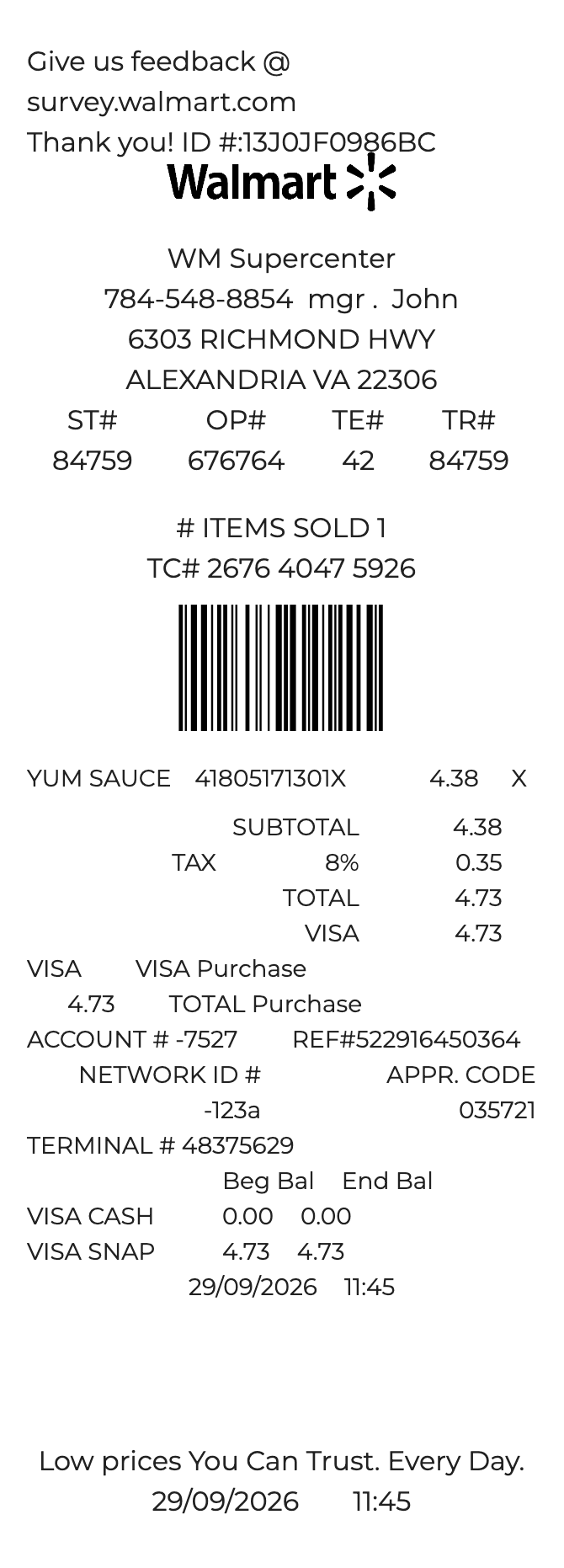
If you need an original purchase record, Walmart provides Purchase History and an official receipt lookup for eligible card-paid store purchases. This template formats the details you enter. Its store and checkout references sit above the item list, followed by totals, payment information and optional QR content.
Walmart receipts, Purchase History and return rules
A Walmart store receipt has a barcode you can scan with the Walmart app, which adds that store purchase to your Purchase History. Online pickup, delivery and shipping orders work the same way: the order page shows totals and payment information, and Walmart says the barcode at the bottom serves as proof of purchase. One receipt detail matters for sales tax. Walmart's return policy says that in Connecticut, Massachusetts and Rhode Island, a receipt with a valid transaction number is required to get the sales tax refunded on a returned item, within the time allowed by law.
Most items can be returned or exchanged within 90 days, but some categories are shorter: 2 days for major appliances, 14 days for most wireless phones, and 30 days for consumer electronics, PCs and components, vacuums and several other categories. Most items bought from October 1 through December 31 can be returned until January 31, with exceptions such as wireless phones and major appliances. Refunds go to the original payment method whenever possible. Without a receipt, Walmart requires a valid government-issued photo ID, limits how many non-receipted returns a customer can make, and issues any accepted refund on a Walmart gift card.
How to get a copy of a Walmart receipt
If you pay in store with a card saved in your Walmart.com account, the purchase is added to Purchase History automatically when the name on the card matches the account, and Walmart also adds other purchases made with saved cards in the last 12 months. Walmart Pay purchases and receipts you scan in the app appear there too. For pickup, delivery and shipped orders, open Purchase History, choose the order, select View details and use the Print icon.
If a store purchase isn't in your history, the receipt lookup tool asks for the store's ZIP code or city and state, the purchase date, the receipt total, and the card type and last four digits. Walmart suggests checking your bank or card statement for the exact date and amount, then downloading the receipt once it's found.
Details in the Walmart layout
| Section | Details |
|---|---|
| Header | Store address, manager and receipt ID |
| Checkout | ST, OP, TE and TR references plus date and time |
| Items | Name, product code, full price and tax code |
| Payment | Method, card references or cash change due |
| Codes and notes | Receipt barcode, QR URL and optional message |
Related receipt guides
Review the item codes and totals
- Replace store, checkout and receipt references.
- Enter each row’s complete price and choose its tax code.
- Check Tax %, the total and the payment details.
- Review optional messages, barcode and QR destination before export.
FAQs
Official sources
- Walmart help: find store and online receipts
- Walmart’s official store receipt lookup
- Walmart Help - View store purchases and find receipts
- Walmart - Store receipt lookup
- Walmart - Policies and guidelines (return policy)