Payment Receipt Template
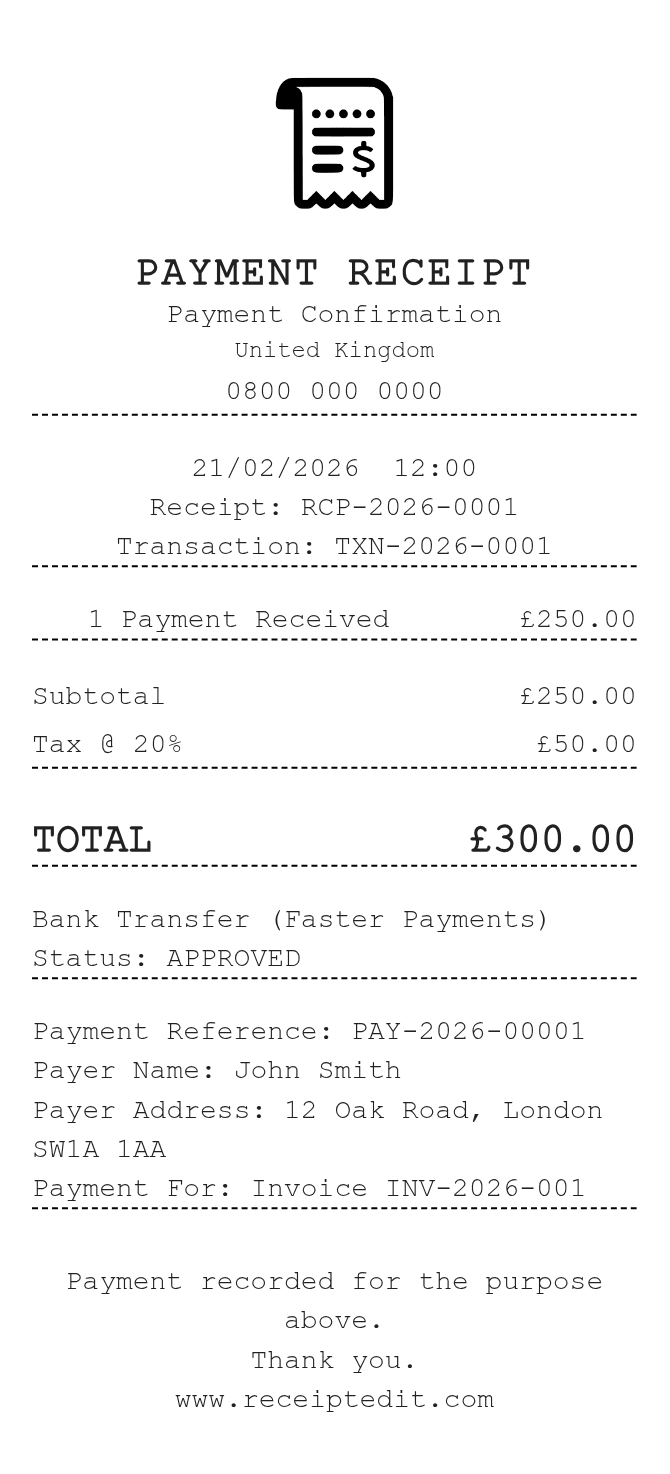
Acknowledge a payment with the payer, purpose and transaction reference. Enter the amount received, review the payment method and total, then download the receipt.
✏️ Editable fields📱 PDF & Image export⚡ Instant preview
📝Editor
👁️Live Preview
Last updated
Make the payment easy to match to an invoice
This payment receipt template has separate fields for the payer name and address, a payment reference and what the money was for. Use Payment For to identify an invoice, service or other agreed payment. A clear reference helps you find the matching transaction in your own records later.
Record the money received
| Section | Details |
|---|---|
| Recipient | Enter the business or person issuing the receipt. |
| Payer | Add the name and address of the person who paid. |
| Purpose | Reference the invoice or describe what the payment covers. |
| Amount | Enter the complete line amount and review the tax setting. |
| Method and status | Use the method and status confirmed in your payment records. |
Related receipt guides
Distinguish a payment from a full settlement
- For a part payment, say so in the purpose or footer. Do not leave wording that says an invoice is paid in full unless the recorded payment settles it.
- Tax % adds an amount to the line subtotal; it does not extract tax already included in the money received. Check that the final total equals the payment you intend to acknowledge.