📝Editor
👁️Live Preview
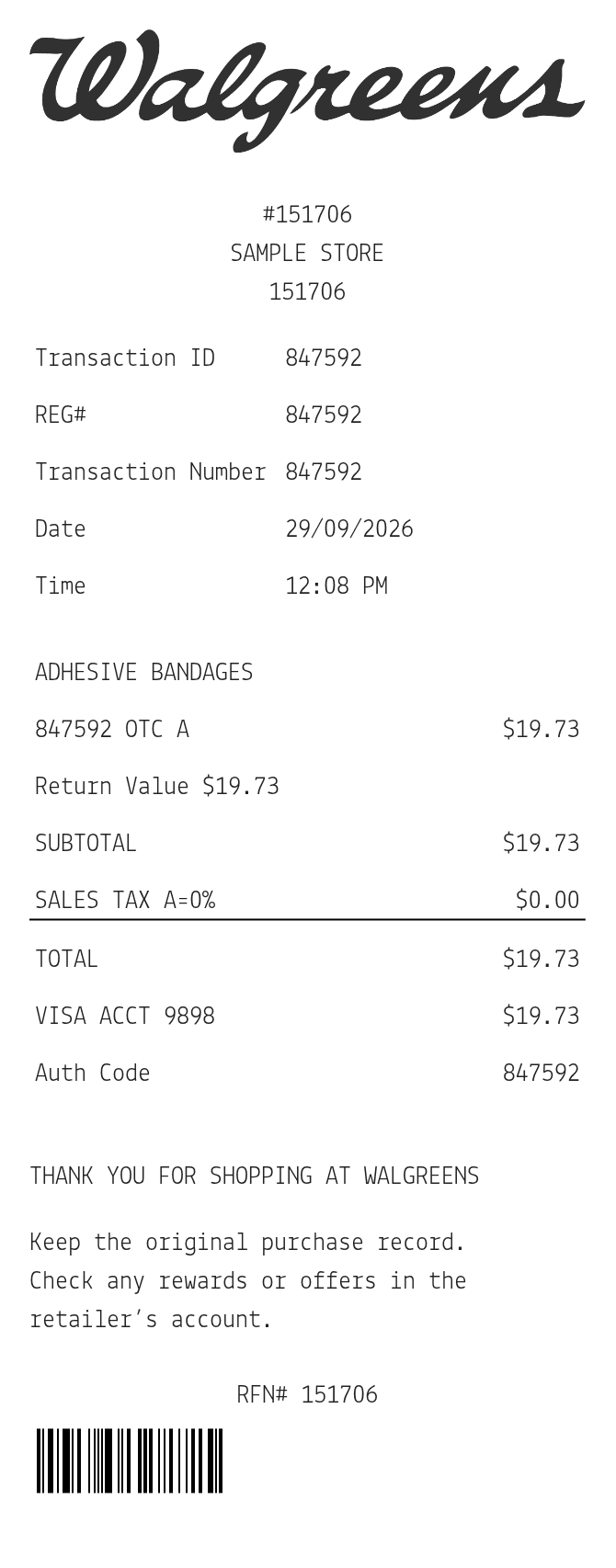
Add products with their IDs, amounts and tax codes. Set the rate for each code, review the payment and optional notes, then save the receipt.
The Walgreens editor gives each row a description, product ID, amount and tax code. Rates are entered for the codes used in the item list, and the summary shows the resulting tax lines. The OTC marker is a separate label. It does not select a tax rate or verify a product’s eligibility for a benefit.
| Section | Details |
|---|---|
| Store | Address, store, register and transaction references |
| Items | Description, product ID and full amount |
| Codes | Item tax code and optional OTC marker |
| Tax summary | Entered percentage for each active code |
| Footer | Payment reference, notes and optional barcode |