McDonald’s Receipt Generator
Enter the restaurant and order references, add food items and extras, and check quantities, prices and tax. Review the payment and any custom message before downloading.
Last updated
Make the order number and food breakdown easy to read
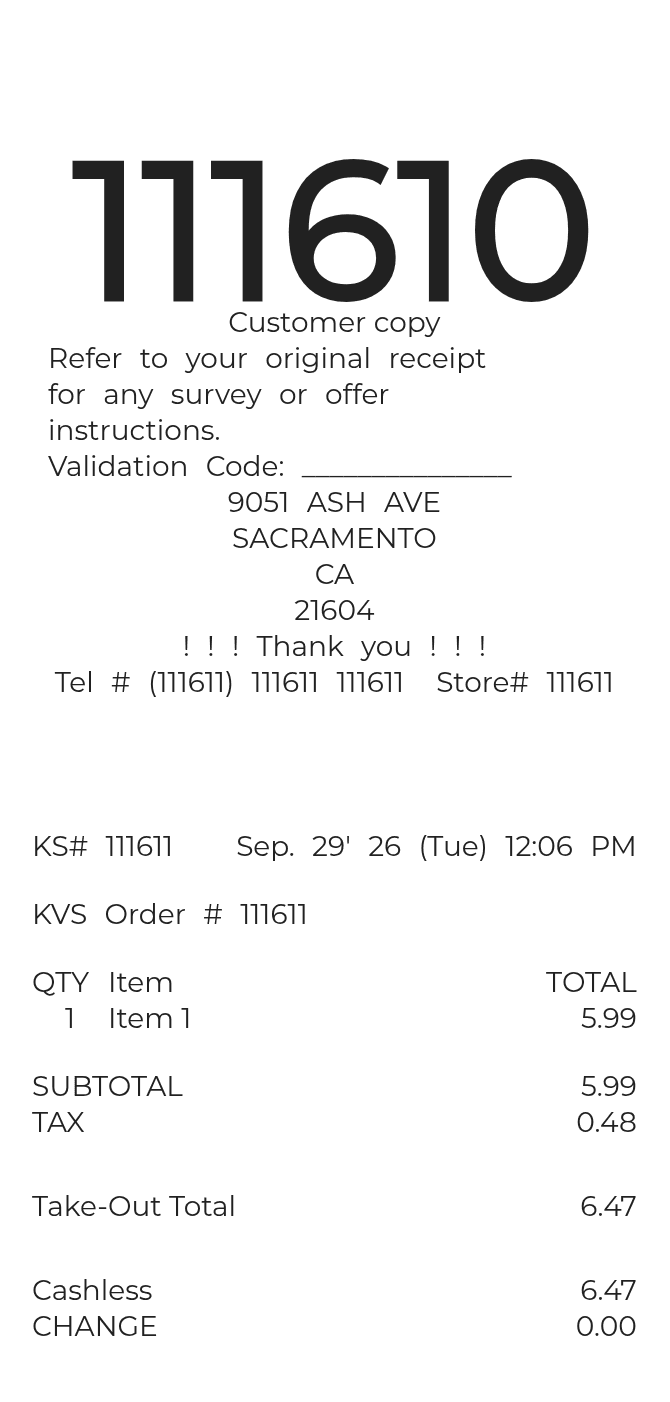
This McDonald’s layout places the order number above the restaurant and kitchen references. The item list can distinguish a main item from an indented extra. Use those rows to describe a meal clearly while keeping any separately charged additions visible.
How to read a McDonald's receipt
McDonald's explains its receipt layout in the MyMcDonald's Rewards FAQ. The restaurant number appears as McDonald's Restaurant # above the address near the middle of the receipt. The visit date and time are on the right, and the order number, always two digits, sits directly below them. The order total is labeled Take-Out Total on carry-out orders. Many receipts also carry a 26-digit survey code for the McDVoice customer survey, which gives a validation code to redeem the offer printed on the receipt; customers can take up to five surveys per month per restaurant.
The receipt matters for MyMcDonald's Rewards. Members earn 100 points per dollar on eligible items, can redeem from 1,500 points, and earn nothing on taxes, fees or delivery fees. If you forgot to scan the app, use Add Missing Points from Receipt in the app within 7 days of the visit, entering the restaurant number, date, time, order number and total. Only physical receipts count, and you can submit one receipt every 30 days.
App orders, McDelivery and refunds
Recent app orders are listed under Recents in the app. McDelivery orders placed in the McDonald's app send an emailed receipt, and the bottom of that email names the delivery partner, Uber Eats, DoorDash or Grubhub, which handles any delivery problem. Mobile orders can't be changed after payment; cancel before preparation starts or ask the restaurant you ordered from for a refund.
For business meals, the receipt shows the date, place and amount, but you also need to record the business purpose and who attended; business meals are generally 50% deductible.
Restaurant, kitchen and payment references
| Section | Details |
|---|---|
| Restaurant | Street, city, state, ZIP, telephone and store number |
| Order | Order number, type, date and time |
| Kitchen | Kitchen Screen Number and Kitchen Video System reference |
| Food | Item name, quantity, unit price and extra-item setting |
| Amounts | Subtotal, tax and cashless or cash-tendered payment |
Related receipt guides
Check the food rows and custom message
- Replace the restaurant and order examples.
- Enter each item’s quantity and unit price.
- Review any extra rows, including zero-priced included items.
- Check tax, payment and offer text before export.
FAQs
Official sources
- McDonald's — MyMcDonald's Rewards FAQs
- McDonald's — Mobile ordering help
- McDonald's — McDelivery FAQs
- McDVoice customer survey
- IRS — Publication 463