📝Editor
👁️Live Preview
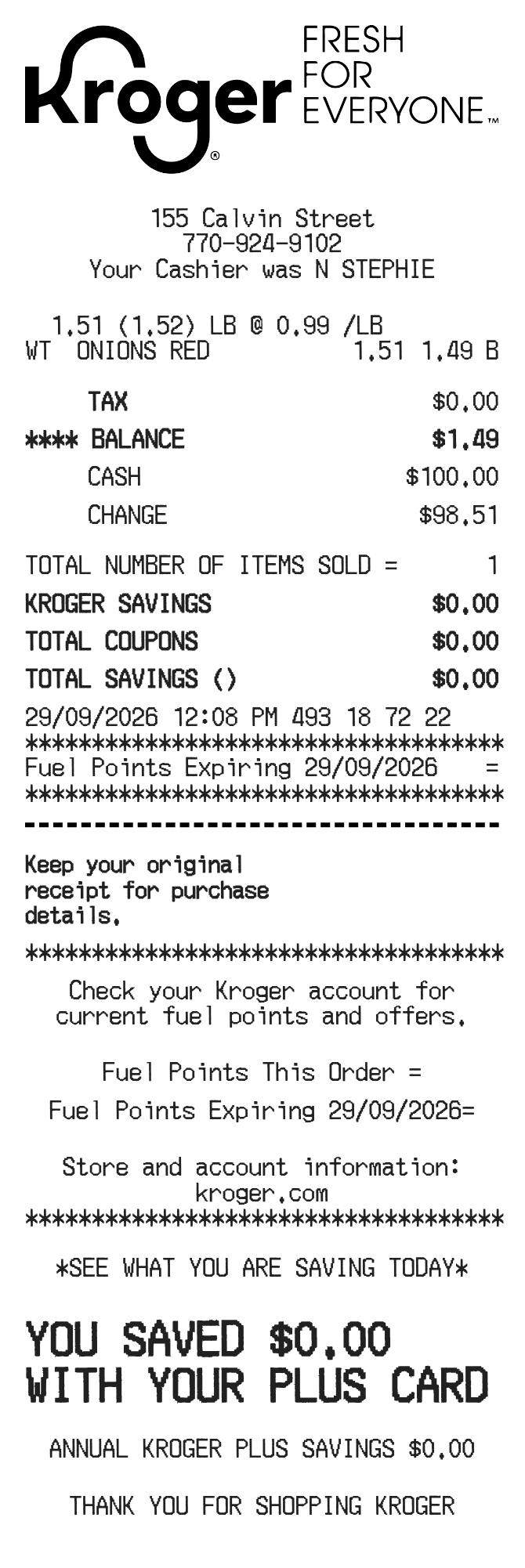
Enter piece counts or weights and check each whole-line amount. Add tax as a money amount, review cash tendered and replace the optional savings and fuel-point notes.
The Kroger editor distinguishes counted items from weighed items. Its Whole-line amount is the charge for the complete row. For a weight-based row, changing the weight or a description containing a rate such as “@ 0.99 /lb” can recalculate that amount. Always review the result, especially when changing the unit or price text.
| Section | Details |
|---|---|
| Items | Type, name, piece count or weight and full row amount |
| Produce notes | Extra description with an optional price per weight unit |
| Checkout | Store, cashier, register and transaction references |
| Payment | Tax amount, balance, cash tendered and change |
| Savings | Informational savings rows, annual savings and fuel-point text |