📝Editor
👁️Live Preview
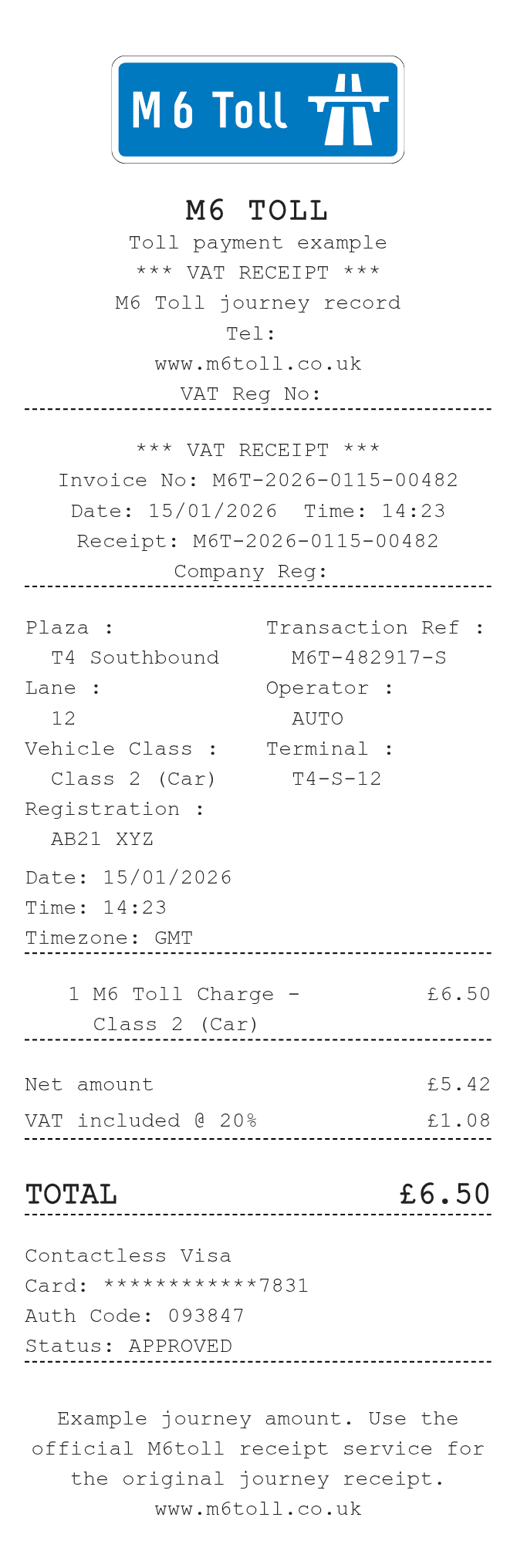
Enter the journey, vehicle and toll payment references. Set the amount paid and included VAT percentage, then check the net and VAT figures in the preview.
The M6 Toll layout treats the entered charge as the gross amount. Its included-VAT setting splits that amount into net and VAT figures without adding tax again. Plaza, lane, class, registration and terminal are editable references; changing them does not calculate a journey price. For an operator-issued receipt, use the M6toll receipt service.
| Section | Details |
|---|---|
| Trip | Date, time, plaza, lane and timezone |
| Vehicle | Class and registration |
| References | Invoice, transaction, operator and terminal |
| Charge | Gross line amount, net value and included VAT |
| Payment | Method, final card digits and authorization |