ULEZ Receipt Template
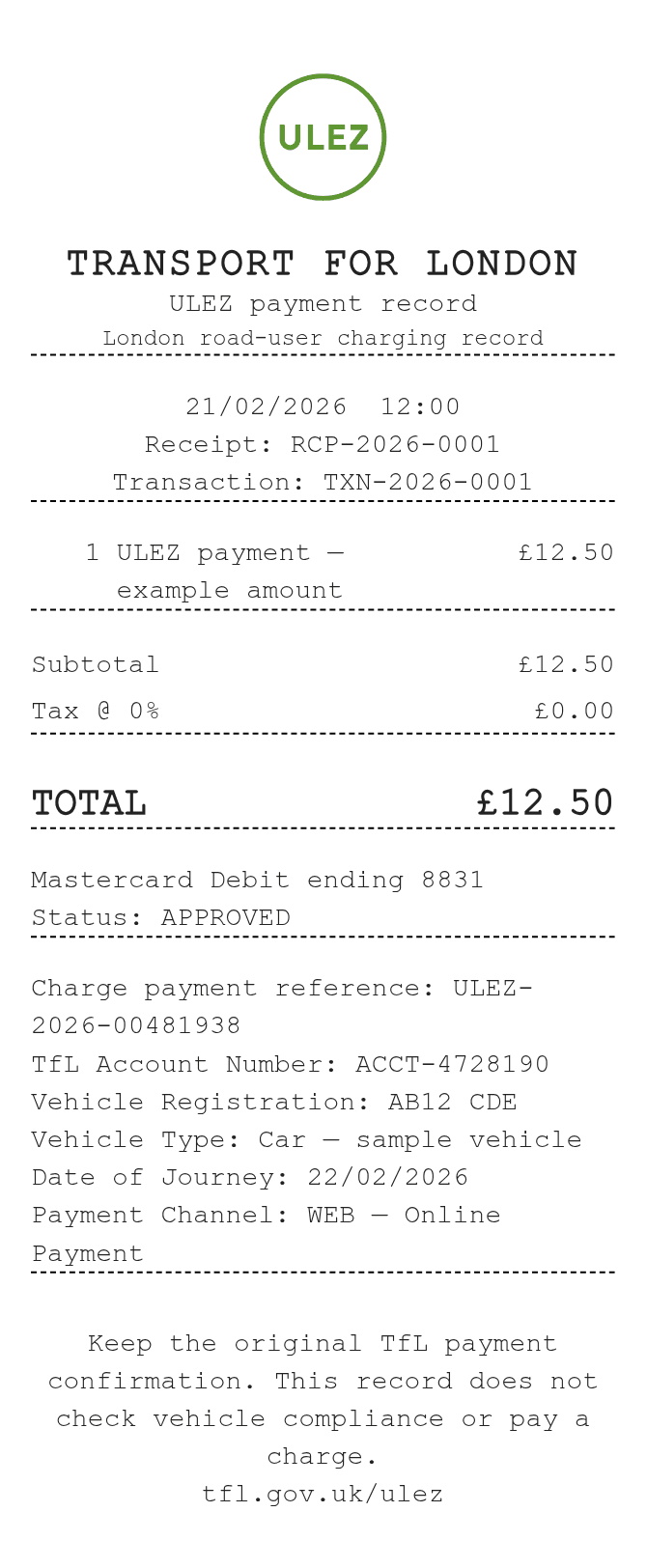
Record the journey date, vehicle registration and payment reference. Check the charge against your TfL record, then save a copy of the details you entered.
✏️ Editable fields📱 PDF & Image export⚡ Instant preview
📝Editor
👁️Live Preview
Last updated
Separate the journey details from the payment date
The ULEZ template includes a Date of Journey field alongside the receipt date and time. It also has vehicle type, registration, TfL account and payment-channel fields. These are record entries, not a vehicle eligibility check. Use TfL’s own service to check your vehicle, manage a charge or make a payment.
Information to copy from your record
| Section | Details |
|---|---|
| Journey | Date and vehicle registration |
| Vehicle | Entered vehicle-type description |
| Account | TfL account and charge-payment reference |
| Payment | Channel, amount and payment details |
Related receipt guides
Review the dates and references
- Set the journey date independently of the payment date.
- Check the vehicle registration character by character.
- Enter the amount from the payment confirmation.
- Replace the sample account and payment references.