📝Editor
👁️Live Preview
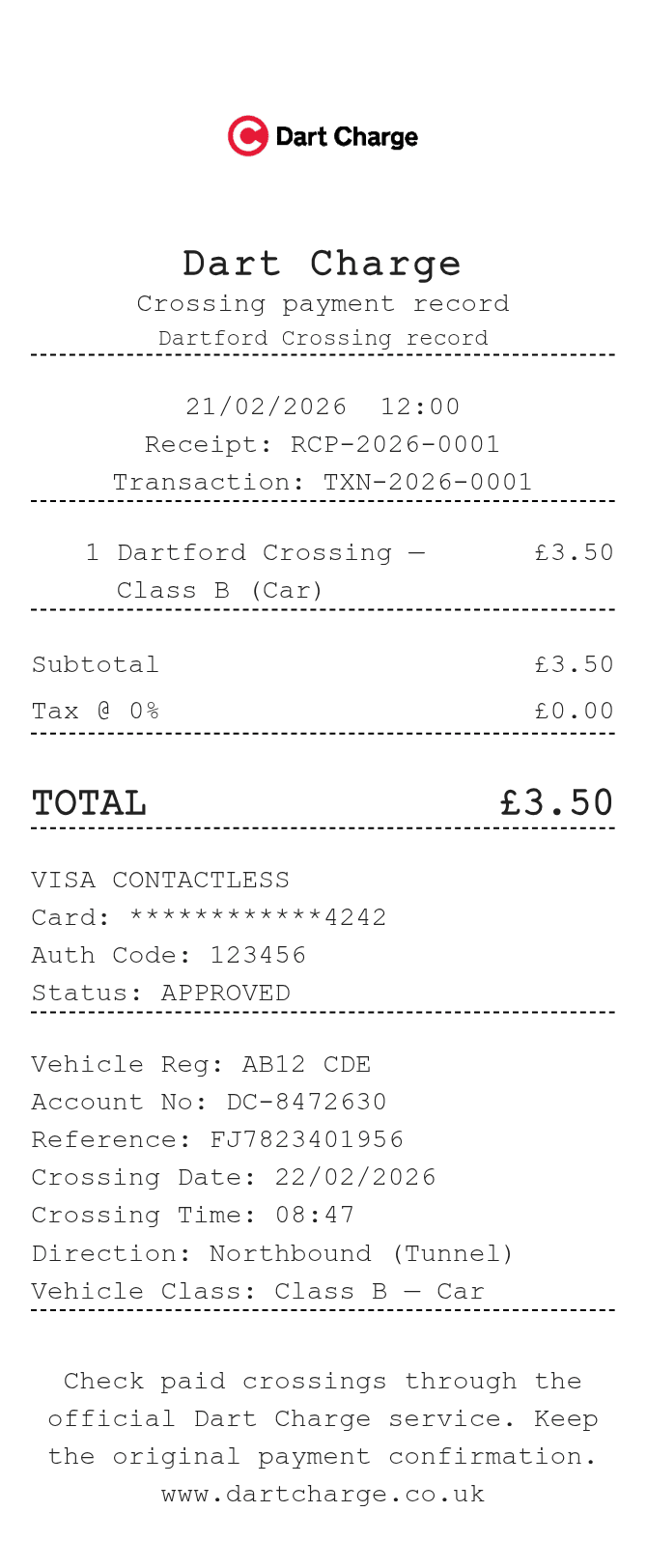
Add the crossing date and time, direction and vehicle registration. Match the transaction reference and charge to your payment confirmation before saving.
This layout has fields for the Dartford crossing date, time, direction and vehicle class alongside the account and transaction references. These details are entered manually. A saved template does not confirm that a crossing has been paid; use the official Dart Charge service to make a payment or check paid crossings.
| Section | Details |
|---|---|
| Vehicle | Registration and class |
| Crossing | Date, time and direction |
| Account | Account number and transaction reference |
| Charge | Description, full line amount and payment details |