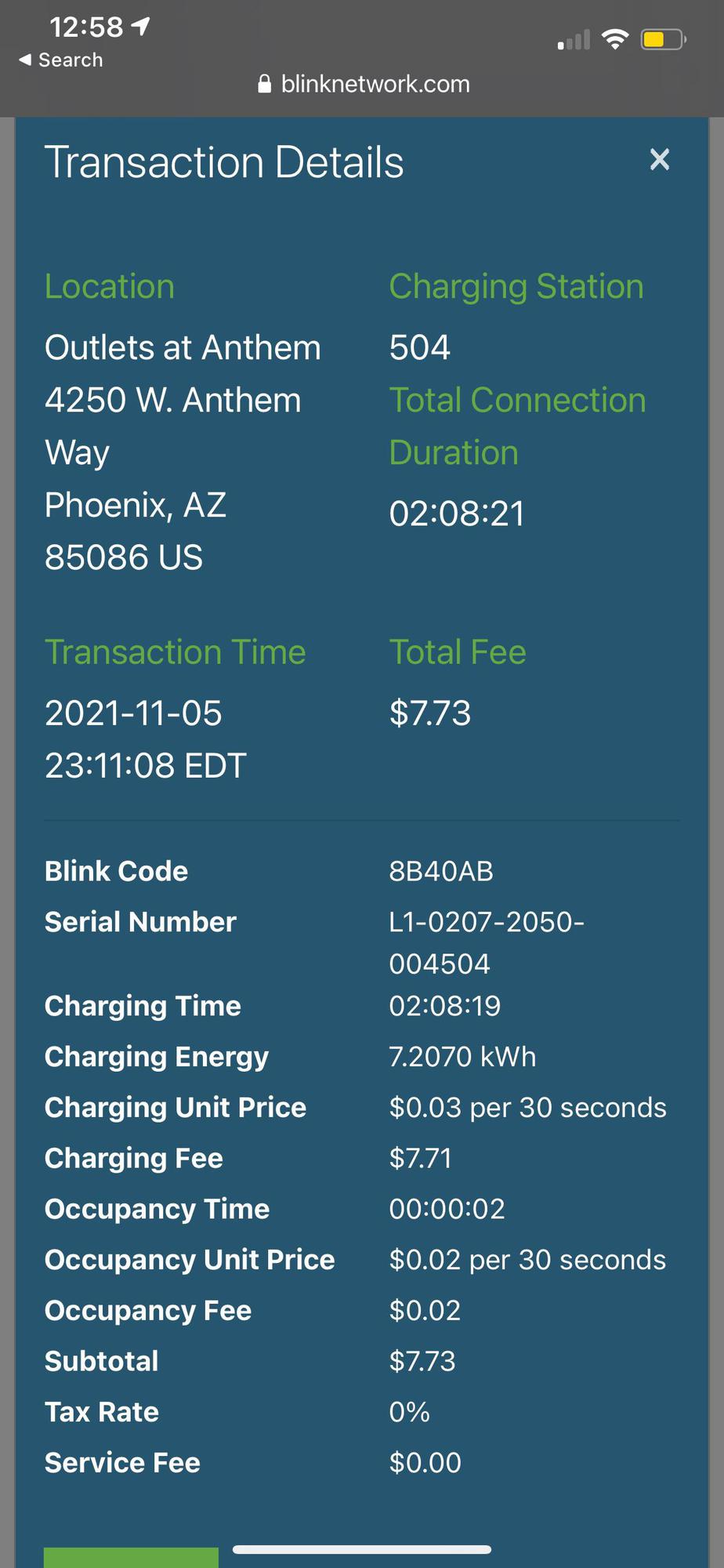
Edit a Blink Charging transaction summary with station, connection and charging time, energy, charging and occupancy rates, fees and tax.
EDITOR
Edit your receipt below, then download the same clean layout as PDF or PNG. Enter amounts and totals manually.
Edit a Blink Charging transaction summary with station, connection and charging time, energy, charging and occupancy rates, fees and tax.
| Step | Details |
|---|---|
| 1 | Enter the transaction and source-specific item or service details. |
| 2 | Check the manually entered charges, taxes and payment figures together. |
| 3 | Review the complete document and download PDF or PNG. |
The source shows charging transaction details and fees. It does not display a tender or payment-settlement status, so this editor keeps the session and charge record without adding one.