National Express Receipt Template with Coach and Stop Details
Enter the passenger, booking reference, stops and departure. Add the full coach fare and review the seat and payment details before downloading.
Last updated
Identify the coach journey clearly
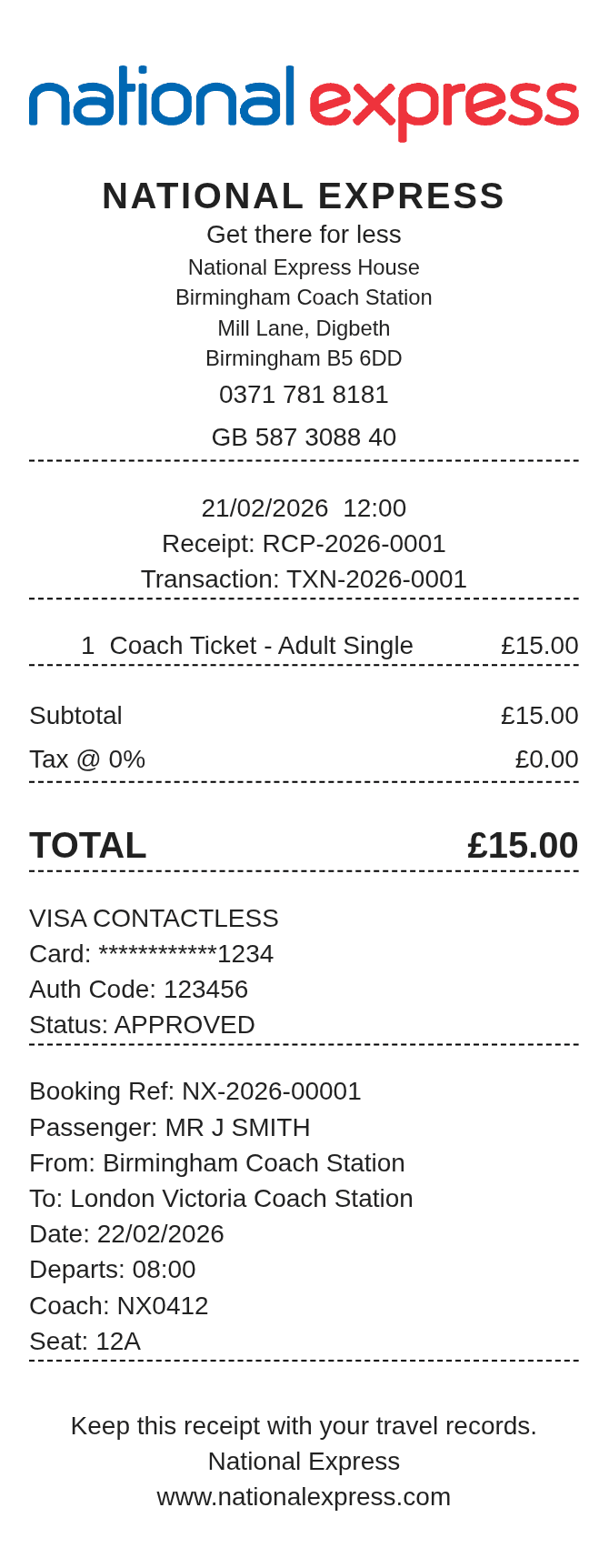
This National Express receipt template gives the departure and arrival stops their own fields, alongside the coach number and seat. A separate departure date/time describes the journey. The receipt date records the transaction, so it can differ from the day of travel.
What National Express provides as a receipt
National Express doesn't issue invoices for coach tickets. Its FAQ explains that invoices are only issued for payments due, and because you pay at the time of booking, an invoice isn't available. Instead, the email confirmation from an online booking can be used as proof of purchase. Those confirmations are only sent for online bookings, so tickets bought at travel shops or ticket vending machines come as paper tickets. National Express also says it doesn't offer VAT receipts because public transport services are exempt from VAT charges. HMRC guidance puts it slightly differently: domestic passenger transport in a vehicle with at least 10 seats can be zero-rated, which covers coach travel and coach excursions.
What you can do with a ticket depends on the fare type, which is shown on the ticket and the confirmation email. Restricted and Standard fares are not refundable. A Standard ticket can have its date and time amended before the time it is booked for, while a Restricted ticket can't be changed. The Fully Flexible fare is refundable, with full refunds up to 24 hours before the original outward journey. In every case the booking fee is non-refundable, and partly used tickets can't be refunded. If a service is canceled, National Express asks you to contact customer services, who will assess the refund request.
How to get a copy of a National Express ticket
For tickets bought on the National Express website, you can reprint or access the ticket through manage my booking in My Account. If you checked out as a guest, you can still sign up to My Account with the email address used for the purchase. At a coach station, staff can reprint a ticket for a fee of £3.
To refund a Fully Flexible ticket more than 24 hours before travel, log in to My Account and use the Cancel & refund ticket button if it appears. Tickets bought with seat reservations, Change & Go or excess luggage need a call or message to customer services for the full refund.
Complete the journey record
| Section | Details |
|---|---|
| Booking | Add the passenger name and booking reference. |
| Stops | Enter From Stop and To Stop, using the station or stop names from your record. |
| Departure | Set the travel date, departure time, coach number and seat. |
| Fare | Enter a complete charge for each row; quantity is a printed reference. |
| Total | Line amounts are added, then one Tax % is applied to their subtotal. |
Related receipt guides
Review the fare description
- Describe whether the charge covers a single journey, a return or another recorded service. The editor will not infer that from the stops.
- A seat or coach number is an editable note. Entering one does not make a reservation or issue a ticket.
FAQs
Official sources
- National Express - Can I obtain a receipt or invoice for my ticket?
- National Express - How can I get a VAT receipt?
- National Express - How do I reprint my ticket?
- National Express - How do I obtain a refund for my ticket?
- HMRC - The VAT treatment of passenger transport (VAT Notice 744A)