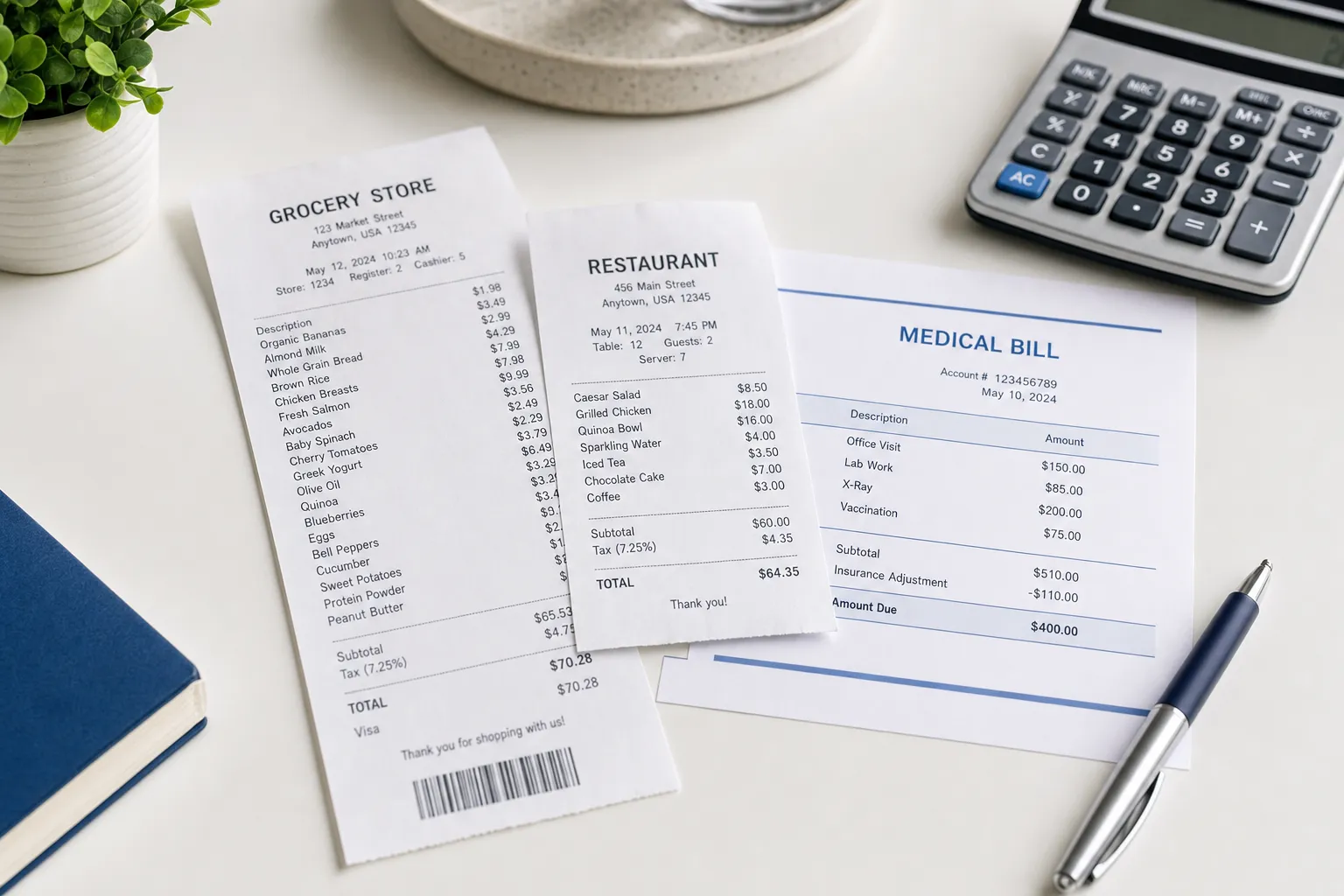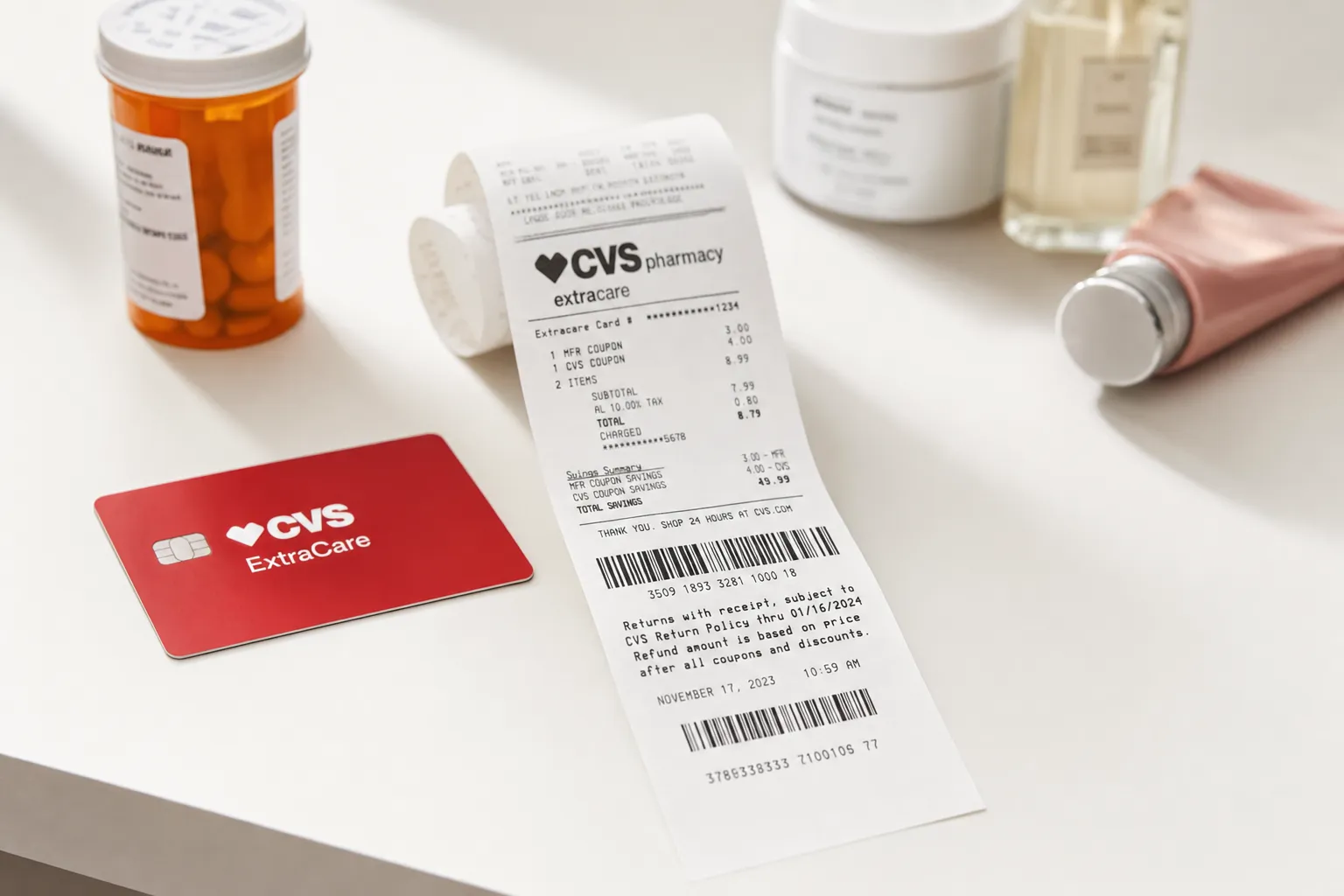
Your employer’s expense policy determines when a receipt is required and what it must show. Keep the original itemized record and payment evidence so the reviewer can understand the purchase and its business purpose.
This guide covers what makes a receipt valid for an expense report, how to handle missing receipts, how different expense systems (Concur, Expensify, Brex, Ramp) process documentation, and how to use the receipt generator when you need to recreate a receipt.
What Expense Reports Require on Receipts
Corporate expense policies vary, but most require these elements on any submitted receipt:
- Date of purchase
- Vendor name (restaurant, hotel, store)
- Itemized breakdown of what was purchased
- Total amount paid
- Payment method (corporate card, personal card, cash)
- Business purpose (you add this when submitting)
- Attendees for business meals
| Receipt Type | What to Check |
|---|---|
| Itemized restaurant check | Common supporting record; employer requirements apply |
| Hotel folio with charges broken out | Common supporting record; employer requirements apply |
| Online receipt PDF (Uber, Amazon) | Common supporting record; employer requirements apply |
| Photo of paper receipt (clear) | Common supporting record; employer requirements apply |
| Credit card slip only (no itemization) | Usually rejected |
| Bank statement entry | Payment evidence; may need an itemized record too |
| Handwritten receipt from contractor | Common supporting record; employer requirements apply |
| Personally reconstructed receipt | Disclose it and ask the employer; acceptance is not guaranteed |
Expense Report Thresholds by Company Type
| Organization | Receipt Threshold | Where to Check |
|---|---|---|
| Large company | Policy-specific | Employer policy and any applicable contract requirements |
| Mid-size company | Policy-specific | Employer policy and any applicable contract requirements |
| Small business or startup | Policy-specific | Employer policy and any applicable contract requirements |
| Government contractor | Policy-specific | Employer policy and any applicable contract requirements |
| Nonprofit | Policy-specific | Employer policy and any applicable contract requirements |
Check your specific company expense policy. Most are listed in the employee handbook or accessible through your expense system (Concur Help, Expensify Policy page, etc.).
How Different Expense Systems Process Receipts
Concur (SAP)
Concur uses OCR to extract receipt data automatically. Upload a clear photo or PDF. Concur identifies vendor, date, amount, and category. Manually add the business purpose. Concur flags rejected receipts in the report; common rejection reasons include blurry images, missing itemization, and personal items mixed with business.
Expensify
Expensify SmartScan reads receipt details from photos. Email forwarding works too (receipts@expensify.com from your registered email). Expensify auto-categorizes based on vendor (e.g., "Uber" = ground transportation). Approval policies can require itemization above set thresholds.
Brex
Brex integrates corporate cards with receipt capture. Every Brex card transaction prompts you to text/email a receipt. Brex flags transactions missing receipts in your dashboard. The system auto-matches receipts to transactions when both are submitted.
Ramp
Ramp does similar real-time receipt collection via SMS prompts. Ramp also auto-extracts data and matches to transactions. Ramps strength is automation rules: "auto-approve under $25, require receipt for $25+."
QuickBooks Online
QuickBooks Online has receipt capture for small businesses. Photograph the receipt, QuickBooks extracts data and creates an expense entry. Works with the QuickBooks mobile app or by emailing receipts to a unique QuickBooks email address.
Check the employer’s policy and review the information extracted by the expense system. Itemization helps explain the purchase; see our itemized receipt guide.
Common Expense Categories and Receipt Requirements
Business Meals
Common supporting records: itemized restaurant check (not credit card slip), attendees list, business purpose. Brand templates available for major restaurants like McDonalds, Starbucks, and chain restaurants — browse all restaurant receipt templates.
Travel: Flights
Common supporting records: full itinerary showing flight class, dates, and total cost. Boarding pass alone is not sufficient because it does not show the price. Get the email confirmation from the airline or travel booking site.
Travel: Hotels
Common supporting records: hotel folio (not just the confirmation email). The folio breaks out room rate, taxes, parking, room service, etc. Some expense policies require attaching the folio AND the credit card statement to verify the charge matched. Browse hotel receipt templates for the standard format.
Travel: Ground Transportation
Uber, Lyft, taxi, rental cars. Uber and Lyft auto-email receipts. Taxi receipts come at the end of the ride. Car rentals provide an email receipt at return. Taxi templates cover all formats.
Office Supplies and Equipment
Receipts from Office Depot, Staples, Amazon Business. Itemized receipts are standard from these retailers. Equipment over $2,500 may need separate capital expenditure approval, not just an expense report.
Software Subscriptions
Receipts from QuickBooks, Adobe, Microsoft 365, etc. The monthly auto-billing email is your receipt. Most companies prefer annual subscriptions on one receipt vs monthly billing for cleaner expense tracking.
Tipping Guidelines for Expense Report Receipts
Keep the final payment record showing any tip and check your employer's rules before claiming reimbursement. The examples below are reminders to check the applicable policy:
| Service | Acceptable Tip Range |
|---|---|
| Restaurant meals | 15-20% of pre-tax total |
| Uber/Lyft | 10-20% |
| Taxi | 15-20% |
| Hotel housekeeping | $3-5 per night |
| Hotel bellhop | $2-5 per bag |
| Valet parking | $3-5 |
| Bartender | $1-2 per drink or 20% |
Tips above 25% may trigger expense report review. Write the tip on the receipt clearly. For Uber/Lyft, tips automatically appear on the digital receipt.
What to Do If You Lose a Receipt
Lost receipts happen. Most companies have a process for this:
- Request a duplicate from the vendor. Ask whether it can reprint or email the original record; retention periods vary.
- Submit a missing receipt affidavit. Most expense systems (Concur, Expensify) have a form for this. You attest under penalty of expense rejection that the expense is legitimate.
- Use the credit card statement as backup. Print the relevant transaction and attach it to the affidavit.
- Create a recreated receipt. The receipt generator creates properly formatted receipts based on what you remember of the original. Submit it noting it is a recreated copy of a lost original.
Most companies allow 1-3 missing receipt affidavits per quarter before flagging the pattern. Habitually missing receipts can result in expense report denial.
Personal vs Business Expenses on Same Receipt
If you bought both business and personal items on the same receipt (e.g., bought office supplies AND a snack at Staples):
- Circle or highlight ONLY the business items on the receipt
- Calculate the total of business items separately
- Submit only that subtotal on the expense report
- Note "Partial expense — business items only" in the description
Some expense systems let you split a single receipt across business and personal categories. Use that feature if available.
Creating Recreated Receipts for Expense Reports
For legitimately lost receipts where the vendor cannot provide a copy, recreated receipts using the receipt generator work for most expense systems if:
- The transaction is verifiable through a credit card statement
- You note "Recreated copy of lost original" on the expense report
- The amount matches your card statement exactly
- The vendor and date match your records
Available templates by category: restaurants, hotels, taxi/rideshare, grocery, professional services, and department stores. Each matches the standard format for that vendor type.
Receipt for Expense Report FAQs
What is the minimum amount that requires a receipt for an expense report?
Check your employer’s written policy and any applicable contract requirements. A universal $25 company or FAR threshold is not established by this guide.
Do I need an itemized receipt or is the credit card slip enough?
You need the itemized receipt for restaurants, hotels, and most service-based expenses. The credit card slip only shows the total and does not prove what was purchased. Finance teams need to verify the expense was business-related. For groceries and retail purchases, the standard receipt (already itemized) is sufficient.
What if I lost a receipt?
Request a vendor duplicate first. If it is unavailable, ask your finance team whether it accepts a missing-receipt declaration and which supporting records it needs. Disclose any reconstruction; there is no universal quota of accepted missing receipts.
Can I use a screenshot of an email receipt?
Ask whether your employer accepts a clear screenshot or requires the original PDF or email. Keep the complete record, including item details and payment information.
Do I need receipts for tipping?
Tips written on the receipt are typically reimbursable. For tips that are not on the receipt (cash tips to hotel staff, valet, etc.), most companies allow a reasonable amount based on industry standards. Document cash tips with a notation on a related receipt or expense report. Tips above 25% may trigger expense review.
What if my receipt has personal items mixed with business?
Circle or highlight only the business items on the receipt. Calculate the subtotal of business items separately. Submit only that subtotal on the expense report. Note "Partial expense — business items only" in the description. Some systems allow splitting a single receipt across business and personal categories — use that if available.
How long should I keep expense report receipts?
Follow your employer’s retention policy and the tax rules for any records you must keep. IRS retention guidance includes exceptions to the general three-year period; submission date is not a universal starting point.
Can I submit a receipt generated by ReceiptEdit for a lost receipt?
The receipt generator can format a clearly labeled reconstruction from known details. Ask your finance team before submitting it, retain the underlying evidence and do not present it as the vendor’s original. See our IRS receipt requirements guide.