📝Editor
👁️Live Preview
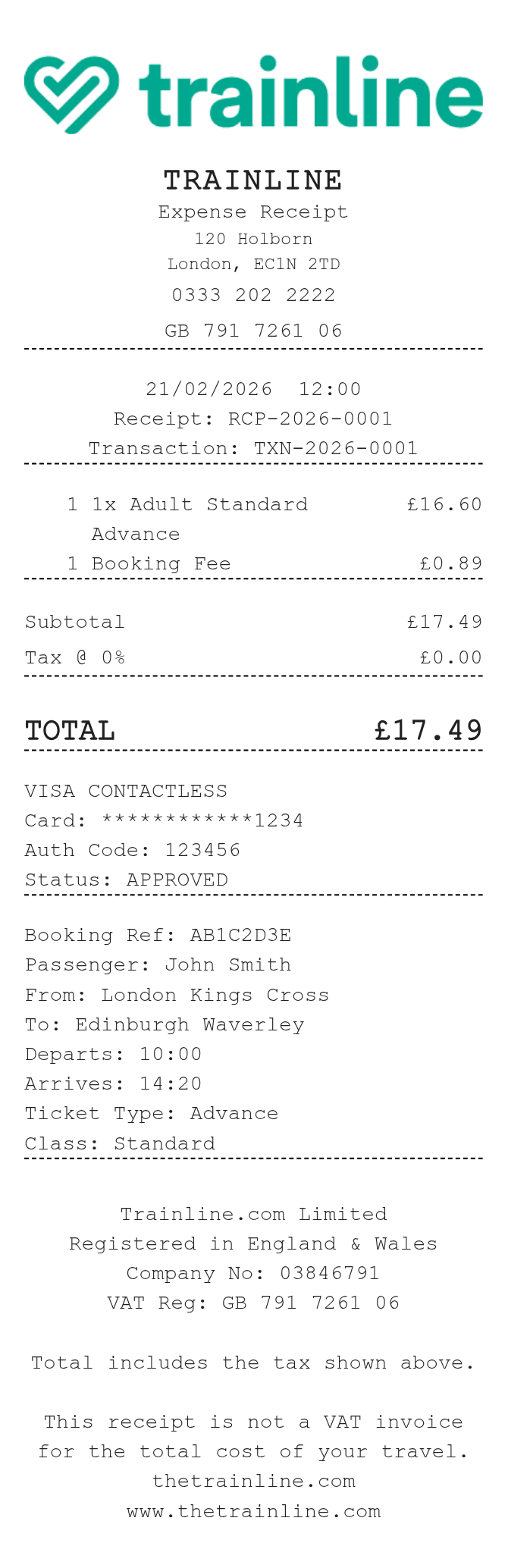
Add the booking reference, passenger and journey. Keep the fare and booking charge on separate rows, then check the tax setting and payment total.
The Trainline receipt generator has separate journey fields and an item table. A fare and booking charge can each have their own row, making the payment breakdown easier to read. Enter complete amounts for those rows; the quantity column does not multiply them.
| Section | Details |
|---|---|
| Booking | Enter the reference and passenger name. |
| Journey | Record the origin, destination, departure and arrival times. |
| Ticket | Enter the ticket type and class as notes. |
| Charges | List each fare and booking charge using its full amount. |
| Tax | Tax % applies to the entire subtotal; it cannot target only the booking charge or extract included tax. |