📝Editor
👁️Live Preview
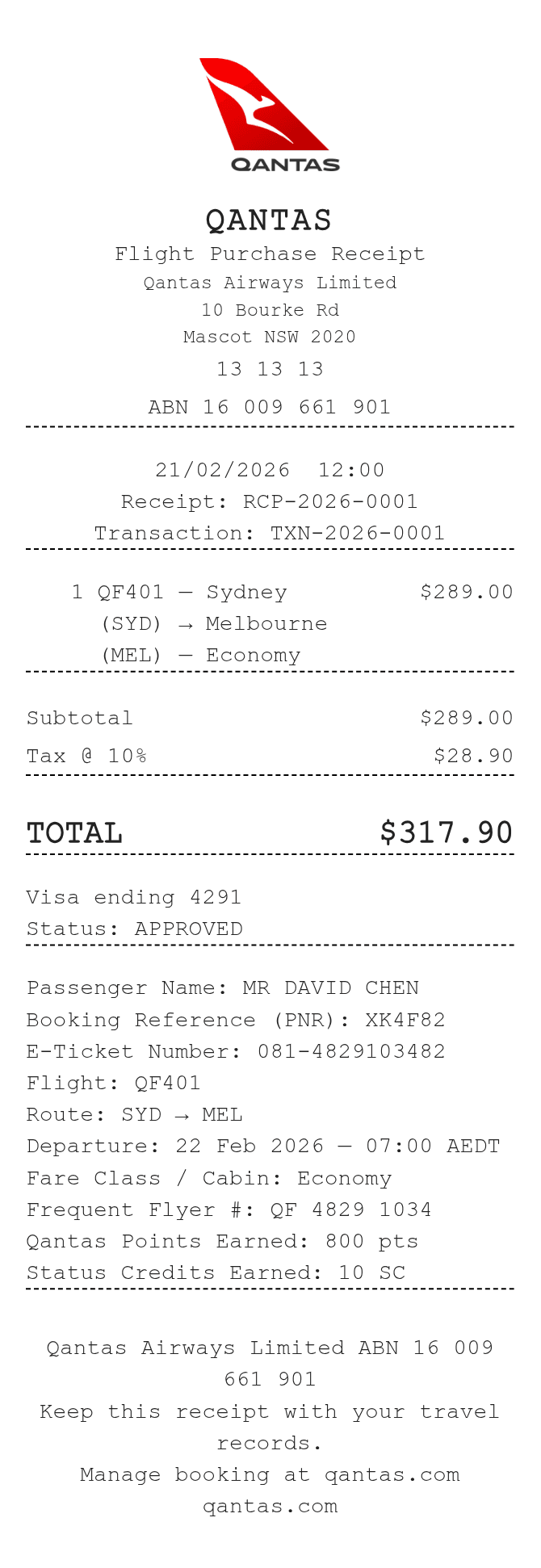
Record the passenger, flight, booking and ticket references. Add the complete charges and enter any Qantas Points or Status Credits as separate notes.
The Qantas receipt template has fields for a Frequent Flyer number, points and Status Credits beside the flight information. They are all manual references. The fare comes from the item table, and the tax percentage is a separate setting; neither the fare class nor the loyalty notes changes those amounts.
| Section | Details |
|---|---|
| Passenger and booking | Enter the passenger, booking reference and e-ticket number. |
| Flight | Record the flight number, route, departure and fare class/cabin. |
| Loyalty | Enter the Frequent Flyer number, points and Status Credits only as recorded. |
| Fare | Each line takes a complete charge; quantity does not multiply it. |
| Tax | The entered percentage adds tax to the subtotal rather than extracting tax included in the fare. |