Payment Receipt Template for Australia
Record an Australian payment with the payer, purpose and receipt reference. Keep the payment date separate from the issue date, then review the total and download.
✏️ Editable fields📱 PDF & Image export⚡ Instant preview
📝Editor
👁️Live Preview
Last updated
Keep the payment date with the payment
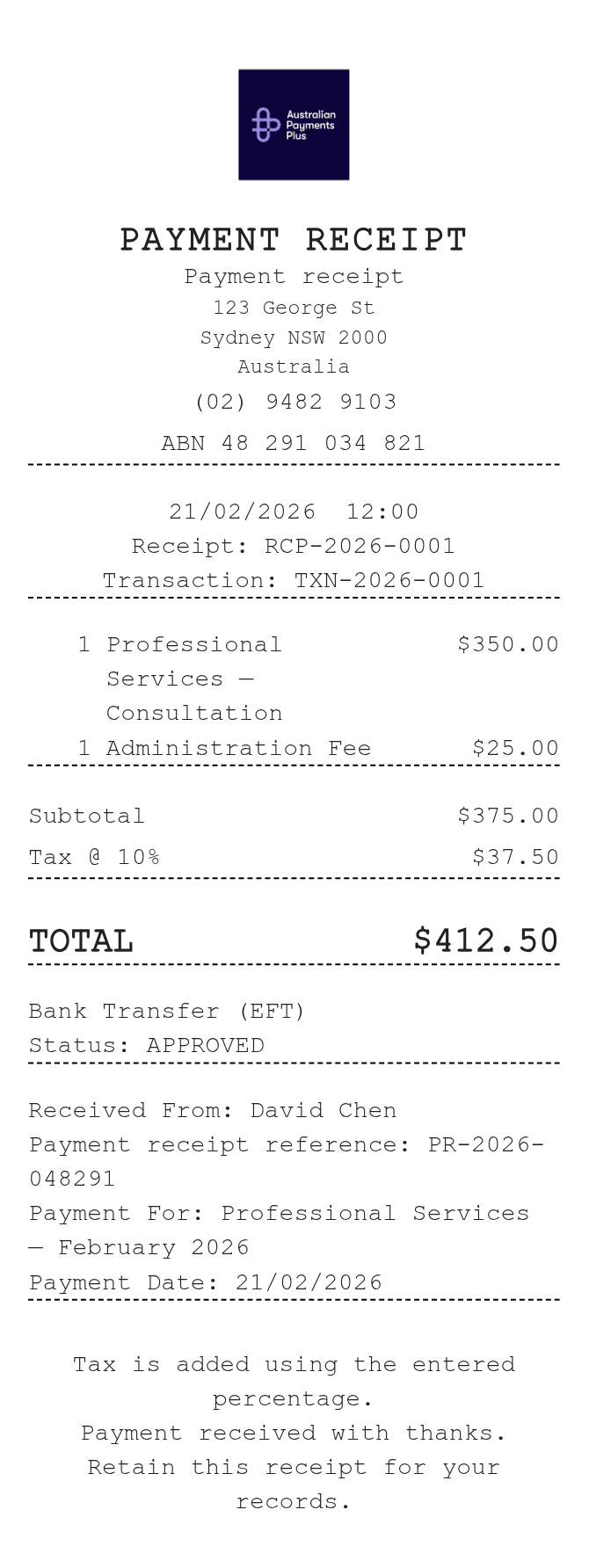
This payment receipt template for Australia includes a Received From field and a separate Payment Date. That is useful when the date you prepare the receipt differs from the date the customer paid. Record the service or invoice reference in Payment For and use the item list for the amounts being acknowledged.
Check the Australian payment details
| Section | Details |
|---|---|
| Business | Enter the issuing business and its contact details. |
| Registration reference | Replace the example ABN with the relevant details from your business records. |
| Payer and purpose | Identify who paid and what the payment covers. |
| Dates | Set the receipt date and the separate payment date. |
| Charges | Enter complete line amounts and check any added tax percentage. |
Related receipt guides
Review the tax calculation and both dates
- Tax % adds tax to the subtotal. For example, line amounts of 350 and 25 with an entered 10% produce 37.50 tax and a 412.50 total. The control does not work backwards from a GST-inclusive payment.
- Payment Date remains as typed when the receipt header date changes. The payment receipt reference and header receipt number are also independent, so check each before exporting.