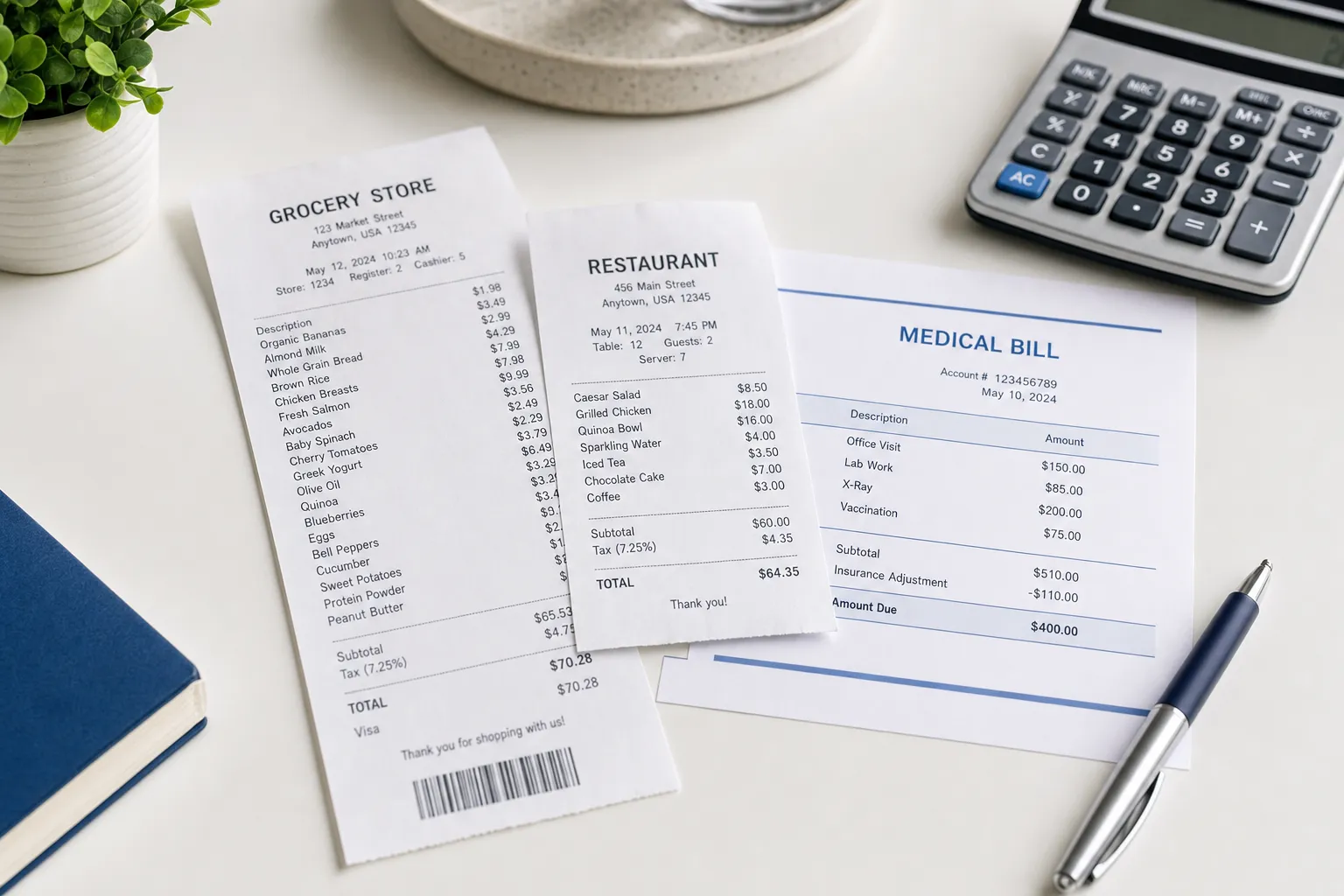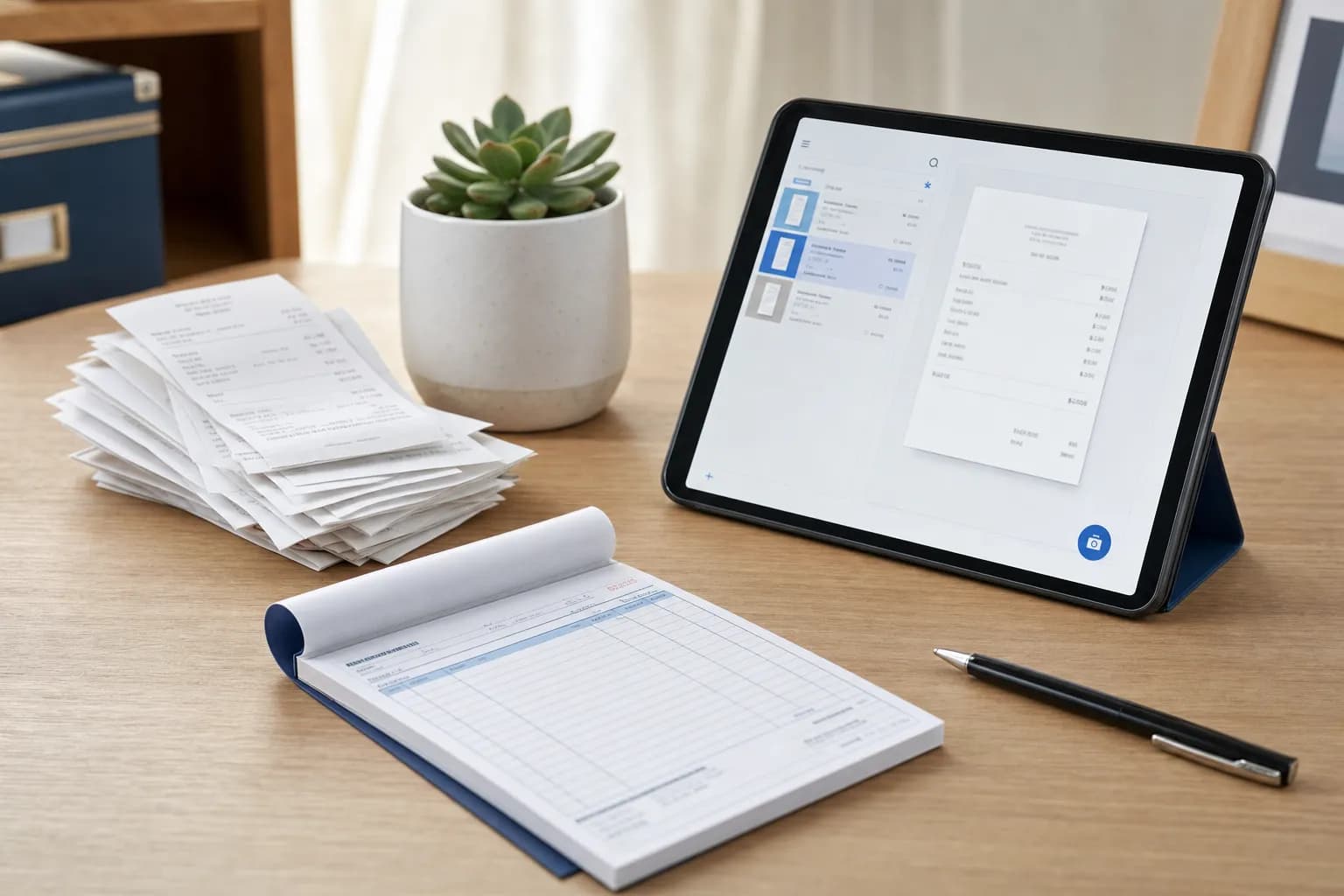
If you run a small business, you need to issue receipts, collect receipts, and store receipts. Receipts are how you prove income, claim deductions, survive audits, and get reimbursed. Skipping them costs money.
This small business receipt guide explains common receipt fields, how to create and issue receipts, and how to organize the records you receive. Check the rules for your location and transaction when deciding which details are required. The receipt maker can help you format your own records.
What's Legally Required on a Small Business Receipt
The following fields help document a transaction. They are a practical checklist, not a universal IRS-approved receipt format; legal requirements depend on the location and transaction.
| Field | Include for clear records? | Notes |
|---|---|---|
| Business name | Yes | Legal business name or DBA |
| Business address | Recommended | Physical address or P.O. Box |
| Date of transaction | Yes | Must be the actual transaction date |
| Description of items/services | Yes | Specific enough to identify what was sold |
| Amount charged | Yes | Individual item prices and total |
| Sales tax | Where applicable | Separate line item showing tax rate and amount |
| Payment method | Recommended | Cash, check, card type + last 4 digits |
| Receipt/transaction number | Recommended | Sequential numbering for your records |
Check the official tax or consumer authority for the location and transaction before deciding which receipt details are legally required. This guide does not establish a universal state-law threshold.
The $75 exception is limited to specific documentary-evidence rules in IRS Publication 463; it is not an exemption from substantiating every smaller business purchase. See our IRS receipt requirements guide. For the layout distinction, see what qualifies as an itemized receipt.
How to Create Receipts for Your Small Business
Option 1: Receipt Generator (Fastest)
Online receipt generators let you create formatted receipts in minutes. The ReceiptEdit receipt maker gives you:
- Customizable templates for retail, services, food, and professional work
- Line items with quantities, prices, and tax calculations
- PDF and PNG downloads for printing or emailing
- No account required
This works for businesses that don't process enough transactions to justify a POS system but still need professional receipts.
Option 2: POS System
If you handle more than a handful of transactions per day, a point-of-sale system automates receipt generation. Square, Clover, Toast (restaurants), and Shopify POS all generate receipts automatically at checkout. They also track sales, inventory, and taxes.
A POS system can itemize a transaction and store purchase records. Check its current pricing and the fields it records before choosing a system; the software alone does not establish tax compliance.
Option 3: Receipt Book (Manual)
Carbonless receipt books from any office supply store cost $5-$15. You write the receipt by hand, tear off the top copy for the customer, and keep the carbon copy. This works for service businesses (cleaners, tutors, handymen) doing a few transactions per week.
Downsides: your handwriting needs to be legible, there's no digital backup, and calculating tax manually is error-prone. Receipt books work as a backup but shouldn't be your primary method if you can use a digital alternative.
Option 4: Invoice Generator (For Services)
If you bill clients before they pay (consulting, freelancing, contracting), you need invoices, not receipts. The invoice generator creates invoices with payment terms, due dates, and bank details. Once the client pays, the paid invoice serves as a receipt. Our receipt vs invoice guide explains when to use which.
How to Write a Receipt for Payment
If you're writing a receipt from scratch (no template or software), include these elements in order:
- Your business name and contact info at the top
- The word "RECEIPT" so there's no ambiguity about what the document is
- Date of the transaction
- Receipt number (use sequential numbering: R-001, R-002, etc.)
- Customer name where needed to identify the transaction or satisfy the applicable requirements
- Description of each item or service with quantity and price
- Subtotal before tax
- Tax amount with the rate shown
- Total amount paid
- Payment method (cash, check #, card type)
- Signature line (optional but adds legitimacy for large transactions)
For a cash payment, issue a receipt when payment is received and give both parties a copy. Keep supporting records as well: a receipt is useful evidence, but it is not the only possible record of a transaction.
Receipt Templates for Small Businesses
Different businesses need different receipt formats. Here's what to use based on your industry:
| Business Type | Best Template | Key Fields |
|---|---|---|
| Retail store | Department store | Items, SKU, tax code, barcode |
| Restaurant/cafe | Restaurant | Table #, server, dishes, tip line |
| Grocery/food | Grocery | Weight-based items, tax codes, coupons |
| Auto repair | Automotive | Labor hours, parts list, VIN |
| Medical/dental | Medical | CPT codes, insurance info, copay |
| Hotel/lodging | Hotel | Nightly rate, room charges, incidentals |
| Home services | Home services | Labor, materials, service description |
| Professional services | Services | Hourly rate, project description, terms |
All templates on ReceiptEdit are free to use with no watermark. Pick a template, customize the fields, and download as PDF or PNG.
Receipt Management — How to Organize Business Receipts
The Shoebox Problem
Most small business owners start by tossing receipts in a drawer, envelope, or literal shoebox. This works until tax season, when you spend 8 hours sorting through faded thermal paper trying to remember what each purchase was for.
Digital Receipt Management
The fix is going digital. Scan or photograph every receipt the day you get it. Options:
| Method | Cost | Best For |
|---|---|---|
| Phone camera + cloud folder | Free | Fewer than 20 receipts/month |
| Receipt scanning app (Dext, Shoeboxed) | $15-$40/mo | 20-100+ receipts/month |
| Accounting software (QuickBooks, Wave) | $0-$30/mo | Businesses that also need invoicing and bookkeeping |
| Dedicated scanner | $200-$400 one-time | High volume, physical receipts |
Keep electronic records complete, readable and retrievable, with backups. IRS recordkeeping guidance explains that records must support the income and expenses reported; a scan does not by itself establish deductibility.
How Long to Keep Business Receipts
Retention depends on the record and tax situation. IRS retention guidance describes a general three-year period with exceptions, including six years for specified substantial income omissions and longer periods for some other records.
There is no seven-year rule that covers every case. For example, IRS guidance calls for indefinite retention when no return was filed or a fraudulent return was filed. Keep records while they remain needed.
Receipt Tracking for Taxes
What Receipts to Keep
Keep receipts for every business expense you plan to deduct. Common categories:
- Office supplies and equipment
- Software subscriptions
- Business meals (50% deductible)
- Travel expenses (flights, hotels, car rentals)
- Mileage and gas (if using actual expense method)
- Professional development (courses, books, conferences)
- Marketing and advertising
- Insurance premiums
- Rent and utilities (home office or commercial space)
The $75 exception is limited to specific documentary-evidence rules in IRS Publication 463; it is not an exemption from substantiating every smaller business purchase. See our IRS receipt requirements guide.
Matching Receipts to Bank Statements
At the end of each month, reconcile your receipts against your bank and credit card statements. Every business expense on your statement should have a matching receipt. Flag any discrepancies. This 30-minute monthly habit prevents the 8-hour panic at tax time.
Learn how to pull receipts from major retailers: Walmart receipt lookup and Amazon receipt download cover the two most common sources for business supply purchases.
Digital Receipts vs Paper Receipts for Business
| Factor | Paper Receipts | Digital Receipts |
|---|---|---|
| Durability | Thermal paper can fade | Readable while the file and backups remain intact |
| Storage | Physical space required | Cloud storage, near-zero cost |
| Searchability | Manual sorting only | Searchable by date, vendor, amount |
| Tax documentation | Can support an expense | Can support an expense when complete and readable |
| Sharing | Must photocopy or scan | Email, share link, download |
| Environmental impact | Paper + BPA in thermal paper | Minimal |
If you're still on paper, switch to digital. The transition takes one afternoon: set up a cloud folder structure, download a scanning app, and start photographing every receipt you get. Within a month you'll have a searchable archive that your accountant can access directly.
FAQs About Small Business Receipts
Do I need to give customers a receipt?
Receipt-issuing requirements depend on the location and transaction. Check the relevant official authority. Providing an accurate receipt and keeping a copy also helps both parties resolve later questions.
How do I make a receipt for a cash payment?
Write one by hand (using a receipt book) or generate one digitally with our receipt maker. Include the date, your business name, what was sold, the amount, and note "PAID - CASH" as the payment method. Both parties should keep a copy since cash transactions leave no bank record.
What happens if I lose a business receipt?
Ask the vendor for a duplicate and retain any payment evidence. If records are missing, document what is known and label any later reconstruction accurately. The applicable substantiation rules determine what evidence is sufficient; a log is not automatically accepted. IRS Publication 463.
Do I need receipts for expenses under $75?
The $75 exception is limited to specific documentary-evidence rules in IRS Publication 463; it is not an exemption from substantiating every smaller business purchase. See our IRS receipt requirements guide.
Can I use my phone to scan receipts for the IRS?
A complete, readable digital copy can form part of your records. Keep the whole document and backups, together with supporting payment and business-purpose evidence. IRS recordkeeping guidance.
How do I organize receipts for tax time?
Create folders by month (01-Jan, 02-Feb, etc.) inside a yearly folder (Receipts/2026/). As you scan each receipt, name the file with the date and vendor: "2026-05-16-HomeDepot.pdf." At tax time, your accountant opens each month's folder and has everything organized chronologically.
What's the best receipt app for small business?
Choose a scanning or accounting tool based on the records you need, export options and current pricing. For formatting an accurate receipt for your own transaction, use the ReceiptEdit receipt maker.
Do I need separate receipts for business and personal expenses?
Separate business accounts can make recordkeeping easier. If one purchase includes both business and personal items, keep the complete original receipt and record which items and amounts relate to the business, together with their purpose and payment evidence. Do not alter the merchant's receipt to remove the personal items.