NAPA Auto Parts Receipt Generator
Enter parts, quantities, invoice details and payment information in a NAPA receipt layout. Check the Net amounts and tax rate, then download PDF or PNG.
Last updated
Pair the parts list with the invoice reference
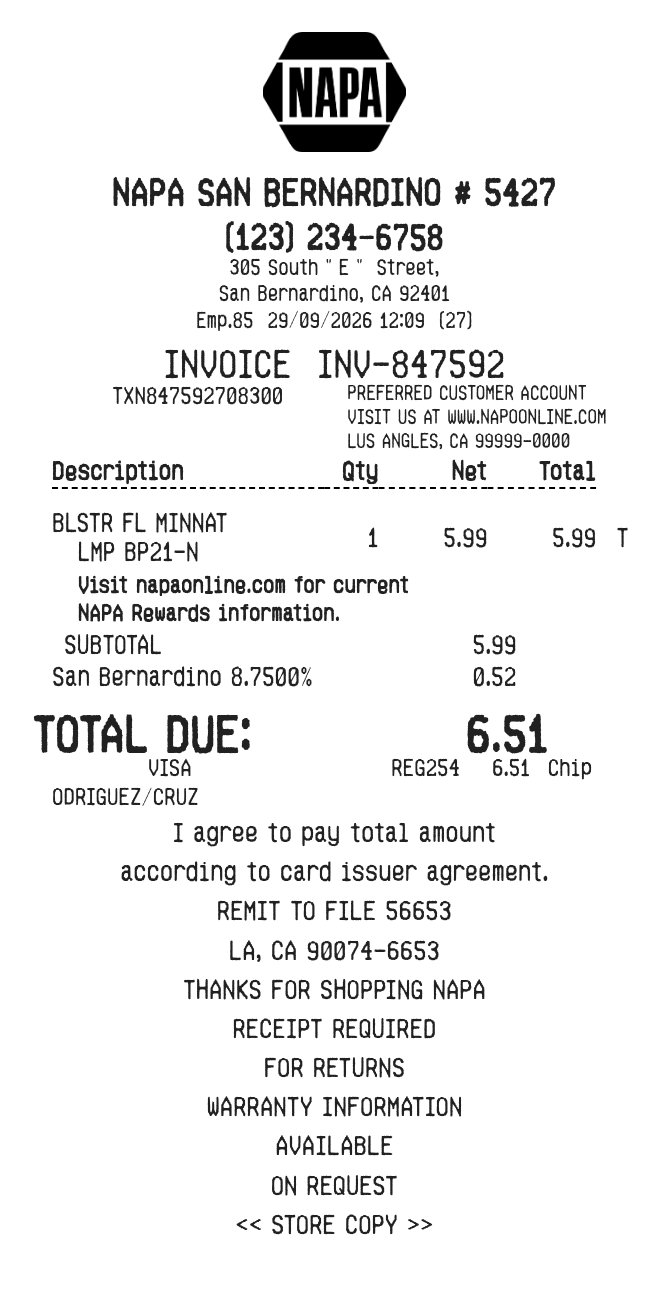
This layout puts the store, employee, cashier and invoice information above the parts list. Customer information can be written as a multiline block, with payment and notice text below the total. It is an independent editor for the details you provide, without access to NAPA invoices or rewards accounts.
NAPA counter tickets, cores and receipts
A NAPA Auto Parts store receipt is an invoice-style counter ticket with the store, invoice number, date and a line for each part number, description, quantity and price. Parts sold with a core deposit, such as alternators, starters, calipers and batteries, show the core charge on its own line. NAPA describes the core charge as a deposit you pay until you return the old part, and asks you to bring the used core back within 30 days with the receipt that shows the core charge; California lead-acid battery cores have up to 45 days.
The receipt matters most for batteries. NAPA's battery warranty says you must present the original receipt showing when the battery was bought, and the warranty runs from that purchase date; a free replacement continues the original warranty rather than restarting it. Online orders can be returned within 30 days, with refunds or core credit in about 15 business days, but batteries must go back to a participating store.
NAPA Rewards and records
Give the counter your phone number so in-store purchases link to your NAPA Rewards account. Members earn 1 point per $1, calculated before tax and after discounts, and get $5 off for every 100 points; rewards you use appear on the printed store receipt or the NAPAonline confirmation email. Returned purchases have their points deducted.
For online orders, the order confirmation email works as your receipt for returns.
The main editable fields
| Section | Details |
|---|---|
| Store | Name, number, address and telephone |
| Transaction | Date/time, invoice number, employee, cashier, register and terminal |
| Parts | Description, quantity and Net amount |
| Customer | A multiline customer-information block |
| Payment and notes | Payment type, entry method, customer/cardholder name and editable messages |
Related receipt guides
Understand the Net column
- Enter the per-item amount under Net. Quantity is multiplied by that amount, so two items at 5.99 add 11.98 to the subtotal.
- Add a part number to the description when it helps identify the purchase.
- Review the tax-rate field and payment choice. For cash, check the tendered amount and change shown.
- Replace sample rewards, remittance and notice text with information that belongs on your record.
FAQs
Official sources
- NAPA offers and rewards information
- NAPA — Returns
- NAPA — What is a core?
- NAPA — Rewards
- NAPA — Battery limited warranty