O'Reilly Auto Parts Receipt Generator
Edit part numbers, line codes and transaction details in an O’Reilly Auto Parts receipt layout. Review the amounts, dates and payment before downloading.
View the alternate O'Reilly receipt layout
Last updated
A detailed layout for part and transaction references
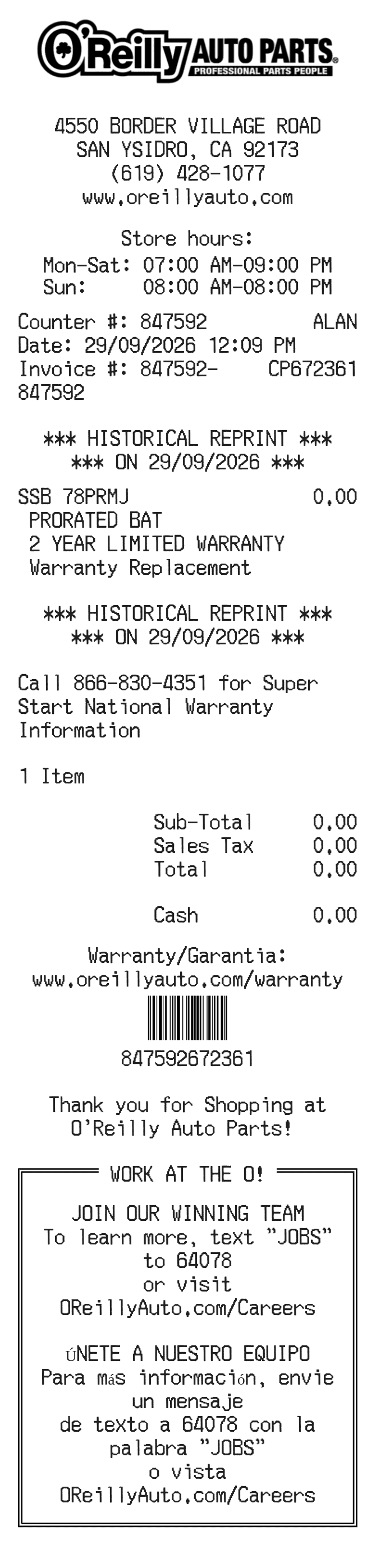
This version has separate Line Code and Part # fields, a multiline description for each item, and store-hours and counter details. It also has a print-type label and a second date field for a reprint-style layout. Those controls format the document; they do not retrieve or authenticate an O’Reilly transaction.
O'Reilly receipts, returns and warranties
O'Reilly Auto Parts depends heavily on the original receipt. Refunds can be requested within 90 days of the purchase date printed on the receipt, with the original packaging and materials; installed or used parts may be refused, and installed batteries can't be returned unless they test defective in store. Refunds go back to the original card or account, not store credit. Core charges are refunded when you return the old part with the receipt or packing slip.
Warranty service is even stricter: O'Reilly says you must have the original sales receipt to be eligible. A replacement part is covered for 90 days or the rest of the original warranty, whichever is longer, and warranties aren't transferable. For Super Start batteries within 25 miles of the selling store, go back to that store with the original invoice.
O'Rewards and online orders
O'Rewards members earn 1 point per $1 and get a $5 reward for every 150 points, which expires 90 days after it's issued, and members can track purchases and points online. If points are missing after 48 hours, call with your invoice details. Returns deduct the points earned.
Online orders are listed under My Orders in your account, where you can also start returns. Some states add non-refundable retail delivery fees to shipped orders.
Fields in the detailed version
| Section | Details |
|---|---|
| Store | Address, telephone, website and opening-hours text |
| Parts | Line code, part number, description and item amount |
| References | Cashier, counter, drawer and invoice details |
| Dates and print type | Main date/time, second date and editable print-type text |
| Payment and notes | Payment type, tax percentage, tendered amount and footer messages |
Related receipt guides
Review both dates and every part row
- Enter the full amount for each item row. This layout adds those amounts and has no separate item-quantity multiplier.
- Check the main date and the second date independently when using reprint-style wording.
- Remove or replace sample warranty and employment messages that do not belong on the record.
- Compare the subtotal, tax and payment details, then select PDF or PNG from the download menu.