📝Editor
👁️Live Preview
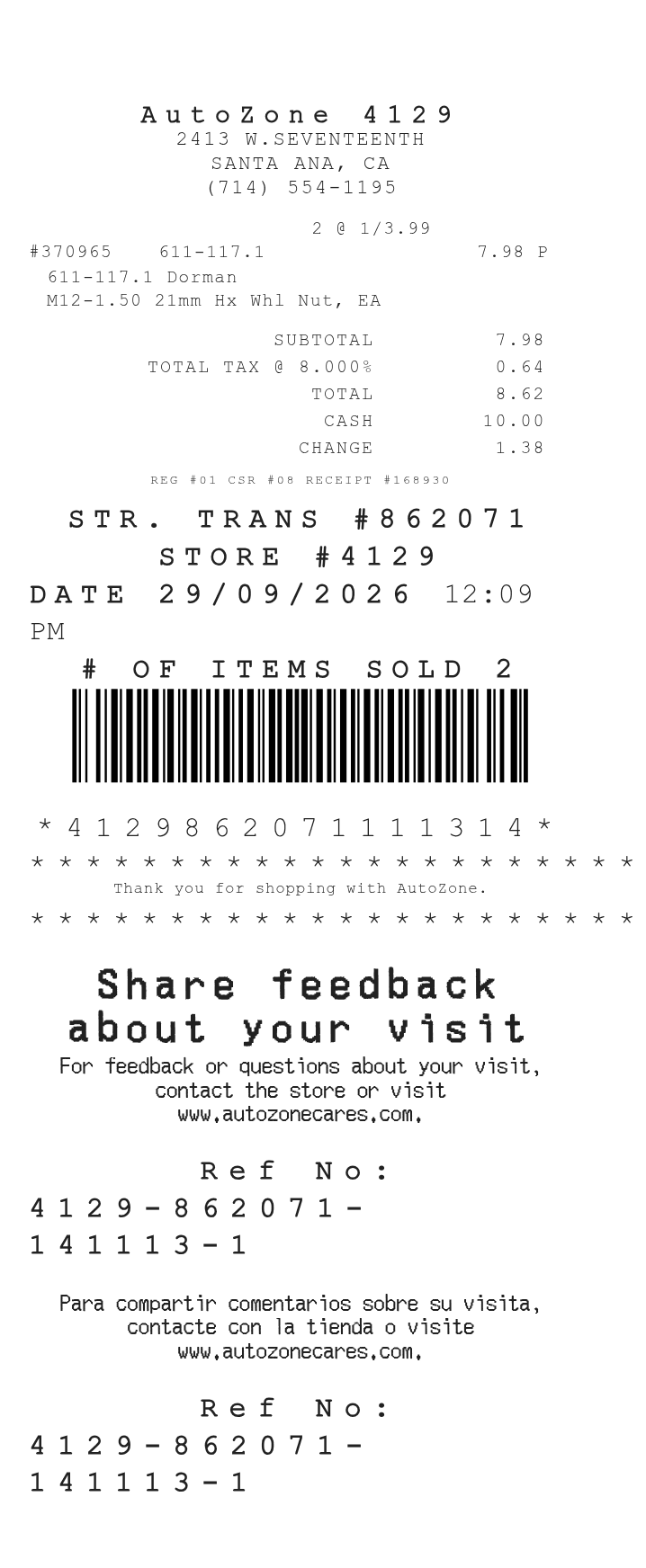
Build an itemized AutoZone receipt with part descriptions, quantities, tax and payment details. The preview updates as you edit; download it as PDF or PNG when it is ready.
Use the store code, receipt code and transaction number to distinguish one purchase from another. Each item row has room for its description and quantity. Payment information and editable messages follow the totals. These fields create a document from your entries; they do not connect to an AutoZone account.
| Section | Details |
|---|---|
| Purchase location | Store name, code, address and telephone number |
| Transaction | Date, time, register, cashier, receipt code and transaction number |
| Items | Description, quantity, unit amount and the row's tax selection |
| Payment | Cash or card selection, tendered amount and the relevant payment details |
| Messages | Promotional text, survey instructions and other footer notes |