Purolator Canada Receipt Generator
Record the shipper, recipient, route and package dimensions with the shipping charge. Review the tracking reference and payment details before export.
Last updated
Route and package details on one record
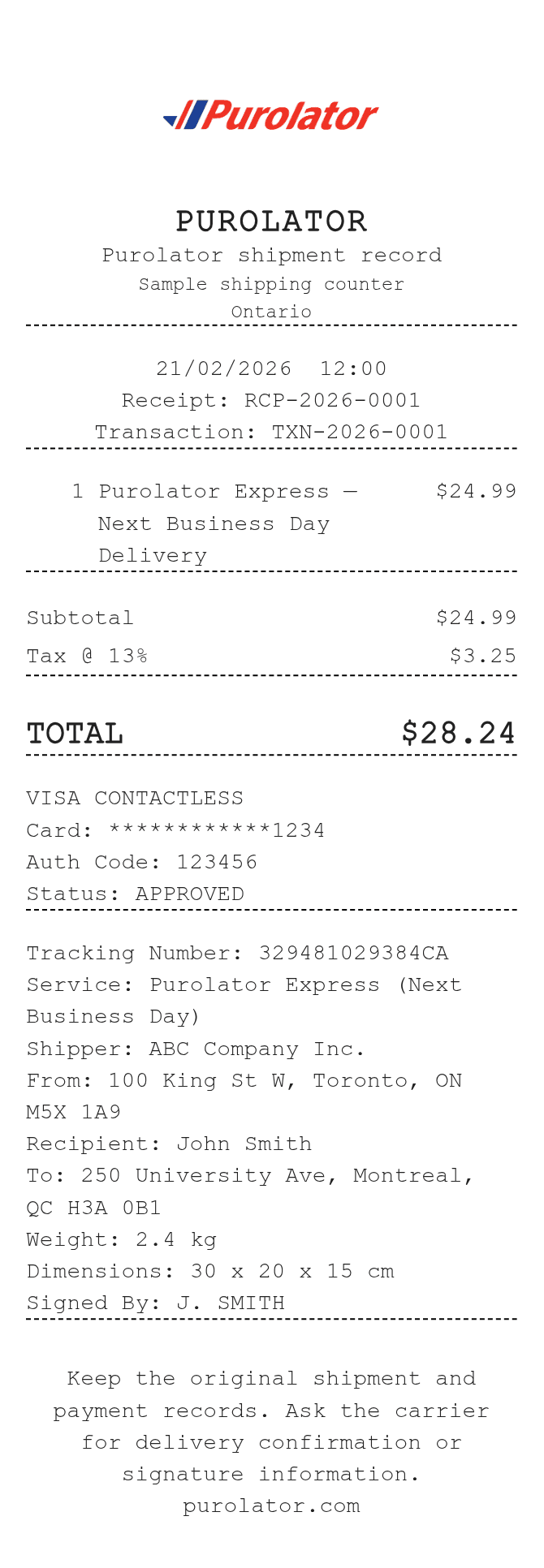
The Purolator layout separates the shipper and From address from the recipient and To address. Weight, dimensions, service and tracking are individual fields. Signed By is an optional text reference from the delivery record; entering a name does not fetch a signature. The charge and tax are entered separately from the shipment measurements.
Purolator invoices, payments and Canadian sales tax
For account shippers, the Purolator record is usually an invoice rather than a counter receipt. Purolator invoices weekly, and monthly billing may be available on request. The online Billing Centre shows an account summary, links each invoice number to its shipment details and always keeps your last 12 months of invoices. Paper invoices cost $2.50 each, a fee Purolator says covers its printing costs, and registering for the Billing Centre avoids it. Invoices can be paid by Visa, MasterCard or American Express, by check, or by pre-authorized credit card or EFT payments.
Canadian GST/HST rates vary by province. GST is 5%, while HST is 13% in Ontario, 14% in Nova Scotia since April 1, 2025 and 15% in New Brunswick, Newfoundland and Labrador and Prince Edward Island. To claim an input tax credit, the CRA requires the supplier's name, the invoice date and the total for any purchase. For a sale of $100 to $499.99, the receipt must also show the GST/HST charged and the supplier's GST/HST registration number. At $500 or more, it also needs the buyer's name, a brief description of the service and the payment terms.
How to get a copy of a Purolator invoice or receipt
Log in to the Purolator Billing Centre, go to the Account Summary page and click the PDF icon beside the invoice, then open the PDF to print it. To question a charge, Billing Centre users can submit a dispute on open invoices from the Dispute menu, and a Purolator representative reviews it and contacts you.
Keep the Purolator receipt or invoice for claims too. For a damaged shipment, Purolator asks for the tracking number, the original bill of lading or manifest from the sender and the original cost invoice, showing wholesale or manufacturer cost without retail markup. A lost shipment or missing contents needs a trace before a claim.
Fields for the recorded shipment
| Section | Details |
|---|---|
| Route | Shipper, recipient and both addresses |
| Package | Weight and dimensions |
| Service | Description and tracking reference |
| Delivery | Recorded recipient name, if available |
| Cost | Full line amount and entered tax |
Related receipt guides
Review the package and charge
- Replace the example names and route.
- Copy the tracking and service details from your records.
- Enter the full charge and correct tax percentage.
- Check any handover reference before downloading.
FAQs
Official sources
- Purolator - FAQ: Account and Billing
- Purolator - File a Claim
- Canada Revenue Agency - Input tax credits and required records
- Canada Revenue Agency - GST/HST rates by province