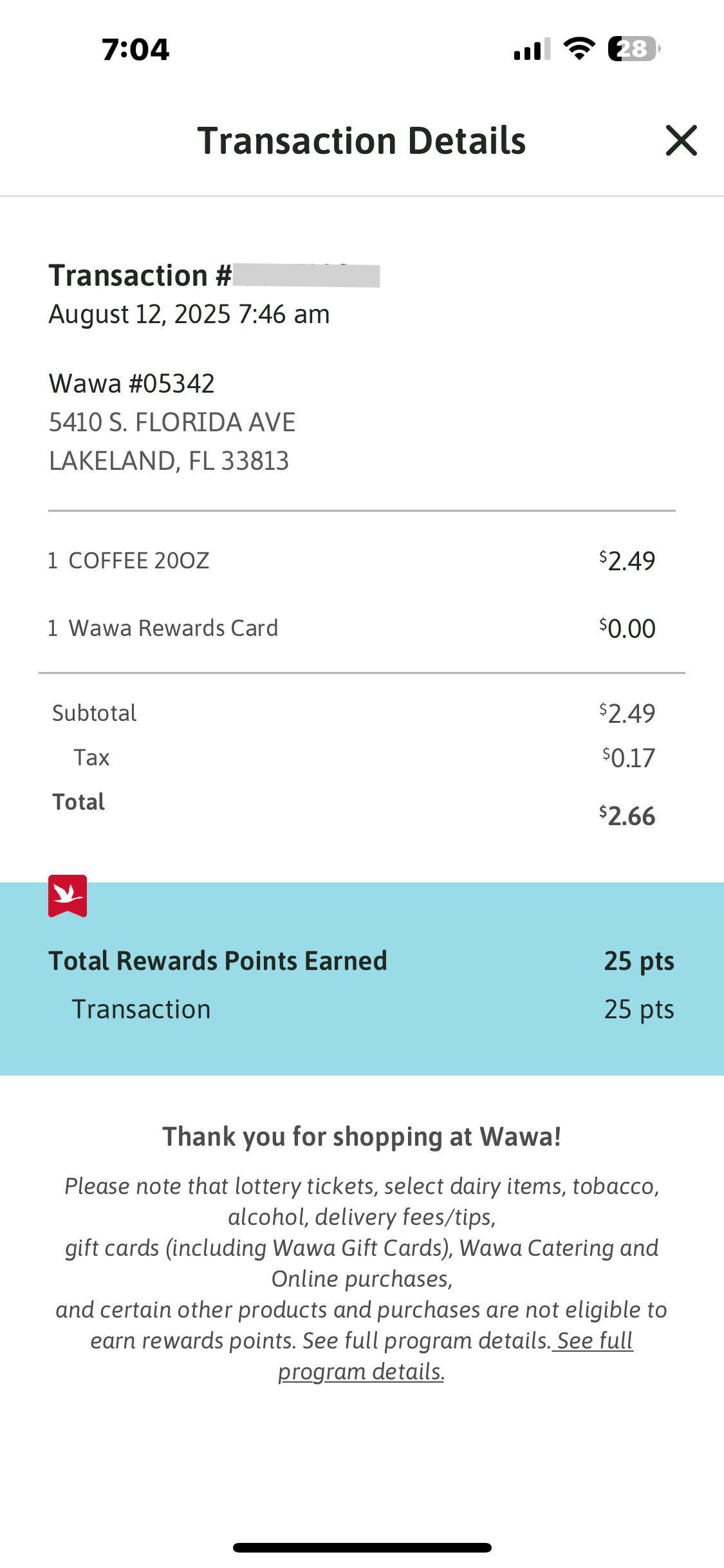
This complete English app record shows a purchase and its Wawa Rewards points together. It keeps the blue rewards panel, original goose badge and full eligibility notice below the transaction.
EDITOR
Edit your receipt below, then download the same clean layout as PDF or PNG. Enter amounts and totals manually.
The selected 2025 transaction-details screen lists two item rows, subtotal, tax and total, then separately states total rewards points and transaction points. The transaction number was redacted in the public image; that field starts blank.
| Step | Details |
|---|---|
| 1 | Enter the transaction reference, date and Wawa store details. |
| 2 | Fill the two item descriptions and amounts. |
| 3 | Set subtotal, tax and total, then enter the two rewards-point values. |
| 4 | Review the complete transaction and rewards notice before exporting. |
It follows Wawa’s app transaction-details record. It does not have the masked card, approval code or cash-change section found on some printed receipts.
No. Total rewards points and transaction points are independent manual fields. The example uses a $3.00 item, $0.21 tax, $3.21 total and 30 points.
The original public screenshot hides that value. The editor does not infer it; enter the reference from your own record.
Check the purchase history associated with your Wawa Rewards account, or ask the store about the transaction. This editor cannot retrieve account history or verify rewards credit.