Sam’s Club Receipt Generator
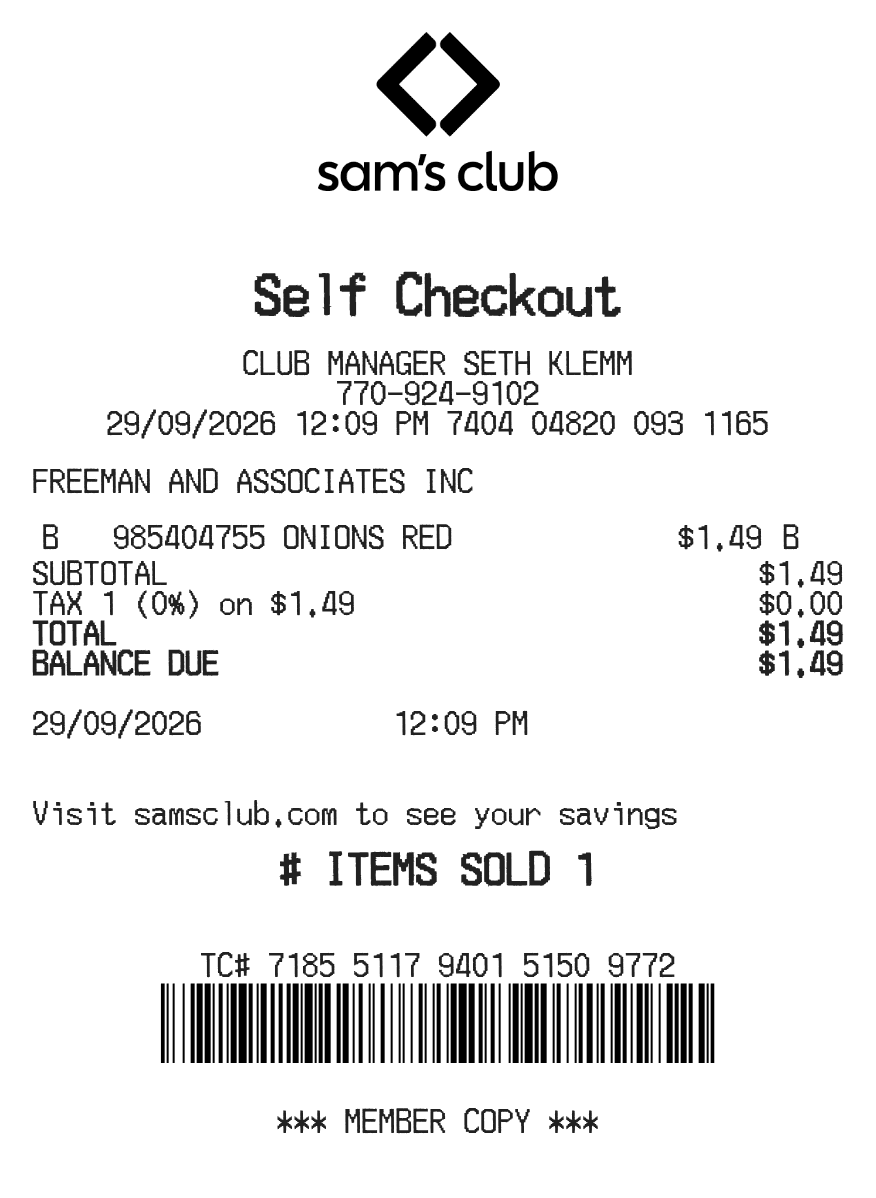
Enter club and checkout details, item codes and full row prices. Review the subtotal discount, tax rates and cash or card amounts before downloading.
Last updated
Keep printed item codes separate from tax settings
The Sam’s Club editor has two printed-code fields beside each item. These help describe the row, but tax is configured in a separate list of rates. Each rate applies to the entire subtotal after the basket discount, so a code beside an item does not make that item exempt.
Sam's Club receipts and Scan & Go
Sam's Club receipts list the club, item numbers and descriptions, instant savings, subtotal, tax, total, payment and your membership number. Scan & Go purchases are paid in the app, and their receipts live in the app under Account, then Purchase history. When you leave, newer clubs use an exit arch with cameras that checks the cart against your purchase and flags baskets for a team member to check.
Sam's Club's 100% Satisfaction Guarantee gives current members a refund or replacement on most purchases. It prefers your original receipt or printed order but says it will do its best without one. Electronics and major appliances must be returned within 90 days and cell phones within 14 days, and gift cards, tickets, collectibles and prescriptions can't be returned. Plus members earn 2% Sam's Cash on eligible pre-tax in-club purchases, up to $750 per membership year, and it's deducted again if the item is returned.
How to reprint a Sam's Club receipt
Sign in on samsclub.com, open My Account, then Orders and History, and filter to in-club purchases. Sam's Club says printing an order from the last 3 years serves as a valid receipt. For anything older, send a Purchase History Request.
Membership renewals paid online also appear in purchase history, while auto-renewal receipts arrive by email.
Checkout and pricing fields
| Section | Details |
|---|---|
| Club | Checkout type, manager, store code and register |
| Items | Item code, description, complete price and printed codes |
| Discount | Percentage reduction on the whole subtotal |
| Tax | One or more labeled rates on the discounted subtotal |
| Payment | Cash tendered, card tendered, balance due or change |
Related receipt guides
Reconcile tax and payment amounts
- Replace the club, company and checkout examples.
- Enter each full item-row price.
- Review the basket discount and every listed tax rate.
- Check cash and card tendered against the total, then export.
FAQs
Official sources
- Sam's Club — How to find your receipts
- Sam's Club — Returns
- Sam's Club — Sam's Cash FAQ
- Sam's Club — Scan & Go