Burger King Receipt Generator
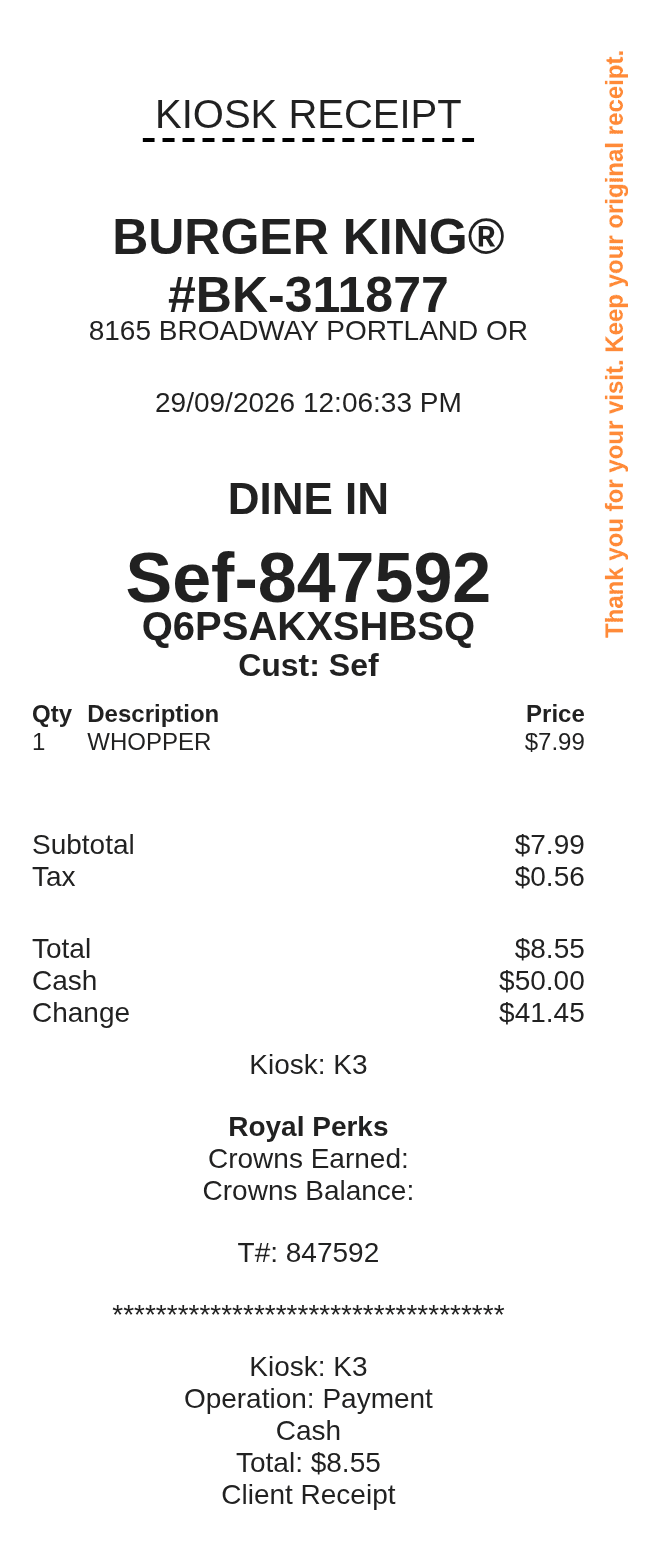
Build the order with meal quantities, preparation notes and separately priced extras. Review the kiosk and customer references, tax, and cash or card payment.
Last updated
Keep preparation notes separate from paid extras
This Burger King layout includes a kiosk reference and an item list with two kinds of additions. A modification describes a change to the food. A priced extra adds a charge. Keeping those separate makes it easier to check what was included in a meal and what cost more.
How a Burger King receipt ties into Royal Perks
Burger King's Royal Perks terms, last revised October 9, 2025, cover participating restaurants in the 48 contiguous states, Alaska, Hawaii and the District of Columbia. Members earn 10 Crowns for every $1.00 spent after discounts, excluding taxes and fees. Orders count when placed in the app or on the website, or in the restaurant when you show the 6-digit My Code or pay with a card linked to your account. Orders placed through third-party delivery apps do not count. Crowns usually post within 48 hours, and a completed order under $1.00 earns nothing.
If you forget to scan My Code, you can claim the Crowns at bk.com/claim-points within 48 hours using the paper receipt. Only one receipt per day is accepted, a valid receipt is required, and Burger King says lost or misplaced receipts cannot be replaced. Crowns expire on the first day of the month after the sixth month from when they were earned. Crowns earned on January 5, 2026, for example, expired on August 1, 2026, and had to be used by July 31, 2026. When you redeem a reward item, modifiers such as added cheese are charged separately.
Keeping a Burger King receipt for expenses
For a business meal, the IRS says you can generally deduct 50% of the cost if you or your employee are present and the food isn't lavish or extravagant. Receipts, canceled checks or bills are the usual proof. Documentary evidence isn't required for an expense under $75 other than lodging, but you still need a record of the amount, date, place and business purpose.
A Burger King receipt that shows the restaurant, date, items and total covers most of those details. Note the business purpose and who attended at or near the time, because the IRS gives more weight to records made when the expense happened.
Order, food and kiosk details
| Section | Details |
|---|---|
| Header | Restaurant name, store number, address, date and time |
| Order | Order type, number and customer reference |
| Meals | Quantity, description and unit price |
| Extras | Preparation notes and separately priced add-on rows |
| Payment | Added tax, total and cash tendered or card type |
Related receipt guides
Review the main item and its additions
- Enter the restaurant and order references.
- Set each main item’s quantity and unit price.
- Use modifications for notes and Extra Item for a separate charge.
- Check the cash amount and change when Cash is selected.