A lost Home Depot receipt is usually recoverable. Online orders are saved in your account, and in-store purchases paid by card can often be found by linking that card to your account or by asking the store to look up the sale. Cash purchases are harder to recover, so where you look depends on how you paid.
This guide covers how to find and reprint receipts for online and in-store purchases, how Pro Xtra purchase history works, what the return policy says about receipts, and what each part of a store receipt means. Home Depot changes its help pages from time to time, so check the linked official pages before you rely on a specific detail.
Find the Receipt for an Online Order
Online orders are tied to your account or your order confirmation email, so these are the easiest Home Depot receipts to recover.
- Sign in at homedepot.com or in the app.
- Open Purchase History from the account menu.
- Select the order and open its details to view or print the receipt.
- If you checked out as a guest, use the order tracking page with your order number and the email address you used at checkout.
- Search your inbox for the order confirmation email. Check spam and promotions folders, and try searching for the order number.
Look Up In-Store Purchases Online by Card
Home Depot's receipt help page explains that you can add a payment card to your online account so past in-store purchases made with it appear in your history.
- Sign in to your account and open Cards & Accounts.
- Add the credit or debit card you used at the register.
- Go to Purchase History. Purchases made with that card in the last 24 months should appear there.
- Open the purchase to view or print the receipt.
Mobile wallet purchases, such as Apple Pay or Google Pay, use a different card number and generally do not show up this way. The exception is a Pro Xtra member who entered a phone number at checkout.
Get a Home Depot Receipt Reprinted at the Store
If a purchase does not appear online, the store's service desk can try a receipt lookup by card.
- Bring the physical card you paid with and a valid photo ID.
- Know the store location, the approximate purchase date, the exact amount, and what you bought.
- Ask the service desk to look up the transaction and reprint the receipt.
- If you paid with a phone or watch, bring that device. The official return policy notes that the store may need the device-specific account number, which only the device shows.
According to Home Depot's help page, purchases made with a debit card, American Express, Discover, Mastercard, Visa, a Home Depot credit card, or a checking account can generally be reprinted for 24 months from the purchase date. Cash purchases generally cannot be reprinted unless you are a Pro Xtra member and entered your phone number at checkout. If you are offered an emailed receipt at checkout, accepting it gives you a copy that will not fade.
Pro Xtra Purchase History
Pro Xtra, Home Depot's free program for professionals, includes a purchase history tool. Home Depot states that receipts are saved in a Pro Xtra account for up to two years.
- Sign in to your Pro Xtra account and select Purchase History.
- Filter by date, item number, or other options from the drop-down menus.
- Select See Details to view the product, order, and receipt.
- Select Export to download a CSV file you can open in a spreadsheet, or use the QuickBooks export to sync your spending.
Two years is a limit, not a guarantee. Download or export records you need for longer, such as job costs or tax files.
Returns and Your Receipt
The Home Depot return policy (checked November 16, 2026) sets these windows:
- 90 days: most merchandise, with proof of purchase.
- 30 days: furniture, tractors, consumer electronics such as TVs and computers, paint sprayers, certain gas-powered outdoor equipment, and Halloween and holiday decor.
- 7 days: dehumidifiers, gas pressure washers, window and portable air conditioners, most gas generators, pumps, portable evaporation units, and portable heaters.
- 48 hours: major appliances, such as refrigerators, washers, dryers, ranges, and dishwashers.
- 365 days: purchases made with a Home Depot Consumer Credit Card, Pro Xtra Credit Card, or Commercial Account, except for the shorter-window categories above.
Several categories, including the 30-day and 7-day items, must be unused and in their original packaging. Some items are not returnable at all, such as tinted paint and custom products.
If you have no receipt, follow these steps:
- Try to recover the receipt first, either through Purchase History or a lookup at the service desk.
- For an online order, bring the receipt or shipping confirmation email, the card you used, and a valid ID. Store associates can look up online purchases by card, order number, or email.
- For a return with no receipt, bring a valid driver's license or government-issued photo ID. Home Depot requires one for these returns.
- Expect store credit. Returns without valid proof of purchase may be refunded as store credit at the lowest advertised price.
All returns go through a third-party refund verification system, and Home Depot can decline returns to prevent fraud or abuse.
What's on a Home Depot Receipt
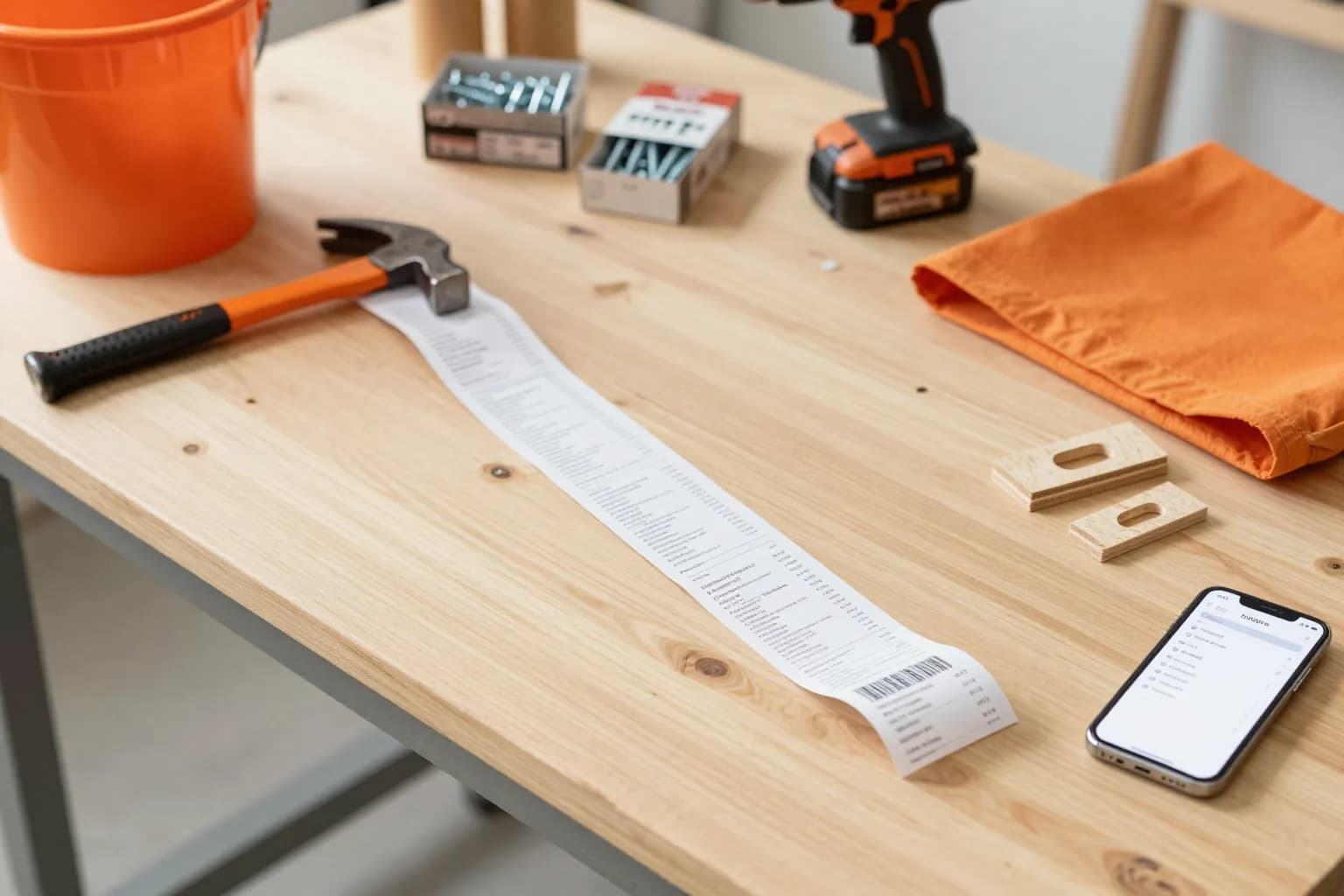
Layouts vary by year and by register type. This is the typical structure of a printed store receipt:
| Field | Details |
|---|---|
| Store header | Store number, address, and phone number (the return policy says the store phone number is at the top of the receipt) |
| Transaction line | Date, time, register, and cashier details, plus a long number that identifies the store and transaction |
| Item lines | Product number, short item description, and price for each item |
| Totals | Subtotal, sales tax, and total, with a tax-exempt line on exempt sales |
| Payment block | Payment type, card type and last four digits, and authorization code |
| Business details | Purchase order number or job name on some business account purchases |
| Barcode | Scanned by the store to find the sale for returns and exchanges |
| Return policy box | Columns labeled POLICY ID, DAYS, and POLICY EXPIRES ON, showing the return window and its end date |
| Footer | A note that returns may be limited or denied, and often a customer survey invitation |
Tax-Exempt and Business Records
Businesses, government agencies, and nonprofits can apply for a Home Depot tax-exempt ID through the tax-exempt program. Once approved, the ID is recognized at checkout in stores and online, subject to state and local tax laws. A federal government purchase card that bills an agency directly is recognized as tax-exempt without a separate ID.
For bookkeeping, keep the itemized Home Depot receipt that shows the tax line and pair it with Pro Xtra exports. See our IRS receipt requirements guide for retention basics.
Recreating a Receipt Layout for Your Own Records
Some people want a clean, readable copy of a purchase for a home project binder, a budget, or a personal expense log. The Home Depot receipt template lets you lay out store, item, and total details in a familiar format for your own records. It is not a substitute for a store-issued receipt and must not be used for returns, refunds, reimbursements, or claims of any kind. When you need proof of purchase, get a reprint from Purchase History or the service desk.
Frequently Asked Questions
Can Home Depot look up a receipt by card?
Yes, for most card purchases. Add the card under Cards & Accounts to see purchases from the last 24 months in Purchase History, or take the physical card and a valid ID to the service desk for a reprint.
How long does Home Depot keep receipts?
Home Depot's help pages describe a 24-month window for card-based reprints and say Pro Xtra accounts keep receipts for up to two years. Save your own copies of anything you need longer.
Can I return something to Home Depot without a receipt?
Possibly. You need a valid driver's license or government-issued photo ID, the return must pass a refund verification system, and a refund without valid proof of purchase may be given as store credit at the lowest advertised price.
Where do I find a Home Depot online order receipt?
Sign in and open Purchase History, or check your order confirmation email. Guest shoppers can look up the order with the order number and checkout email on the order tracking page.
Can I get a receipt for a cash purchase?
Generally not. Home Depot says it usually cannot reprint receipts for cash purchases. The exception is a Pro Xtra member who entered a phone number at checkout, whose receipt appears in Purchase History.