Shopping Receipt Template for Canada
Record a Canadian shopping purchase with the items, cashier and payment reference. Enter the complete line amounts and check the GST/HST percentage before exporting.
Last updated
Describe the purchase beyond the card total
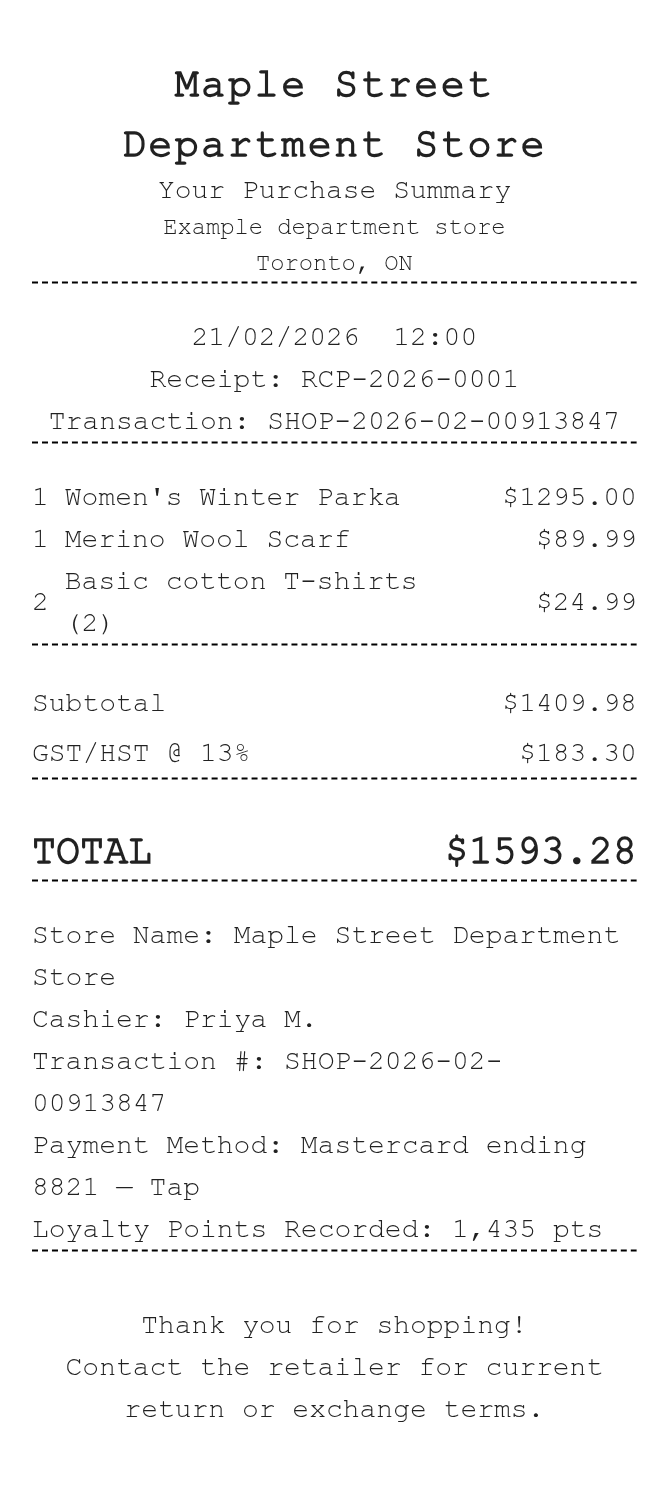
This Canadian shopping receipt template lists the goods bought and their amounts alongside the store, cashier and transaction number. It also has a loyalty-points note. Use product descriptions that identify what was purchased, such as a coat size or a particular scarf, rather than a single general merchandise line.
What a Canadian shopping receipt shows
A Canadian till receipt starts with the store or trade name, address and phone, the date and time and a register or transaction reference, then lists each item with quantity and price. Below the subtotal the tax lines depend on the province: one HST line in Ontario (13%), Nova Scotia (14%) and New Brunswick, Newfoundland and Labrador and Prince Edward Island (15%); GST 5% plus PST in British Columbia (7%) and Saskatchewan (6%) or RST 7% in Manitoba; GST 5% plus QST 9.975% in Quebec; and GST 5% only in Alberta and the territories.
Businesses claiming input tax credits need more detail as the amount grows. Under $100 the supplier name, date and total are enough; from $100 the receipt must also show the GST/HST registration number and the tax charged or the rate; from $500 it also needs the buyer's name, payment terms and a description of each item. In Quebec, receipts must be in French, and another language may appear alongside it. Cash totals are rounded to the nearest five cents after tax, while card payments are charged to the cent.
How to get a copy of a Canadian store receipt
There is no government copy of a store receipt: ask the retailer for a reprint, check the store's e-receipt or loyalty account, or request a full invoice if the till slip does not show the GST/HST number you need for a business claim.
Fill in the retail record
| Section | Details |
|---|---|
| Store | Replace the example retailer and location with the actual seller. |
| Transaction | Enter the receipt date and store transaction number. |
| Products | Add a description, quantity and complete amount for each row. |
| GST/HST | Use the percentage recorded for the transaction. |
| Payment and points | Review the payment-method text and any loyalty note separately. |
Related receipt guides
Reconcile repeated transaction details
- A transaction number appears in the main receipt block and in the store details. Check both entries when changing the example.
- Loyalty points are a manual note. The optional card-details block is separate from Payment Method, so show only the details that match the purchase.
FAQs
Official sources
- Input Tax Credit Information (GST/HST) Regulations
- CRA — GST/HST rates by province
- CRA — Phasing out of the penny (GI-131)