Ibotta Receipt Template for Cash Back Records
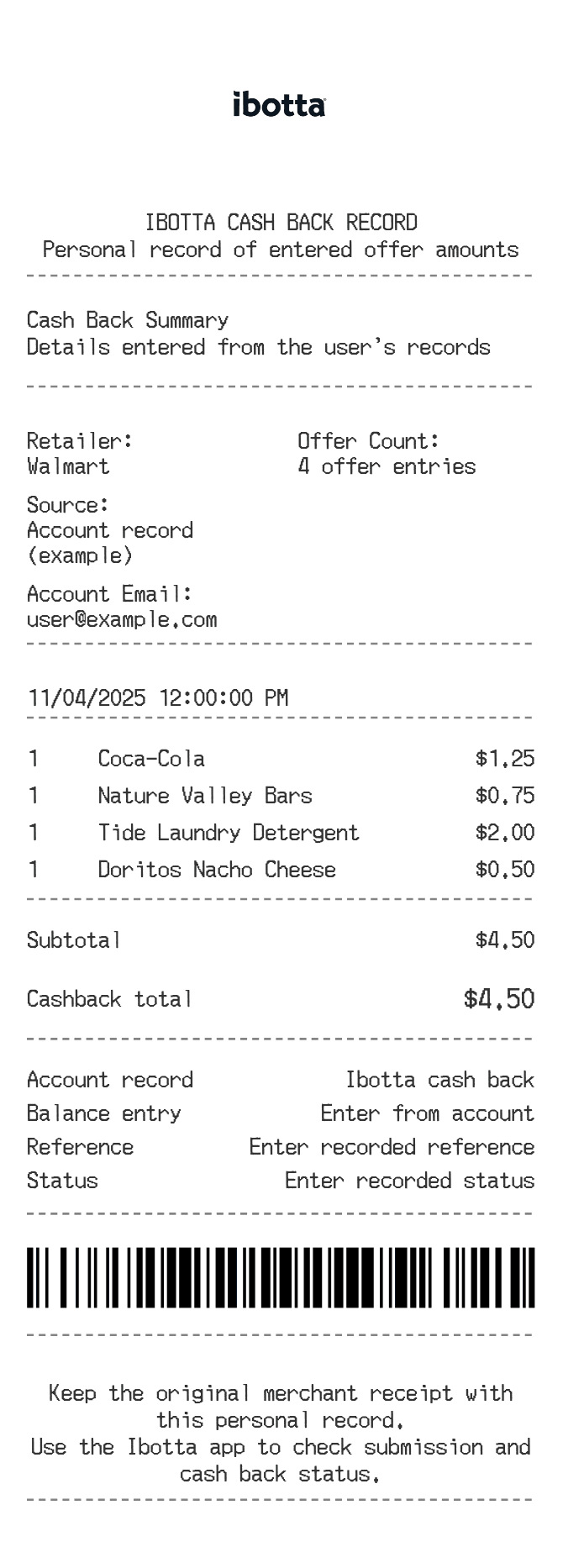
Keep a personal summary of recorded Ibotta cash back. Enter the retailer, offer amounts and reference details, then save the summary alongside your original purchase receipt.
✏️ Editable fields📱 PDF & Image export⚡ Instant preview
📝Editor
👁️Live Preview
Last updated
Keep cash back separate from the purchase price
This Ibotta receipt template is a cash back summary: the item amounts represent recorded rewards for offers, rather than the prices paid for the products. Copy those amounts from your Ibotta records. The page is an independent editor and does not connect to your account, verify purchases or add money to your balance.
Match the summary to your account activity
| Section | Details |
|---|---|
| Retailer | Name the shop connected with the recorded offers. |
| Offers | Give each offer its own description and cash back amount. |
| Count | Check the offer count after changing the item list. |
| Reference | Use a reference from your account activity when one is available. |
| Status | Record the status shown by Ibotta; a typed status does not confirm a deposit. |
Related receipt guides
Use the merchant receipt for a claim
- Ibotta's guidance says stores that require receipt submission need a receipt printed by the checkout system. This generated summary is not a replacement for that receipt.
- Keep the original merchant receipt and follow the submission route in the Ibotta app. The editor totals quantity times each entered offer amount; it does not decide which products qualify or apply new offers.