Flybuys Receipt Template
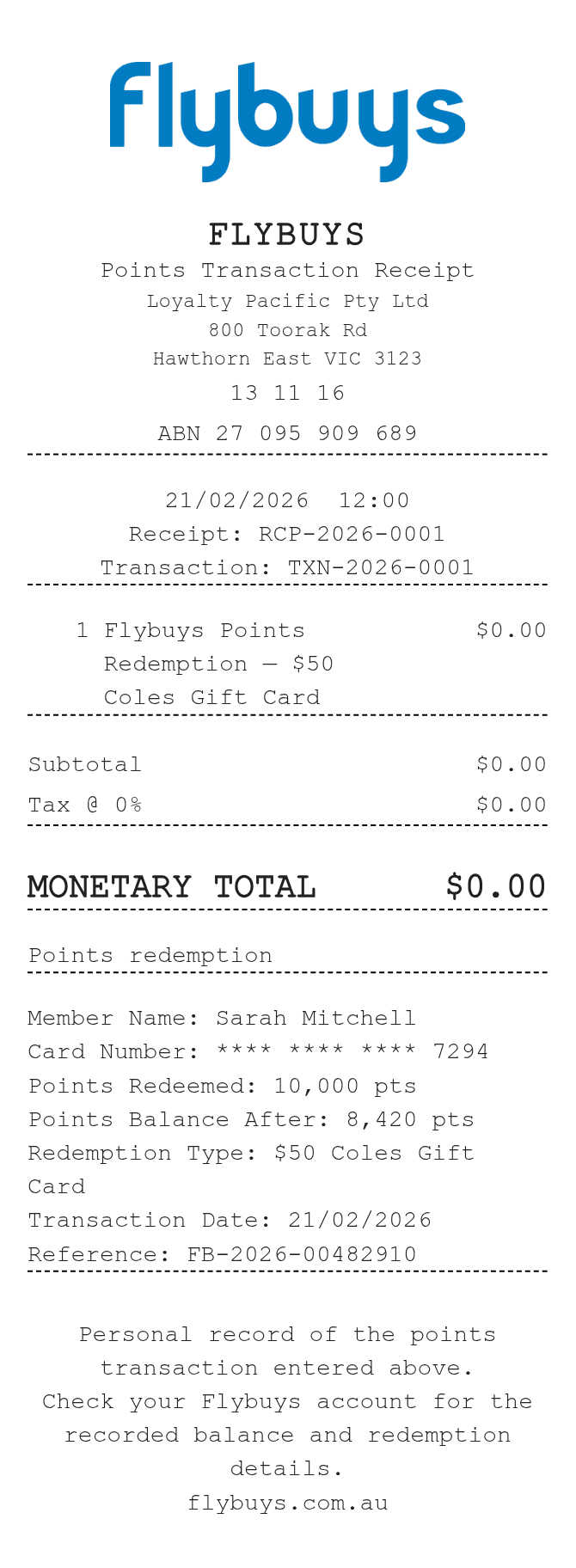
Keep a personal record of a Flybuys points transaction. Enter the redemption, points balance and reference from your account, then review the separate monetary amount.
✏️ Editable fields📱 PDF & Image export⚡ Instant preview
📝Editor
👁️Live Preview
Last updated
Record points separately from money
This Flybuys receipt template has fields for points redeemed, the balance afterwards and the redemption description. Those entries are manual notes. The item list holds monetary amounts, so a points-only transaction can show a monetary total of zero while the points fields describe what changed in your account.
Copy the details from your account record
| Section | Details |
|---|---|
| Member | Enter the member name and a masked card reference. |
| Redemption | Describe the reward or redemption actually recorded. |
| Points | Copy both points redeemed and the balance afterwards. |
| Date and reference | Match the transaction date and reference to your account history. |
| Money amount | Enter any monetary charge separately from the points figure. |
Related receipt guides
Use the account for balances and rewards
- Editing the receipt does not redeem points, issue a gift card or change your Flybuys balance. The editor does not convert a points figure into a cash value.
- The optional receipt barcode contains the text you enter. For the Coles barcode that links shopping and digital receipts to an account, use the official Coles and Flybuys service described in the help center.