Insurance Receipt Template for Premium Payments
Record an insurance premium payment with the policy number, policyholder and coverage-period reference. Check the amount against the payment record, then download a PDF or PNG.
✏️ Editable fields📱 PDF & Image export⚡ Instant preview
📝Editor
👁️Live Preview
Last updated
Connect the premium payment to the policy
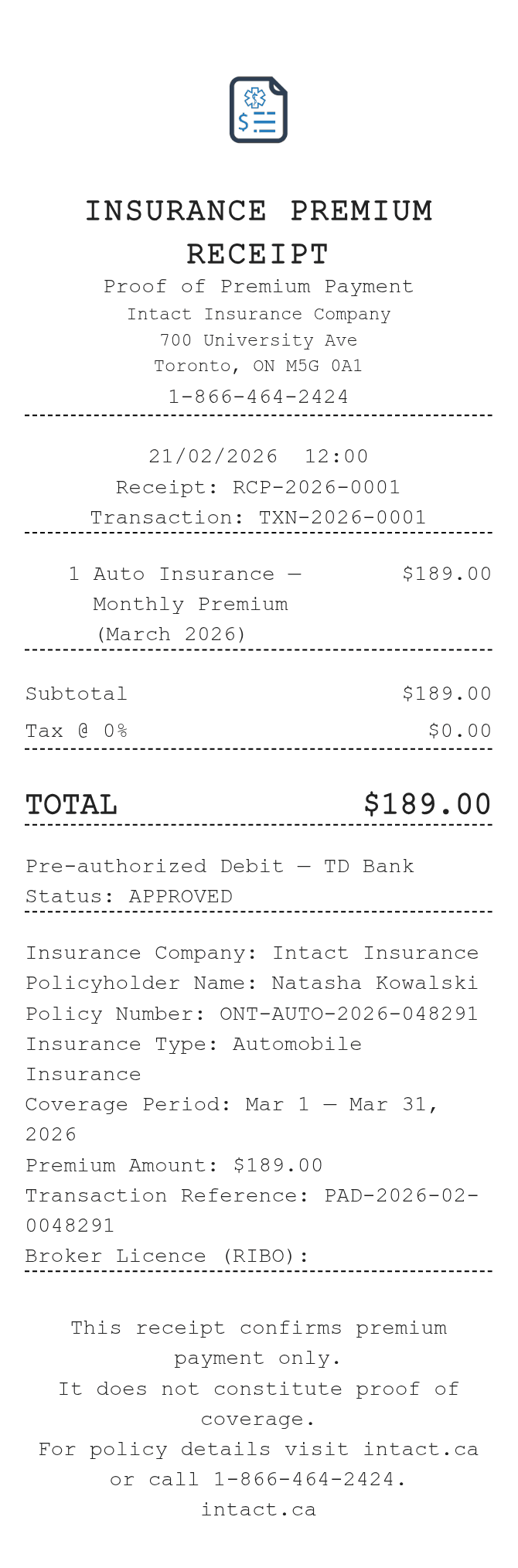
This insurance receipt template records the payment and the policy it relates to. The insurance company, policyholder and policy number have separate fields, with space for the insurance type and coverage period. Use the description to identify the installment or renewal being recorded.
Check the policy and payment references
| Section | Details |
|---|---|
| Insurer | Replace the sample company and contact details. |
| Policyholder | Use the name shown on the policy record. |
| Policy | Copy the policy number and insurance type. |
| Period | Enter the coverage-period reference from the insurer's documents. |
| Premium | Enter the complete payment in the item row and review the separate Premium Amount field. |
| Broker | Use the broker license reference only when relevant to the record. |
Related receipt guides
Keep the insurer's documents with the receipt
- Premium Amount is a manual reference. It does not update when you edit a line amount, and changing the receipt date does not change the coverage period.
- This editor records payment details; it does not verify a policy, confirm active coverage or renew insurance. Use the insurer's own documents for policy status and keep its payment confirmation with your records.