La Quinta Hotel Receipt Generator
Enter dated room charges, the tax percentage and a payment amount. Add the guest and stay references, then check the balance before downloading.
Last updated
Charge amounts with a calculated tax and balance
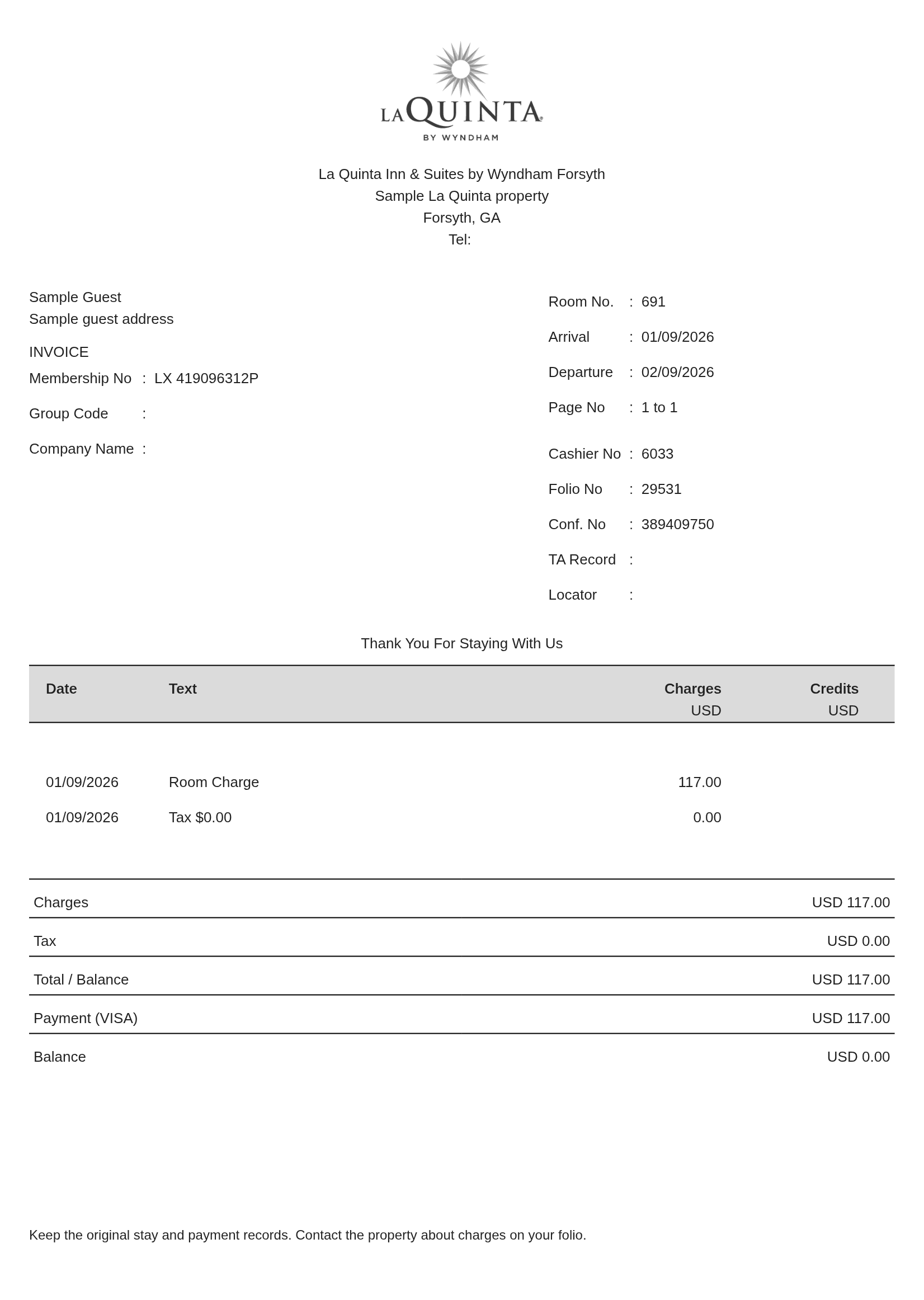
The La Quinta layout uses dated charge rows rather than quantities and unit prices. Enter the complete amount for each room or service charge. The percentage-tax setting applies to the entered charges, and a separate payment amount determines the remaining balance. Arrival and departure dates describe the stay without calculating its price.
What a La Quinta folio shows
A La Quinta by Wyndham detailed folio lists the hotel, the confirmation and account or invoice numbers, your Wyndham Rewards number, the room type, rate plan, nightly rate and arrival and departure dates. The ledger then posts each night's room charge followed by separate city and state tax lines, plus any market or vending purchases, and ends with a summary of room, tax, food and beverage, other charges and payments.
For business travel, IRS Publication 463 requires lodging receipts regardless of amount, showing the hotel's name, location, dates and separate charges, which the detailed folio itemizes. At La Quinta, Wyndham Rewards points are earned on the room rate only, at 10 points per dollar or 1,000 points, whichever is more.
How to get a copy of a La Quinta folio
You receive the final folio at check-out. After your stay, contact the hotel directly: Wyndham says receipts and billing information are only available from the property, not from corporate customer care.
Guest details and billing entries
| Section | Details |
|---|---|
| Property | Hotel name, address and optional telephone |
| Guest | Guest address, company and room |
| References | Folio, confirmation, group and membership entries |
| Charges | Date, description and full amount |
| Settlement | Tax percentage, payment amount and balance |
Related receipt guides
Check amounts before applying tax
- Replace the hotel, guest and company examples.
- Enter full charges for the stay being recorded.
- Set the tax percentage and check the calculated total.
- Enter the payment amount separately and review the balance.