JB Hi-Fi Receipt Generator
Add electronics and accessories with model details, then enter the store, invoice and serial references. Check the full line amounts and GST before saving.
Last updated
Keep product variants and invoice references readable
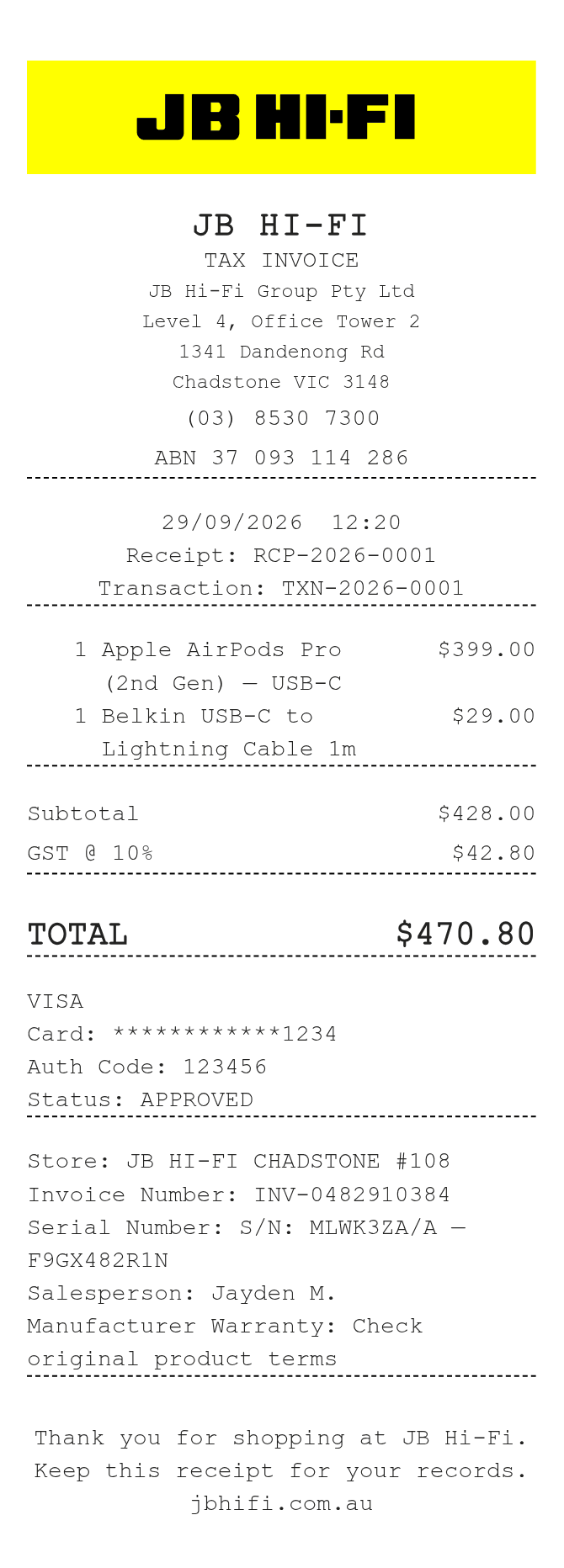
The JB Hi-Fi sample includes headphones and a cable, with room in the descriptions for a connector type, generation or length. A separate block holds the store, invoice number, serial reference and salesperson. The warranty entry is a manual note, independent of the purchase date and product list.
JB Hi-Fi receipts and tax invoices
JB Hi-Fi can send your in-store receipt as an SMS link if you give your mobile number at the register, and it says this digital receipt is a tax invoice, which helps at tax time. Add and verify your mobile in your JB account and future digital receipts appear under Purchases in the In-store receipts tab. If a paper receipt has faded or been lost, contact the store you bought from with the date, price, model number and payment method, and it can reprint the receipt or email a copy.
Unused, unopened items in good packaging can be refunded within 30 days for a change of mind, and unopened CDs, DVDs and games within 90 days, though PC games, software and commercial sales are excluded. For faulty goods JB asks for proof of purchase from JB Hi-Fi, such as the receipt or online tax invoice. Australian Consumer Law guarantees have no set time limit, and JB's Extra Care plans add cover on top.
Online orders and GST
Online order tax invoices are emailed when the order completes; you can also open the order under Purchases in your account and save it as a PDF. JB says invoice details can't be changed after an online order is placed.
GST is 10%. The ATO requires a tax invoice within 28 days of a request for sales over $82.50, and invoices of $1,000 or more must show the buyer's identity or ABN.
Electronics purchase information
| Section | Details |
|---|---|
| Products | Model, variant, displayed quantity and complete amount |
| Store visit | Store and salesperson |
| References | Invoice number and serial information |
| Tax | Entered GST percentage added to the subtotal |
| Payment | Card, cash or custom payment details |
Related receipt guides
Check the product variant before the serial reference
- Replace the store details and invoice reference.
- Describe each product precisely, including connector, generation or size where useful.
- Enter the full amount for each row and review the GST setting.
- Check serial and warranty notes, then inspect the payment section and download.
FAQs
Official sources
- JB Hi-Fi help with original tax invoices
- JB Hi-Fi — Reprinting a paper receipt
- JB Hi-Fi — Finding your tax invoice
- JB Hi-Fi — Digital receipts
- JB Hi-Fi — Refunds and warranties guide