Google Play Gift Card Receipt Template
Record a gift-card purchase with the retailer, card value and masked card reference. Review the purchase date, amount and payment details before saving.
✏️ Editable fields📱 PDF & Image export⚡ Instant preview
📝Editor
👁️Live Preview
Last updated
Describe the card purchase without exposing a redeemable code
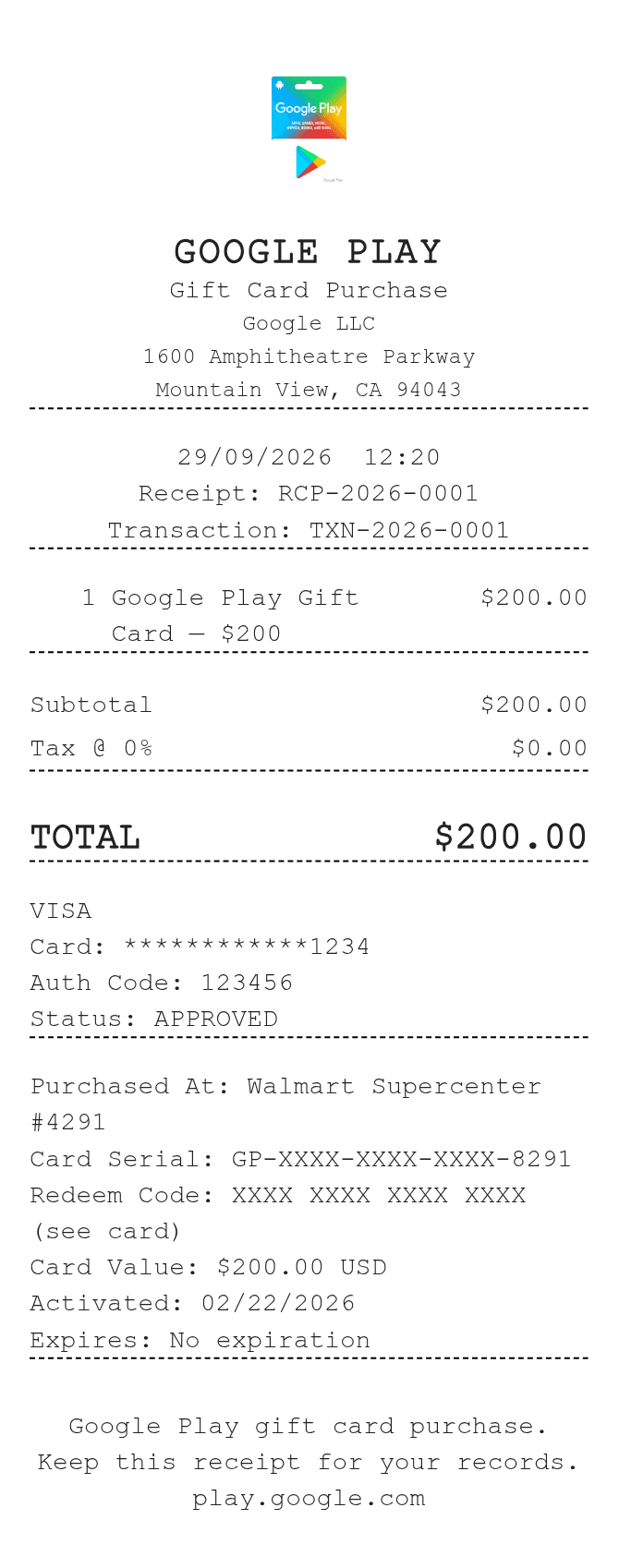
This Google Play card layout has separate entries for the purchase amount, card value and card serial reference. It also includes a Purchased At field and independent activation-date and expiration notes. The sample redemption entry is masked; keep actual redeemable codes off a receipt you plan to share.
Purchase details and card references
| Section | Details |
|---|---|
| Retailer | Purchased At and editable store details |
| Card | Description, card value and masked serial reference |
| Dates | Purchase date with separate activation and expiration notes |
| Amounts | Complete row amount and entered tax percentage |
| Payment | Method, status and payment reference fields |
Related receipt guides
Check the card value against the purchase amount
- Enter the retailer and purchase details.
- Describe the card denomination and enter the complete amount charged.
- Review the independently entered card-value and date notes, keeping the redemption entry masked.
- Check tax and payment details, then preview and download.