Sephora receipts can be retrieved in 3 ways: the Sephora app under Beauty Insider, your online account at sephora.com under Order History, or at the Sephora store with your Beauty Insider phone number or email. In-store purchases automatically link to your Beauty Insider account if you provide your email or phone number at checkout.
This guide covers Sephora receipts: how to find online and in-store receipts, use receipts for Beauty Insider points, returns, and how to create Sephora-formatted receipts using the Sephora receipt template.
How to Get Your Sephora Receipt
Method 1: Sephora App (Beauty Insider)
- Open the Sephora app
- Tap the profile icon
- Tap Order History
- Find the order
- Tap to view full receipt
The app stores both online and in-store purchases linked to your Beauty Insider account. Saving as PDF works through the share function.
Method 2: Sephora.com Account
- Sign in at sephora.com
- Click your profile
- Click Order History
- Click the order
- Click Print Receipt or download PDF
Method 3: Sephora Store Lookup
For in-store purchases where you didnt provide your Beauty Insider info:
- Visit any Sephora store
- Provide the card you used for payment
- Ask the store to verify the purchase using available order or Beauty Insider details
- Beauty Insider members have longer purchase history
What is on a Sephora Receipt
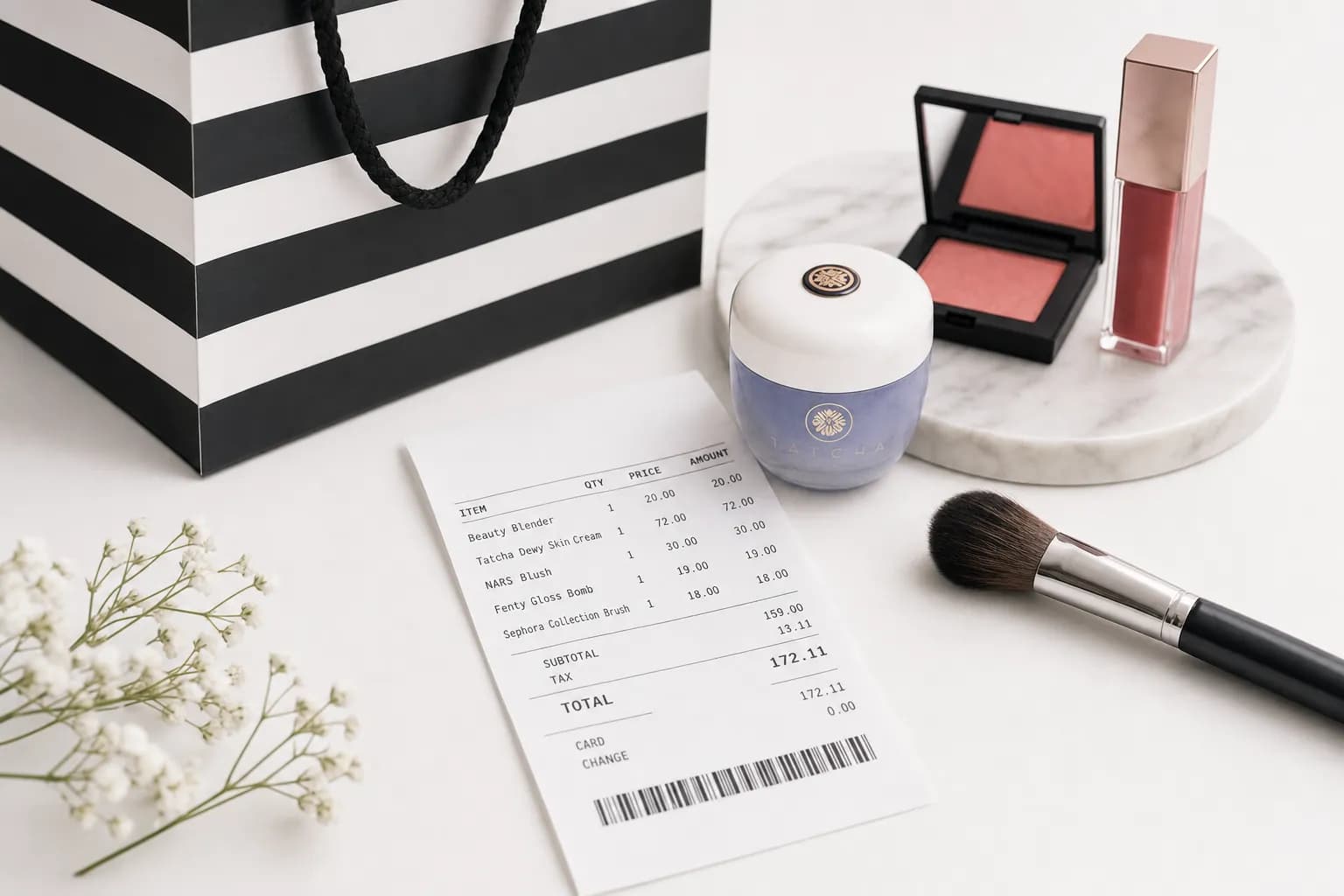
| Field | Details |
|---|---|
| Store/Online identifier | Store number or online order designation |
| Date and time | Of purchase |
| Transaction number | Unique identifier |
| Item description | Brand, product name, shade |
| SKU | Sephoras 7-digit product number |
| Beauty Insider ID | Your member number (if linked) |
| Subtotal | Pre-tax |
| Beauty Insider points earned | 1 point per $1 (4x on Sephora Collection) |
| Discounts applied | Member coupons, promotional discounts |
| Tax | State and local tax |
| Total | Final amount paid |
| Payment method | Card, gift card, Klarna/Afterpay |
Sephora Return Policy and Your Receipt
| Window | Return Type |
|---|---|
| Within 30 days | Eligible new or gently used products with verifiable proof; refund method depends on payment and return channel |
| More than 30 days | Not accepted under the current standard U.S. policy |
| Final-sale and excluded items | Check the policy and purchase channel |
| Purchase cannot be verified | No refund, exchange or credit |
The Sephora U.S. return policy was checked September 11, 2026. The current standard window is 30 days, with proof required; the former 31–60-day credit claim does not apply. Kohl’s and other purchase channels have separate instructions.
Sephora Receipt for Beauty Insider Points
Beauty Insider points sync automatically when you provide your account info at checkout. If you forgot to give your account info:
- Keep your paper receipt and contact Sephora about a missing Beauty Insider purchase
- Ask to "add to my Beauty Insider account"
- Provide your member info
- Ask support whether a points adjustment is available under the program terms
If you placed an online order while signed out, contact Sephora customer service with the order details and your Beauty Insider account information. Ask whether the purchase or missing points can be linked to your account.
Sephora Receipt for FSA/HSA
Some Sephora purchases qualify for FSA/HSA reimbursement:
- Sunscreen with SPF 15+ (mineral or chemical)
- Lip balm with SPF
- Acne treatment (with prescription documentation)
- Some skincare products with FDA-recognized active ingredients
Request an itemized receipt from Sephora and check the specific product with your plan administrator. A merchant name, product category or generated receipt does not guarantee eligibility. See our FSA reimbursement receipt guide for documentation guidance.
Sephora Receipt Template
If you need to recreate a Sephora-style receipt, the Sephora receipt template includes:
- Sephora standard receipt layout
- Store/order identifier
- Item lines with brand, product, shade, SKU
- Beauty Insider points field
- Discount line
- Tax breakdown
- Payment method
- PDF or PNG download
For other beauty retailers, browse beauty receipt templates.
FAQs About Sephora Receipts
How do I find my Sephora receipt online?
Sign into sephora.com or the Sephora app. Click your profile → Order History. Select the order to view the full receipt. The Sephora app stores both online and in-store purchases linked to your Beauty Insider account. Save as PDF via the share function.
Can I return to Sephora without a receipt?
A paper receipt is not the only proof: Sephora can use available order information or Beauty Insider details. If the purchase cannot be verified, it is ineligible for a refund, exchange or credit. See the Sephora U.S. return policy.
How do I add Beauty Insider points retroactively?
Contact Sephora with the original purchase record and Beauty Insider information. Ask whether it can correct a missing purchase or points entry; do not assume a 30-day automatic adjustment.
How long does Sephora keep receipt records?
Save your own complete copies; do not assume account history will remain available indefinitely. For an older or missing transaction, ask the retailer what records it can retrieve.
Are Sephora receipts accepted for FSA reimbursement?
Request the merchant-issued itemized record and check the expense and documentation with your plan administrator. A store name or generated layout does not establish eligibility. See our FSA documentation guide.
How do I print a Sephora receipt from the app?
Open the Sephora app, tap profile → Order History, select the order, tap Share. Choose Print or Save as PDF. The receipt opens in your phones browser print preview. iPhone users select Print from Share menu. Android users tap the three-dot menu.
What is Sephora SKU?
The Sephora SKU is a 7-digit internal product code different from the brand model number. Visible on receipts and product pages on sephora.com. When calling Sephora about a specific item, providing the SKU is faster than the product name. The SKU helps the rep find the exact shade and variant.
Can I create a Sephora receipt with the receipt generator?
Yes. The receipt generator creates Sephora-formatted receipts with all standard fields: store number, item lines with shade, Beauty Insider points, discounts, tax, total. Useful for organizing known purchase details. Browse beauty templates for related brands. Label a personal reconstruction clearly and keep its supporting evidence; it is not a seller-issued replacement or a guarantee of claim acceptance.