Sephora Romania Receipt Generator
Edit product names, shades, item codes and discounts in a Romanian-style Sephora receipt. Check the included-VAT breakdown and loyalty entries in the preview.
✏️ Editable fields📱 PDF & Image export⚡ Instant preview
📝Editor
👁️Live Preview
Last updated
A Romanian-style product receipt with included VAT
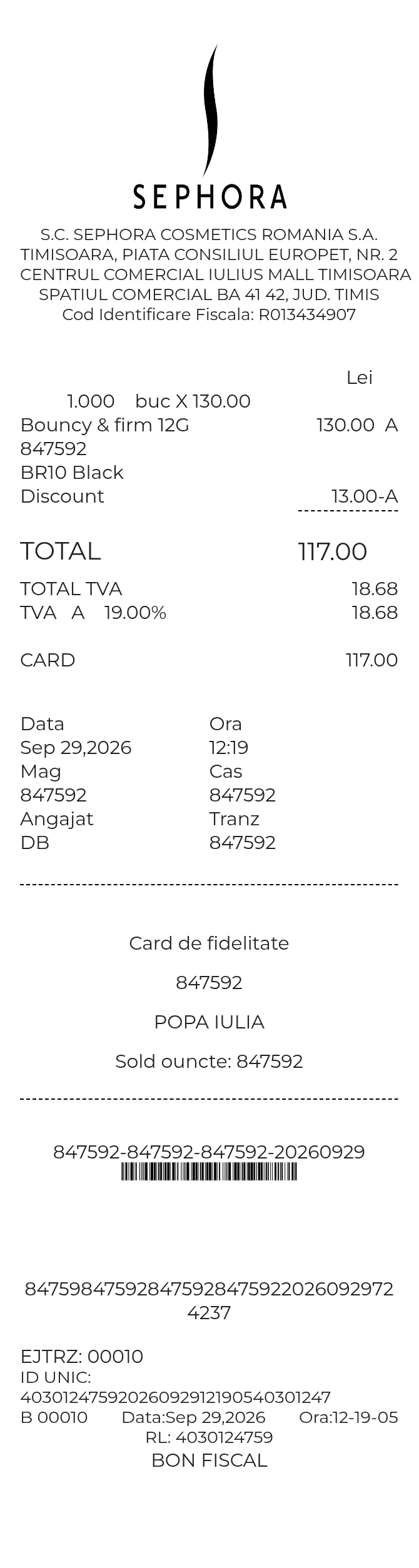
This Sephora layout uses Romanian-style captions and lei in its sample. Each product has its own item code, color or shade, quantity, unit price and discount percentage. The receipt also shows store and register references, loyalty details and a VAT breakdown. It is useful when this compact format fits the record you are preparing.
Product and checkout fields
| Section | Details |
|---|---|
| Product row | Name, item code, color or shade, quantity and price |
| Discount | A separate percentage for each item |
| VAT | An included-tax calculation using the rate you enter |
| Checkout | Store, cash register, employee and transaction references |
| Loyalty | Card and points entries that remain manual text |
Related receipt guides
Review prices before the VAT breakdown
- Replace the sample address and identification details.
- Enter product quantities and unit prices, then apply each item’s discount where appropriate.
- Check the tax rate for your record. This editor extracts VAT from the discounted amount rather than adding it on top.
- Review loyalty entries, payment type and receipt references before downloading.