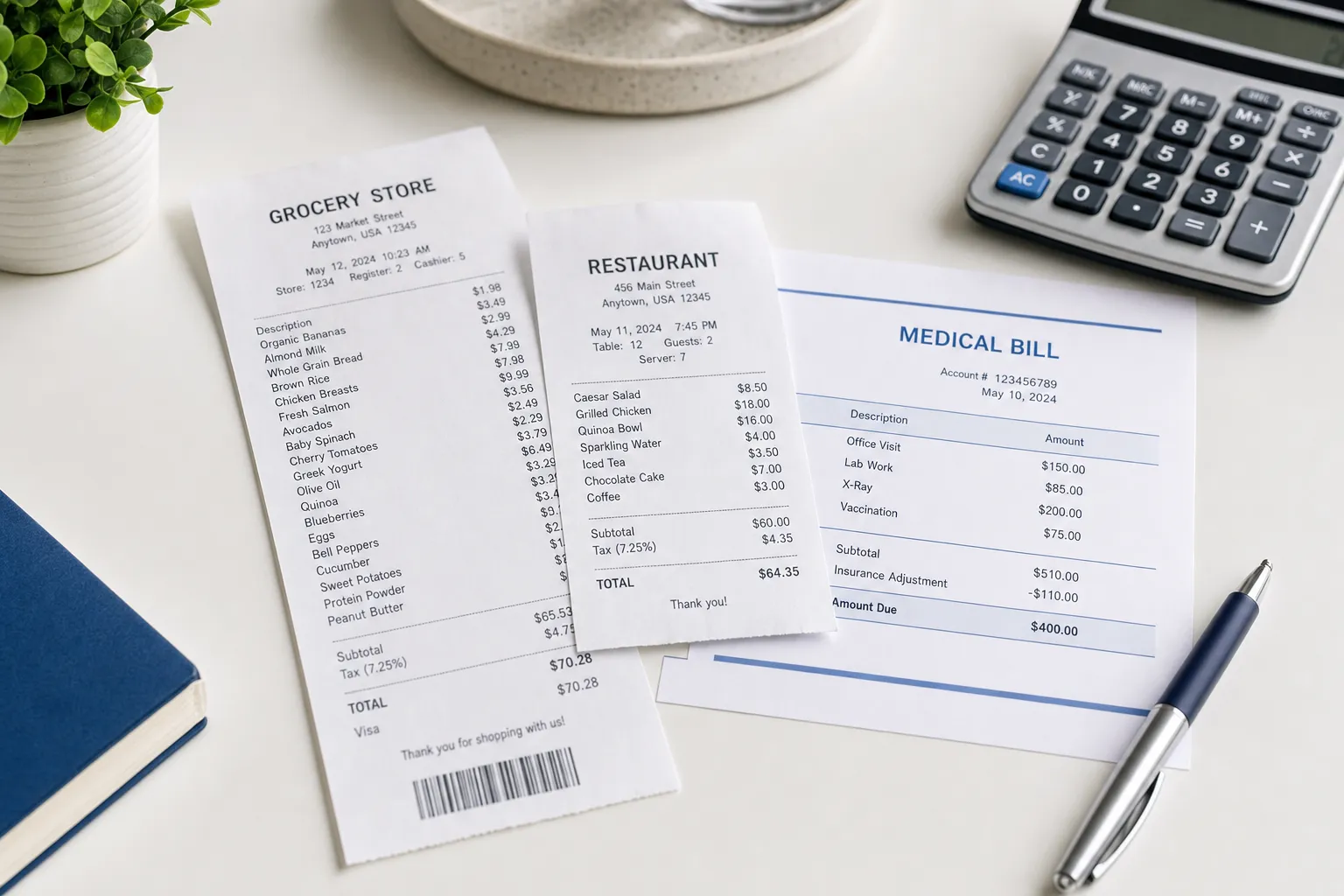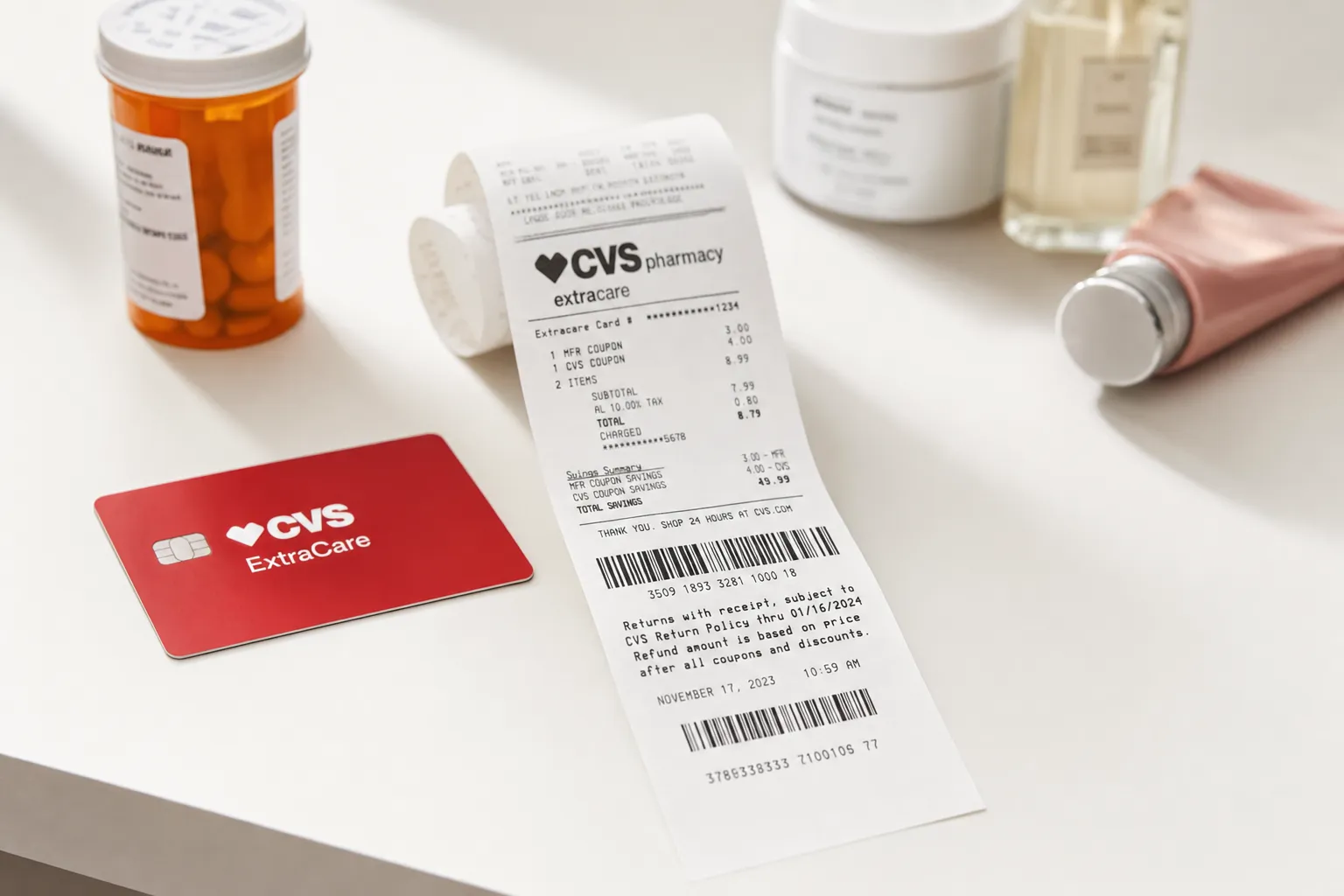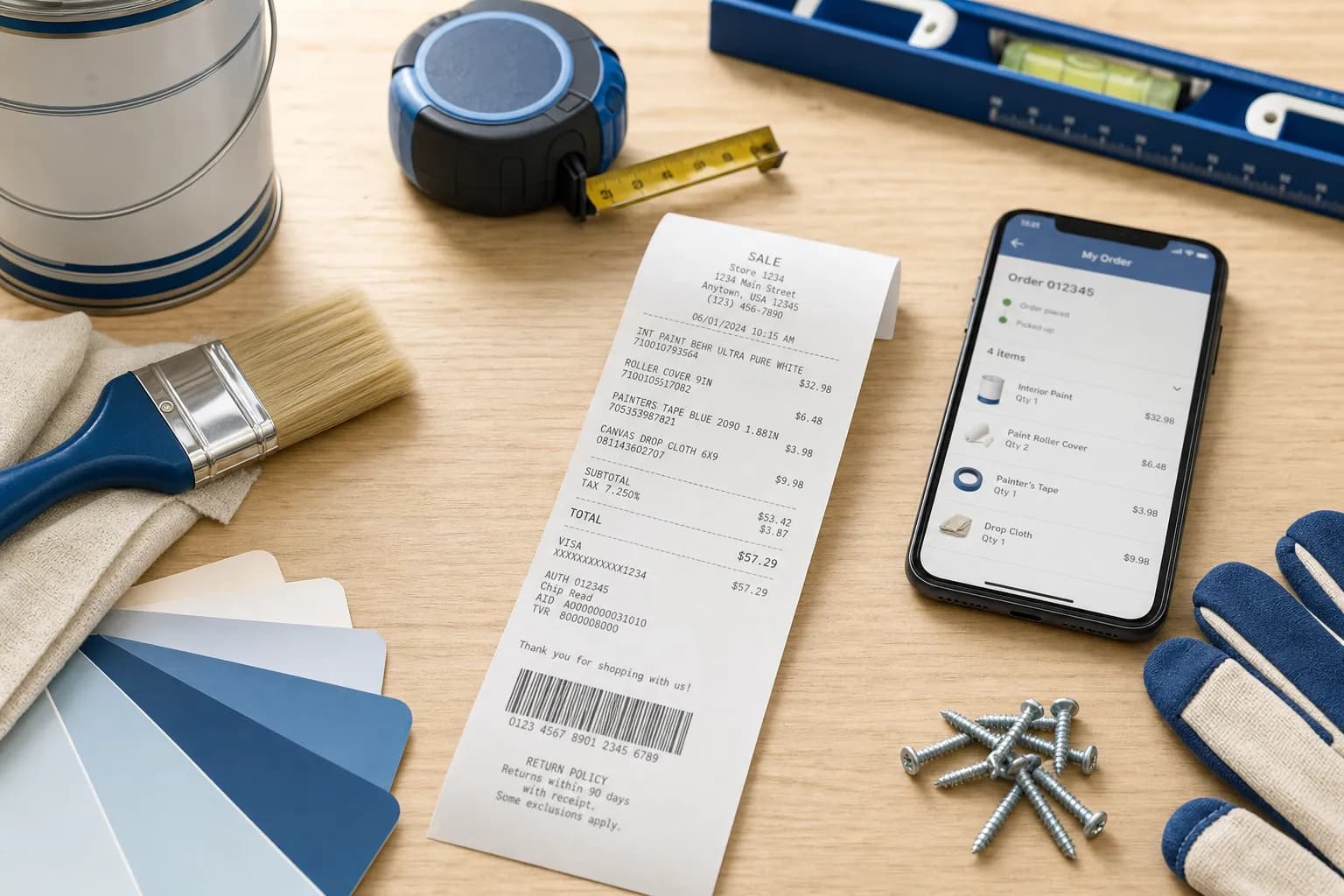
Lowes receipts can be retrieved in 4 ways: the Lowes app under MyLowes Rewards, your online account at lowes.com under Order History, by visiting Customer Service with the card you used, or by linking your phone number to MyLowes Rewards for automatic receipt storage.
This guide covers Lowes receipts: how to find online and in-store receipts, decode receipt codes, use receipts for returns and Pro contractor accounts, and how to create Lowes-formatted receipts using the Lowes receipt template.
How to Get Your Lowes Receipt
Method 1: Lowes App (MyLowes Rewards)
If you used your MyLowes Rewards phone number at checkout, the receipt syncs to the app:
- Open the Lowes app
- Tap Account
- Tap Purchase History or Receipts
- Find the date of purchase
- Tap to view full receipt
Method 2: Lowes.com Account
For online orders:
- Sign in at lowes.com
- Click Account → Order Status
- Find the order
- Click View Order Details
- Click Print receipt or download PDF
Method 3: Customer Service Desk
For in-store purchases without app sync:
- Visit Customer Service at any Lowes
- Bring the card you used for payment
- Provide approximate purchase date and store location
- Ask Customer Service to attempt receipt validation using a supported payment method, order number, phone number or rewards account
- MyLowes Pro members have longer history accessible
Method 4: Pro Contractor Account
Check your Pro account for available purchase records and export copies for your project files. Do not assume all transactions will remain accessible indefinitely.
What is on a Lowes Receipt
| Field | Details |
|---|---|
| Store info | Store number, address, phone |
| Date and time | Of purchase |
| Cashier ID | Cashier who processed |
| Receipt/transaction number | Unique purchase identifier |
| Item description | Product name and Lowes item number |
| Item code (SKU) | Lowes 6-digit item number |
| Quantity and unit price | For each line item |
| Subtotal | Pre-tax |
| Tax | State and local tax |
| Total | Final amount paid |
| Payment method | Card, gift card, Lowes Advantage Card, financing |
| MyLowes Rewards points | Points earned |
| Return barcode | Scannable for returns |
Lowes Return Policy and Your Receipt
| Item Type | Return Window |
|---|---|
| Most items | 90 days |
| Eligible Lowe’s credit-account purchases | 365 days from purchase, subject to exceptions |
| Major appliances | Initiate within 48 hours of delivery or pickup; specified exceptions apply |
| Outdoor power equipment | Varies by product; 48-hour, 30-day and 90-day exceptions apply |
| Plants (perennials, shrubs, trees) | 1 year |
| Holiday and other restricted items | Check the item-specific return exception |
Lowe’s requires valid proof of purchase. It can attempt validation using a receipt, order number, payment card or wallet, phone number or rewards account. If proof cannot be validated, do not expect a return or store credit. Lowe’s return policy (checked September 11, 2026).
Lowes Receipt for Pro Contractors
Lowes Pro accounts give contractors specialized receipt features:
- Job-based receipt organization (tag receipts to specific projects)
- Bulk export receipts for accounting
- Tax-exempt purchase tracking
- Volume discounts auto-applied (visible on receipt)
- Quote-to-invoice conversion for large projects
For contractors managing multiple jobs, the Pro account is essential. Receipts auto-categorize by job for easy bookkeeping. See our small business receipt guide for the full system.
Lowes Receipt for Tax Deductions
Keep Lowe’s receipts with your project records. Different tax treatments can apply to repairs, improvements, business purchases and qualifying credits; the receipt alone does not establish eligibility:
- Home improvement (basis adjustments): Save receipts to adjust your homes cost basis for future sale capital gains
- Business expenses: Keep receipts with payment evidence and the business purpose for the purchase
- Energy-related purchases: Keep product and installation documents and check the tax-year rules; an ENERGY STAR label alone does not establish a federal credit
- Rental property repairs: Landlords keep all Lowes receipts for Schedule E deductions
Save digital copies in cloud storage organized by project or year. See our IRS receipt requirements guide for retention rules.
Lowes Receipt Template
If you need to recreate a Lowes-style receipt, the Lowes receipt template includes:
- Lowes standard receipt layout
- Store number and transaction info
- Item lines with 6-digit Lowes item numbers
- MyLowes Rewards line
- Lowes Advantage Card field
- Tax breakdown
- Return barcode
- PDF or PNG download
For other home improvement and hardware retailers, browse home hardware templates including The Home Depot, Ace Hardware, and Menards.
FAQs About Lowes Receipts
How do I find my Lowes receipt online?
Sign into lowes.com or the Lowes app. Click Account → Order Status (for online orders) or Purchase History (for in-store linked to MyLowes Rewards). The receipt is viewable, printable, and downloadable. For in-store purchases without MyLowes sync, visit Customer Service with the payment card.
How long does Lowes keep receipt records?
Save your own complete copies; do not assume account history will remain available indefinitely. For an older or missing transaction, ask the retailer what records it can retrieve.
Can I return to Lowes without a receipt?
A missing paper receipt may be resolved by validating the purchase using the methods in the Lowe’s return policy. Lowe’s does not accept returns without valid proof; store credit is not an automatic alternative.
What is the difference between MyLowes Rewards and Lowes Pro accounts?
MyLowes Rewards is the consumer loyalty program (free) with basic receipt tracking, rewards points, and purchase history. Lowes Pro is for contractors and businesses with job-based receipt organization, bulk exports, volume discounts, tax-exempt tracking, and longer history. Pro requires business verification.
How do I print a Lowes receipt from the app?
Open the Lowes app, tap Account → Purchase History, select the receipt, tap the Share icon, choose Print. The receipt opens in your phones browser print preview. Can also Save as PDF. On iPhone, find Print under the Share menu. On Android, tap the three-dot menu.
Are Lowes receipts accepted for IRS tax deductions?
An original receipt can support a tax record, but the merchant name and four receipt fields do not establish deductibility. Keep payment evidence and the relevant business-purpose records. See our IRS receipt requirements guide.
What is the item number on a Lowes receipt?
Lowes assigns each product a 6-digit item number for internal tracking. It is different from the manufacturers model number. When calling Lowes about a specific item, providing this 6-digit code is faster than describing the product. Visible on receipts and on shelf labels in-store.
Can I create a Lowes receipt with the receipt generator?
Yes. The receipt generator creates Lowes-formatted receipts with all standard fields: store number, item numbers, MyLowes Rewards, tax, total. Useful for contractor project records. Browse home hardware templates for related brands like Home Depot. Label a personal reconstruction clearly and keep its supporting evidence; it is not a seller-issued replacement or a guarantee of claim acceptance.