📝Editor
👁️Live Preview
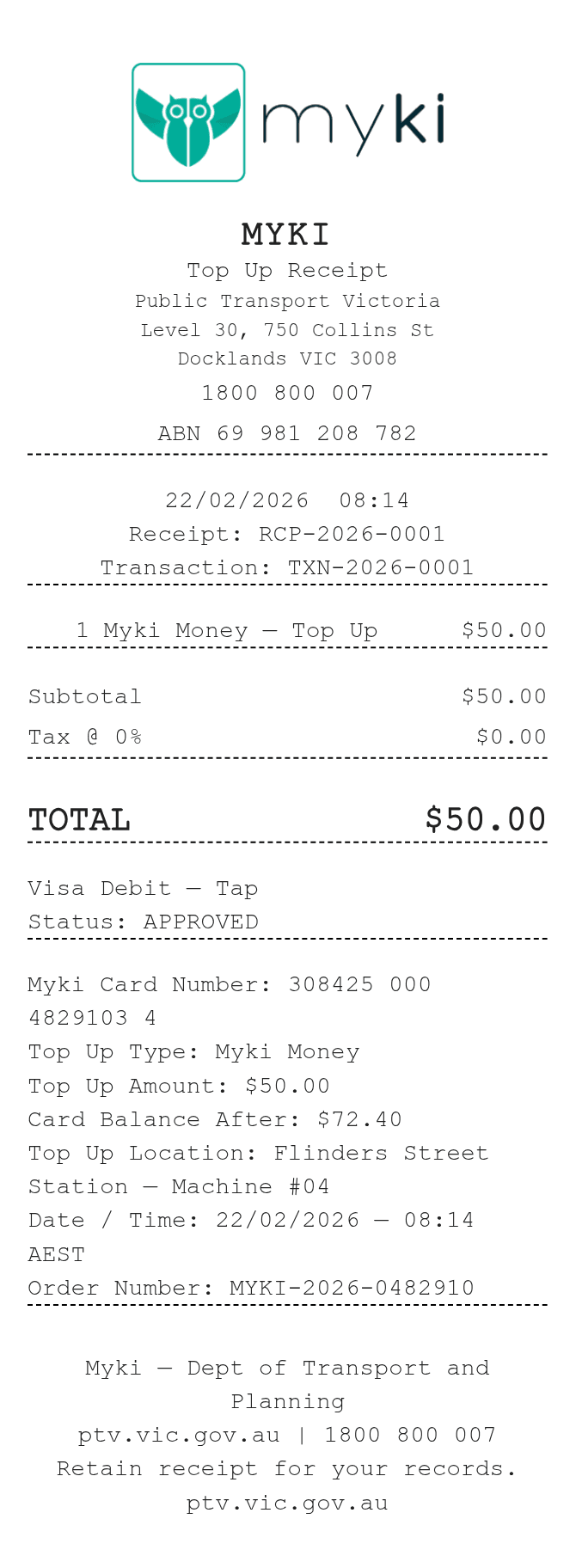
Record the myki card, top-up location and transaction reference. Enter the amount paid, then check the separate top-up and balance notes before saving.
The myki receipt template has a charge row for the payment and separate text fields for Top Up Amount and Card Balance After. Those notes do not recalculate when the item amount changes. Use the card and transaction details from your record, then make sure all three figures describe the same top-up.
| Section | Details |
|---|---|
| Card | Enter the myki card number and top-up type. |
| Amount note | Type the top-up amount you want printed in the details section. |
| Balance note | Enter the balance after the transaction; it is not read from the card. |
| Transaction | Record the location, transaction date/time and order number. |
| Charge | Enter the complete payment in the item row. Quantity does not multiply it; Tax % adds to the subtotal. |