Donation Receipt Template
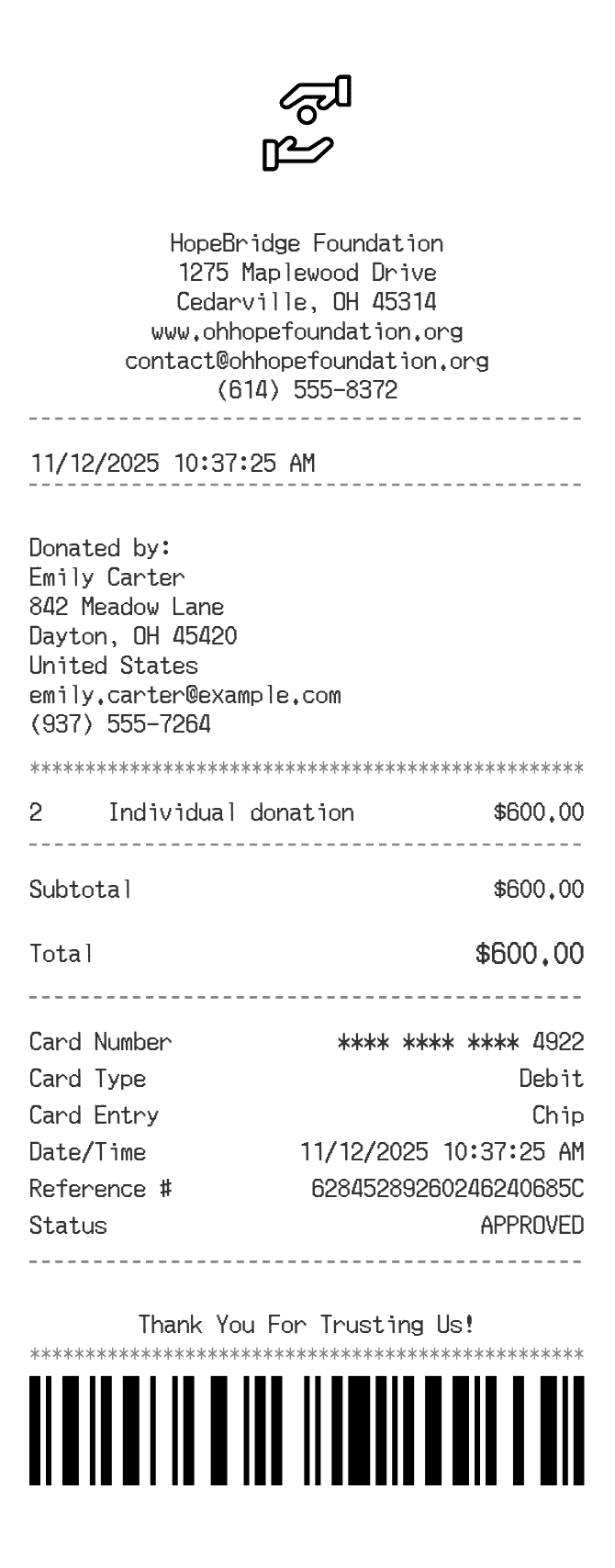
Prepare a donation acknowledgment with the organization, donor and gift amount. Edit the payment reference and message, review the calculation, and download your receipt.
✏️ Editable fields📱 PDF & Image export⚡ Instant preview
📝Editor
👁️Live Preview
Last updated
Acknowledge the donation with the right details
This donation receipt template provides editable organization and donor sections above the gift amount. Use a clear description, such as the fund or project supported, and record the date the organization received the gift. The message section can hold acknowledgment wording supplied by the organization.
Build the acknowledgment around the gift
| Section | Details |
|---|---|
| Organization | Replace the sample name and contact details with those of the recipient organization. |
| Donor | Enter the donor name and the contact details needed for this acknowledgment. |
| Gift | Describe the contribution and enter quantity and amount per entry. |
| Payment | Copy the method and reference from the actual payment record. |
| Message | Add the organization's acknowledgment wording and any relevant gift designation. |
Related receipt guides
Check the amount and acknowledgment wording
- Quantity multiplies the amount: the starting row uses two donations at 300 to show 600. For one contribution of 300, use quantity 1. Review any percentage discount or tax rows before exporting.
- The editor does not establish charitable status or decide whether a gift is deductible. For a US tax acknowledgment, review the IRS guidance on cash amounts, non-cash descriptions and any goods or services provided in return.