Chipotle Receipt Generator
List the main items, then add any separately charged extras beneath them. Review the order number, tax and payment before saving the receipt.
Last updated
Separate the main item from its extras
The Chipotle receipt provides a main item row and optional sub-items for additions. A main row uses quantity and unit price. Each sub-item charge is added once to that row, independently of the main quantity, so extras need particular care when ordering more than one meal.
What a Chipotle receipt is used for
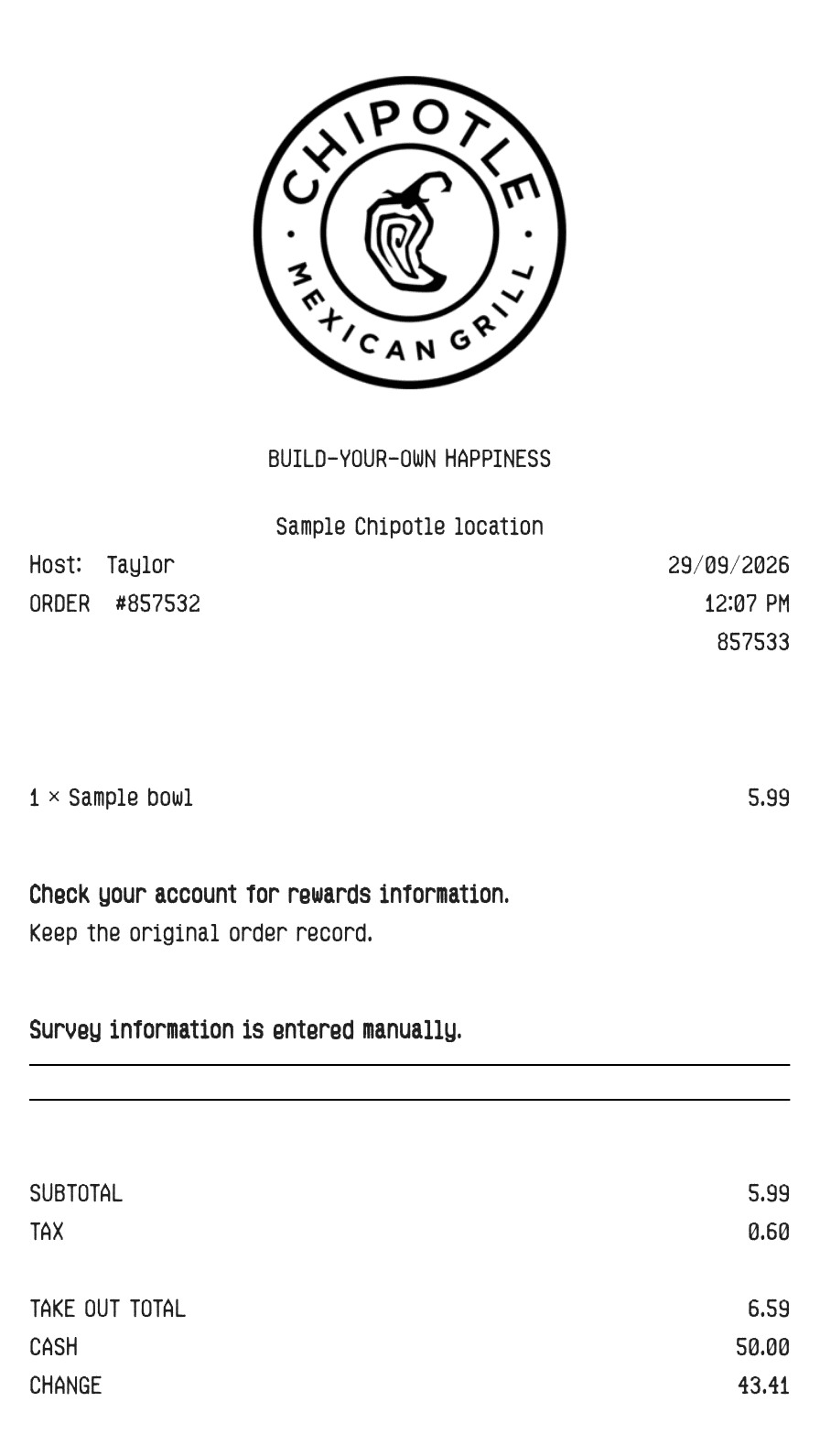
A Chipotle receipt lists each entrée with its customizations and add-ons, the subtotal, sales tax for that restaurant's city and county, and the total. Just above the subtotal it prints a 20-digit survey code, which the Voice of the Guest survey at chipotle.com/feedback asks for.
The receipt also backs up Chipotle Rewards. Members earn 10 points per $1 on the food total; taxes, tips, donations and fees, including delivery fees, don't count, and gift cards and alcohol earn nothing. Points expire after 365 days without account activity, and rewards expire if not used within 60 days.
Missing points or a lost Chipotle receipt
If you forgot to scan your member code, keep the receipt and submit a Points Request in the Chipotle app or online within 30 days of the visit; you can submit up to 2 requests a day and 4 a month. For orders placed on chipotle.com or in the app, Chipotle's support is through its Pepper chat or 1-800-CHIPOTLE; orders from DoorDash, Uber Eats, Postmates or Grubhub are handled by that partner.
Enter the order in order
| Section | Details |
|---|---|
| Store and order | Edit the address, host, order and receipt references. |
| Main item | Give the bowl, burrito or other item a description, quantity and unit price. |
| Sub-items | Add an extra description and its complete additional charge. |
| Tax | Set the tax percentage and review the updated summary. |
| Cash or card | Choose a payment type. Cash requires an amount received so change can be calculated. |
Related receipt guides
Check extras on multi-item orders
- If two main items each have an extra costing 2, enter a combined sub-item charge of 4 or use separate main rows. Increasing the main quantity does not multiply the sub-item charge.
- Receipt and survey messages are text fields. They do not confirm that points have been added to an account.